Bedwars PE Texture Pack
- 13-10-2025, 11:11
- 1 451
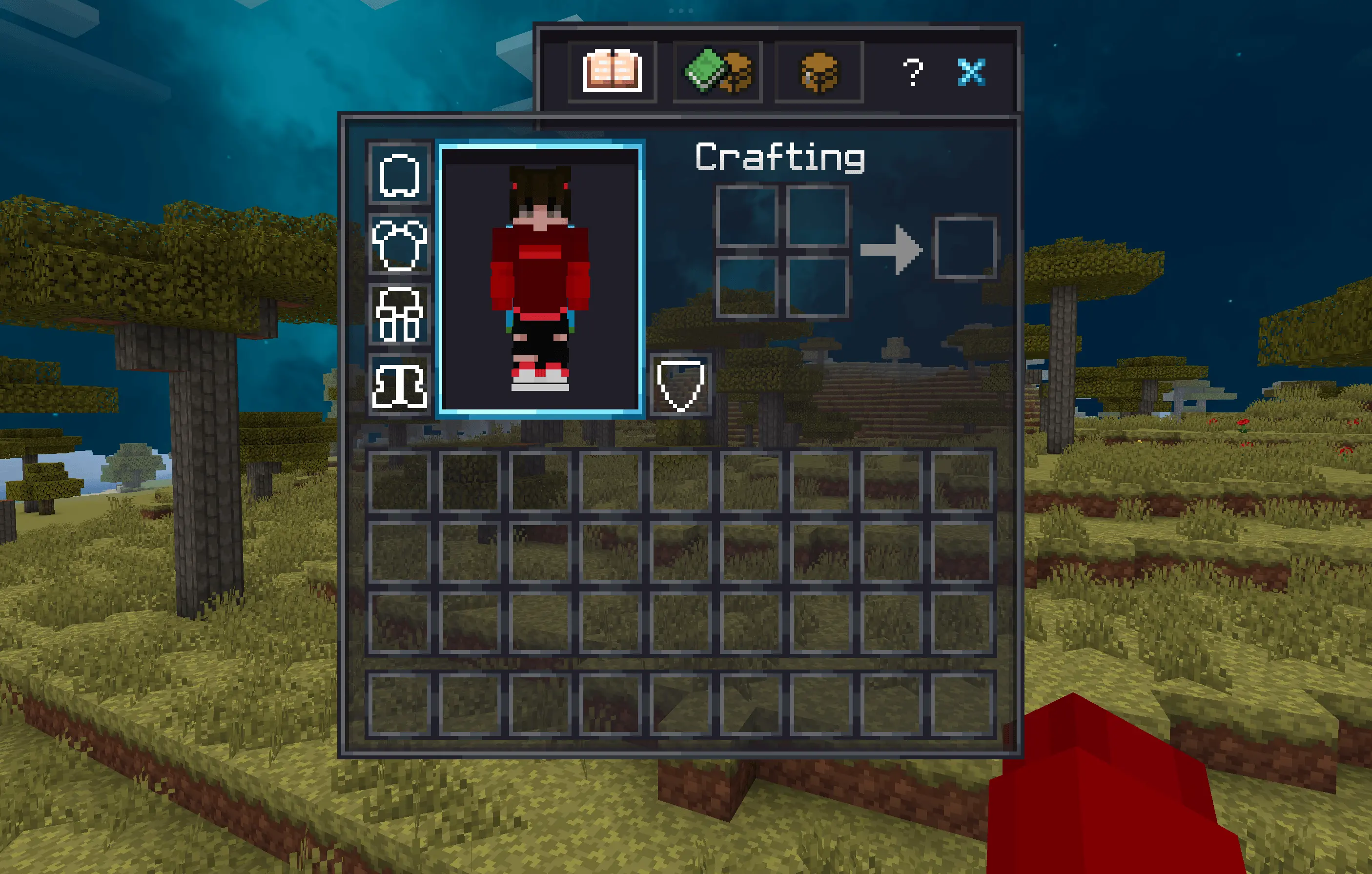
Bedwars PE Texture — dials your Bedwars sessions toward clarity and speed. The essentials you touch every round get a fresh coat: wool blocks pop for quick bridging, ores and ingots read at a glance in chests, and tools/armor icons look crisp so you can gear up without second-guessing. The HUD and menus are redesigned with a sleeker look that fits the fast pace—clean hotbar, tidy inventory, and visuals that stay readable on mobile screens when the action gets crowded.
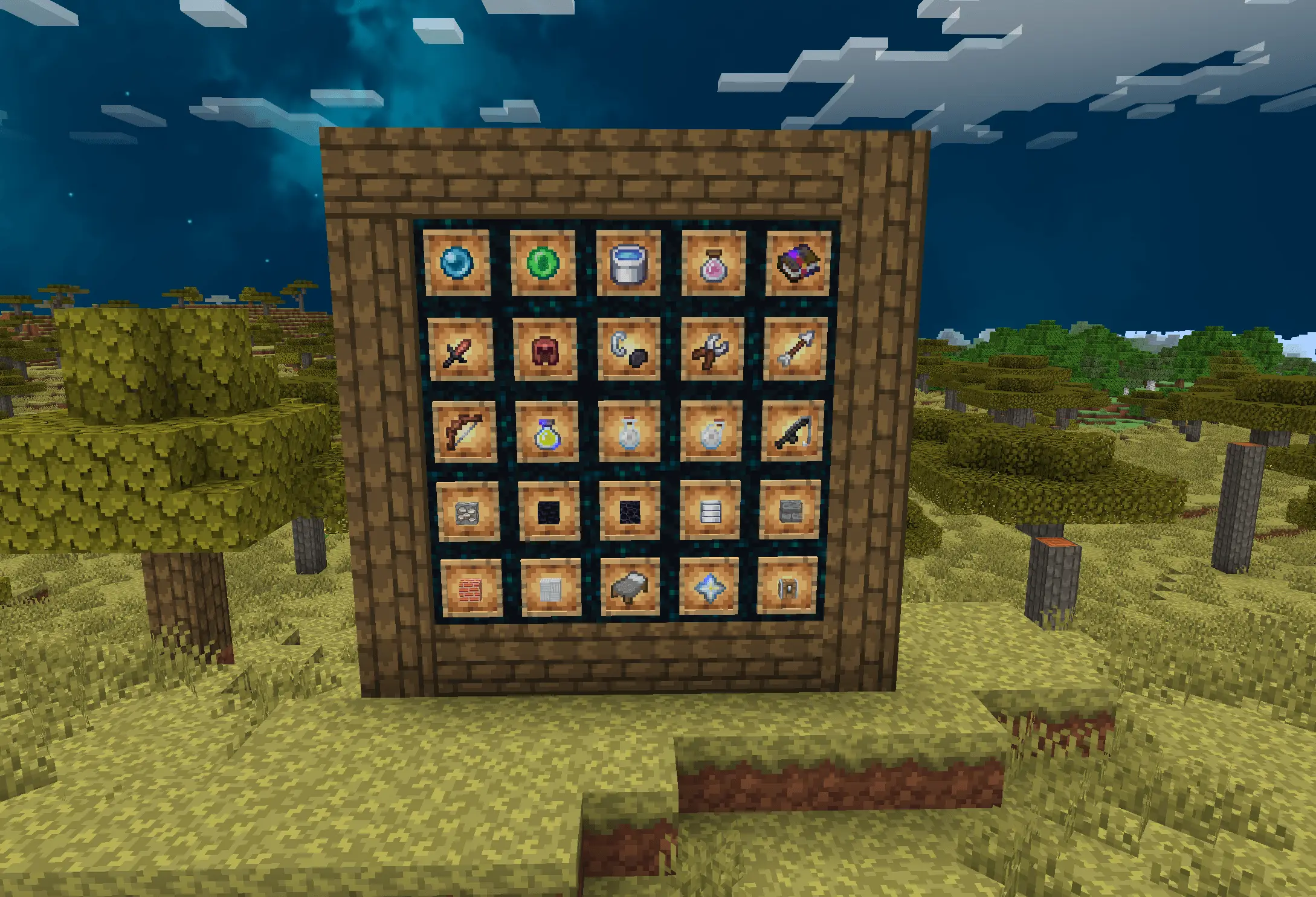
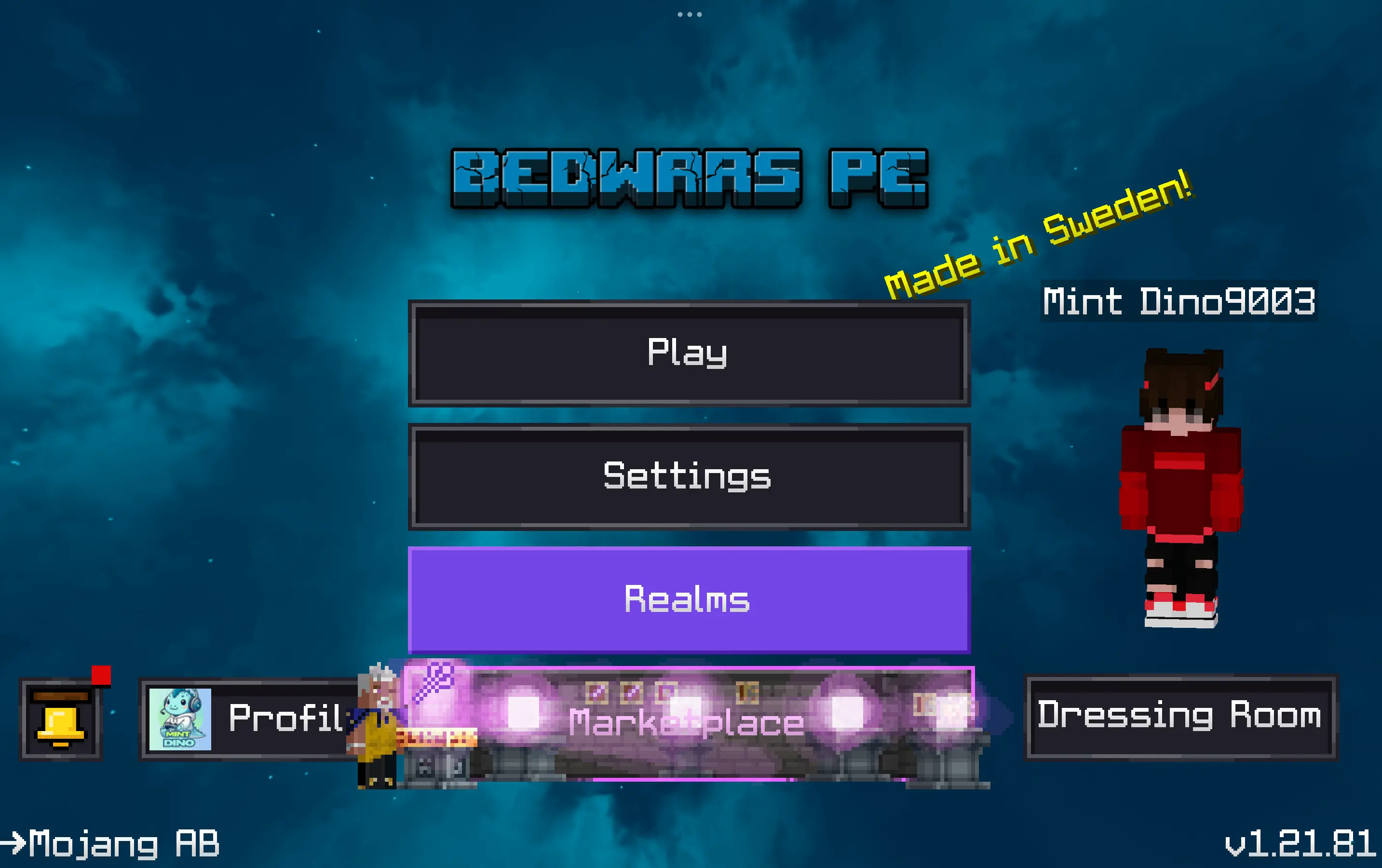
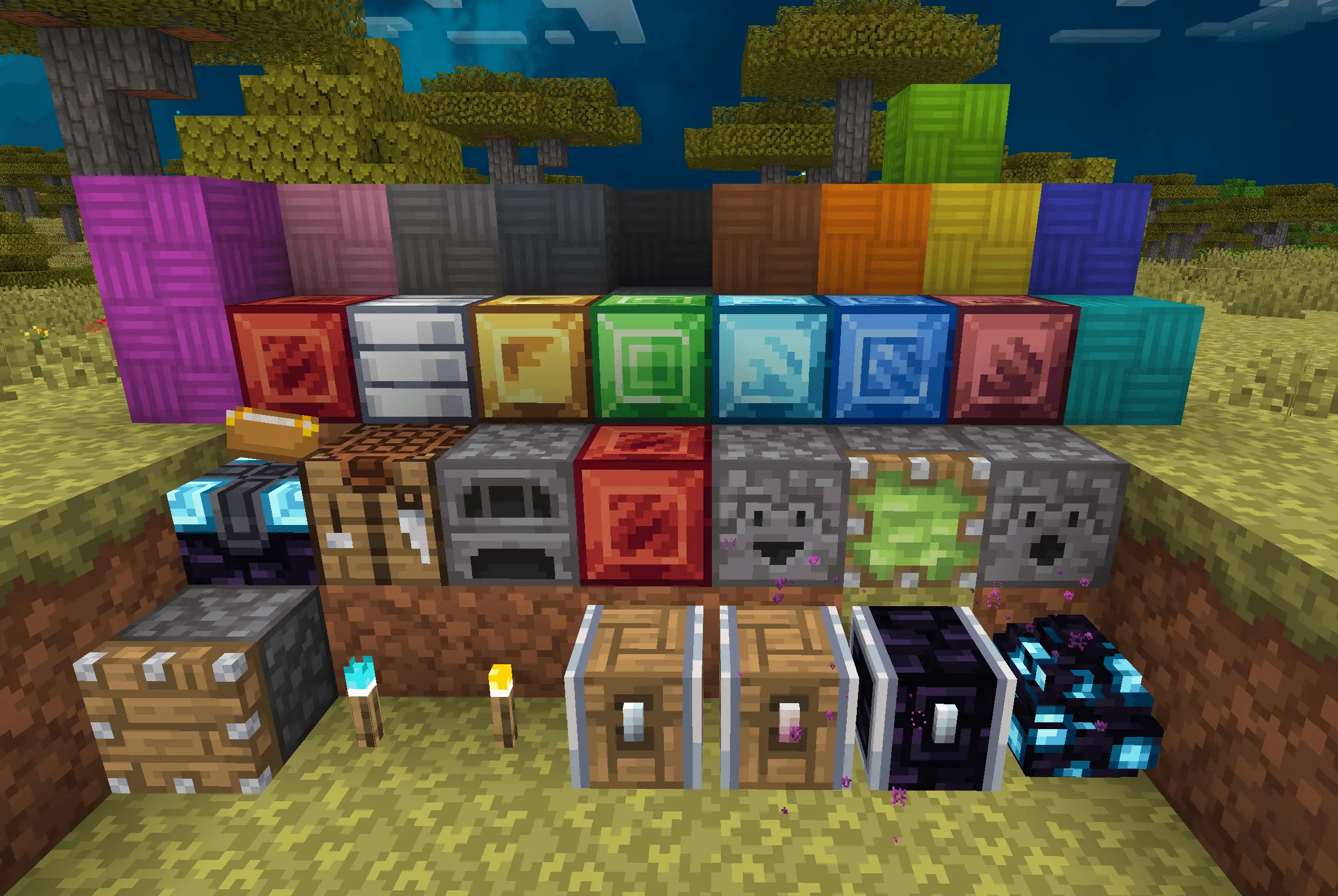
Your bed is exposed, an opponent is bridging over, and your inventory needs to make sense fast. Bedwars PE gives the blocks, gear, and interface you see every match a fresh look.
This Minecraft Bedrock texture pack focuses on the familiar essentials of Bedwars. Wool gets a visual refresh, so the blocks you use for bridges and defenses become part of the pack’s style from the moment a round begins. Ores, tools, and armor receive new textures as well, giving your equipment a coordinated appearance as you collect resources and prepare for a fight. The interface has also been redesigned, including the inventory and hotbar you check while managing your loadout. Spend a little time getting used to the new icons before jumping into a hectic match: knowing where you put your blocks and weapon still matters when another team is heading your way. The changes are visual, but they can give the whole round a different feel, from the first trip to the generator to the final push toward an opponent’s bed.
Bedwars moves quickly, so much of the appeal is seeing everyday items presented in a style made for the minigame. Look through your inventory between fights and get familiar with the refreshed tools and resources. When you return to base with a handful of materials, you can sort your hotbar the way you like before heading back onto the bridge. Wool is often at the center of the action, whether you’re building a path to another island or adding another layer around your bed, and its updated texture gives those structures a new appearance. The armor and tools fit the same competitive theme, making the pack a good pick if you want your equipment and menus to feel like part of one set. It won’t win a duel for you, of course; your timing, movement, and decisions still do the heavy lifting.
The pack is intended for Bedwars fans, but its refreshed Minecraft textures are also there to enjoy when you’re looking around your world or preparing for another PvP session. Try a few rounds and pay attention to the items you reach for most: the block stack on your hotbar, your tools, and the armor you equip before a push. If the new look suits you, it can make a familiar routine feel fresh again. To install it, import the resource pack into Minecraft and activate it in your settings. If you use several texture packs, their order can affect which textures appear, so check the result in-game. Bedwars PE has been discontinued, so future updates aren’t promised. For players who like changing the atmosphere of their matches, though, it offers a focused refresh built around the blocks and gear they see round after round. Load into a game, sort your hotbar, and get ready to defend that bed.
This pack is built for PvP rhythm. You place, swap, and swing faster because the visuals communicate instantly; no hunting for the right stack mid-fight or misreading your loadout before a push. It pairs nicely with your favorite performance settings and shaders, but it doesn’t require anything extra to feel great on handheld or controller.
It’s purely cosmetic—no hitbox changes, no gameplay tweaks, achievements remain on—so your worlds and stats stay legit. For best results, put Bedwars PE Texture at the top of your resource order to ensure its UI and item looks take priority over other packs. If you want a fresh, competitive aesthetic that helps you play cleaner and record better-looking clips, Bedwars PE Texture is an easy upgrade for MCPE Bedrock.
Installation:
- Download Texture;
- Use Minecraft PE
- Open the downloaded .mcpack to install;
- Select texture in settings;
- Done.
Comments (0)