Super Heroes Skin Pack
- 29-09-2026, 01:46
- 2 499
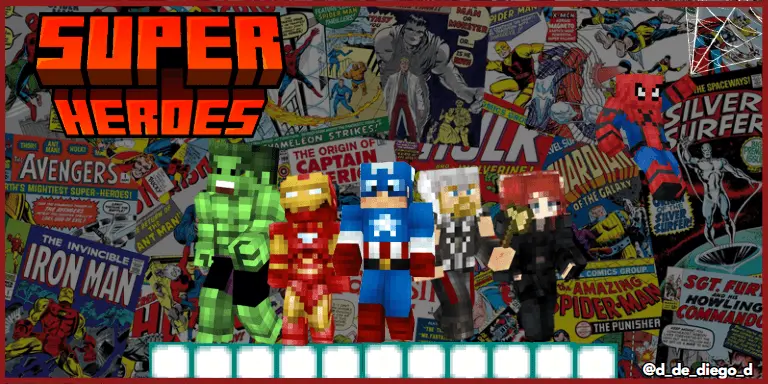
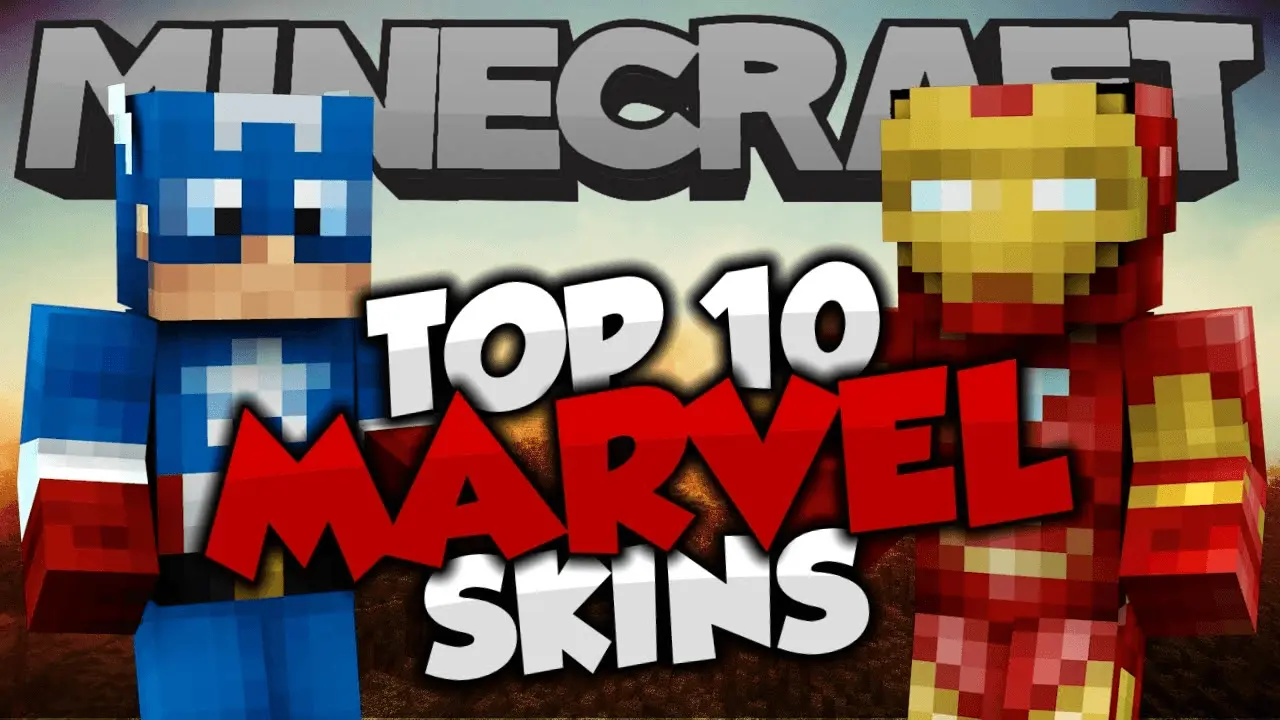
Super Heroes Skin Pack is a straight shot of comic-book energy for Minecraft Bedrock, letting you suit up as iconic Marvel-style heroes and jump into a session already in character. Throw on Iron Man for tech-genius vibes, swing in as a Spider-themed wall-crawler, or rally the squad behind a shielded captain and a thunder god. The designs read fast at a distance, so in a crowded lobby or a messy team fight, everyone knows who’s who without a second look.
This pack shines the second you load a city or modern map. Post up on a tower roof for patrols, drop to street level for “villain� cleanups, then kite across alleys while your teammate calls plays from a skyline perch. In PvP and minigames, the uniforms do real work—clear team identity, crisp colors, and callouts like “shield on Short� or “webhead rotate mid� that make comms natural. Survival runs get that same lift: pick a hero skin that matches your role, set up a base that fits the theme, and hit raids as a proper squad instead of a random mix of outfits. Screenshots and shorts pop without extra editing because the silhouettes are instantly recognizable inside Minecraft Bedrock’s blocky style.
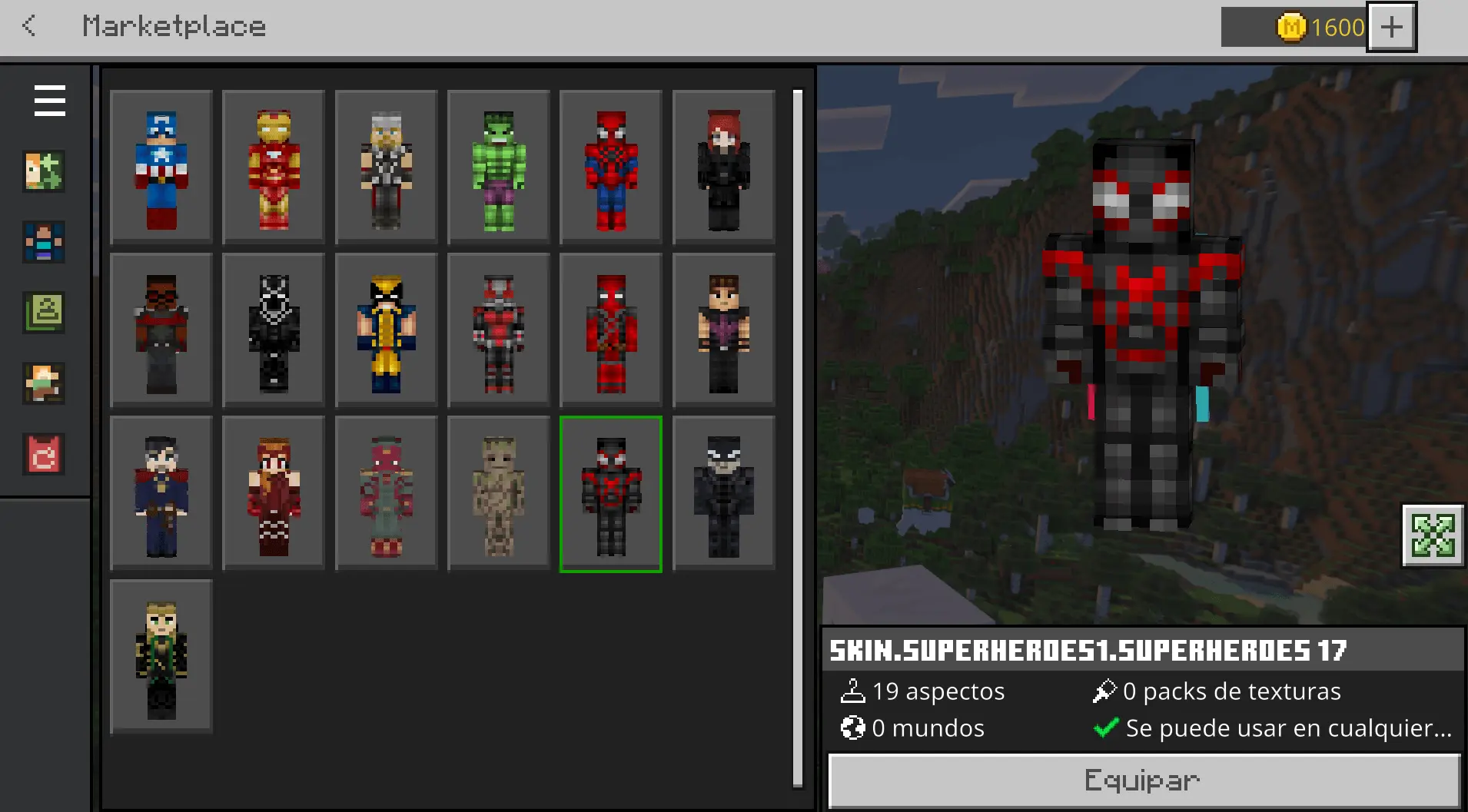
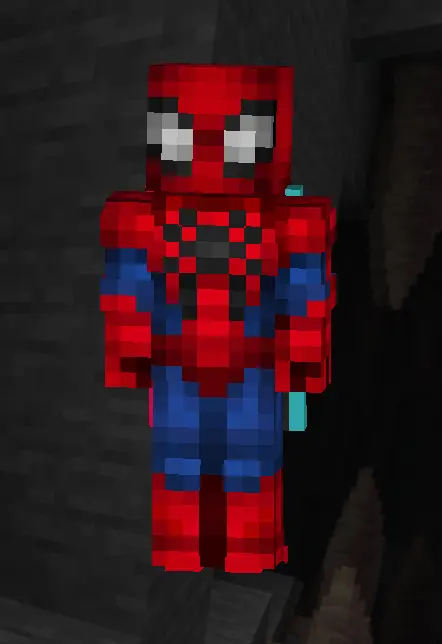
Equipping is quick in the dressing room, so swapping heroes between rounds takes seconds. One night you’re a stealthy spider, next night you’re an armored tank leading a dungeon push. If you want sessions that look organized, feel like a comic splash page, and still play pure Minecraft Bedrock, Super Heroes Skin Pack lands perfectly—pick your hero, hit the countdown, and let the lobby light up.
The best part is how effortless the whole setup feels inside Bedrock. Because these are pure custom superhero skins, you don't have to fiddle around with experimental gameplay toggles, buggy behavior scripts, or risky world corruption fears. Everything imports cleanly into your native dressing room, giving you instant access across console, PC, and mobile without tanking a single frame of performance. Your hitboxes remain totally accurate to vanilla physics, meaning your sprint jumps, clutch water buckets, and critical sword combos stay pixel-perfect.
Ditch the boring Steve wardrobe and give your avatar the power upgrade it actually deserves. Grab the Super Heroes Skin Pack for Bedrock, assemble your squad, and show your server what happens when the heroes take over.
How to Install Skins in Minecraft Bedrock
- Download a .png skin (64×64 or 128×128).
- Open Minecraft Bedrock.
- Go to Profile (hanger icon) → Edit Character.
- Tap Owned → Import → Choose New Skin.
- Select your .png file.
- Pick a model: Classic (Steve) or Slim (Alex).
- Confirm to equip and play.
Comments (0)