Admin Suite - Server Tools Mod / Addon
- 7-10-2025, 06:39
- 1 860
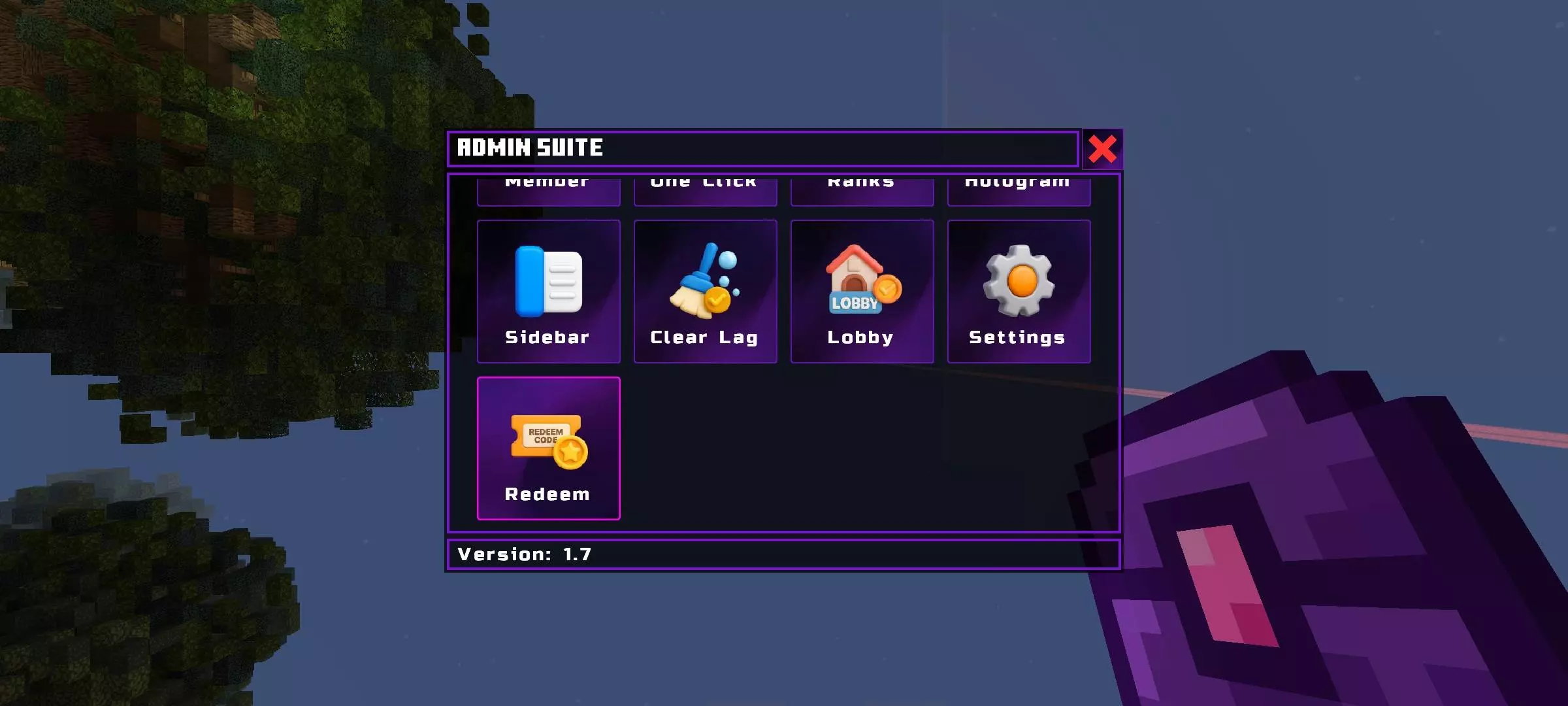
Admin Suite - Server Tools Mod — your all-in-one toolbox for running a Bedrock server like a grown-up SMP instead of a chaos realm. It’s menu-driven, fast, and built for real play: you get roles for staff, controls for players and the world, and quality-of-life systems that keep the season organized without drowning you in commands.
Setup is simple. Enable the experimental beta API, tag yourself with /tag @s add admin, grab the Admin Suite item, open it, create a role named owner, and assign it to yourself. From there the suite unlocks its panels (they grow with each update), and you’re driving the whole server from a clean UI instead of juggling a cheat sheet of slash commands.
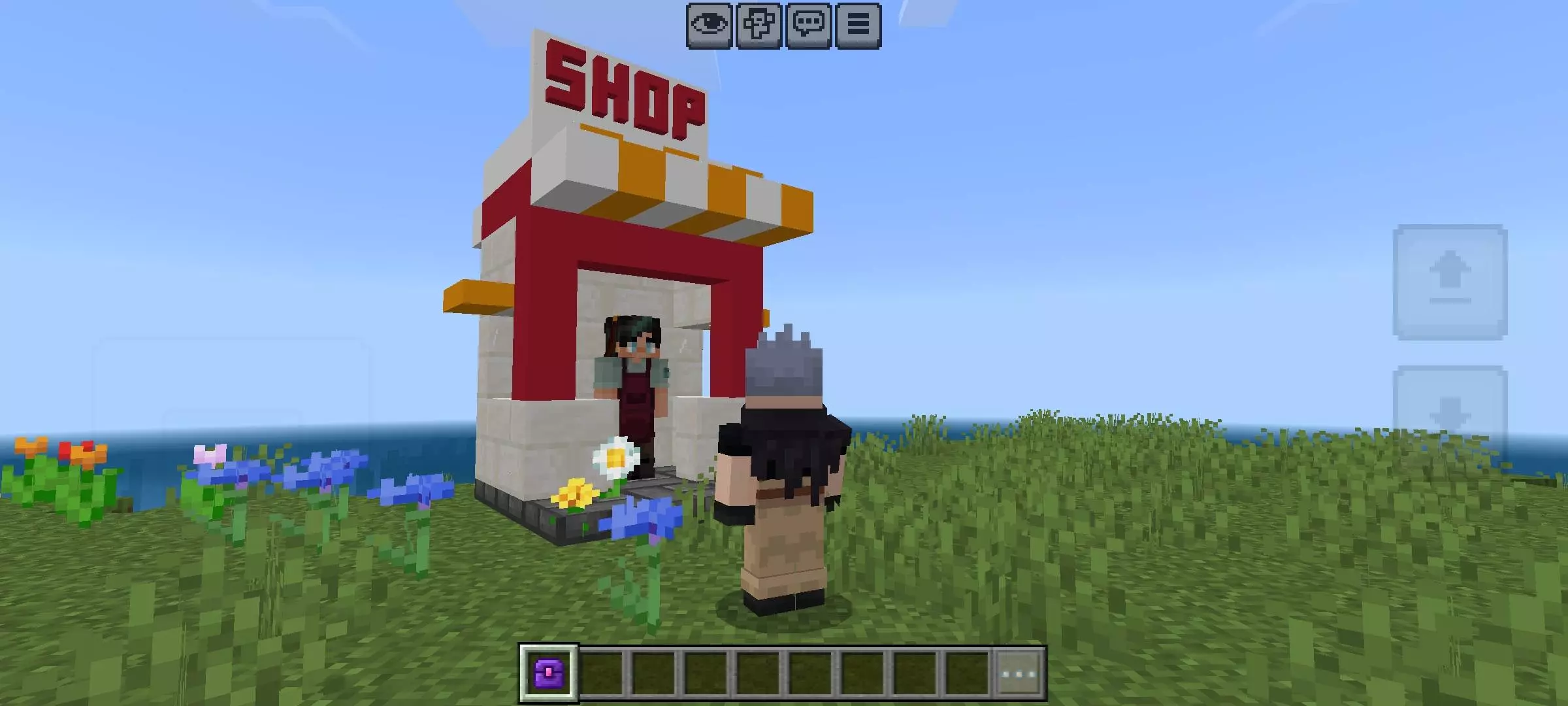
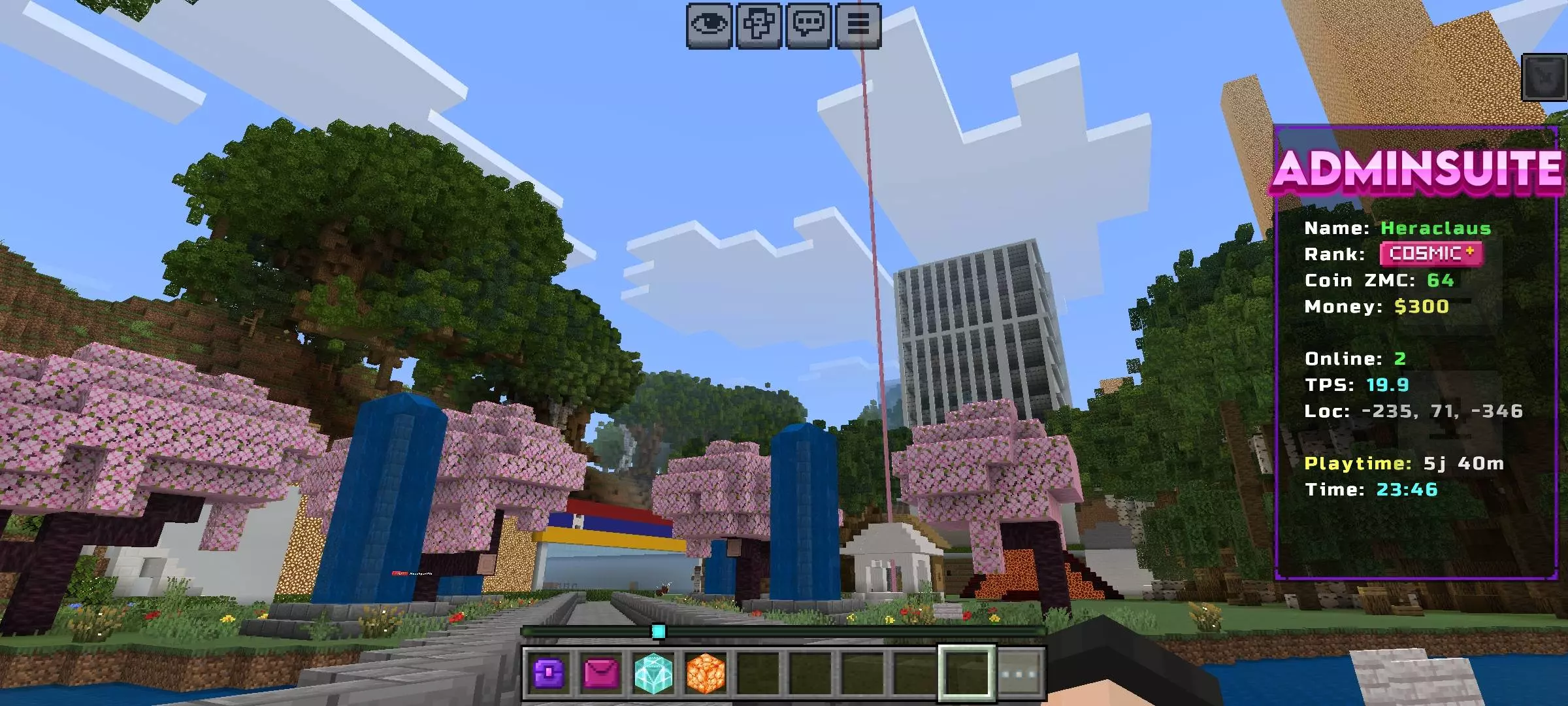
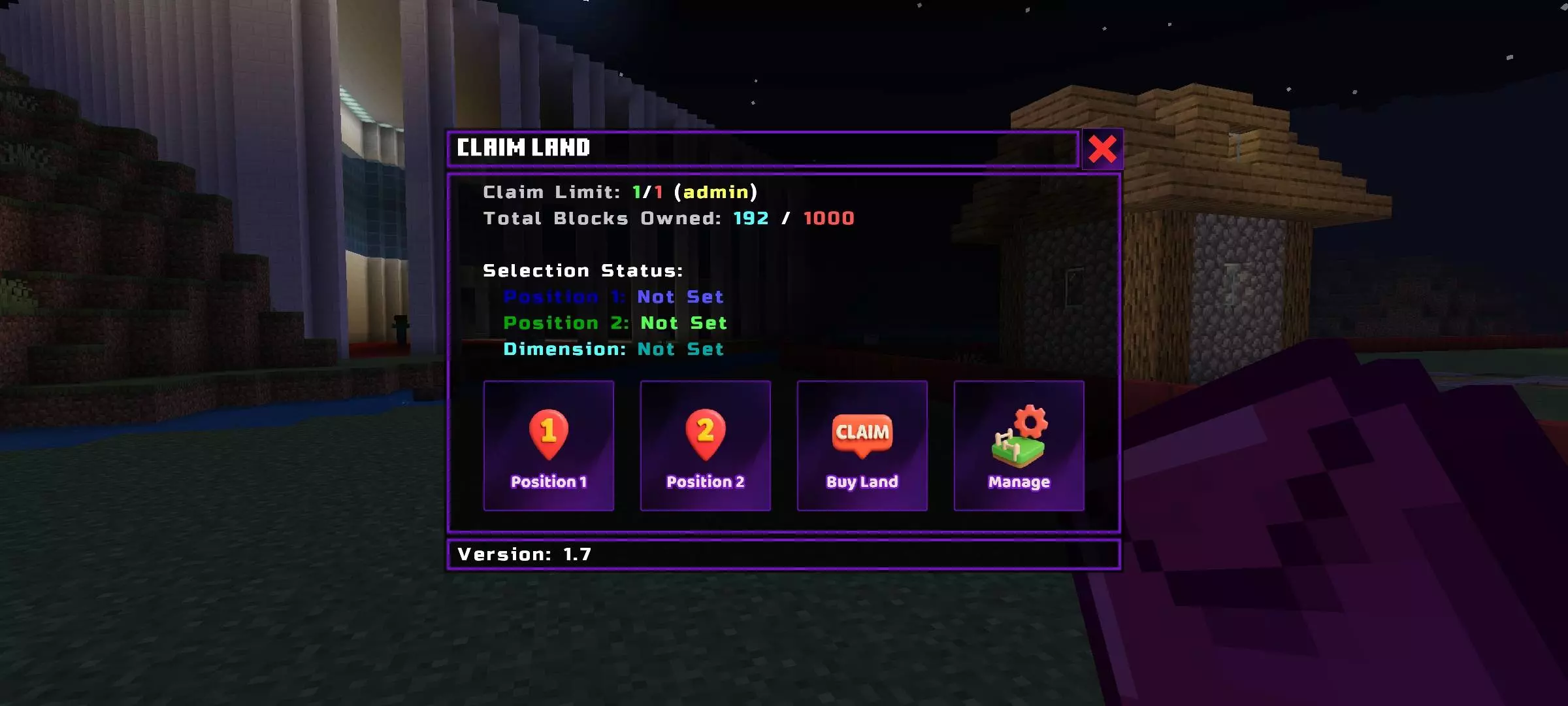
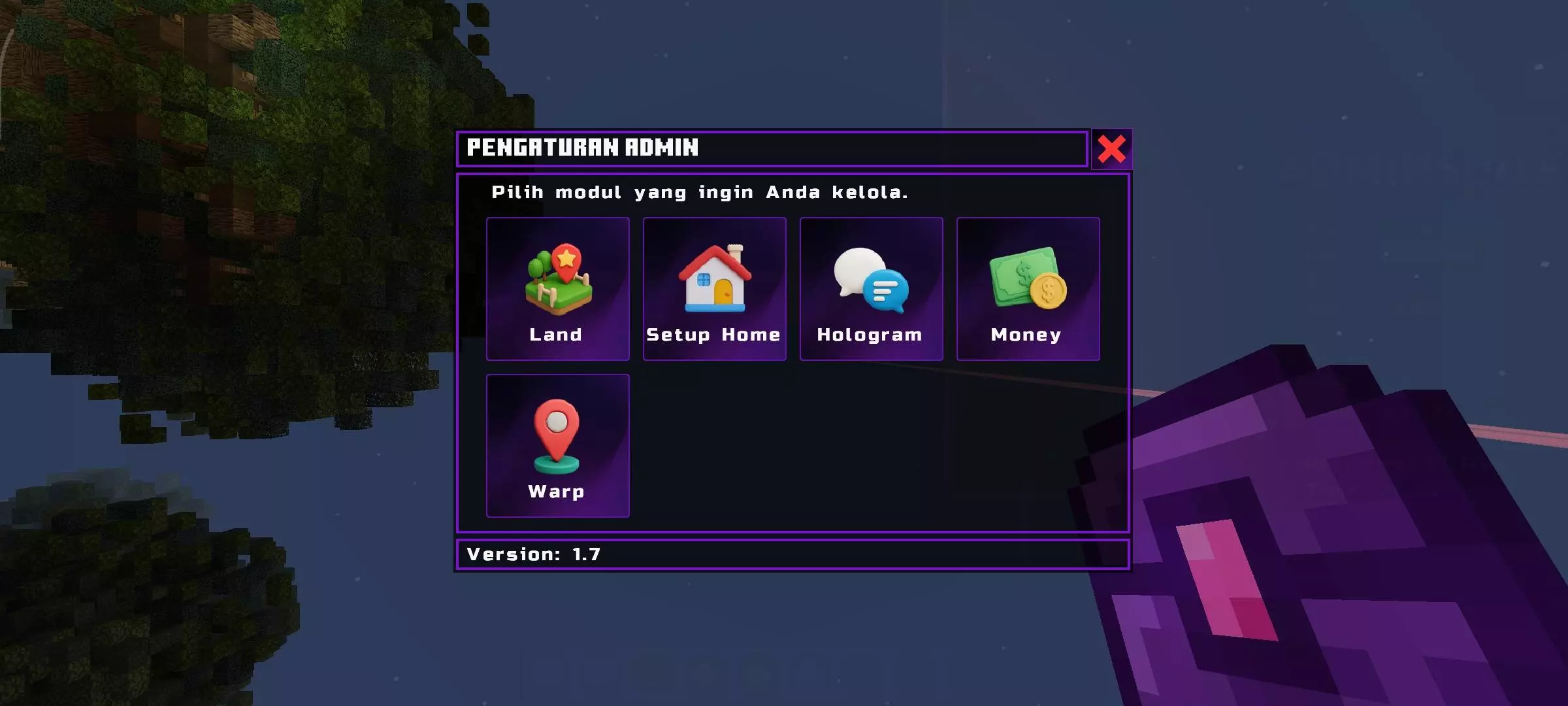
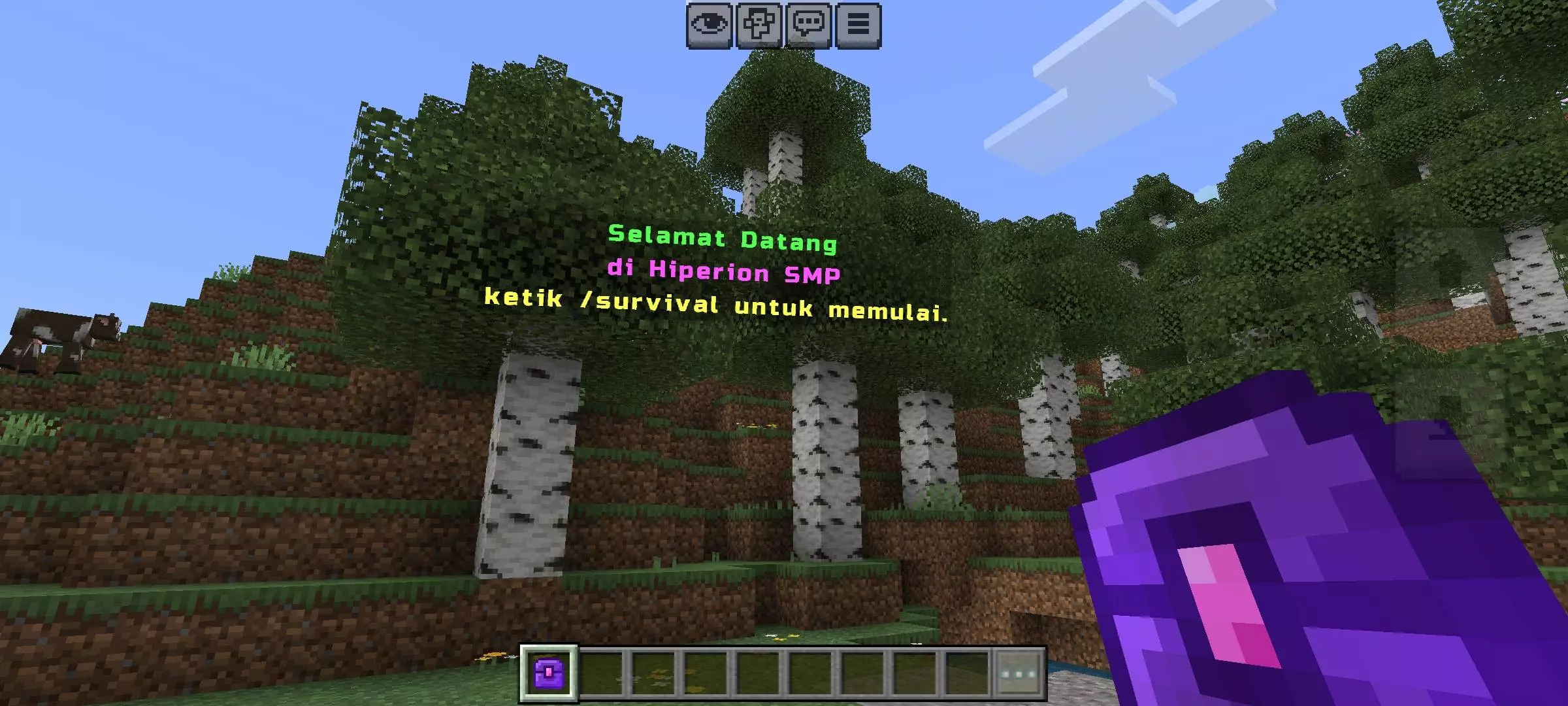
Running a Minecraft server gets messy fast when everyone needs help at once. Admin Suite - Server Tools puts a whole set of Bedrock management features into menus, so you can spend less time digging through commands and more time keeping your world running.
Getting started takes a little setup. Enable cheats and the Beta APIs experiment in your world settings, then give yourself the admin tag with /tag @s add admin. Get the Admin Suite item and open its menu. From there, create a role named owner and assign it to yourself. The available menus can change between releases, so check the instructions for the version you install before handing out roles to the rest of your staff.
Roles are a good place to start organizing a growing server. You might want one group handling player issues while another focuses on building shared spaces. Admin Suite brings player and world management into the same system, making it easier for staff to find the tools they need. Take some time to review the permissions before adding more admins; your friend who builds a great spawn area might not need access to every server control.
The add-on also includes features for the people playing on your server. Land claims can help protect bases and shared areas, while home settings and player teleports make it easier to get around. Repeated broadcasts give you a way to remind everyone about server rules, upcoming events, or a market night without typing the same announcement over and over. Set up a town center, let players establish their homes, and give them a reason to come back together when it’s time for an event.
If you want more than a survival world, there’s an economy system with buying and selling, plus tools for managing NPCs. Skills, ranks, jobs, quests, starter kits, daily rewards, and redeem options can give players things to work toward between building projects. Custom chat, nametags, a sidebar, and holograms offer ways to present server information. Build a shop area at spawn or put together a welcome space for new arrivals, then explore which systems fit the kind of community you want to run.
The linked download is Admin Suite v1.14, so its menus and features may differ from newer releases. Import the add-on into Minecraft, activate its packs in the world settings, and test your setup in a copy before opening it to players. Cheats are part of the setup, so consider how that affects achievements in an existing world. Once you’ve assigned your owner role and checked the menus, you can start with the basics and add the rest as your server grows.
Day-to-day, this is where it pays off. Player management and world management live side by side, so you can handle issues and keep the run moving. Land claims lock down bases and town hubs. Teleports between players keep events snappy. Broadcasts can run on repeat, so raid nights and market hours are impossible to miss. The economy layer plugs in cleanly with buying/selling, while NPC management lets you stand up vendors or quest givers that feel at home in spawn. Custom chat and custom nametags keep identities clear during big fights; the sidebar and holograms make rules, goals, or leaderboards impossible to ignore.
Progression systems are here too: skills and ranks for long-term play, plus redeem codes, daily rewards, starter kits, jobs, and quests to give new players a path that doesn’t rely on hand-holding. There’s even a registration system in the works (marked as under development), so you know where the suite is headed.
The best part is roles. Spin up owner, mod, builder—whatever your server needs—and hand out just the right buttons to the right people. Run events, protect towns, keep trades fair, and let the world breathe. If you want Bedrock sessions that feel organized and playable for months, Admin Suite - Server Tools Mod gives you the control panel you’ve been missing.
Installation:
- Download Mod;
- Use Minecraft
- Open the downloaded file to install;
- Select it in the settings;
- Have fun!
Comments (1)