CS 1.6 Aztec Map
- 13-09-2025, 13:10
- 959
Creation Maps / Minigame Maps / PvP Maps
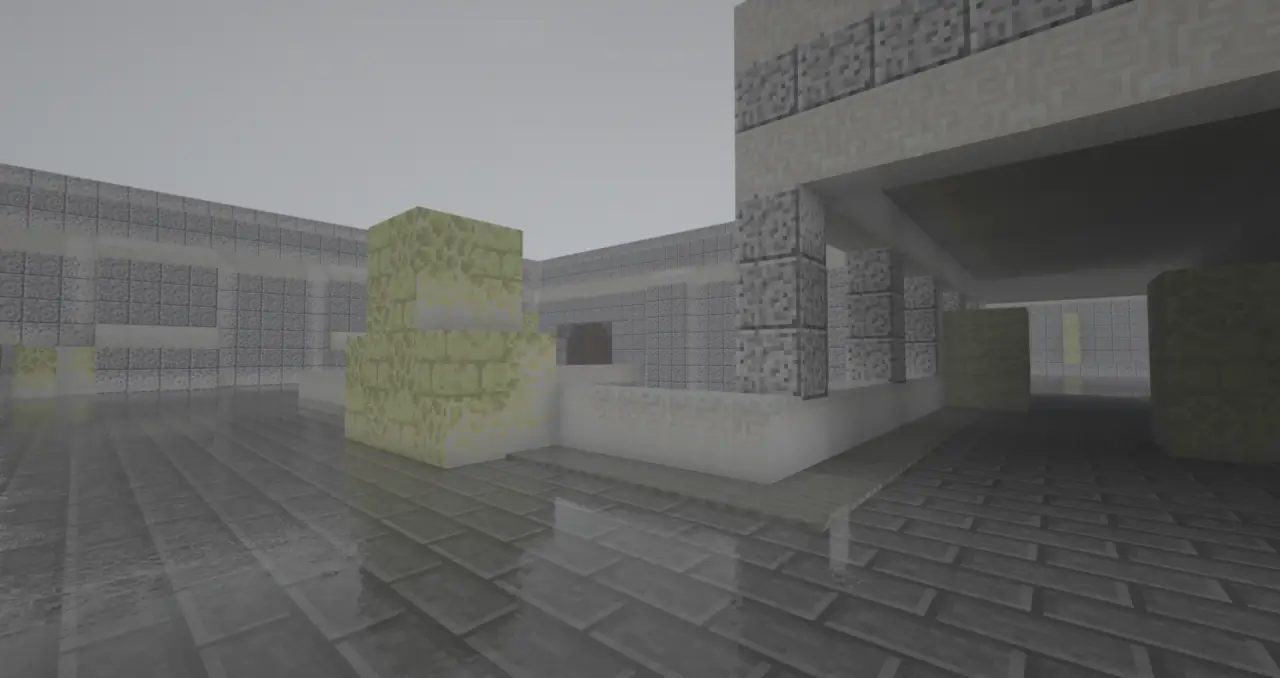
CS 1.6 Aztec map nails the flow you remember: two sites split by a noisy mid. The metal bridge is pure mind game—sprint to draw sound, then crouch to cancel steps before the corner. Water slows you and telegraphs rotations, so hop-jump the shallows or take the high ruin paths to keep timing. I ran it 3v3 and the pacing feels right: quick mid clashes, then a pivot through temple or the back tunnels when the first pick lands.
On the T side, fake pressure on the bridge, drop one lurk through lower water, and swing the connector when the CTs bite. Smoke-equivalents are scarce in Bedrock, so use walls: place blocks to break sight, then shoulder-peek with crosshair pre-aimed at head height along the arch stones. CTs should anchor one high and one low at A, with a rotator parked near spawn doors to pinch mid after contact. Third-person helps clear angles around the stacked crates; swap to first-person for pixel peeks across the bridge rail.
For events, set a round timer and kit chests at spawn, MR8 rules, and flip sides at four. Keep FOV around 70–80 so long-lane duels stay readable. CS 1.6 Aztec map is a clean Bedrock arena—load it, split teams, and let the jungle do the rest.
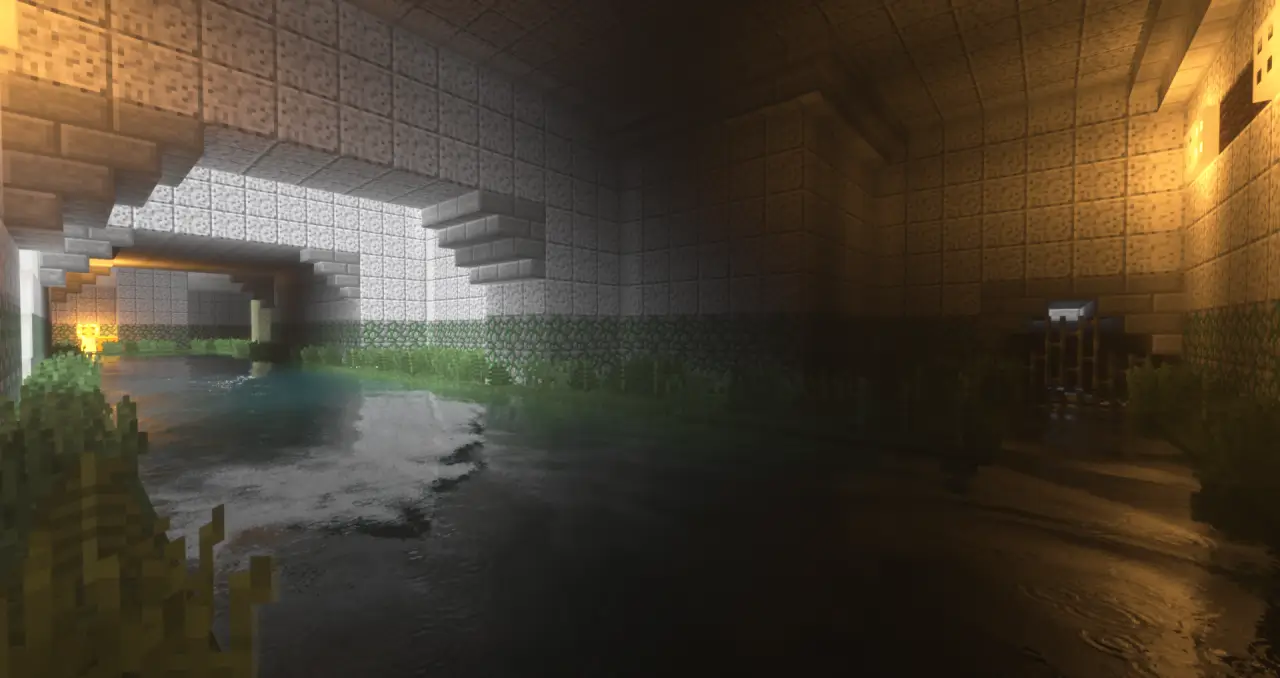
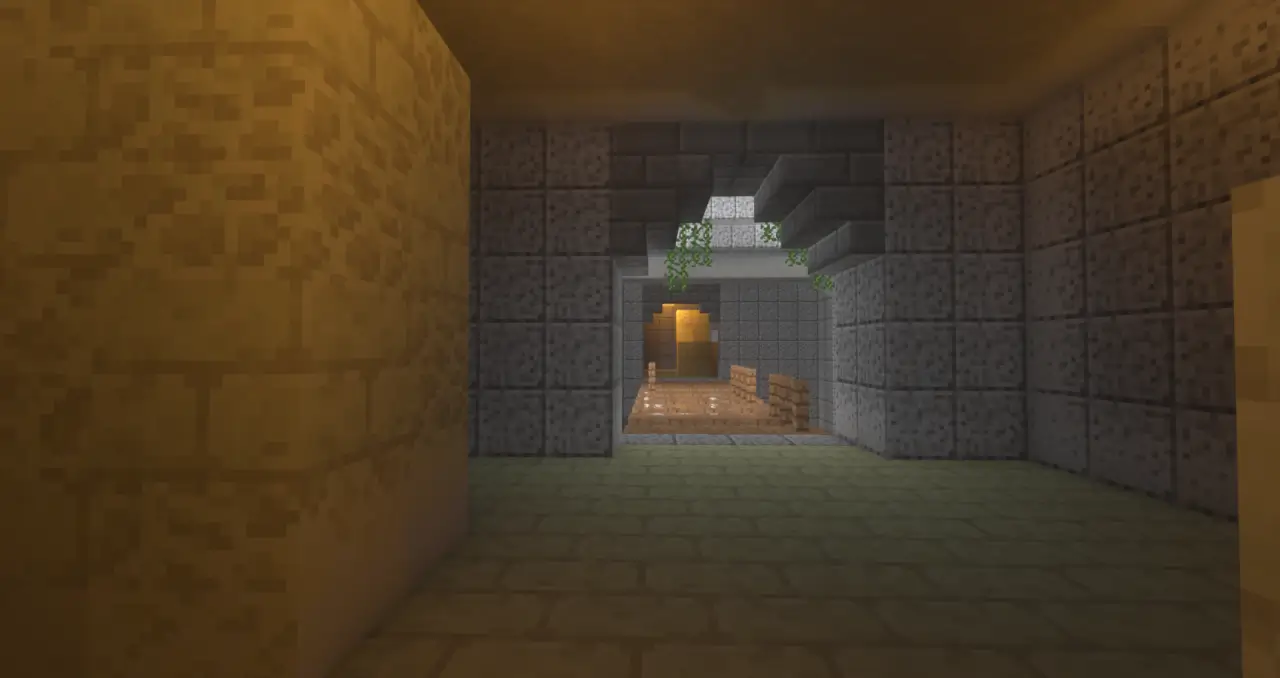
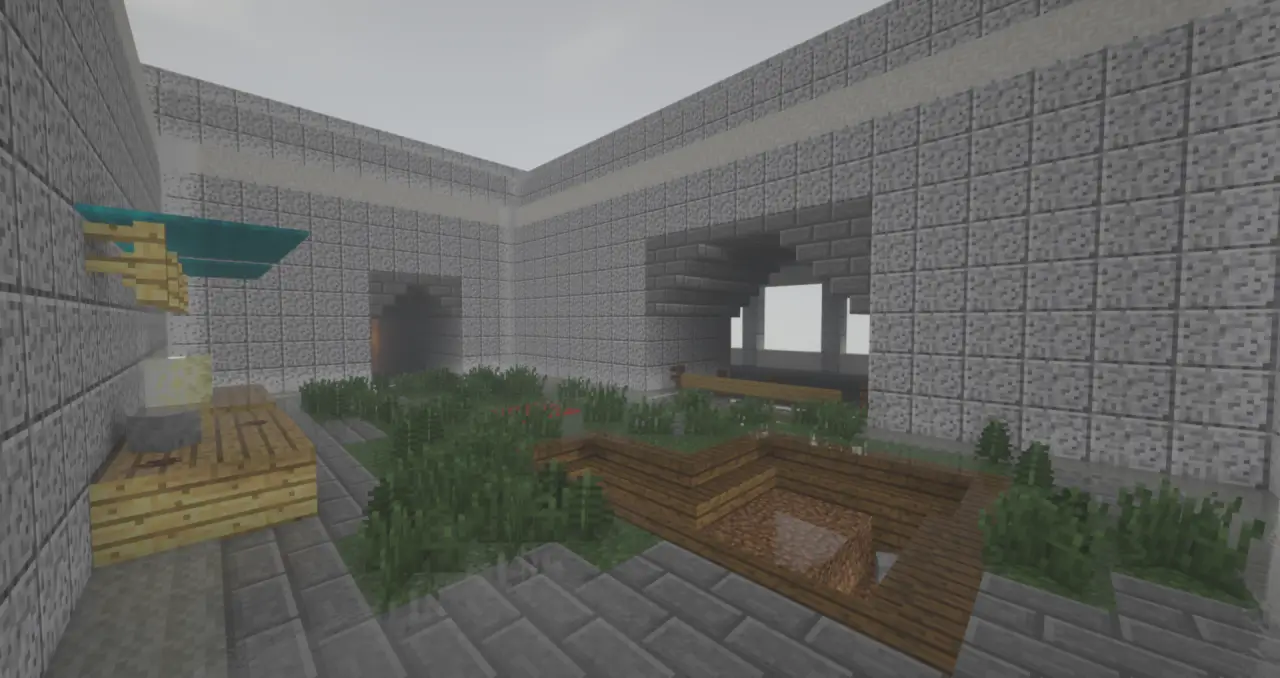
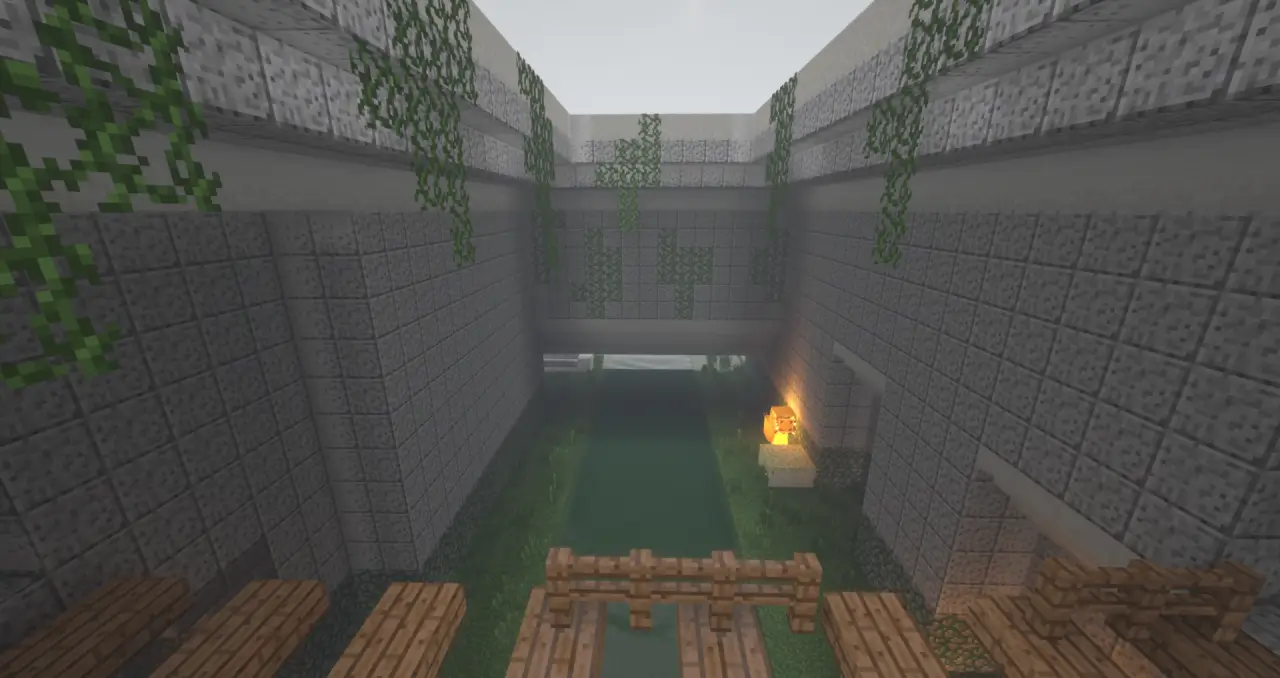
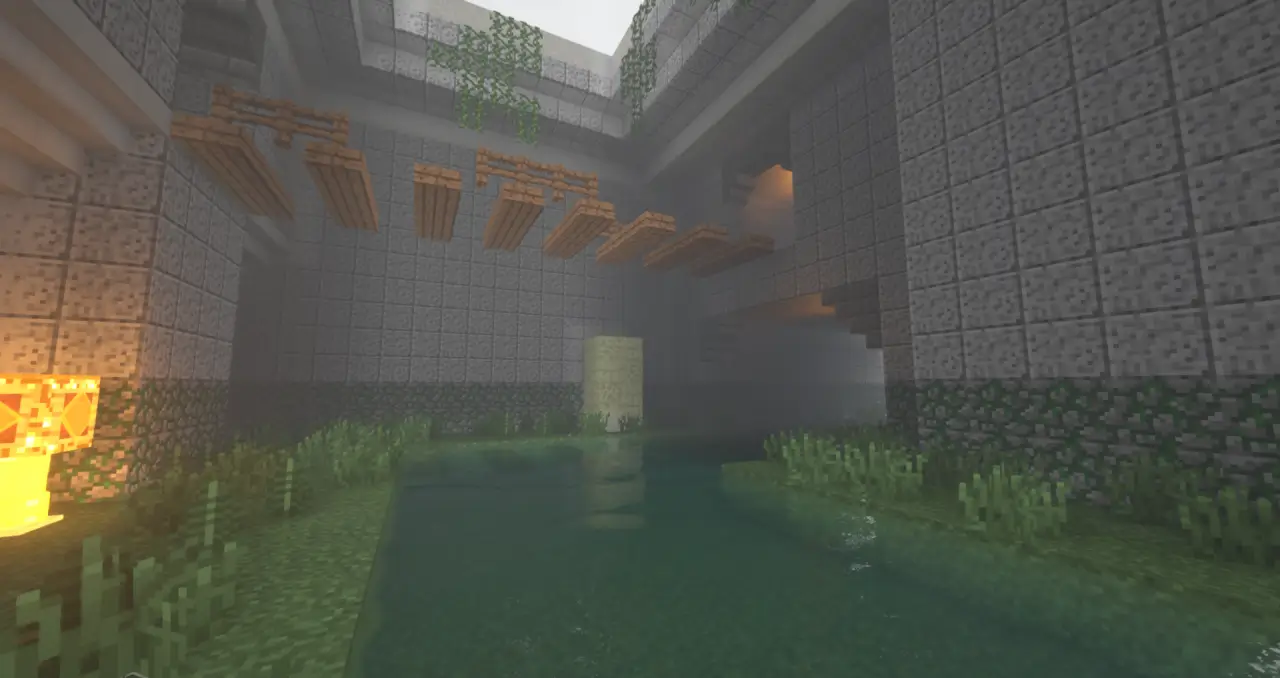
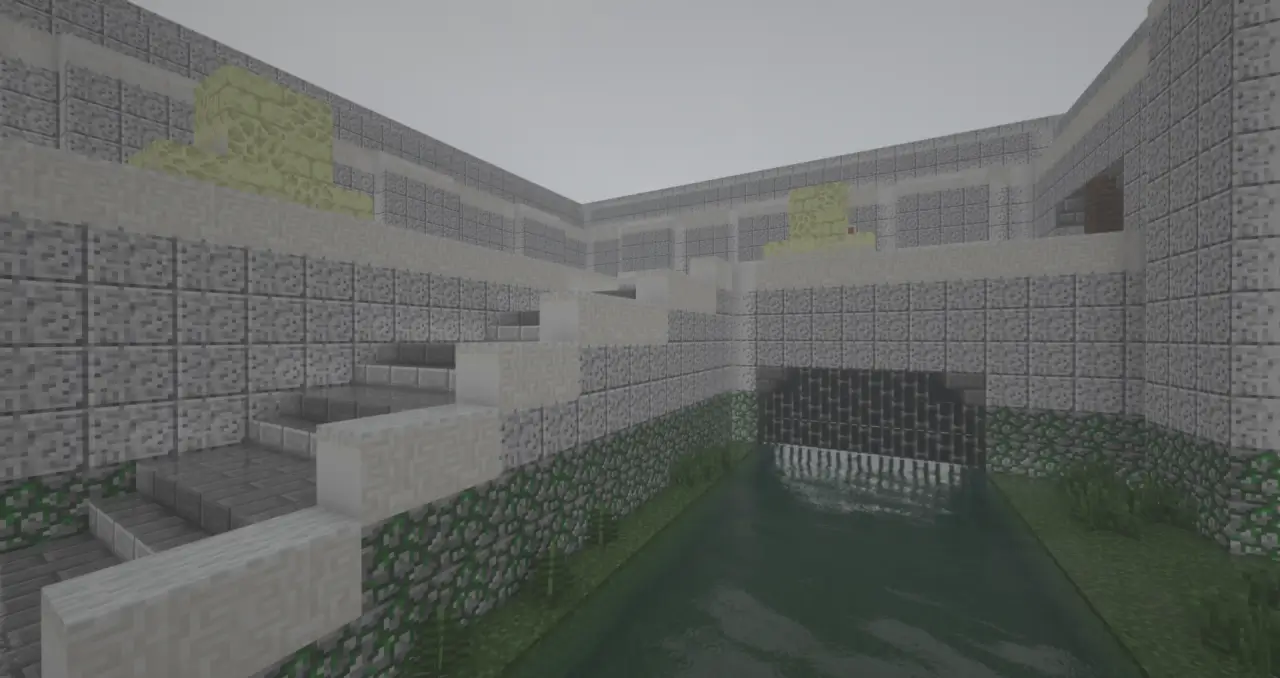
The bridge is clear—or at least it was before your friend disappeared around the corner. This Minecraft Bedrock recreation of Counter-Strike’s Aztec brings the jungle ruins, narrow approaches, and familiar water route into a blocky PvP setting.
If you know de_aztec, you’ll probably spend your first few minutes checking out the layout and calling out places you recognize. The bridge gives players a direct route across the map, while the lower water area offers another way through. Stone passages, arches, and corners create opportunities to hide, hold an angle, or run straight into an ambush because you were too busy admiring the scenery. The setting has that overgrown, ancient-ruins atmosphere associated with Aztec, but the moment-to-moment action is still Minecraft. A bow changes how you approach a long sightline, and getting close enough for a sword fight is a very different problem from lining up a Counter-Strike shot. Take a walk through the map before the match starts and learn how the routes connect. Knowing where a passage leads is much more useful than confidently yelling “follow me� and running into the other team.
The map makes a good arena for matches with friends, whether you want a quick free-for-all or a more organized team game. Split into two sides, agree on equipment, and set a time limit before starting each round. You could give everyone the same armor and a bow, then see which team controls the bridge; for the next round, switch to swords and make the close passages the focus. Another option is to choose an area for one team to defend while the other tries to reach it. If you want a Counter-Strike-inspired objective, you can make up your own rules for placing and guarding an item at a chosen site. The original Aztec is a bomb-defusal map, but this Minecraft recreation is best treated as a setting for your own matches rather than assuming it includes a complete Counter-Strike ruleset. Set up spawn points and equipment however your group prefers.
There’s room for plenty of scrappy tactics once everyone knows the terrain. Send one teammate across the bridge while another watches the water, or let the other team push forward and try to catch them as they turn a corner. A shield can buy you time against arrows, though it won’t help much if someone circles behind you. Decide in advance whether players can place or break blocks: keeping the arena intact preserves the routes, while allowing a few temporary blocks can make each round play out differently. Between games, swap sides and try a new approach instead of holding the same position all evening. To load the map, open the downloaded .mcworld file with Minecraft and select the imported world. After that, all you need is a few opponents and a reason to argue over who was supposed to watch the bridge.
How to install?
Android: you need to find the downloaded file on your phone, use any file manager for this and import the map into the game by opening it.
IOS: after receiving the map, the device itself will offer to install it.
Windows 10: go to the folder where the files are downloaded, find mcworld there and activate it.
Comments (0)