Squid Game A1 Map
- 25-05-2026, 02:54
- 1 242
Minigame Maps / Puzzle Maps / PvP Maps
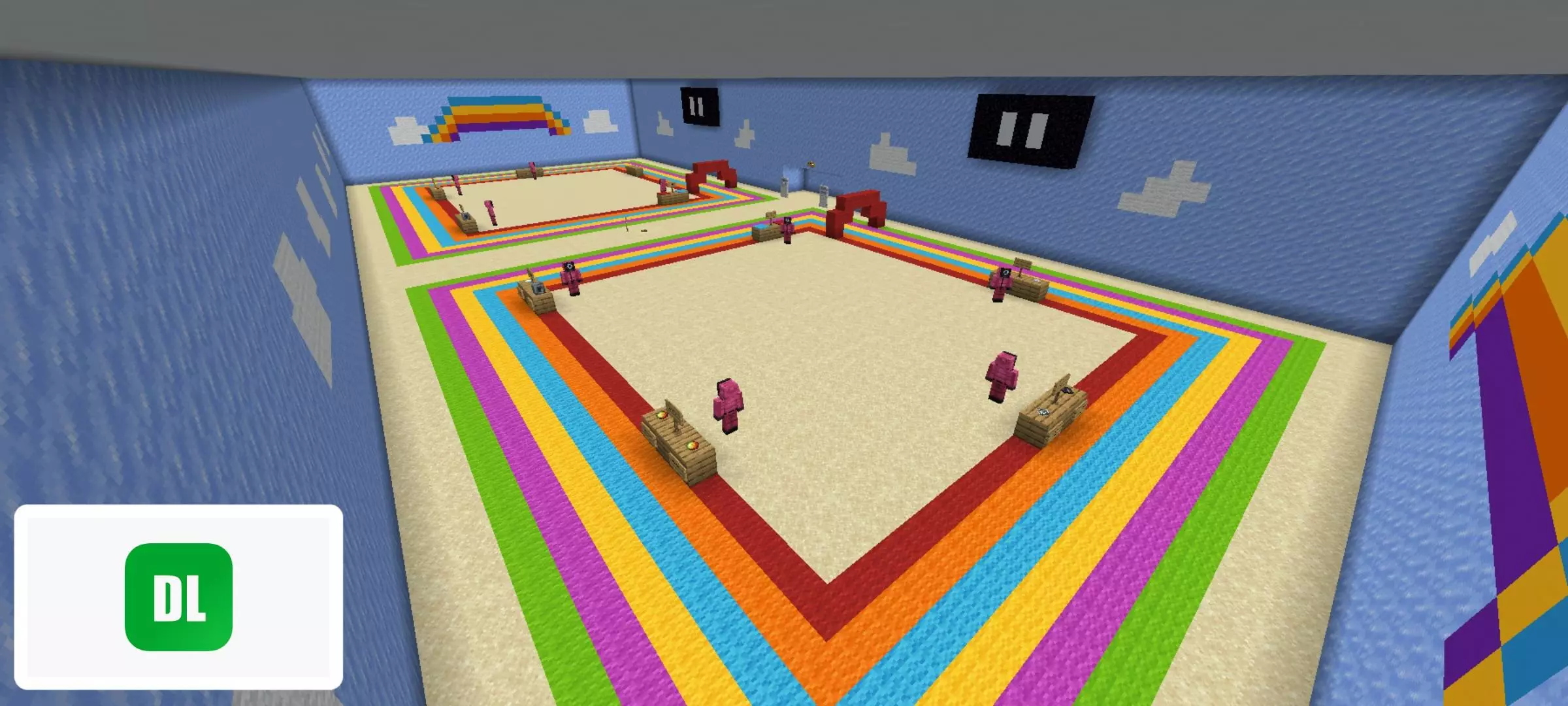
Squid Game A1 (Map) — all three seasons, one brutal gauntlet for Minecraft Bedrock
Load this up with friends and clear your evening. Squid Game A1 pulls the full TV lineup into Minecraft Bedrock—Season 1, 2, and 3 games—then strings them into a clean, replayable marathon that’s built for multiplayer chaos.
You spawn in a hub, pick your squad, and the lights drop. Red Light, Green Light is the tone-setter: hard stop on “red,� instant elim on movement, and just enough distance that greedy sprints get punished. Honeycomb swaps panic for precision—break the right pattern fast or you’re dust. Tug of War turns comms into a metronome: stay in rhythm or watch your side slide into the void. Marbles mixes it up with small head-to-head challenges—mind games beat mechanics here, which feels perfect mid-run.
The back half cranks the nerves. Glass Bridge randomizes safe panes every round, so nobody can “learn� the route; tight timing and good reads win. Squid Game caps it: a marked arena where footwork, blocks, and simple PvP decide the crown. Between games you’ll get short breathers to trash-talk, size up the lobby, and pray your friend who barely survived Red Light doesn’t suddenly turn cracked.
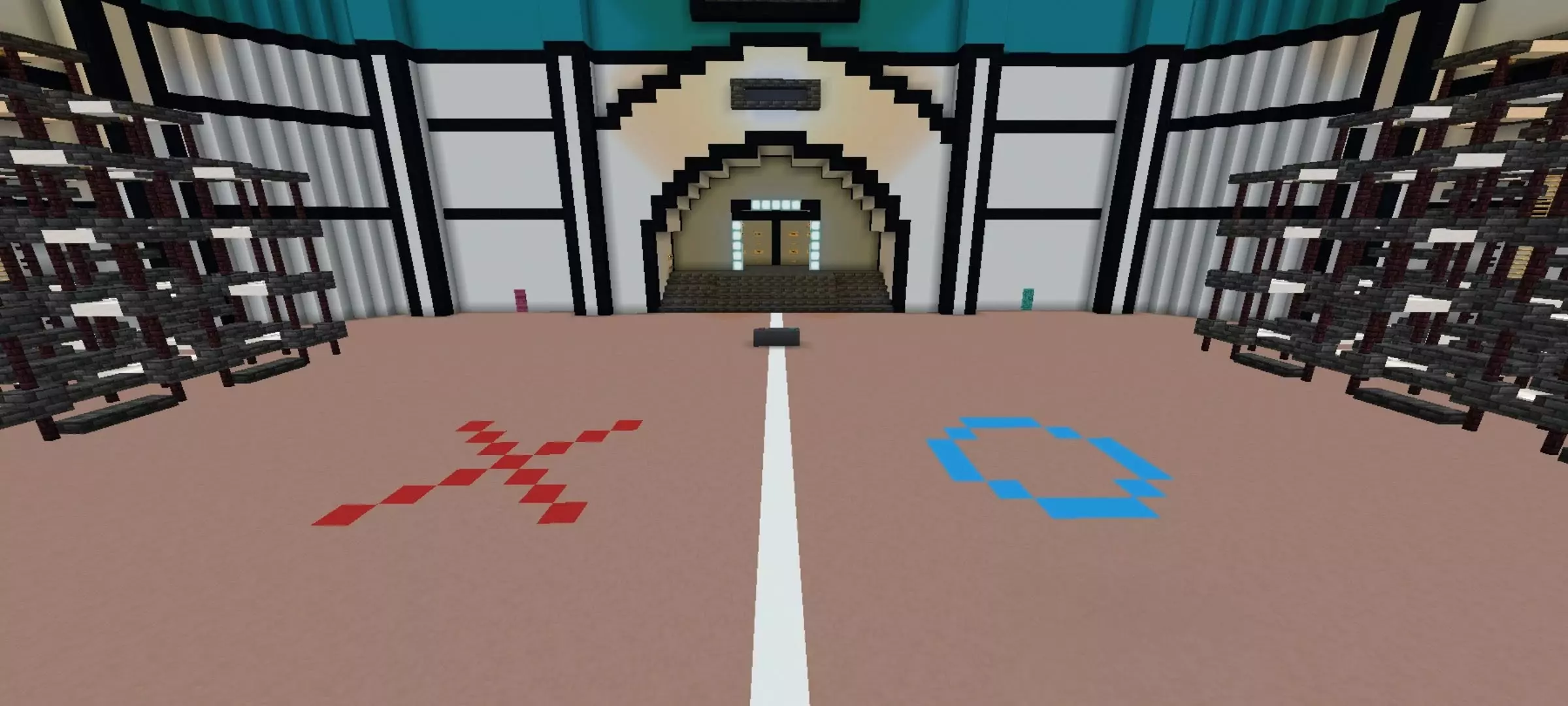
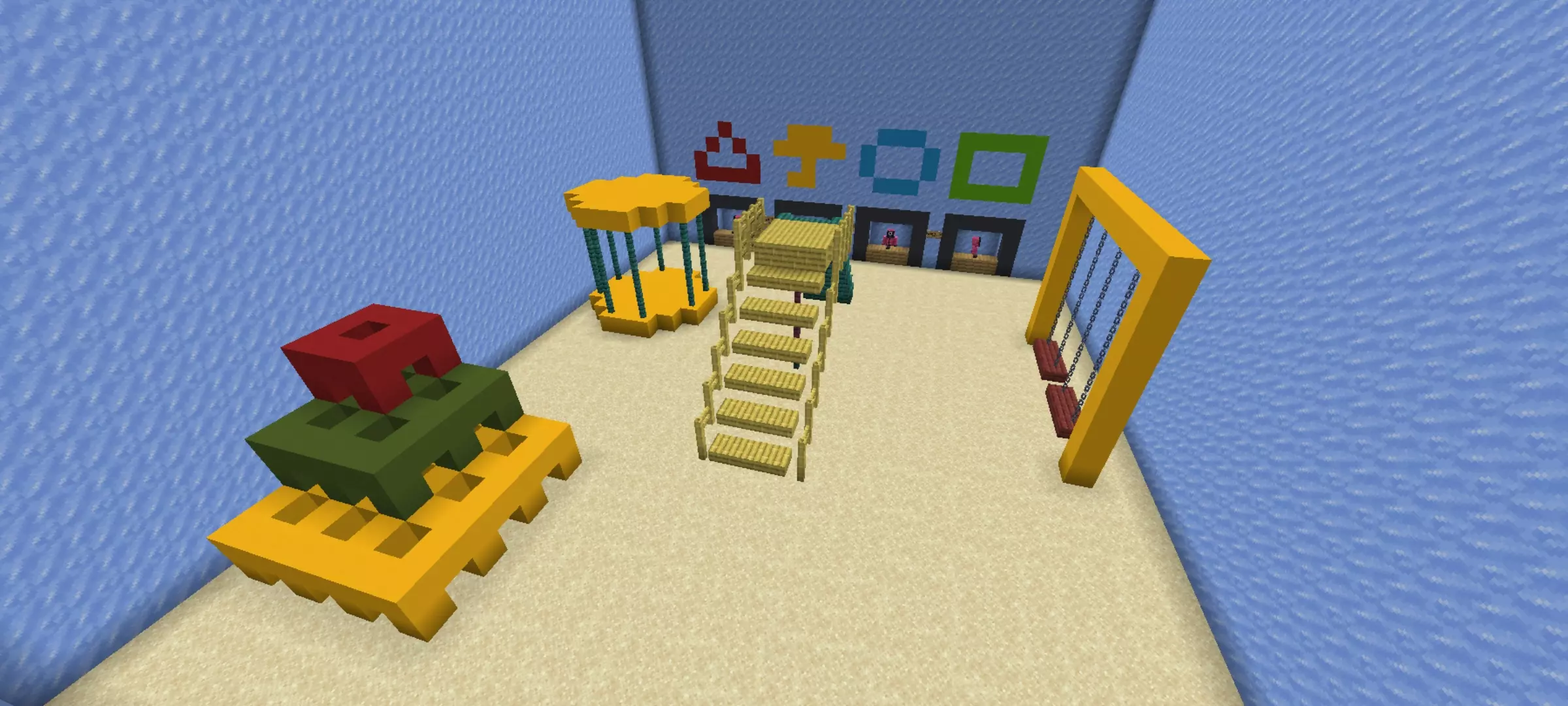
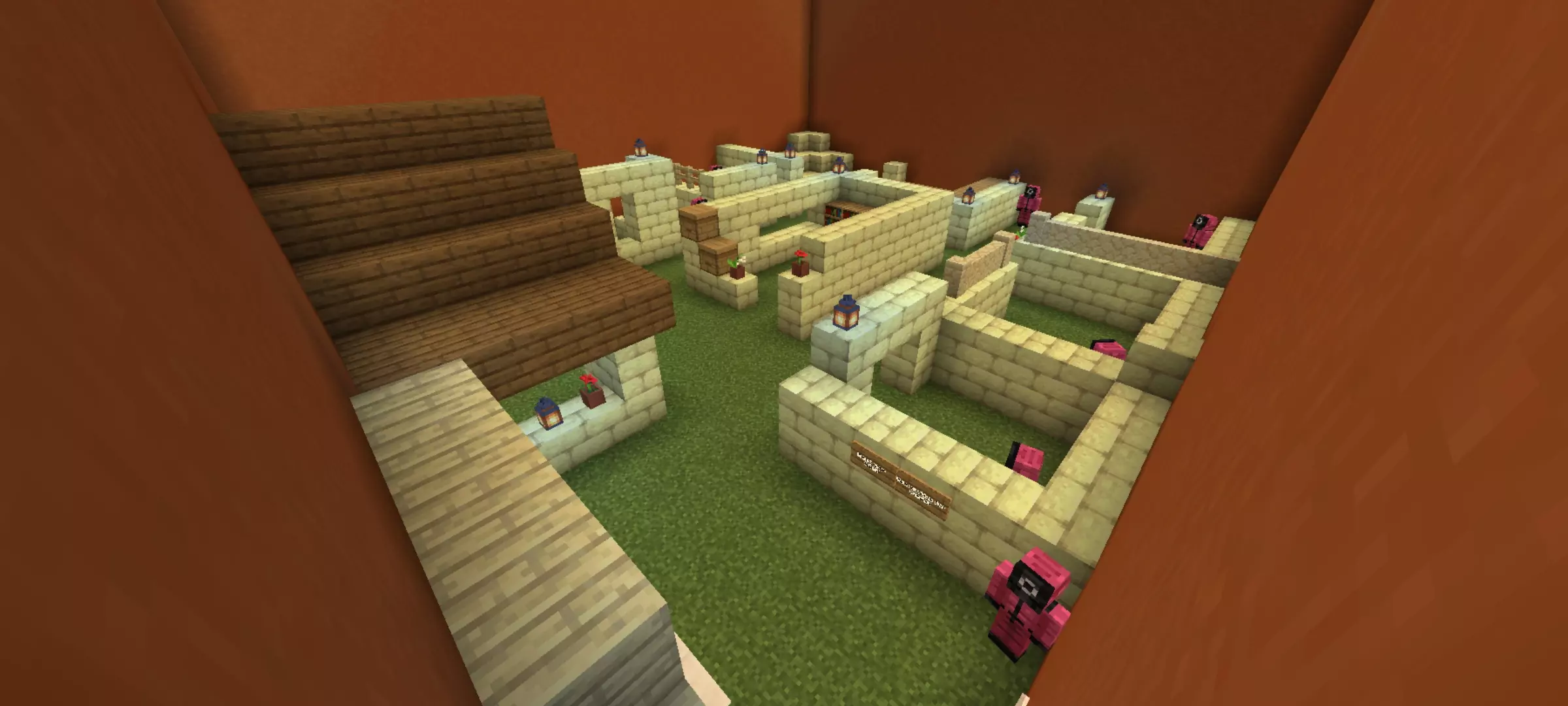
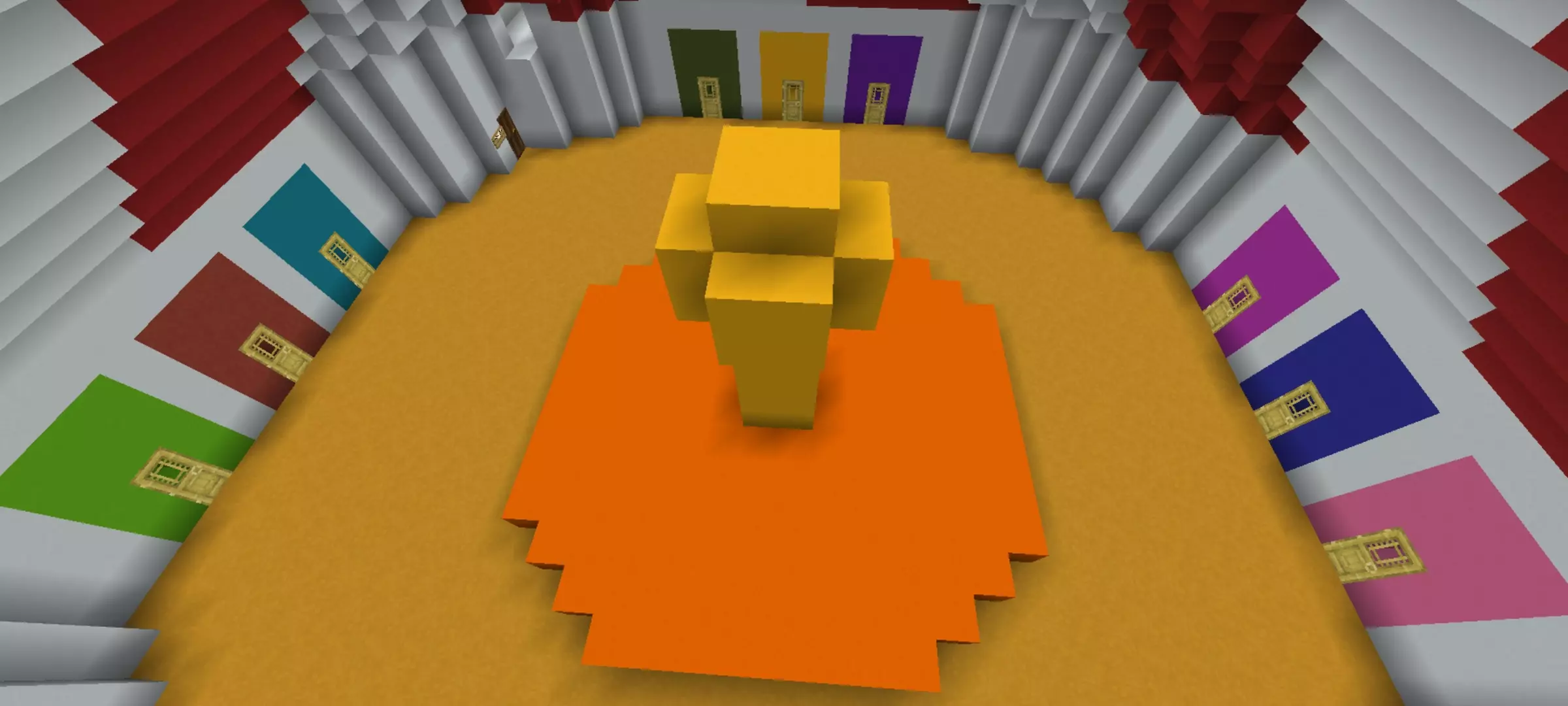

Each stage introduces fresh environmental hazards, forcing participants to balance speed against pure caution. If you try to sprint-bridge through the agility segments, you will catch a bad bump from an adjacent runner and plunge into the pit. The final showdown demands ruthless PvP discipline, leaving the surviving duelists to circle each other inside the marked boundary lines until only a single champion remains standing in the center.
Under the hood, command blocks and teleport anchors fire off cleanly so round resets do not get jammed up by dead player spectating states. Crossplay performance stays rock steady whether your server crew connects via touch controls, handheld console pads, or full desktop keyboards. You will not deal with broken hitboxes or delayed sensor triggers during the red-light phases, meaning nobody gets falsely sniped while standing completely motionless behind a teammate.
Setting up the tournament takes barely a minute by launching the mcworld package directly into your Bedrock client files. Once the world appears in your saves list, load it up to an active realm, recruit as many friends as your lobby can hold, and see who possesses the ice-cold focus needed to outlast the competition.
Why it hits: quick countdowns, clear rules, and no filler. Rounds snap from one game to the next, eliminations are instant and obvious, and the finale actually feels earned. For party nights, streams, or server events, Squid Game A1 (Minecraft Bedrock) is pure adrenaline—easy to host, mean to master, and even better when the lobby can’t stop yelling “DON’T MOVE!�
How to install?
Android: you need to find the downloaded file on your phone, use any file manager for this and import the map into the game by opening it.
IOS: after receiving the map, the device itself will offer to install it.
Windows 10: go to the folder where the files are downloaded, find mcworld there and activate it.
Comments (2)