Roblox Lobby (+100 Jump) Map
- 13-09-2025, 13:14
- 1 339
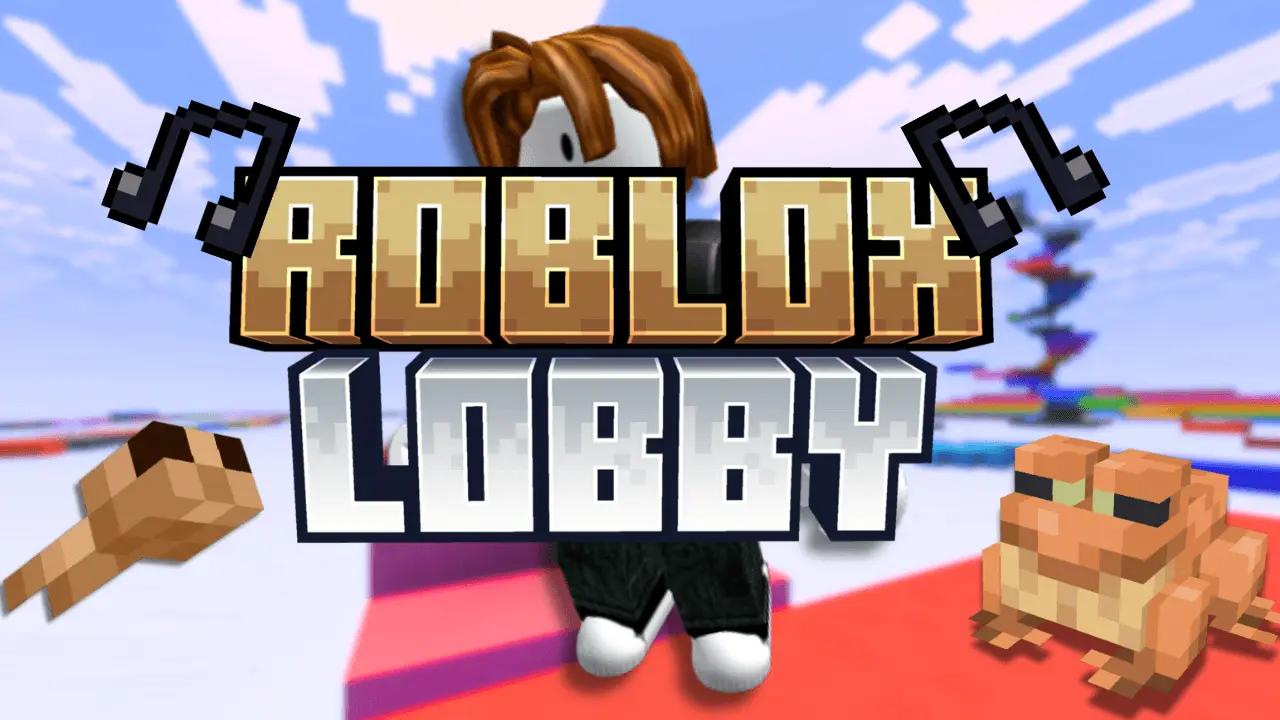
Roblox Lobby (+100 Jump) map is a clean gauntlet of quick stages that play well on touch, controller, or mouse. The levels are bite-sized, so you’re always learning a new trick without slogging. The custom item drops you into the iconic lobby flow on demand, which is great for warming up or grabbing screenshots before you grind attempts. The death counter does the shaming for you—in a good way—so you’ve got a PB target while you climb.
Dial your setup first: turn off auto-jump, set FOV around 70–80, and stick to first-person for depth on small pads. For tight gaps, commit to full sprint and jump on the last pixel; crouch on landing to “glue� yourself before the next move. Ladders and head-hitters like short run-ups—two steps, jump, tiny forward feather. If a section is tilting you, take a walk back to the lobby with the custom item, reset hands, and re-pull. Playing with friends? Use the death counter as a split—fewest fails wins the segment, loser calls the next start point.
Roblox Lobby (+100 Jump) map keeps the rhythm snappy: hop, stick, repeat. It’s easy to read, hard to perfect, and perfect for race nights or daily parkour warmups.
You land one jump, spot the next platform, and immediately wonder if you should have stopped to line it up. Roblox Lobby (+100 Jump) brings the feel of a Roblox obby into Minecraft Bedrock, with more than 100 stages waiting for you.
The idea is easy to pick up: work your way through the course by jumping across its obstacles. The stages are short enough that you can focus on the next challenge instead of staring at the whole course and wondering where to begin. Some jumps will click right away; others might take a few tries before you find the right approach. That’s part of the fun, especially when you finally clear the section that sent you falling over and over.
If you’ve played Roblox obbies, the setup should feel familiar, but you’ll be using Minecraft’s movement to get through it. Give yourself a moment to get comfortable with the controls before trying to speed through. On a narrow landing, it can help to stop and line up the next jump instead of charging ahead. If you keep missing, change where you take off or try approaching from a different angle. Sometimes the fix is surprisingly small.
The map also tracks your deaths, which gives every run an extra challenge. Your first goal might simply be reaching the end; the next could be finishing with fewer falls. There’s no need to worry if the counter climbs quickly while you’re learning. Everyone has that one jump that looks easy until they’ve missed it five times in a row. Getting past it is much more satisfying when you know exactly how much trouble it caused.
You can tackle the course alone or invite friends and turn it into a competition. Race to see who gets farther first, compare death counts, or pick a section and take turns trying to clear it cleanly. A fast player can build a lead, but a patient friend who lands more consistently might catch up. If someone gets stuck, watching how another player handles the jump can give them an idea for their next attempt.
The map also includes a custom item connected to its Roblox-inspired lobby, adding another touch to the experience. To get started, download the world and open the .mcworld file with Minecraft Bedrock. If it arrives in a ZIP archive, extract it first and look for the world file. Once it’s imported, load it up and start jumping. Whether you’re after a relaxed solo run or a race with friends, there are plenty of stages here to keep your parkour skills busy.
How to install?
Android: you need to find the downloaded file on your phone, use any file manager for this and import the map into the game by opening it.
IOS: after receiving the map, the device itself will offer to install it.
Windows 10: go to the folder where the files are downloaded, find mcworld there and activate it.
Comments (0)