Gun PVP Map
- 13-09-2025, 13:20
- 2 507
Gun PVP map is built for quick starts and clear fights. Spawn, grab a kit, and you’re trading angles in seconds across multiple arenas—open courtyards for long beams, tight corridors for hip-fire duels, and vertical spots where drop-shots actually matter. I run FOV 70–80, crosshair at head height, and stick to first-person for better depth on long lanes. Crouch-peek around cover to shrink your model, pre-aim common corners, and strafe-cancel your shots so you don’t overexpose on reloads. If movement feels floaty on mobile, drop sensitivity a notch and bump touch size for steadier flicks.
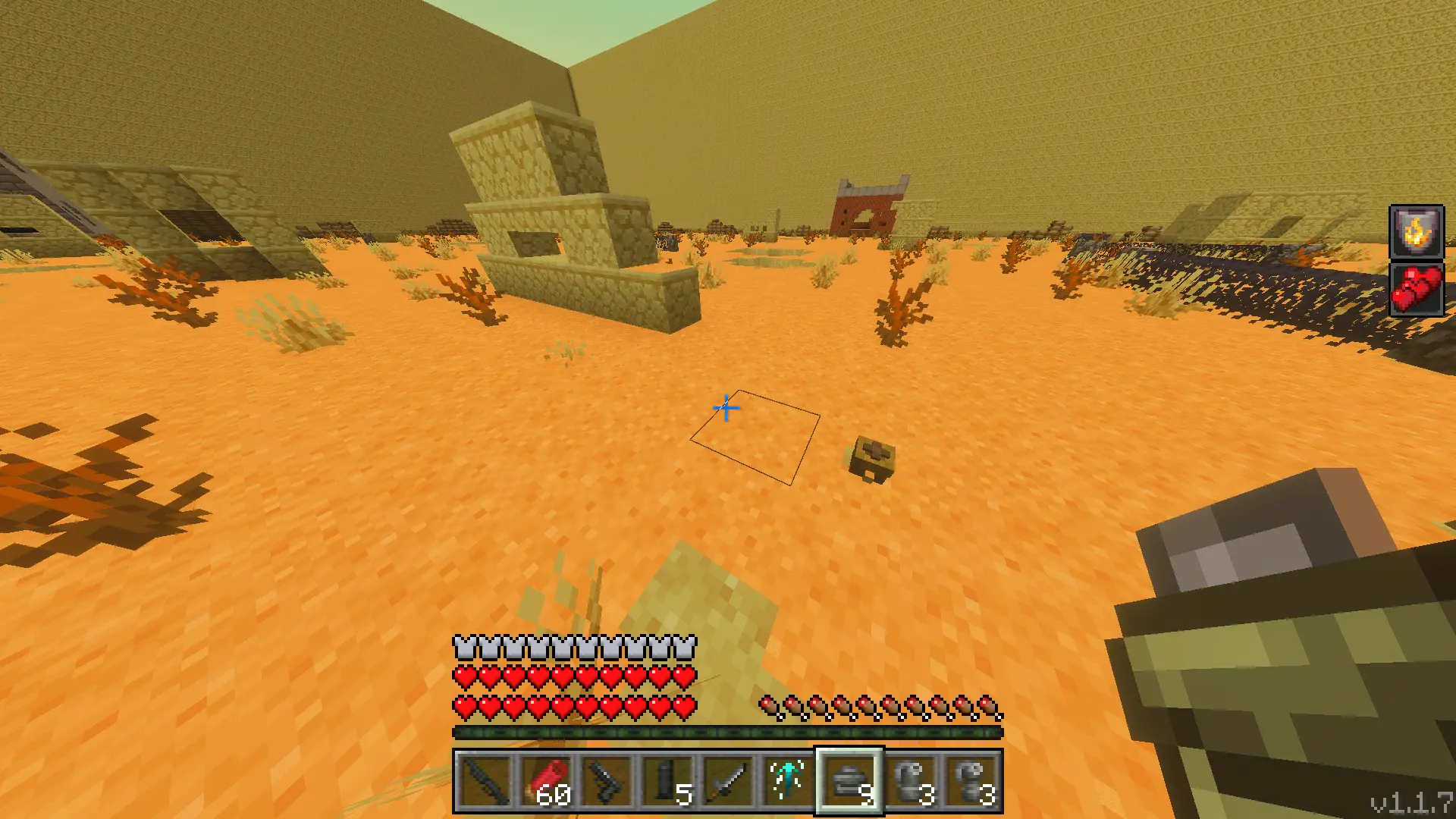
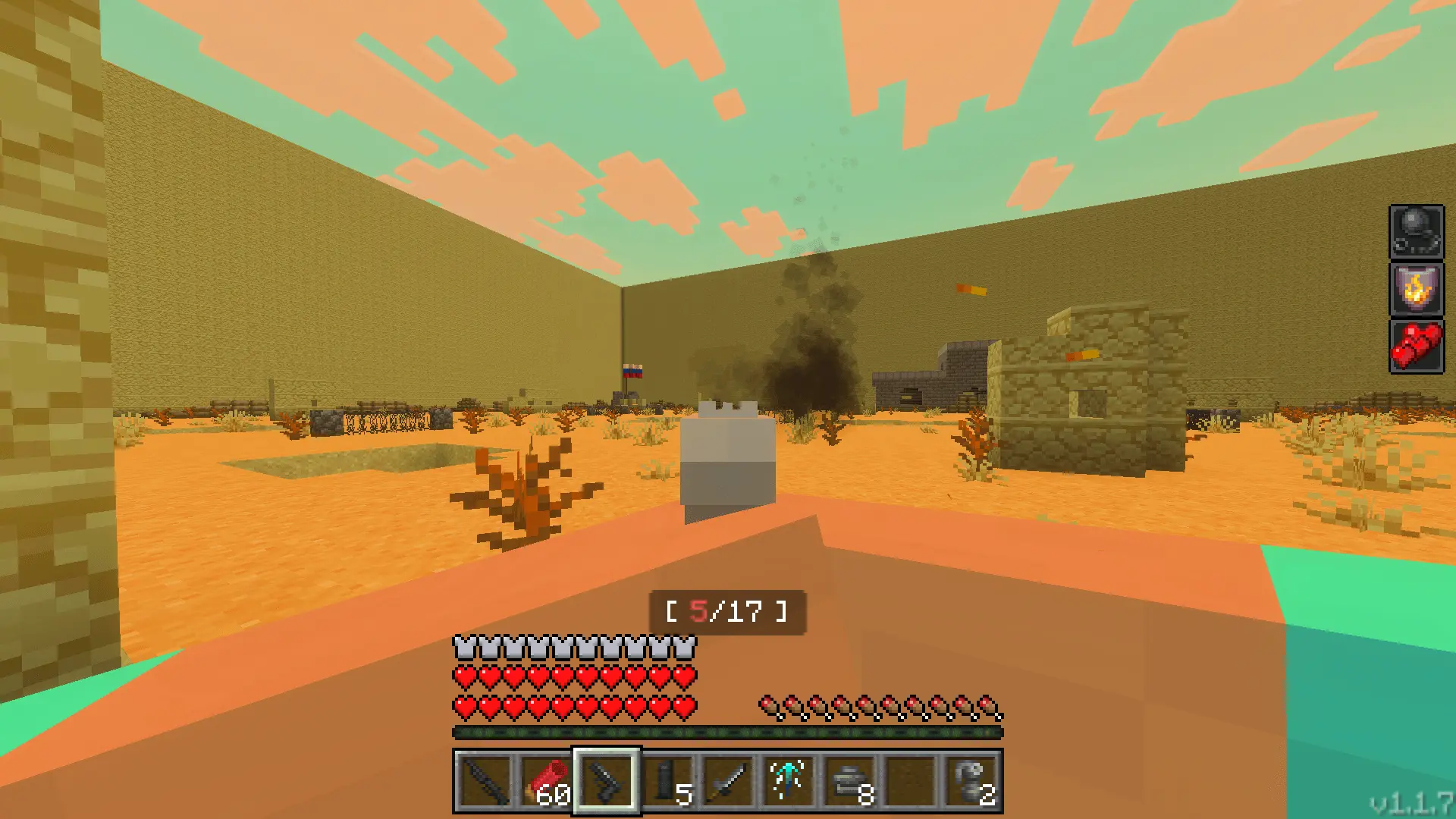
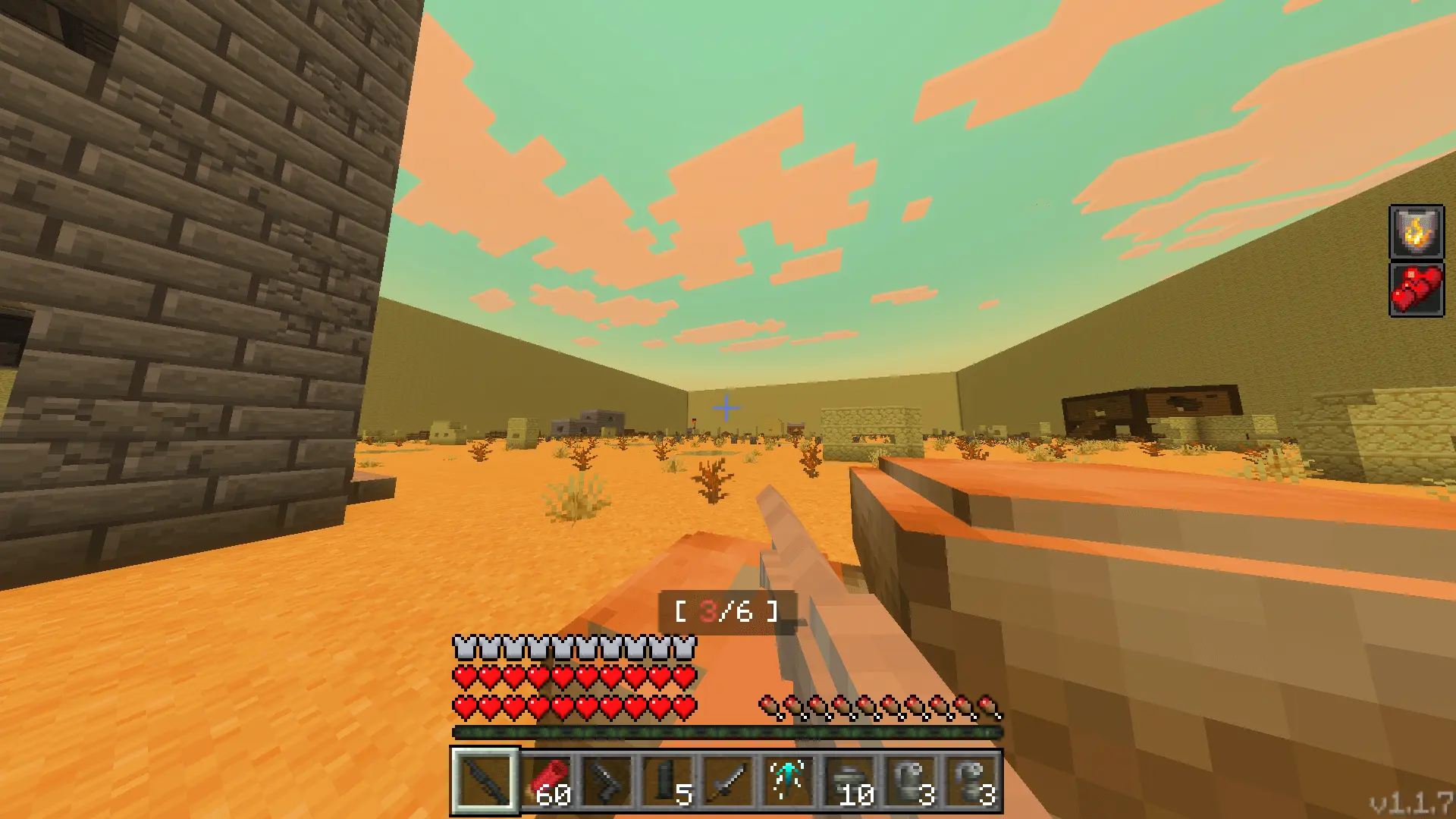
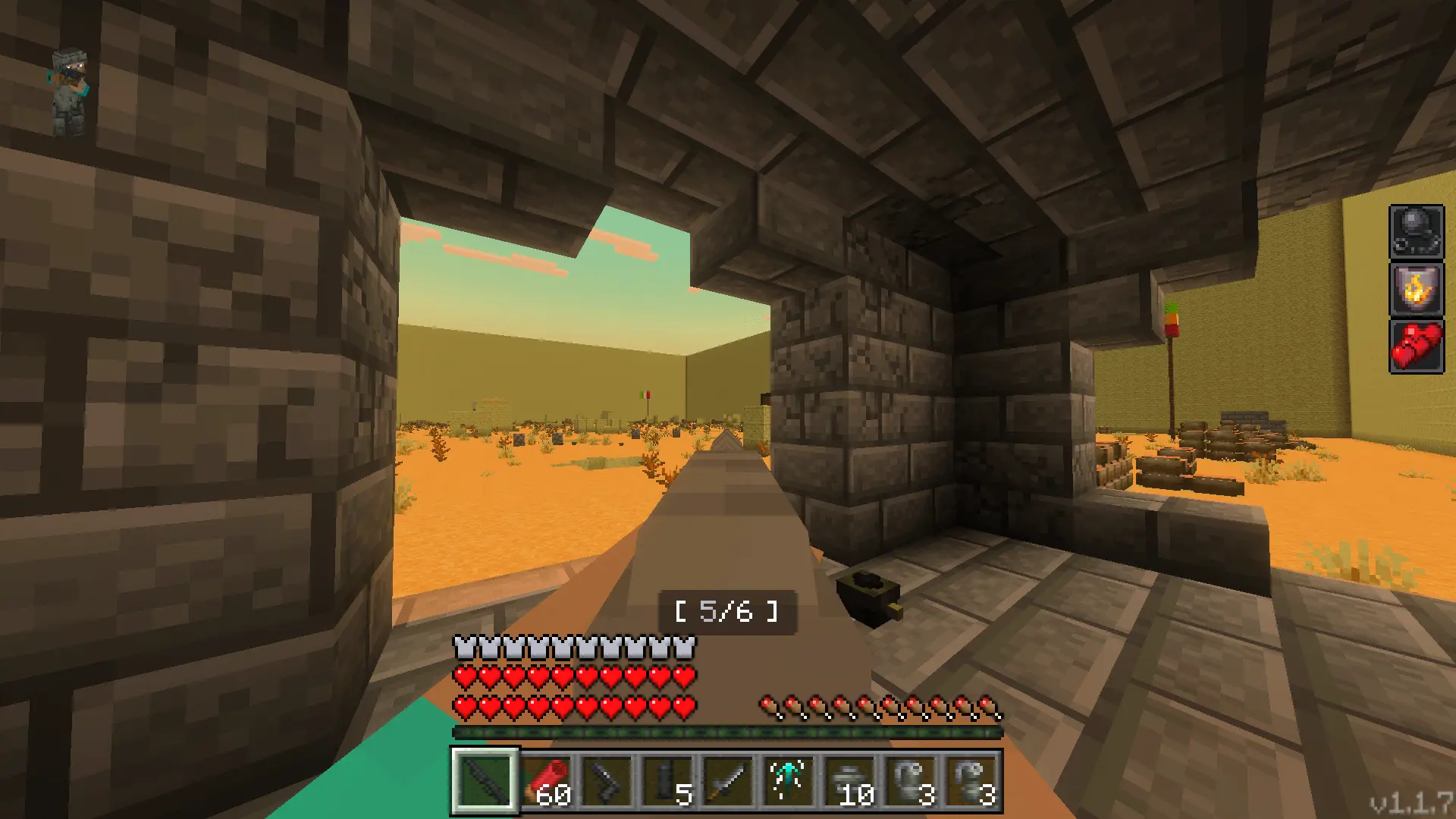
Hosting is painless. Set a round timer, first to 10 eliminations, and map rotation every two rounds; place kit chests at spawn with a rifle/SMG split plus a few grenades. Callouts stay simple—“bridge,� “tower,� “pit�—so teammates can pinch from opposite lanes. Between matches, the built-in solo parkour is a legit warm-up: run it once to loosen hands and reset tilt after a bad loss. For Realms nights, keep render distance modest to stabilize frames and enable keep inventory so lobbies reset fast.
Pick your position, watch the corners, and get ready for a fight. Gun PVP brings firearm-focused battles to Minecraft Bedrock for players who want to challenge their friends.
The map is built around quick PvP action, with different areas that encourage you to think about where you stand. Open spaces give you room to spot opponents at a distance, while tighter passages can turn a simple corner into the most dangerous place on the map. There are elevated spots to consider, too. Take the high ground and you may get a better view of the fight, but you’ll also need to watch the routes other players can use to reach you. A good position isn’t always a permanent one: once an opponent knows where you are, moving to another angle can be the difference between catching them off guard and walking into their sights. Spend a little time learning the arena before racing into every fight. Knowing where a passage leads or where you can retreat gives you more options when the shooting starts.
Gun PVP is at its best when everyone brings a little competitive energy. Invite a few friends, agree on how you want to play, and jump into a free-for-all or divide into teams. You can keep score yourselves and play to an elimination target, or simply fight for a while and see who finishes with the most wins. Those are house rules you can choose for your group, giving you room to make the session as casual or competitive as you like. Team play adds another layer: call out an opponent’s position, coordinate a push from different directions, and decide who will watch the open approaches. In a free-for-all, you’ll need to be more careful about chasing one rival for too long. Another player might be waiting for you to step into the open. The map’s mix of spaces gives different approaches a chance, whether you prefer to hold a position or keep moving.
Between fights, take the opportunity to learn what works for you. Try a route through a tighter area, then explore a more open part of the battlefield and see how your approach changes. If a friend keeps catching you from the same spot, look for another way around or wait until they leave their position. You can also adjust your aim and movement settings to whatever feels comfortable before settling in for a longer session. The map page describes equipment for gun battles, but it doesn’t provide a confirmed list of specific weapons, so check the available gear when you load in. Open the downloaded world file in Minecraft, invite your opponents, and make sure everyone understands the rules you’ve chosen. Gun PVP gives you a battlefield; the rivalries, close calls, and rematches are up to your group.
Gun PVP map shines when you play it like classic arena shooters—clean lines, fast trades, tight spawns. Load in, pick a lane, and let the rounds fly while you chase that next clutch.
How to install?
Android: you need to find the downloaded file on your phone, use any file manager for this and import the map into the game by opening it.
IOS: after receiving the map, the device itself will offer to install it.
Windows 10: go to the folder where the files are downloaded, find mcworld there and activate it.
Comments (0)