CS2 Dust 2 Map
- 30-04-2026, 10:32
- 1 368
Creation Maps / Minigame Maps / PvP Maps
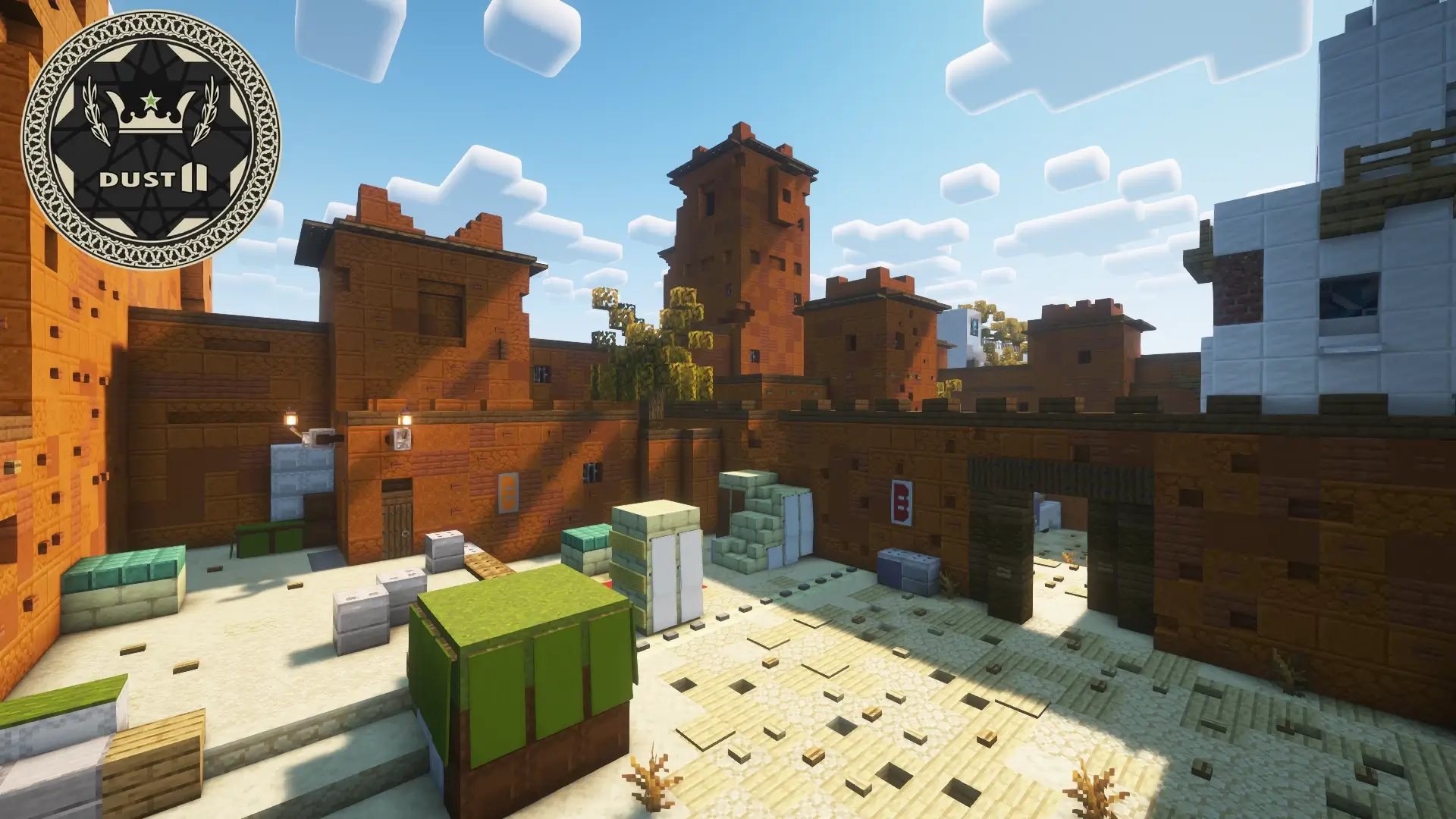
CS2 Dust 2 map
You spawn, hear footsteps at Long, and your muscle memory kicks in. This Dust 2 rebuild nails the CS2 flow inside Minecraft Bedrock, so every callout actually means something: T Spawn → Long Doors/Pit, Cat/Short up to A Ramp/Goose, Top Mid → Xbox → Mid Doors/CT, and Upper/Lower B Tunnels → Window/Back Plat. It looks and plays like the map you grew up on—just with block physics and Bedrock movement.
Hook it like a real round. Grab bows/crossbows and run a “pistols” opener down Cat for a fast A hit, or slow-walk B Tunnels and pop Window together for a quick plant-style rush (bring your own rules/commands if you want full bomb/defuse—this map is the arena). Mid control matters: hold Top Mid with cover, jump Xbox to cut rotations, or pinch CT with a split so defenders can’t turtle Ramp. Long fights feel classic—smoke (snowball items work great as DIY “nades”), swing off a teammate’s peek, and use Pit/Car to bait angles before you scale to A Site.
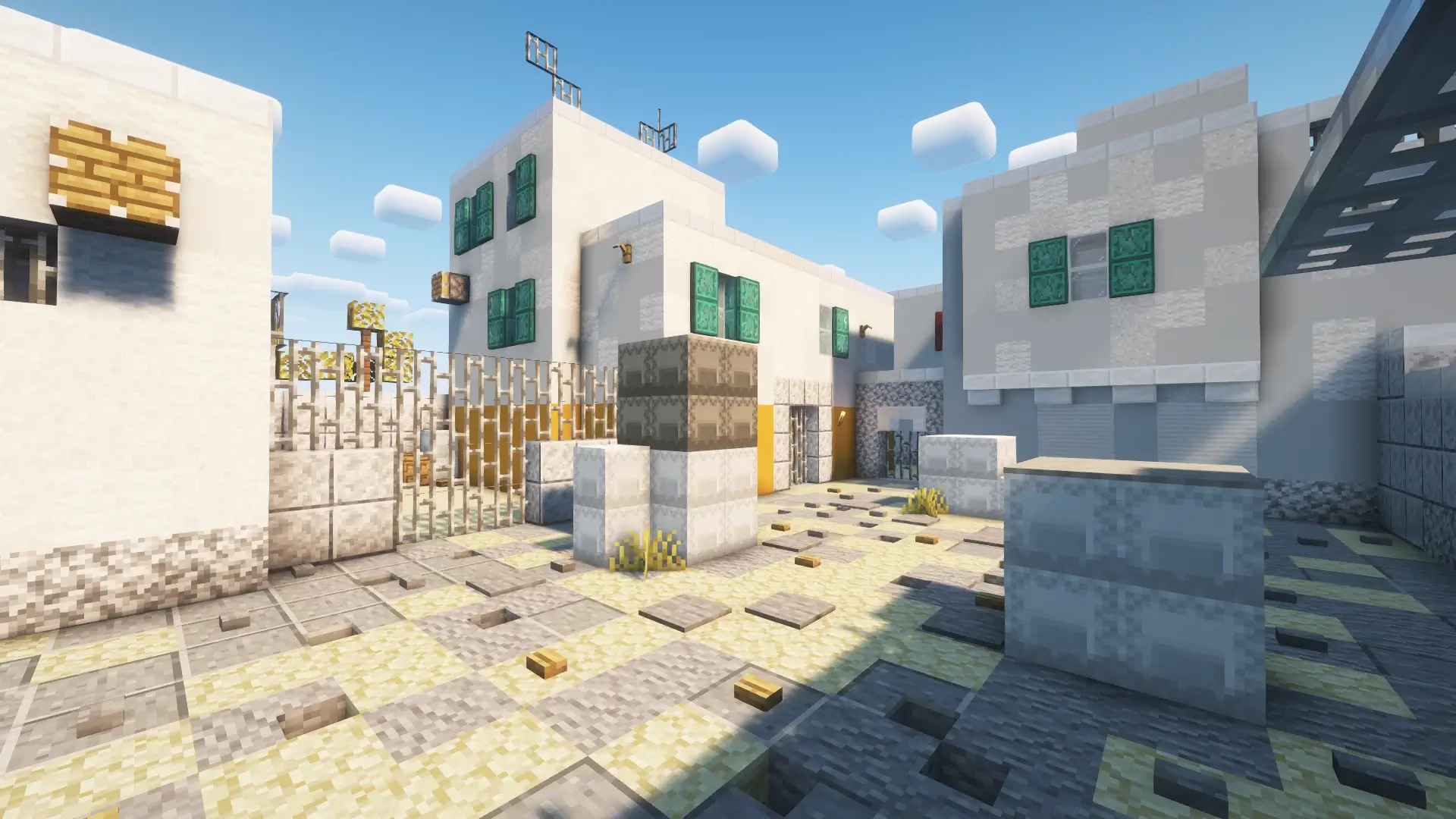
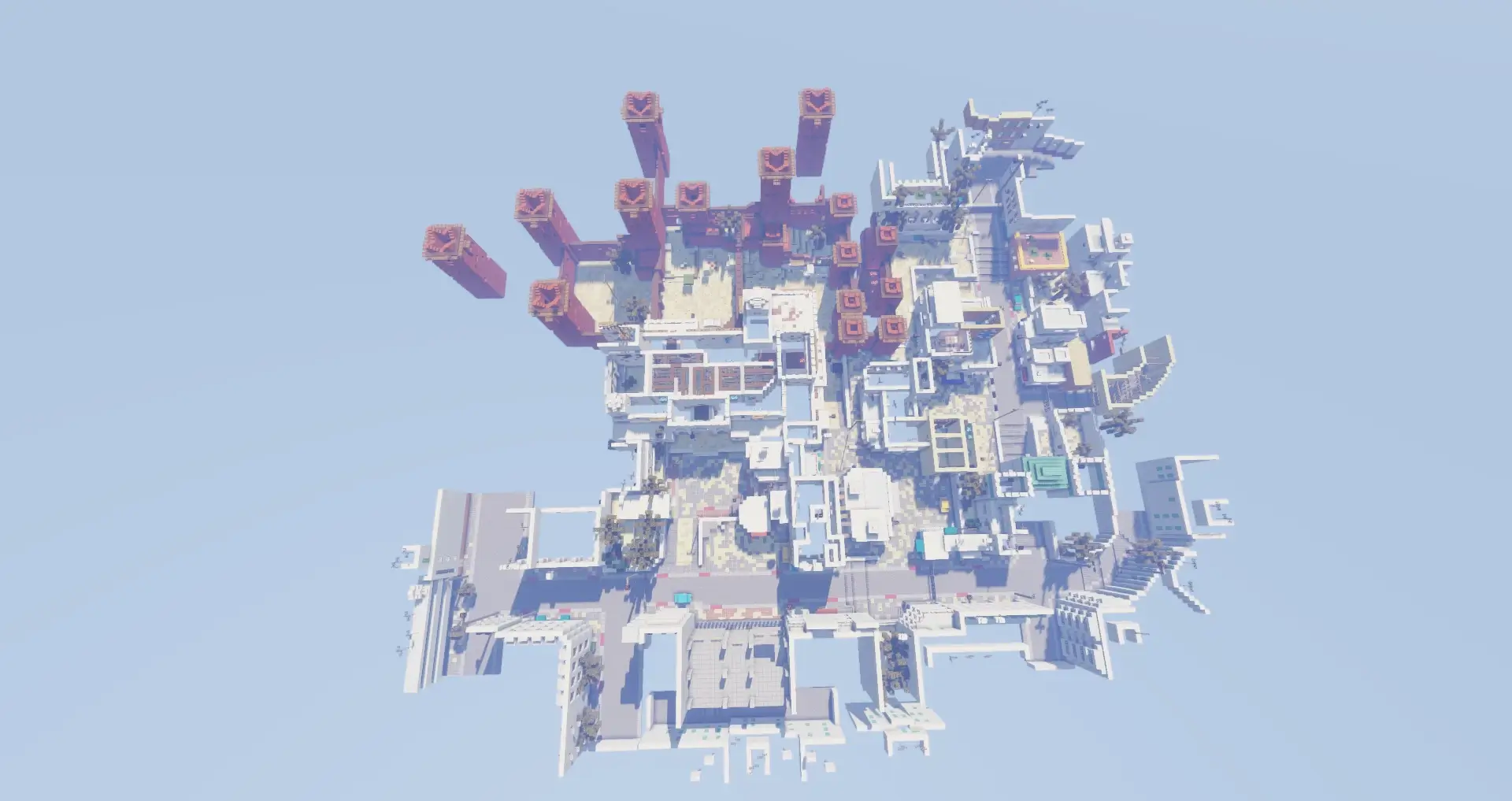
CS2 Dust 2 brings one of Counter-Strike’s most recognizable maps into Minecraft. If you’ve spent time fighting your way through Dust 2, you’ll probably want to walk around before the first match even starts. Long, Mid, the tunnels and the routes to both sites are here, but now everything is made of blocks. It’s a strange and enjoyable feeling to recognize a familiar corner while moving through it with Minecraft’s controls. You may know where you want to go already, though getting there safely can be a different story when your opponents know the map just as well as you do.
The layout gives you plenty of places to plan an attack or wait for the other team. You can approach A along Long, take the shorter route past Catwalk, or head through the tunnels toward B. Mid connects important parts of the map, so keeping an eye on it can help you understand where the other players are moving. Of course, knowing the names of the routes won’t win a fight on its own. You still have to decide when to push, when to stay behind cover and when it’s better to meet up with a teammate instead of running into a group alone. A familiar position can feel very different once someone is waiting there with a bow.
You don’t need to be a Counter-Strike player to enjoy the map. If this is your first visit to Dust 2, start by walking the routes and figuring out how they connect. Try going from one site to the other, look for places where players can approach from more than one direction, and find the corners you’ll want to check during a match. Once you’ve played a few rounds, the layout starts to make more sense. What felt like a maze at first becomes a place where you can make decisions: hold the tunnels, watch Mid, or take the longer route and try to catch the other team off guard.
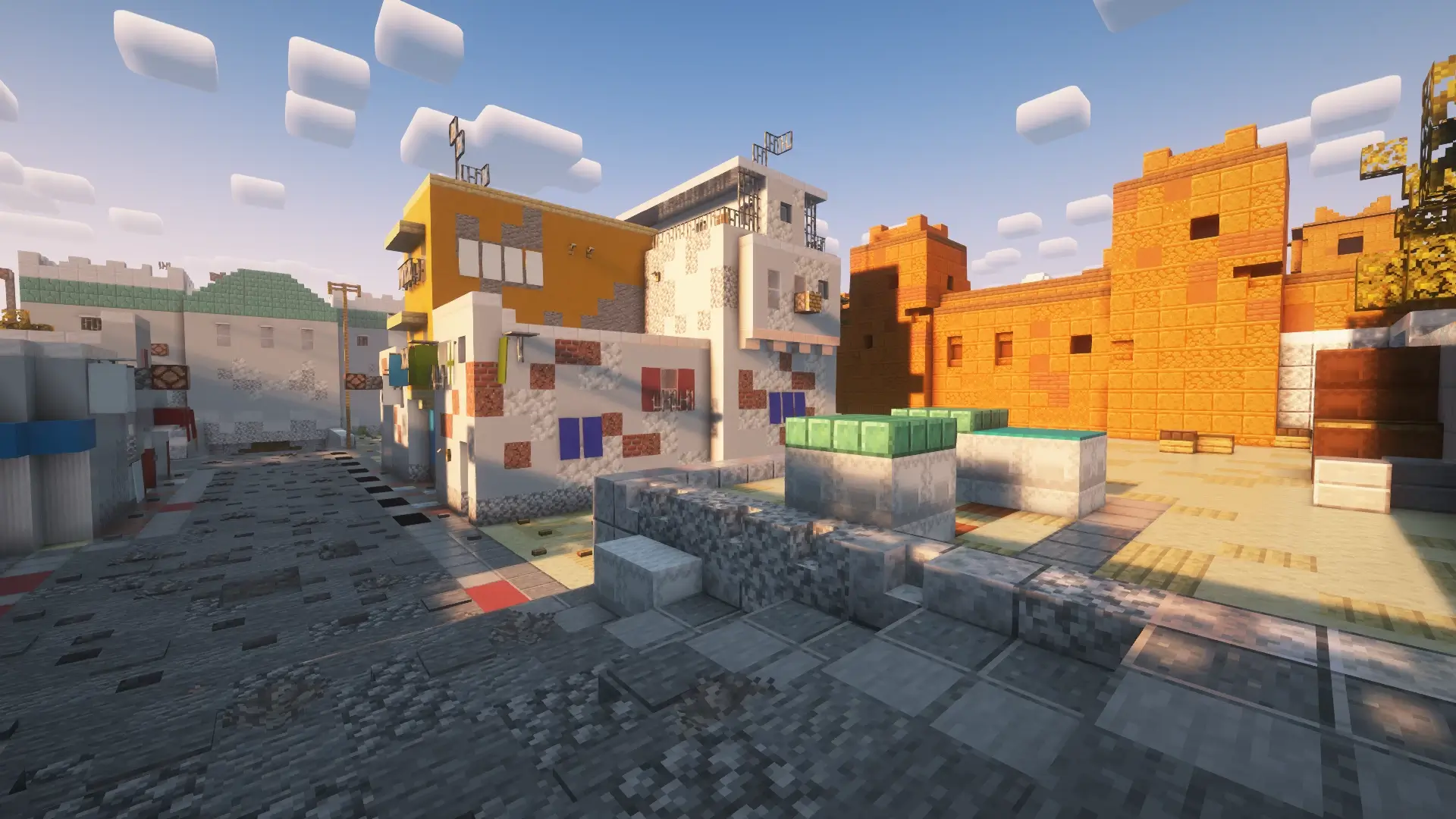
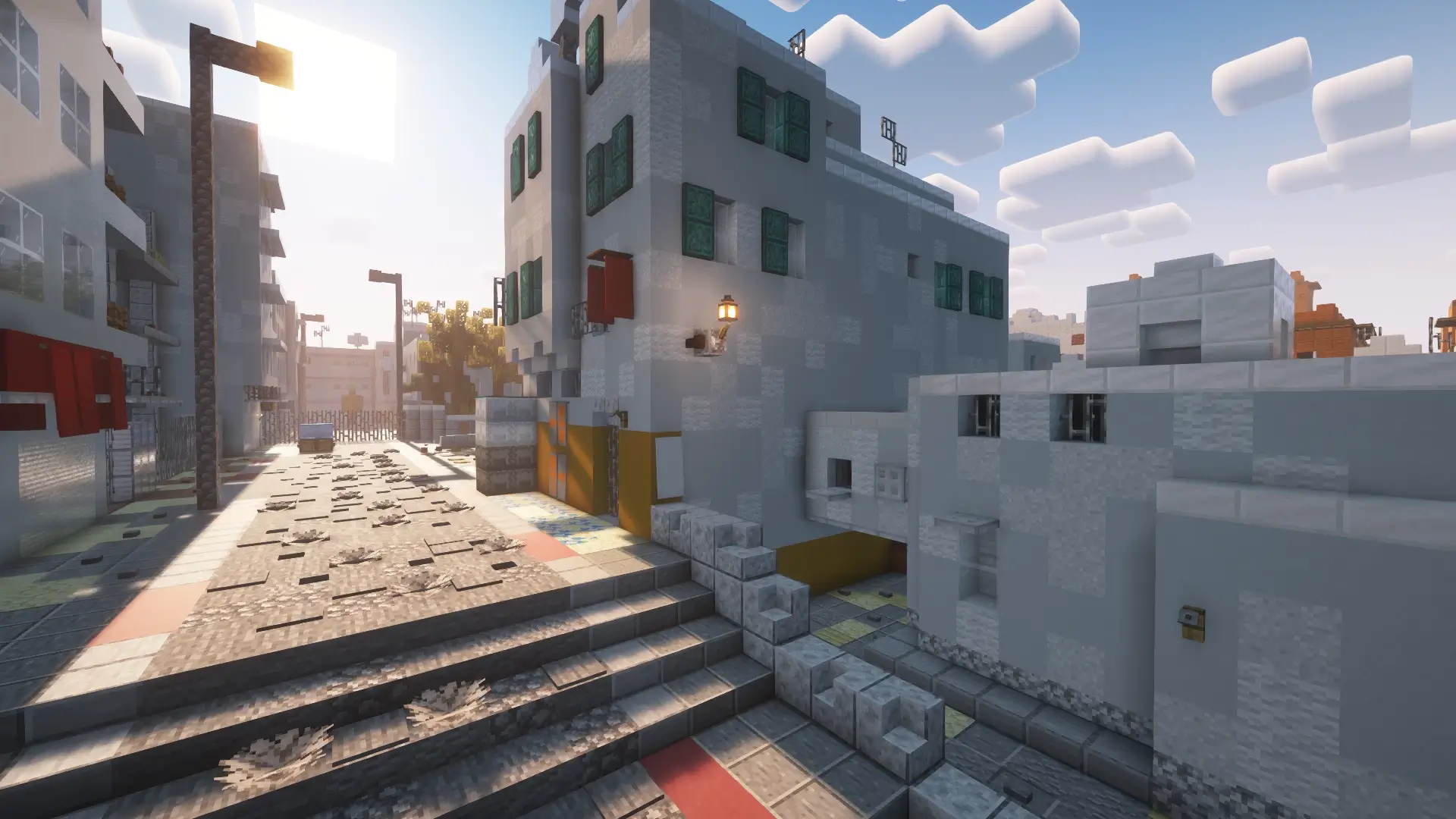
Because it’s Minecraft, you’ve got extra tech. Trident-with-Riptide turns CT → A rotates into wild flanks during rain, and shield timing makes Mid Doors duels spicy. For organized play, set team chests as buy zones in T/CT Spawn, assign armor tiers as “rifles,” and time 8–12 round halves with a scoreboard. For casual lobbies, run king-of-the-hill on A Site, headshot-only bows at Long, or 2v2 box fights inside B Site/Window until someone hits match point.
If you want CS2 Dust 2, Counter-Strike, csgo/cs:go, cs1.6, de_dust2 energy in Minecraft Bedrock with clean routes and real callouts, this map is the playground. Learn the lines, trade your corners, and take the sites like it’s second nature.
How to install?
Android: you need to find the downloaded file on your phone, use any file manager for this and import the map into the game by opening it.
IOS: after receiving the map, the device itself will offer to install it.
Windows 10: go to the folder where the files are downloaded, find mcworld there and activate it.
Comments (0)