CS Blast Zone Map
- 1-08-2025, 15:31
- 1 317
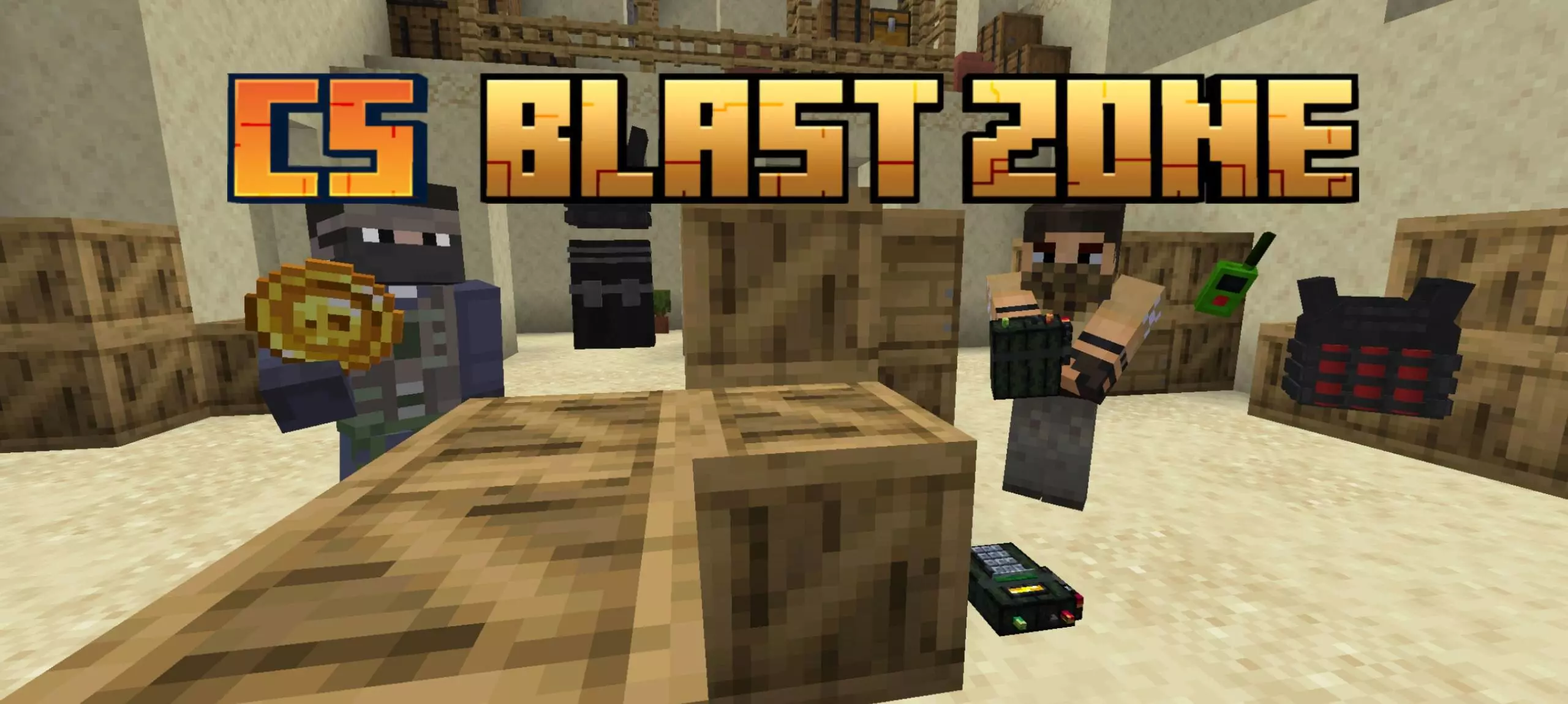
CS Blast Zone Map
Yo, this map’s got real Counter-Strike energy. Soon as you spawn in, the lobby splits everyone into two squads — Special Forces and Terrorists. It’s go-time right away. You’ve got 15 seconds to hit the shop, buy your gear, and prep for the fight. Pistols, rifles, grenades — grab what you need and move.
Special Forces gotta clear out the enemy team or defuse the bomb if it gets planted. Terrorists? Your mission is to wipe out the Special Forces or get that bomb down on site A or B and hold it ‘til it blows. Straight tactical gameplay.
Every round’s a new chance to clutch. You’re either sneaking around with a bomb or covering defuse with half a heart left. Tight angles, close fights, and nonstop pressure — this map keeps the action fast and intense. Perfect for PvP squads that wanna bring that CS-style heat to Minecraft.
The bomb is planted, your teammate is down, and there’s one corner between you and the site. CS Blast Zone brings that familiar Counter-Strike pressure to Minecraft Bedrock with team shootouts, a weapon shop, and two bomb sites to fight over.
Players split into Special Forces and Terrorists, with each side chasing a different objective. Special Forces can win by eliminating the opposing team or defusing a planted bomb. The Terrorists can take the round by eliminating Special Forces or planting at site A or B and defending the bomb until it explodes. Before heading into the fight, visit the shop at your spawn point to buy weapons, ammunition, and other gear. The map’s selection includes pistols, rifles, and grenades, so talk with your teammates about what you want to bring. You might prefer a rifle for holding an approach while a teammate saves money or picks equipment for a close-range push. Whatever you buy, it helps to have a plan before everyone charges through the same doorway.
The bomb mechanics give both teams something to think about beyond simply landing shots. To plant, take the bomb to site A or B, hold it, and crouch for six seconds. Make sure someone is watching your approach while you’re busy: standing still on a contested site is a great way to become an easy target. Once it’s planted, the attacking team needs to hold its ground and keep defenders away. Special Forces have a tense job of their own. To defuse, get close to the bomb and look at it for five seconds. That’s a long time when an opponent could be waiting around the corner, so clear what you can and let a teammate cover you if one is still alive. The planting areas aren’t marked by visible red lines on the map, so spend a little time learning the sites before your first serious match.
The arena draws on Sandstone from Standoff 2, giving the rounds a shooter-inspired setting for coordinated pushes and last-second clutches. You can adjust the number of rounds, round duration, starting money, and bomb explosion time to fit your group. Want a quick match between a few friends? Set things up for a shorter session. Planning a longer game night? Give yourselves more rounds and time to settle into the map. There are also settings for an additional health bar, nighttime, and a speed boost while holding a knife. The map offers English and Russian language options, though some players have reported that parts of the shop menu may remain in Russian. Once everyone knows the controls and has picked a side, the fun comes from reading the other team: fake a push, protect the bomb carrier, or hold your nerve while the defuse timer ticks down.
How to install?
Android: you need to find the downloaded file on your phone, use any file manager for this and import the map into the game by opening it.
IOS: after receiving the map, the device itself will offer to install it.
Windows 10: go to the folder where the files are downloaded, find mcworld there and activate it.
Comments (0)