PVP Legends MCP Skin Pack
- 17-07-2026, 11:26
- 348
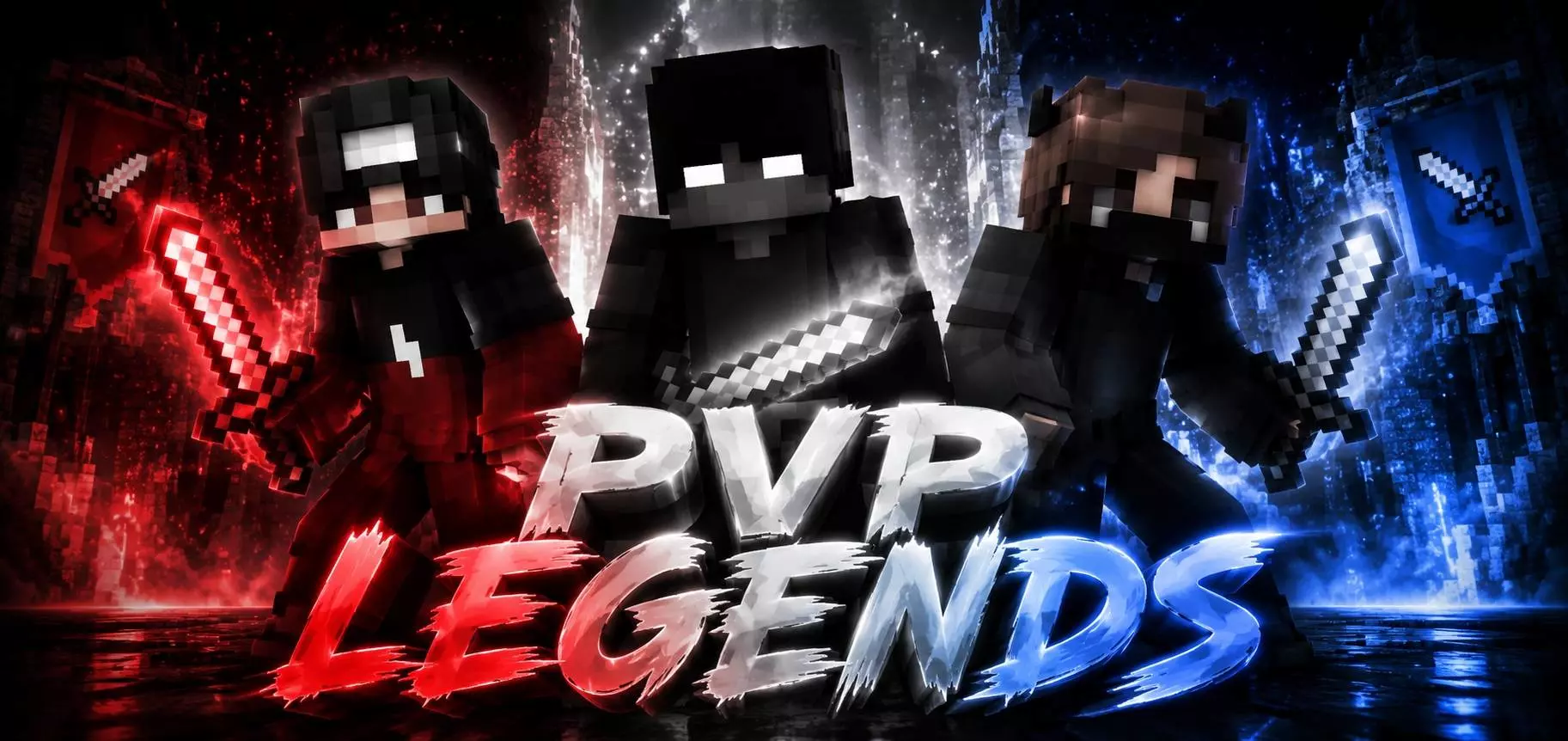
The PVP Legends MCP Skin Pack is the perfect wardrobe swap for players who want to look like absolute tryhards while dominating Bedwars lobbies or surviving a hardcore world. Equip one of these battle-ready outfits and instantly let the whole server know you mean business.
Let’s be honest, loading into a competitive minigame or a brand-new survival realm with a basic default skin just paints a massive target on your back. If you want to actually hold your own in a sweaty sword fight, you need an aesthetic that matches your skill level. This pack delivers exactly that, hooking you up with a roster of highly detailed, competitive-style characters that bring serious gamer energy. Whether you are grinding out ranked SkyWars matches or just want to look intimidating while raiding a woodland mansion, these designs hit the sweet spot between clean pixel art and aggressive styling.
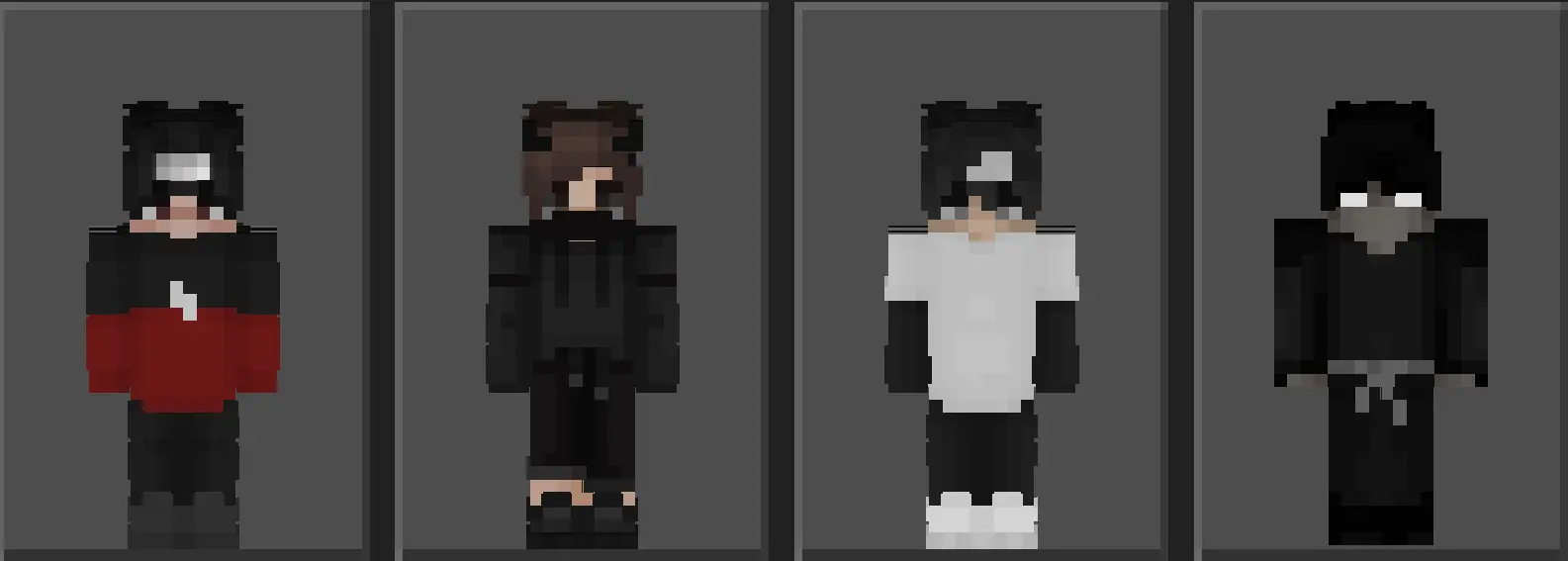
The aesthetic direction here is pure, unadulterated sweat culture. We are talking about the iconic monochrome hoodies, corrupted crimson eyes, masked faces, and sleek tactical streetwear that dominate high-level Hive and Cubecraft leaderboards. The pixel shading is intentionally crisp and flat. The artists knew exactly what they were doing: avoiding messy color gradients that look terrible when your FOV is cranked to Quake Pro. Instead, you get sharp, highly readable textures that look incredibly clean while you are rapidly hotkeying between your primary sword and your splash potions.
Rocking a loadout from this MCPE competitive skin pack also serves as an immediate psychological warning to the rest of the lobby. It projects a very specific, dangerous aura. When a player rushes the center diamond generator wearing a perfectly color-blocked, faceless ninja design, the server instantly assumes they know how to effortlessly pull off block-clutches over the void. You are establishing dominance before the countdown timer even finishes ticking.
Finding quality Minecraft PvP skins can be annoying, but this collection brings all those iconic, streamlined looks straight to your game. The outfits are optimized perfectly, meaning you won't deal with any bulky textures blocking your screen while you focus on your crosshair. Plus, running a matching MCPE skin pack with your squad makes dominating a multiplayer faction way more fun. If you are tired of blending in with the noobs on public servers, it is time to switch things up. Grab this Bedrock custom skin download, pick your favorite legend, and go catch some dubs.
Quick guide: How to install this Minecraft skinpack
Downloaded the .mcpack file? Here is exactly how to get it into your game depending on what device you are using right now.
- On Windows or Android: Just click or tap the downloaded file twice. Minecraft will open up on its own and load the skins immediately.
- On iPhone or iPad: Save the file, open your Files app, and hold your finger on it. Hit Share, select Minecraft from the list, and the game will handle the rest.
To put the skins on, just open Minecraft, head over to the Dressing Room (Profile), click on Classic Skins on the left, find this pack under Owned, and tap Equip.
Comments (0)