YRD - Old PVP Pack
- 17-07-2026, 11:23
- 252
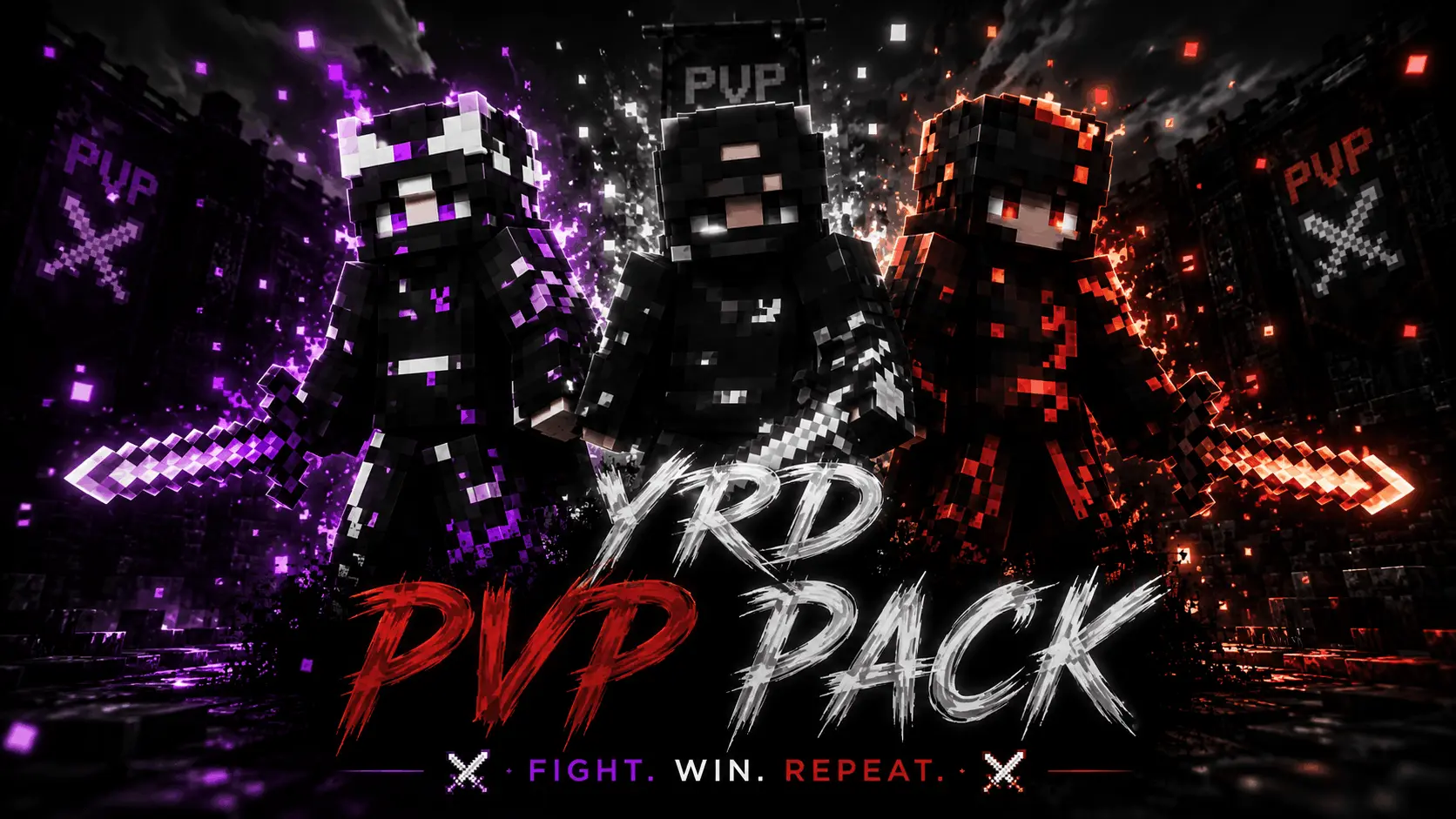
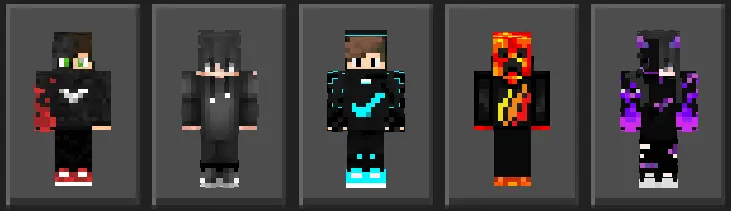
The YRD - Old PVP Skin Pack brings back the classic, sweaty aesthetic of golden-era Minecraft multiplayer, letting you flex on your opponents in true 2015 fashion. If you miss the days of dominating SkyWars lobbies in edgy hoodies and sweatbands, this is exactly what you need to download.
Let’s be real, modern highly-detailed skins are cool, but nothing strikes fear into a Bedwars player quite like seeing a classic PvP sweat sprinting at them. This pack is a massive throwback to the absolute peak of Minecraft multiplayer combat. We are talking high-contrast colors, backwards snapbacks, emo bangs, and those iconic checkered gamer hoodies. It just hits different when you are speed-bridging across the void or trading hits in an intense UHC match. You don't just want to win the sword fight; you want to look like an absolute tryhard while doing it.
Modern updates have slowly cluttered the baseline competitive experience. The newer armor designs look bulky, the weapon models creep way too far into your peripheral vision, and the updated combat particles often mask critical micro-movements during a chaotic melee exchange. The YRD pack strips away nearly a decade of aesthetic noise, reverting your UI and item models back to those hyper-crisp, classic pixel grids that dominated the 2015 matchmaking meta. It is definitely a massive nostalgia trip for server veterans, but the primary draw here is strictly tactical. You are reclaiming vital crosshair real estate.
The core advantage lies in the item scaling. Integrating classic PvP texture packs into your active loadout is practically mandatory for high-tier controller and mouse-and-keyboard grinders because the shorter, rigid sword models keep your field of view wide open. When you are aggressively W-tapping or attempting a highly contested block-clutch over the void, you cannot afford to have a massive pixelated blade blinding half your monitor. Furthermore, the legacy hit particles snap instantly upon connecting. You get immediate, highly readable visual feedback without your game client choking on over-rendered particle clouds during a messy 4v4 center-map scramble. Even the legacy armor geometry reads better across long distances—you can instantaneously gauge an opponent's exact gear tier before they even lock onto you with a bow.
Finding decent Minecraft PvP skins that actually capture that retro vibe without looking like a blurry mess is surprisingly tough nowadays. The creator of the YRD pack totally nailed that nostalgic 1.8 combat era look, optimizing the pixels perfectly for the modern Bedrock engine. Whether you are grinding out ranked matches on a massive public server or just wrecking your friends in a private realm, these classic Minecraft skins give you that slight psychological edge.
It is a flawless MCPE skin pack for anyone who lives for the combo. Stop loading into your favorite servers looking like a total noob. Grab this Minecraft Bedrock skin pack, equip your favorite sweaty outfit, and show the lobby you actually know how to w-tap.
Quick guide: How to install this Minecraft skinpack
Downloaded the .mcpack file? Here is exactly how to get it into your game depending on what device you are using right now.
- On Windows or Android: Just click or tap the downloaded file twice. Minecraft will open up on its own and load the skins immediately.
- On iPhone or iPad: Save the file, open your Files app, and hold your finger on it. Hit Share, select Minecraft from the list, and the game will handle the rest.
To put the skins on, just open Minecraft, head over to the Dressing Room (Profile), click on Classic Skins on the left, find this pack under Owned, and tap Equip.
Comments (0)