Blue Lock Skin Pack
- 17-07-2026, 14:20
- 449
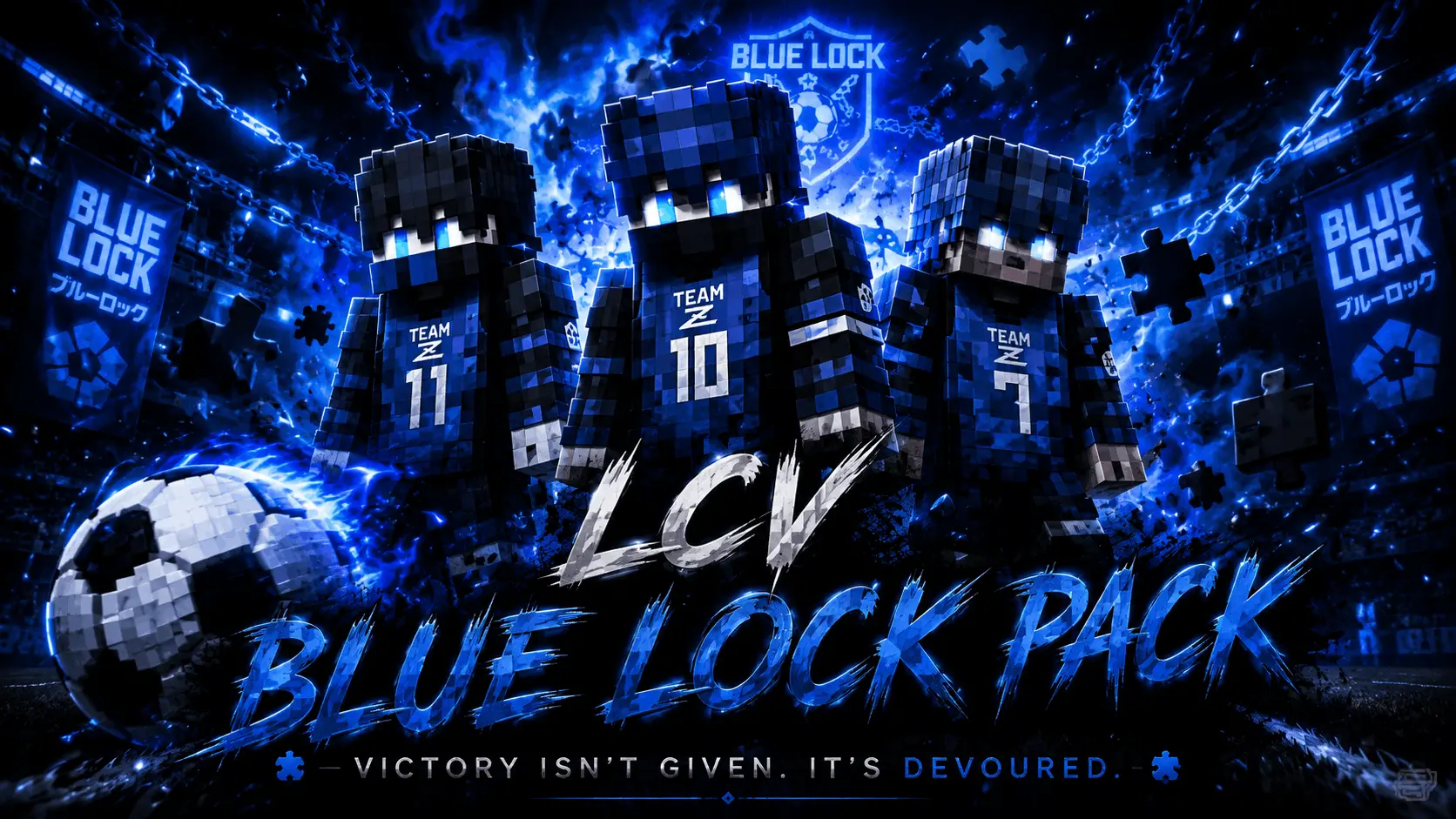
Bring the intense, high-stakes energy of the hit sports anime straight to your game with the Blue Lock Skin Pack, featuring two brand-new character designs for your next match.
Let’s be real, showing up to a competitive Bedwars lobby looking like a default Steve just doesn't cut it anymore. If you've been watching the series, you know Blue Lock is all about having that massive ego and totally crushing the competition. Now, you can channel that exact same energy into your daily blocky grind. This specific Minecraft Bedrock skin pack drops two highly detailed, athletic outfits directly into your wardrobe, giving you that perfect striker aesthetic.
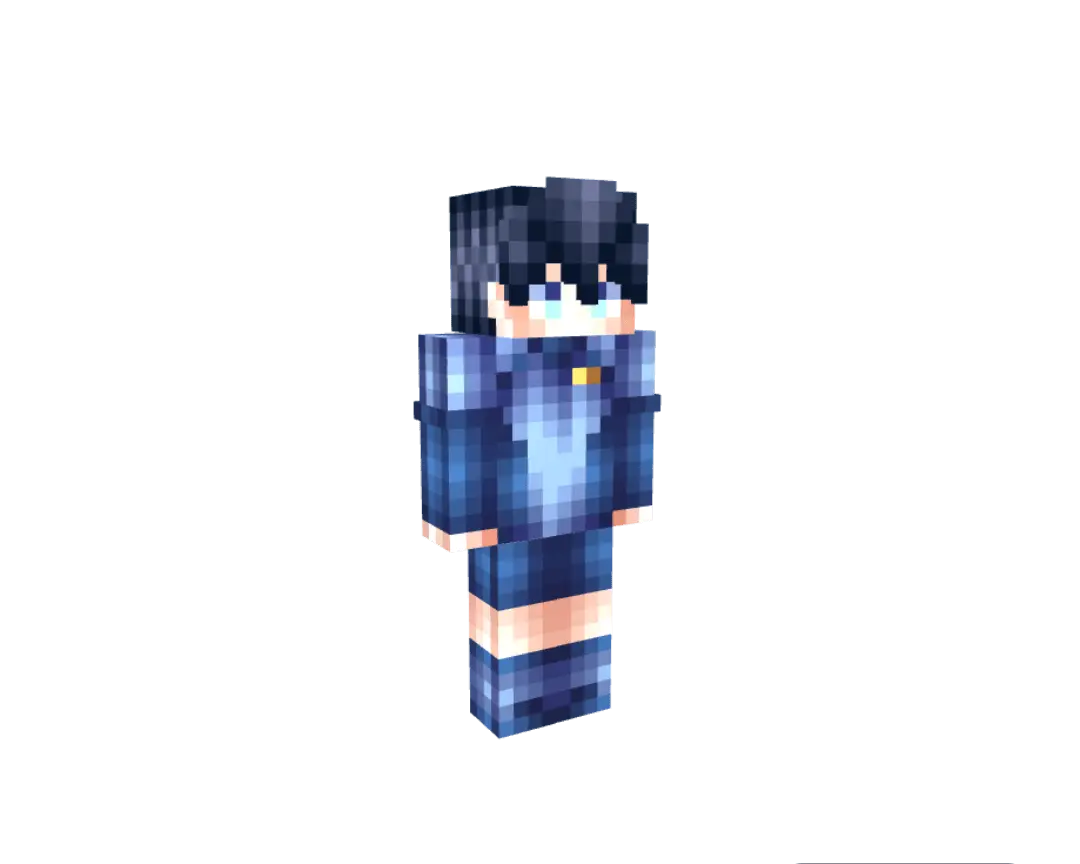
The texturing goes way beyond lazily pasting a blue hexagon onto a standard character model. This roster delivers highly accurate pixel renditions of the primary cast, translating the iconic Bodysuit Z designs into the game with intense facial shading that captures that signature unhinged, mid-match adrenaline. From Bachira's chaotic vibe reflected in his messy hair geometry to Nagi's lethargic-yet-lethal posture, the micro-details hit incredibly hard. The advanced shading around the athletic techwear gives these Minecraft Bedrock skins a sleek, aerodynamic profile that looks exceptionally clean in third-person view.
Organizing a custom stadium map for a server-wide tournament or just grinding out high-APM bed defenses feels vastly different when you look the part. If a rival faction spots your crew pulling up in matching high-performance training kits, they already know the comms are frantic and somebody is about to get clipped. Utilizing the slim arm models alongside the high-contrast navy and neon blue colorways actually makes your sprint-jumps and weapon swings feel visually snappier. It minimizes unnecessary screen clutter, allowing you to rapidly track enemy hitboxes during a chaotic dogfight without bulky armor pixels getting in the way of your crosshair.
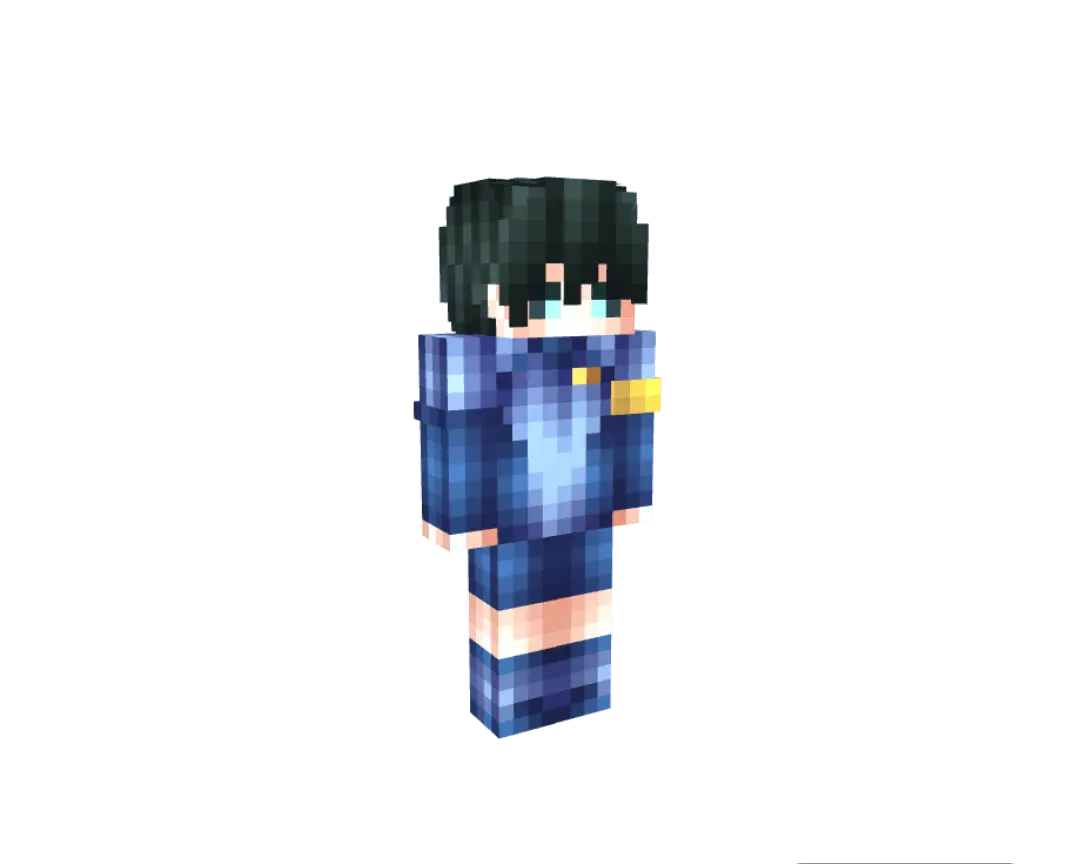
Finding clean anime skins for Minecraft that actually look good in-game and don't feel like a cluttered mess of pixels can be a major struggle. Luckily, these designs are incredibly sharp and easily recognizable. Whether you are running a sweaty PvP match on a public server or just casually building a massive stadium in a private realm with your friends, rocking a Blue Lock Minecraft skin is the ultimate flex. The outfits are optimized perfectly, so they won’t distract your screen while you are trying to land those crucial sword combos or speed-bridge across the void.
If you are a massive fan of the show or just want a sleek, sporty look to replace your old, outdated character, this MCPE custom skin download is an absolute no-brainer. Grab the pack, equip your favorite striker, and go show the rest of the server who the real MVP is.
Quick guide: How to install this Minecraft skinpack
Downloaded the .mcpack file? Here is exactly how to get it into your game depending on what device you are using right now.
- On Windows or Android: Just click or tap the downloaded file twice. Minecraft will open up on its own and load the skins immediately.
- On iPhone or iPad: Save the file, open your Files app, and hold your finger on it. Hit Share, select Minecraft from the list, and the game will handle the rest.
To put the skins on, just open Minecraft, head over to the Dressing Room (Profile), click on Classic Skins on the left, find this pack under Owned, and tap Equip.
Comments (2)