Player Genders Mod / Addon
- 16-06-2026, 07:20
- 6 334
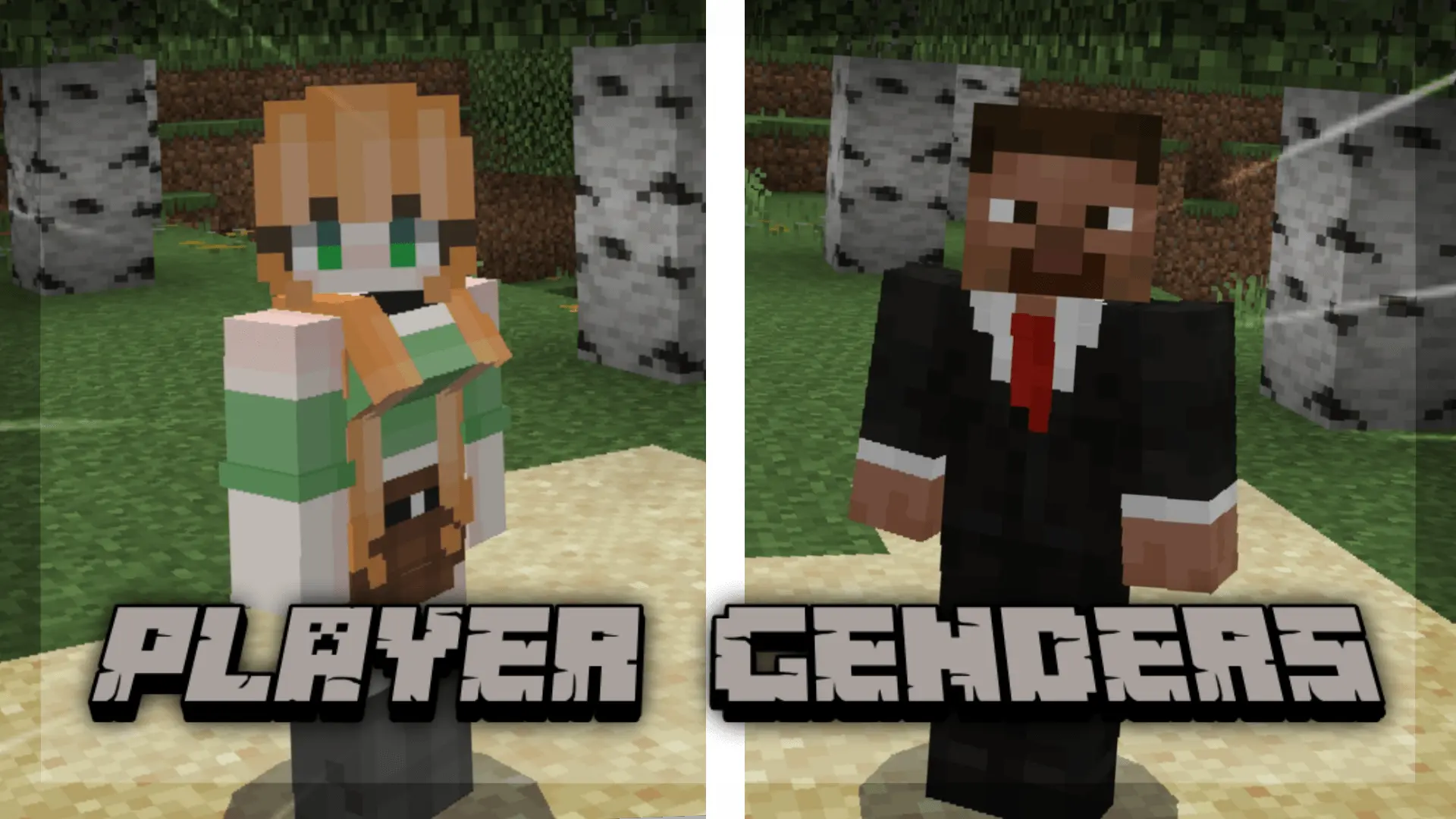
Pick your look and let the game reflect you. Player Genders makes it easy to set a gender that actually matches your identity in Minecraft Bedrock, using the thing you already control every day—your skin PNG.
Here’s the vibe: you prep your skin file following the pack’s simple guidelines, load it up like any normal Bedrock skin, and jump into your world. No clunky menus, no weird pop-ups. The add-on reads your skin setup and tags your player accordingly, so what people see in survival, on Realms, or on a small friends’ server lines up with how you present. It stays lightweight and out of the way—zero stat changes, zero combat buffs, nothing that tips PvP or speedruns. It’s purely cosmetic identity, so your runs stay Vanilla-clean while your avatar finally feels like you.
In practice, I keep two versions of my skin handy—one for different vibes—and swap depending on the session. Before a big co-op night, I’ll test in a single-player world to make sure the skin PNG is set up right, then hop on the server and go. If a server caches skins, a quick relog helps everyone see the update. For roleplay communities, towns, and SMPs with screenshots and intros, this add-on just makes everything feel more authentic without adding maintenance or UI overhead.


What makes this specific Bedrock customization tool genuinely elite is how smoothly it handles texture mapping without breaking your favorite aesthetic look. The developer built a streamlined system where you can use specialized skin layouts (supported by standard 64x64 or 128x128 PNG dimensions) that map cleanly onto the custom models. Whether you want to switch between different model types or toggle specialized custom animations that replace the stiff vanilla default movements, everything is managed right at your fingertips. You can pull up the in-game configuration menu using a quick command, pick your preferred structural style, and instantly update how your character moves, sprints, and stands next to your friends. It adds a massive layer of personal immersion to every single blocky adventure.
Throwing this expressive addon onto a shared multiplayer server or a private Realm instantly elevates your community's social dynamic. When your Discord squad is logged in building mega-bases or hanging out in the central town square, everyone having distinct, highly customized character models makes interaction feel way more alive. You no longer have to squint at name tags just to figure out who is who in a crowd of identical default avatars. Plus, despite the custom geometry and dynamic rigging running under the hood, the backend optimization is impressively clean. You won't have to suffer through annoying server tick drops, weird model clipping bugs, or input stutter on mobile touchscreens or next-generation consoles while your entire lobby is running around.
Tips: stick to standard Bedrock skin dimensions, keep a backup of your base PNG, and follow the pack instructions closely for the gender markers. If you pair Player Genders with other cosmetic packs, load order and consistency matter—keep your skin files tidy and you’ll be set. Simple, respectful, and clean: your Minecraft Bedrock character finally looks like you, period.
Installation:
- Download Mod;
- Open the downloaded file to install;
- Select it in the settings;
- Have fun!
Comments (1)