ThreeD Player Skin Addon / Texture Pack
- 17-06-2025, 18:47
- 1 394
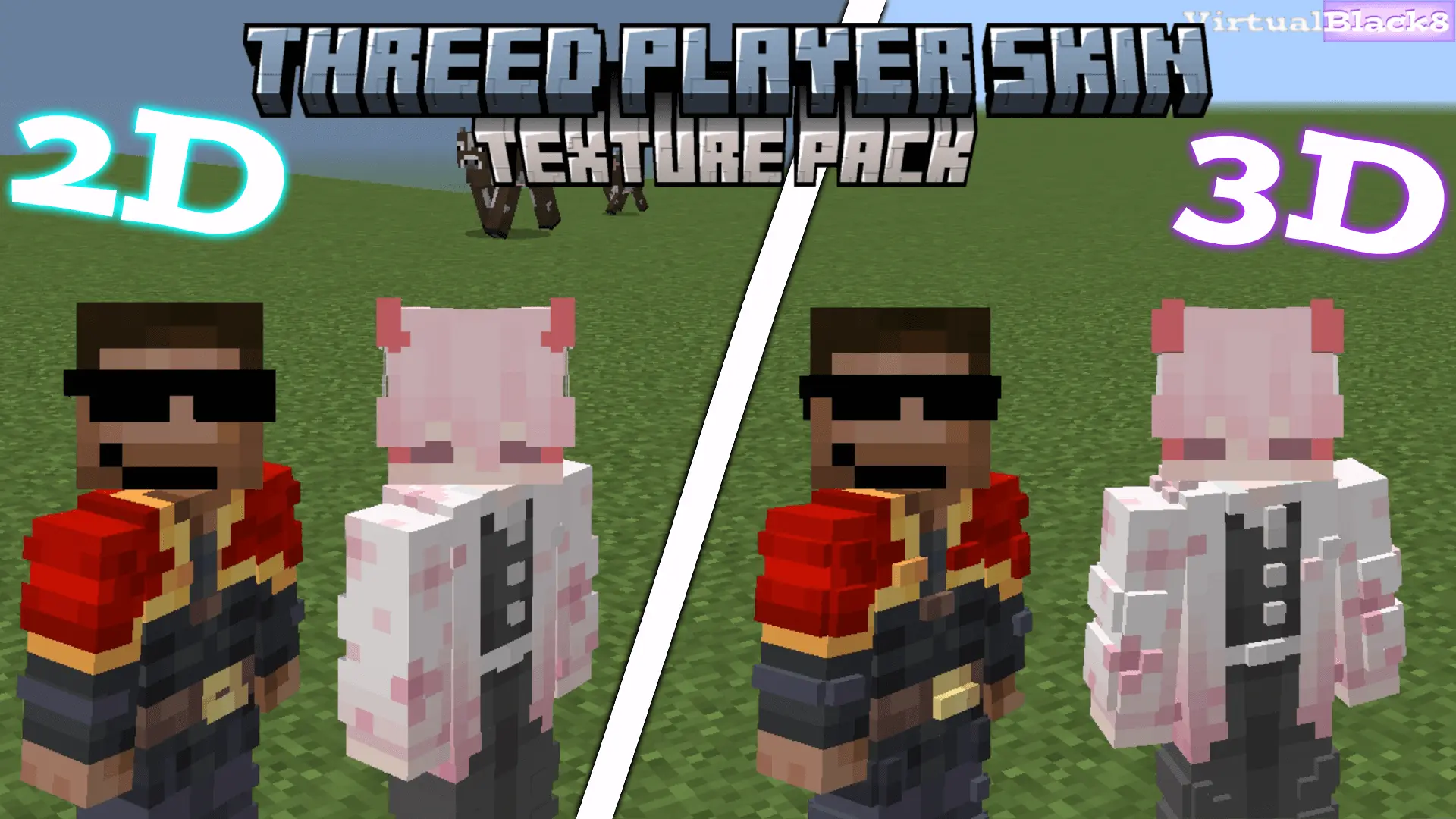
ThreeD Player Skin is a cool mod to improve the textures of your skin and make it look 3D. That jacket on your Minecraft skin deserves more than a flat coat of pixels. ThreeD Player Skin gives the outer layer of your character a raised, three-dimensional look, making familiar outfits feel more detailed while keeping Minecraft’s blocky style.
Take a closer look at a skin with a hoodie, a hat, or a layered hairstyle. Normally, those details sit on the character’s outer skin layer. With this resource pack, that layer gains depth, so parts of the design can stand out from the body. The effect depends on how the skin was made: an outfit with plenty of outer-layer details may look noticeably different, while a simpler skin might have less to show off. It’s a good reason to revisit a favorite character and see which details you notice from a new angle.
You can also try different skins to see what works for you. A character with a jacket might feel more dressed for a long trip, while a skin with layered hair or headwear can have a more distinct silhouette. Switch to third-person view and turn your character around to get a better look at the effect. You might find that a skin you overlooked before has small details that are easier to appreciate with some extra depth.
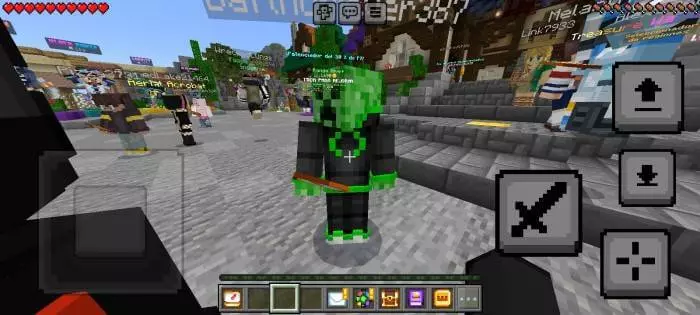
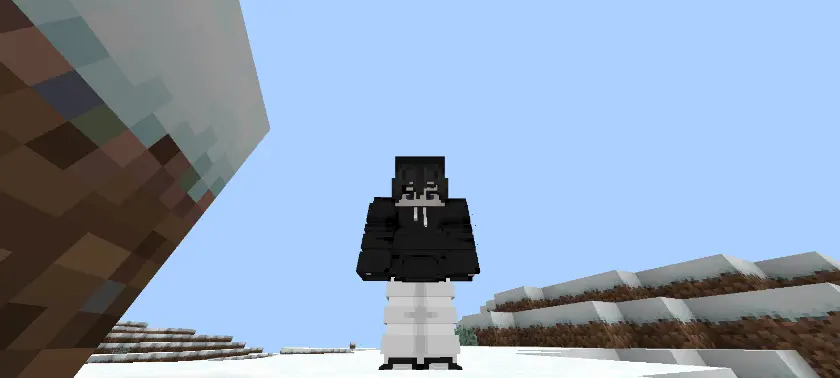
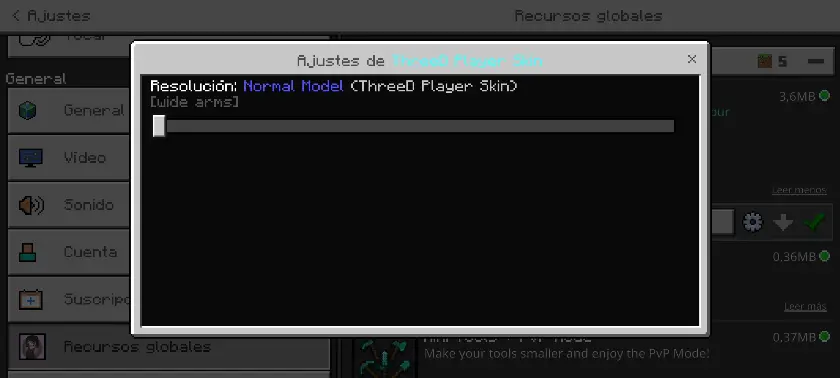
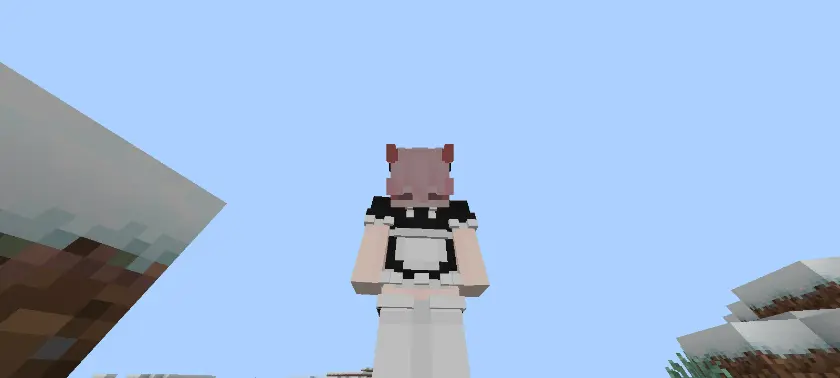
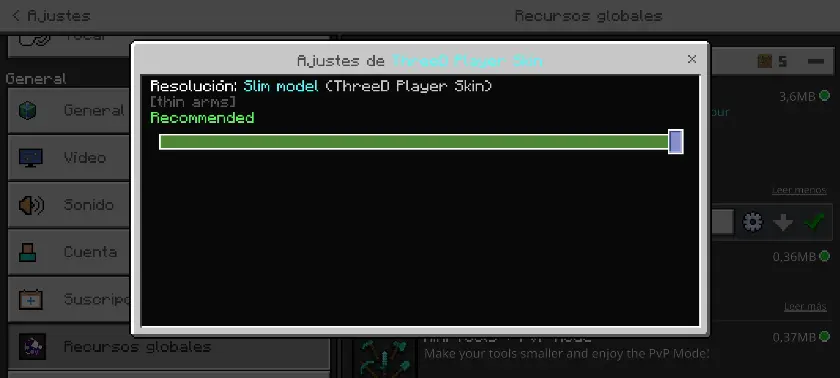
ThreeD Player Skin supports both classic Steve-style arms and slimmer Alex-style arms, with separate options for each model. Choose the one that matches your character, since the two arm styles aren’t combined in a single option. The pack also supports skins in 64×64 and 128×128 sizes. If you have a custom skin you’ve been using for a while, it’s worth seeing how its outer layer looks with the effect applied. Just remember that the result comes from the details already present in the skin.
The change is visual, so your usual Minecraft Bedrock routine stays familiar. You can keep building your base, raiding structures, or hanging out on a world with friends while enjoying a little more detail on your character. It’s especially fun if you like taking screenshots: stand next to your latest build, try a different camera angle, and let the outfit you picked become part of the picture.
For anyone who spends time finding or making the right skin, ThreeD Player Skin offers another way to enjoy it in-game. You don’t have to swap your character for a completely different design to see a change. Try it with a few outfits, compare them from the front and side, and stick with the look that feels right for your next adventure.
Installation:
- Download Texture;
- Open the downloaded .mcpack to install;
- Select texture in settings;
- Done.
Comments (0)