Final Moment - Death Recap Mod / Addon
- 24-04-2026, 04:15
- 296
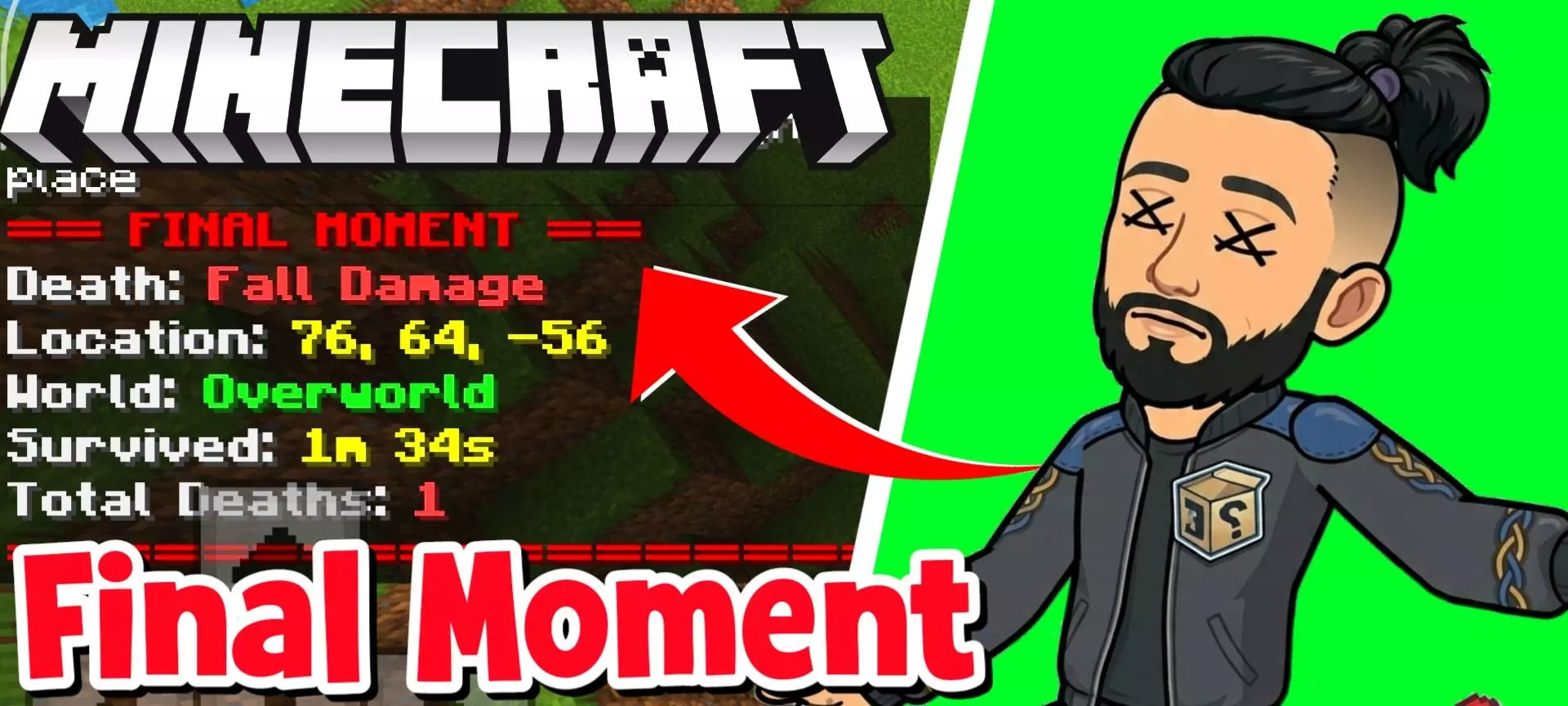
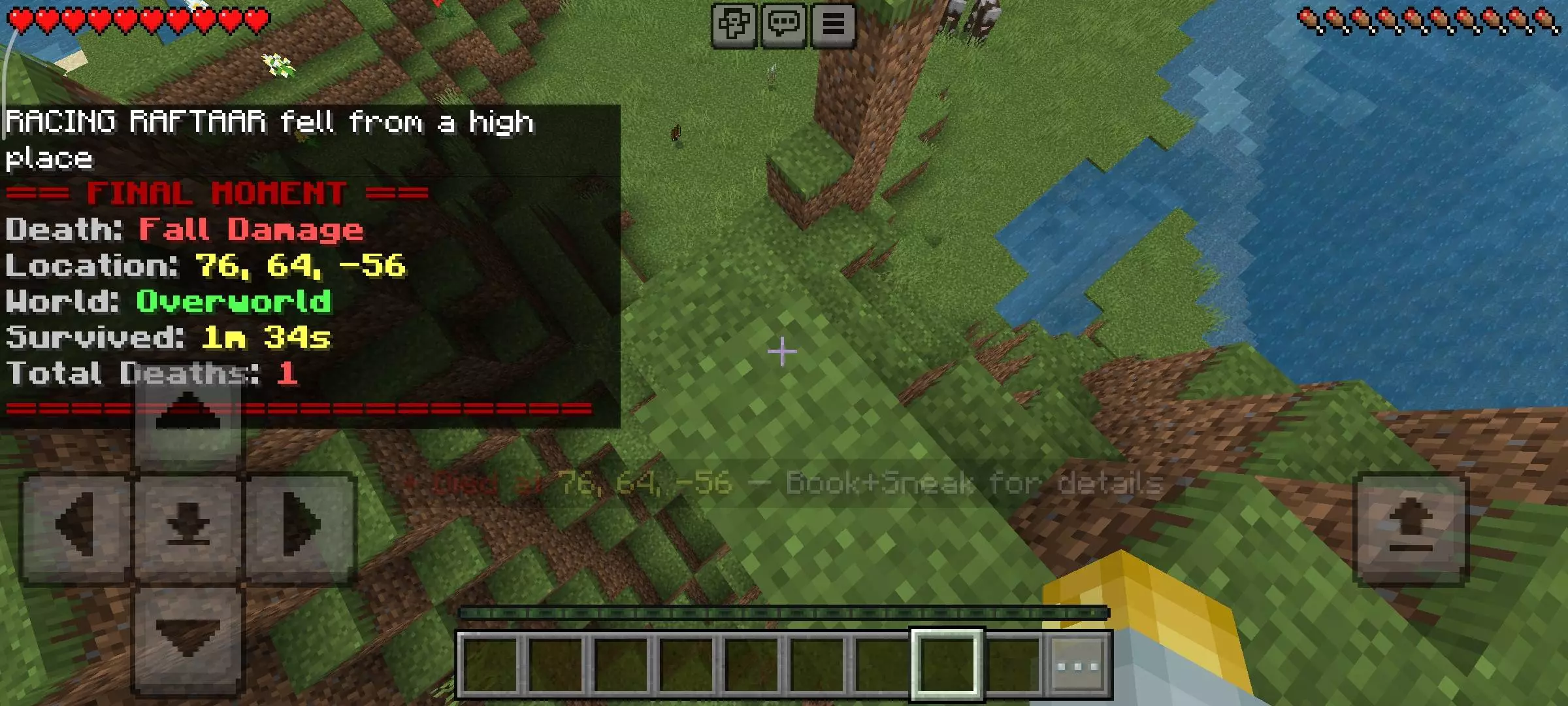
Final Moment - Death Recap Mod will show all statistics and information about the player's game after his death in Minecraft. Dying in Minecraft is bad enough. Dying deep underground and realizing you have no idea which tunnel led to your dropped gear is worse. Final Moment - Death Recap gives you information that can make the trip back a little less frantic. After your character dies, the add-on shows the coordinates of the location, the dimension you were in, and what caused your death. It also tells you how long you survived since your last spawn, in case you want to know exactly how much of that long mining trip ended with a creeper behind you.
The coordinates are the feature I’d appreciate most. Once you respawn, you can check the X, Y, and Z values and use them to plan your route back. The dimension matters too: knowing the correct coordinates won’t help much if you’re searching the Overworld for items you dropped in the Nether. The recap doesn’t recover anything for you, and it can’t promise your equipment survived the accident. If your items fell into lava or disappeared before you got there, knowing the location won’t bring them back. But when your gear is still waiting on the ground, having a precise destination is much better than wandering through caves hoping to recognize a torch.
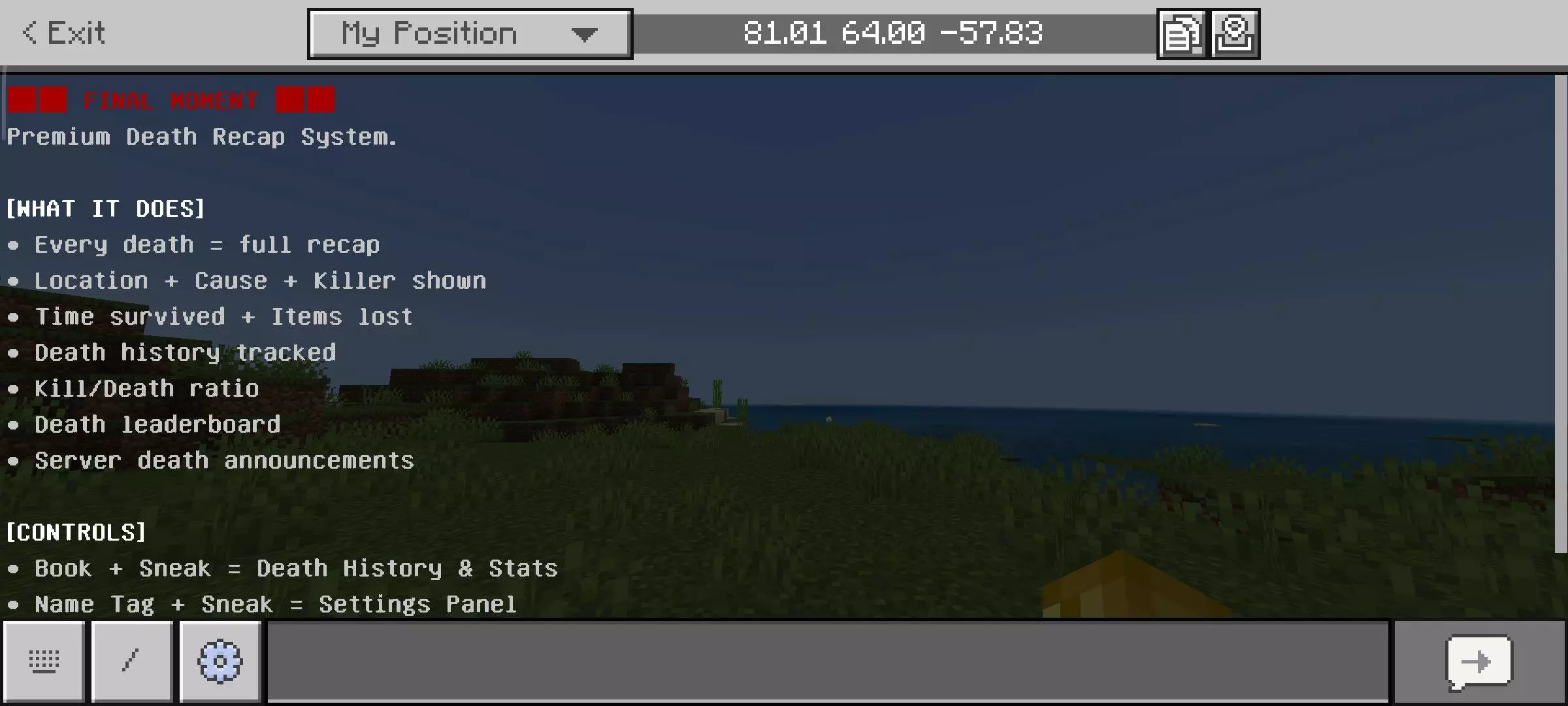
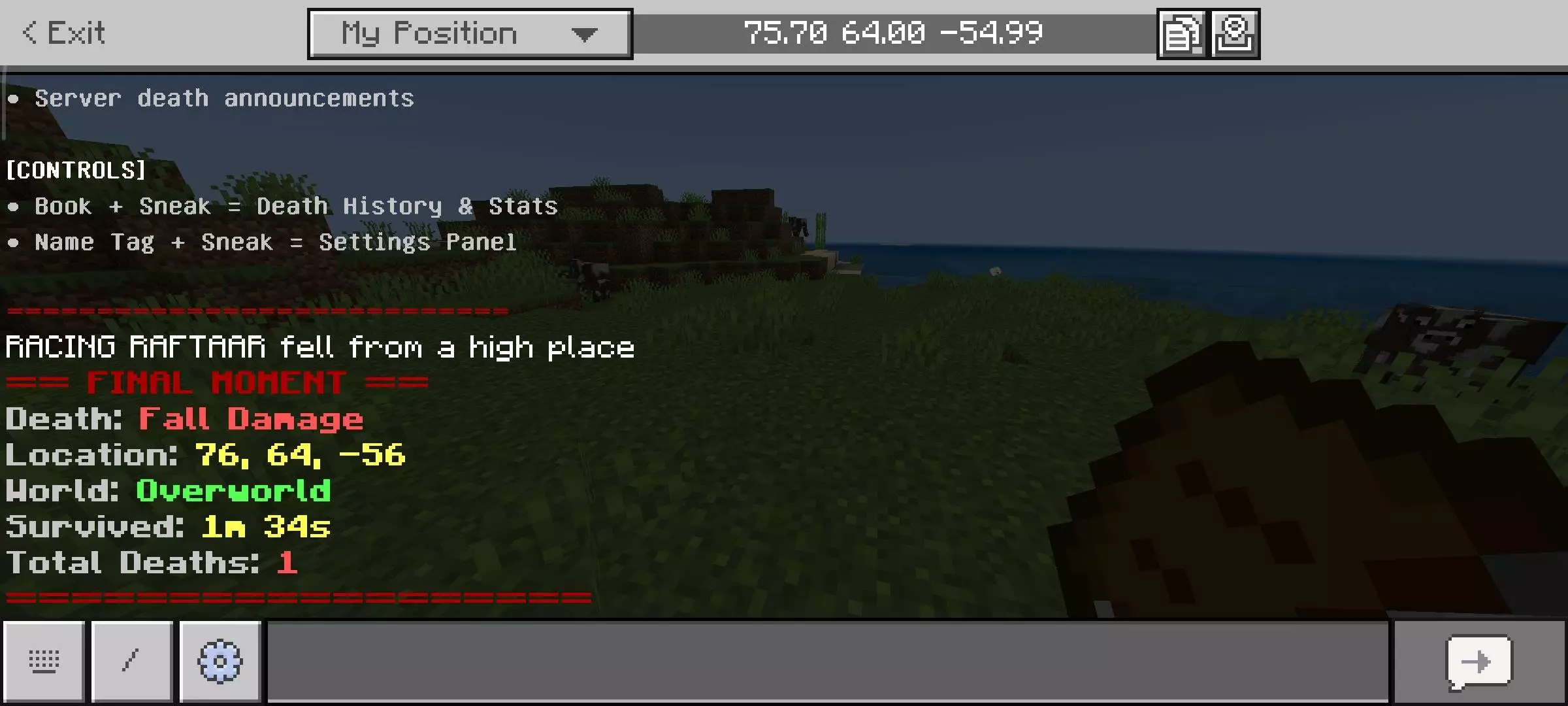
There’s also a death history menu if you miss the recap or want to check an earlier event. Hold an ordinary book and sneak to open it. From there, you can look through recent deaths and see information such as their locations. The menu also keeps track of kills, deaths, your kill-to-death ratio, and death streaks. Some players will use it as a practical record; others will probably open it after an especially bad evening to see just how badly things went. Either way, you don’t have to remember to write down the coordinates every time something catches you off guard.
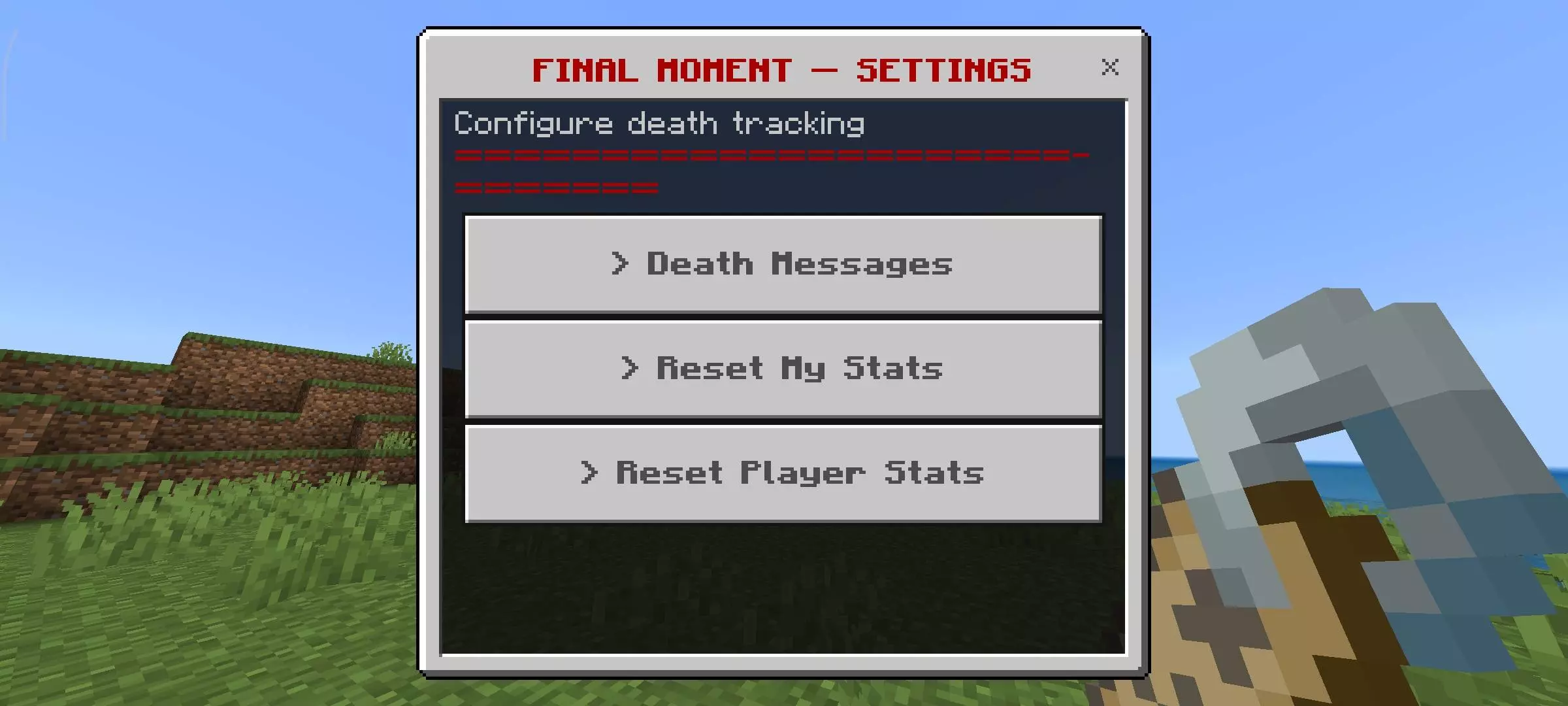
On a multiplayer world, deaths can be announced to everyone, including the cause and coordinates. That can make it easier for a friend to come help you find your way back, though it also means everyone gets to hear exactly how the trip ended. If your group would rather keep those details private, the announcements can be turned off. Hold a name tag and sneak to open the settings panel. From there, you can also reset your own statistics; server administrators have options for managing other players’ stats as well. There’s even a leaderboard if your friends enjoy comparing who has had the roughest time staying alive.
Before you start playing, enable Beta APIs in the world’s experimental settings so the recap and menus can work. After that, keep a book somewhere easy to find and continue your adventure as usual. Final Moment won’t stop you from falling into a ravine or being surprised by a skeleton, but it can make the aftermath more manageable. Whether you use it to recover your gear, keep track of your survival record, or laugh over a friend’s latest accident, the information is there when you need it.
Installation Mod:
- Download the .mcaddon / .mcpack;
- Open the file to import into the game;
- In World Settings → Resource Packs and Behavior Packs, enable it (turn on Experiments if needed);
- Have fun!
Comments (0)