Focus something Mod / Addon
- 7-04-2026, 05:17
- 407
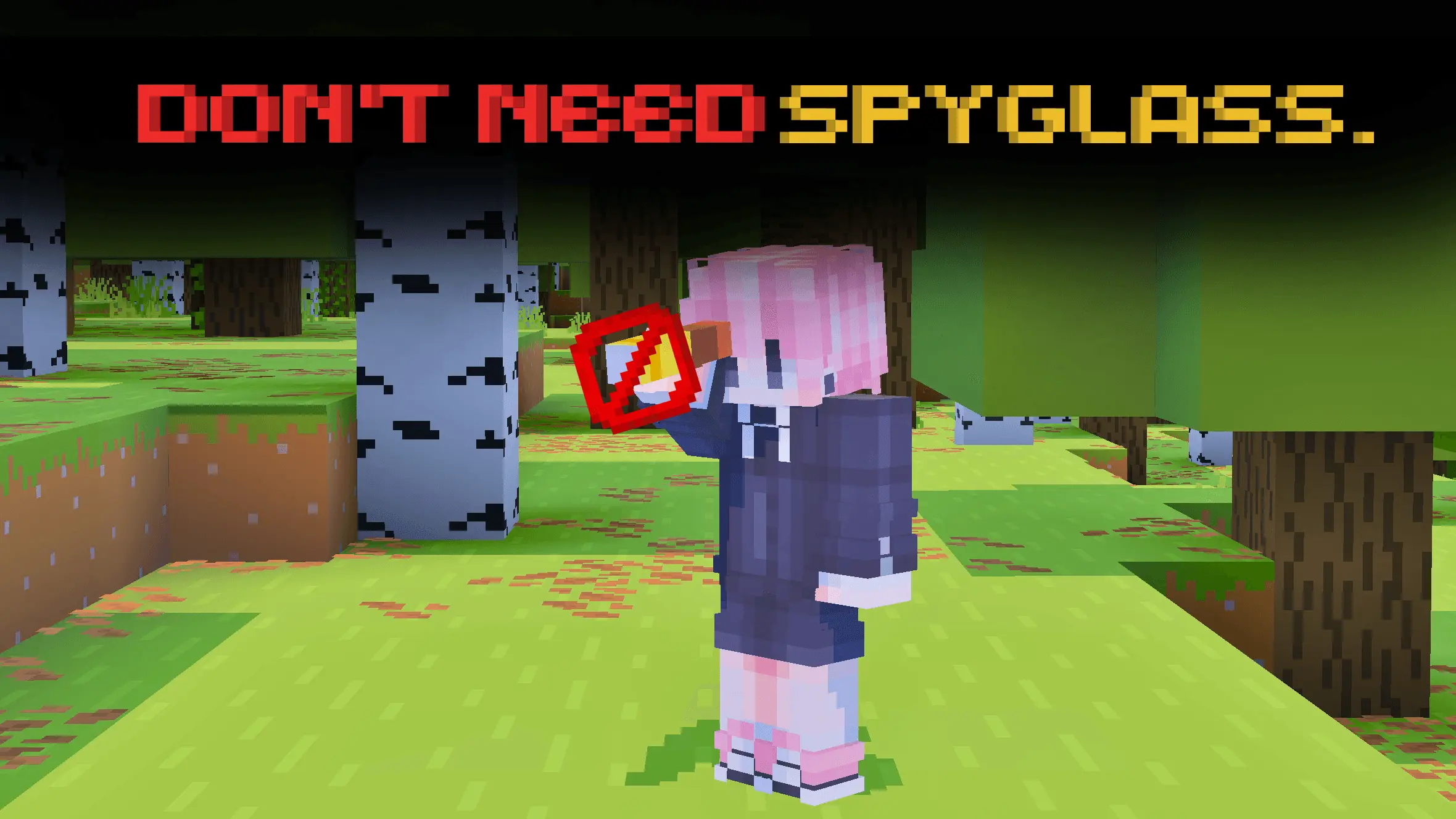
Focus something Addon to be able to zoom in and look at anything without a spyglass in Minecraft. That tiny shape on the far side of the valley could be a village house—or just a weirdly placed block. Focus Something lets you zoom in for a closer look without pulling out a spyglass, so you can check what caught your eye and get back to exploring.
I’d use it most when I’m looking for somewhere to build. You know the moment: you’ve climbed a hill, spotted a promising patch of land, and now you’re trying to work out whether there’s a river behind those trees. A closer view can help you inspect the landscape before committing to the hike. It’s also useful when you’re looking across a wide ocean and wondering if that distant coastline is worth visiting. Maybe there’s a village over there. Maybe it’s just a beach. Either way, you get a better look before spending the next few minutes paddling toward it. And if you’re wandering through unfamiliar terrain at night, checking a distant shape can help you decide whether to approach or wait until morning. You still have to make the journey yourself, of course, and a closer view won’t tell you everything about the terrain between here and there.
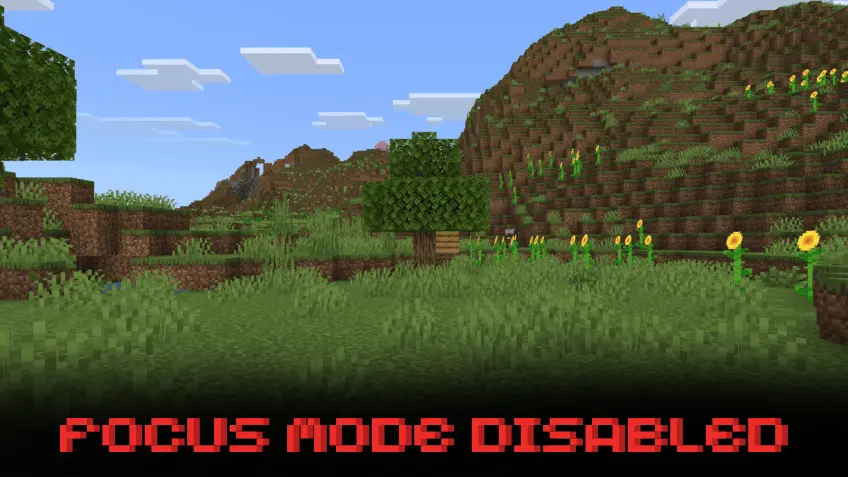
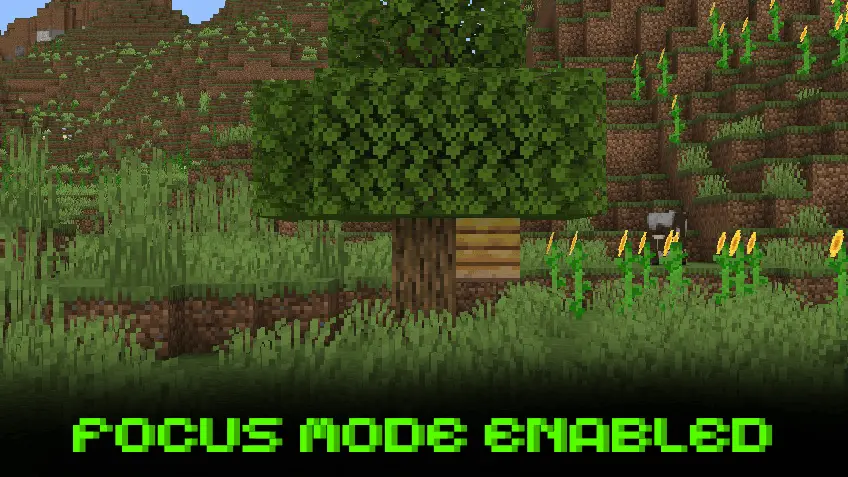
The zoom can be just as handy around a base. Step back from a large build and inspect the roofline, the windows, or that section of wall that looks slightly off. You might spot a missing block or realize one side of a tower is different from the other before climbing back up to fix it. It’s useful for admiring details, too. If a friend has built something across the water, take a closer look from your own dock before heading over for a tour. On a multiplayer world, you could use it to watch a race, check out a distant castle, or see what someone is working on from a nearby hill. There’s something satisfying about noticing a little detail from across the landscape and then walking over to see how it was made.
Focus Something keeps its idea straightforward: it gives you a way to look closer without needing a spyglass. The linked page doesn’t explain the controls or whether the zoom level can be adjusted, so those are things to check after importing the add-on. Open the downloaded file in Minecraft, then enable the relevant packs in your world settings. Once you’re in the game, try the zoom from a familiar spot and see how it feels. A lookout tower, mountain peak, or balcony overlooking your base would be a good place to start. You may find yourself using it for practical checks one minute and picking out tiny details in the scenery the next. Either way, it’s an easy addition for players who like stopping to take a proper look around their Minecraft Bedrock worlds.
Installation Mod:
- Download the .mcaddon / .mcpack;
- Open the file to import into the game;
- In World Settings → Resource Packs and Behavior Packs, enable it (turn on Experiments if needed);
- Have fun!
Comments (0)