Dynamic Lighting API Mod / Addon
- 14-10-2025, 13:25
- 873
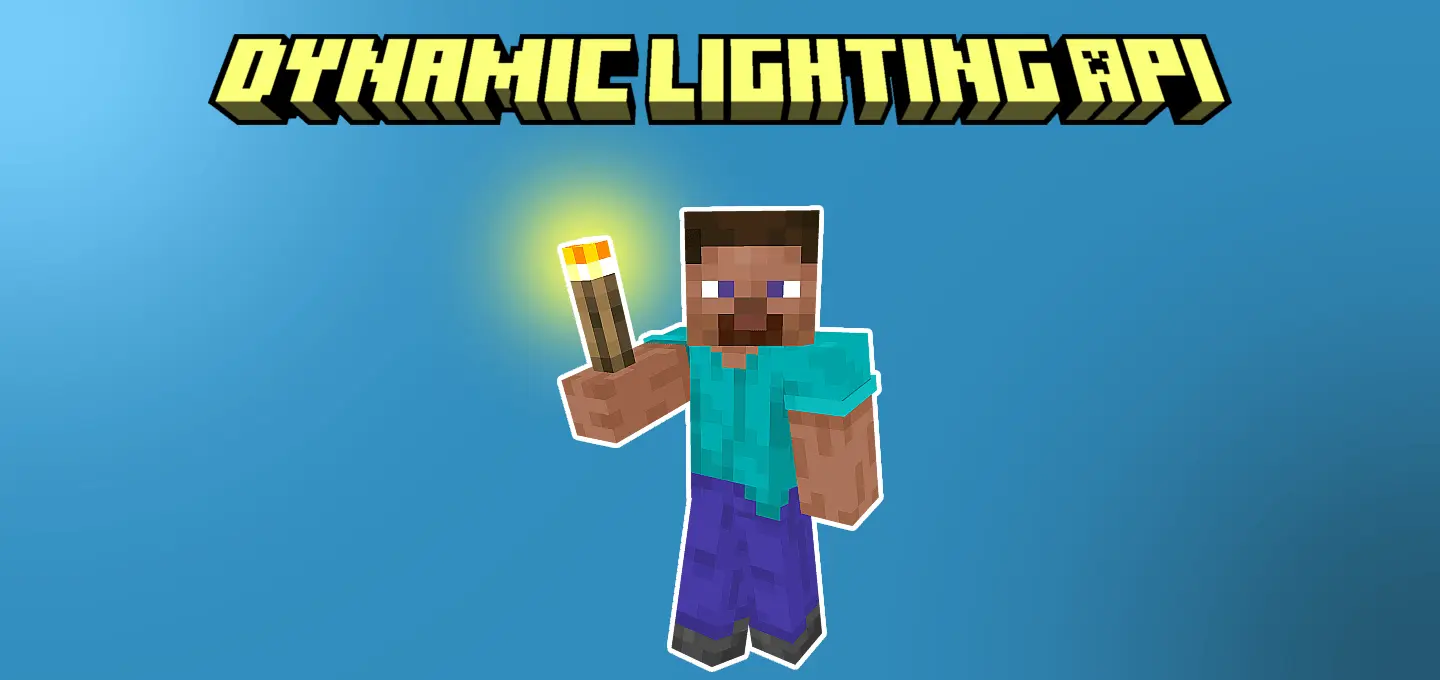
Dynamic Lighting API Mod — gives creators a shared backbone for dynamic light, so you don’t have to reinvent the same system in every project. Instead of baking ad-hoc logic into each pack, you point your add-on at this API and let it handle the underlying plumbing while you focus on content and balance. For players, that means future packs built on this will feel cleaner and more consistent; for you as a creator, it’s one dependency, one place to update, and fewer conflicts when multiple lighting-aware packs are installed on Bedrock.
Integration is straightforward: include the API alongside your pack and wire your behaviors to it. The API exists to be called by other add-ons, not to change gameplay on its own, so survival flow stays exactly as you design it. Because this is a foundation layer, keep your usual best practices: build and test in a copy world, profile busy scenes at night, and document how your pack expects to interact with light so users know what to turn on. If you’re stacking visuals and behaviors, place resources in a sensible order so your assets render cleanly and your rules fire in the order you intend.
The win is long-term maintainability. When the API improves, your pack benefits without a rewrite; when you ship an update, you don’t drag lighting boilerplate with it. If your goal is to publish multiple lighting-aware add-ons—or just want one polished release without tech debt—Dynamic Lighting API Mod is the sensible base to build on for Bedrock.
A glowing sword cuts through the darkness as you step into a cave. With Dynamic Lighting API, that kind of moving light can become part of a Minecraft Bedrock add-on.
Dynamic Lighting API is a tool for add-on creators who want items and entities to give off light. It provides the lighting system that another pack can use, while the accompanying add-on determines which objects should glow. There’s one effect included by default: enchanted items emit light at level 4. For familiar light sources such as torches, you’ll need a compatible pack that registers them with the API. Simple Dynamic Lighting is one example built to work with it.
For players, that combination can make a cave trip feel different from the moment they step underground. A supported light source can illuminate the area around you as you move, making it easier to see the next ledge or check a dark corner before heading in. You can still place torches along your route to mark the way back and light an area you plan to revisit. The moving light is useful for looking around while you decide where to go next, especially when a tunnel suddenly opens into a much larger cavern.
Creators get room to make the effect their own. The API supports registering items and entities as light sources, with a selectable light level from 1 to 15. That opens up possibilities for a glowing custom tool, a creature that lights its surroundings, or an adventure item designed to help players navigate a dark area. You’ll need to initialize those light sources in your own pack using the provided API files; simply installing the API doesn’t automatically make every custom item glow.
There’s also support for dropped items beginning with version 1.3.0. An optional setting lets a registered item move between the main hand and offhand by crouching, though the project notes that only the stack amount is transferred with that feature. If you’re building around it, keep that limitation in mind when deciding which items should use the option. Later updates also fixed an underwater lighting issue, so it’s worth checking the release notes when choosing a version for your world.
To get started, import and enable Dynamic Lighting API, then add a compatible lighting pack or register your own items and entities. Check that both packs support your Minecraft version before loading the world. If you’re a player who just wants a torch to light the way, look at Simple Dynamic Lighting alongside the API. If you’re making an add-on, use the example pack and API files to start experimenting with your own glowing creations.
Installation Mod:
- Download the .mcaddon / .mcpack;
- Open the file to import into the game;
- In World Settings → Resource Packs and Behavior Packs, enable it (turn on Experiments if needed);
- Have fun!
Comments (0)