HUD-X – Addon / Texture Pack
- 2-09-2025, 19:25
- 2 413
Mods 1.21 / Mods 1.20 / Mods 1.19 / Textures
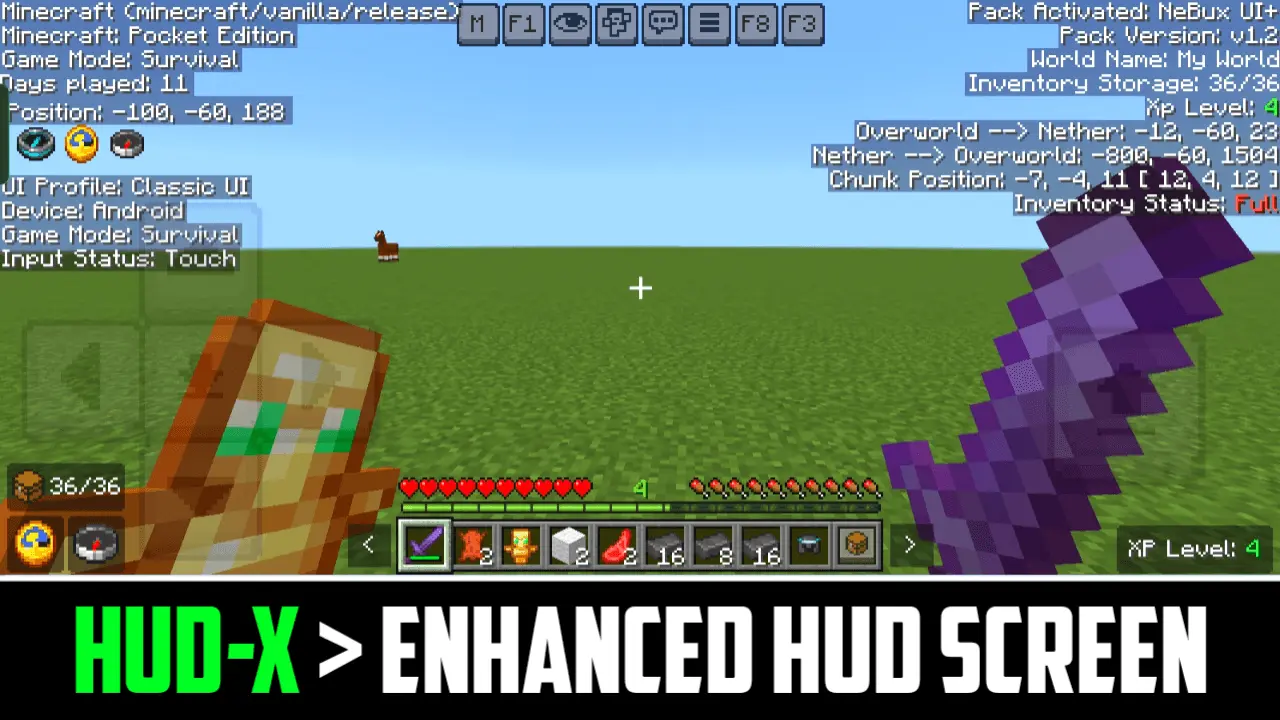
HUD-X — a smarter Bedrock HUD that actually helps you play
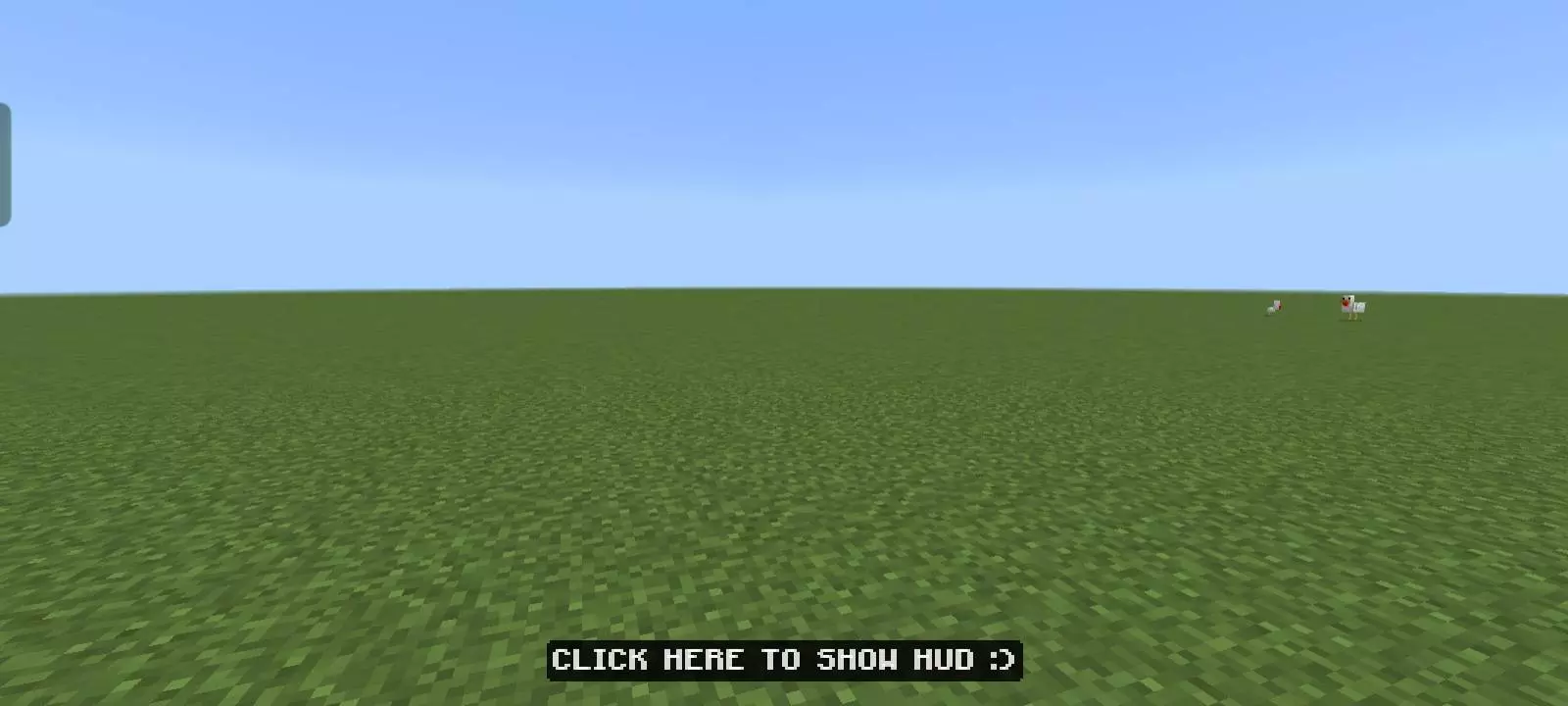
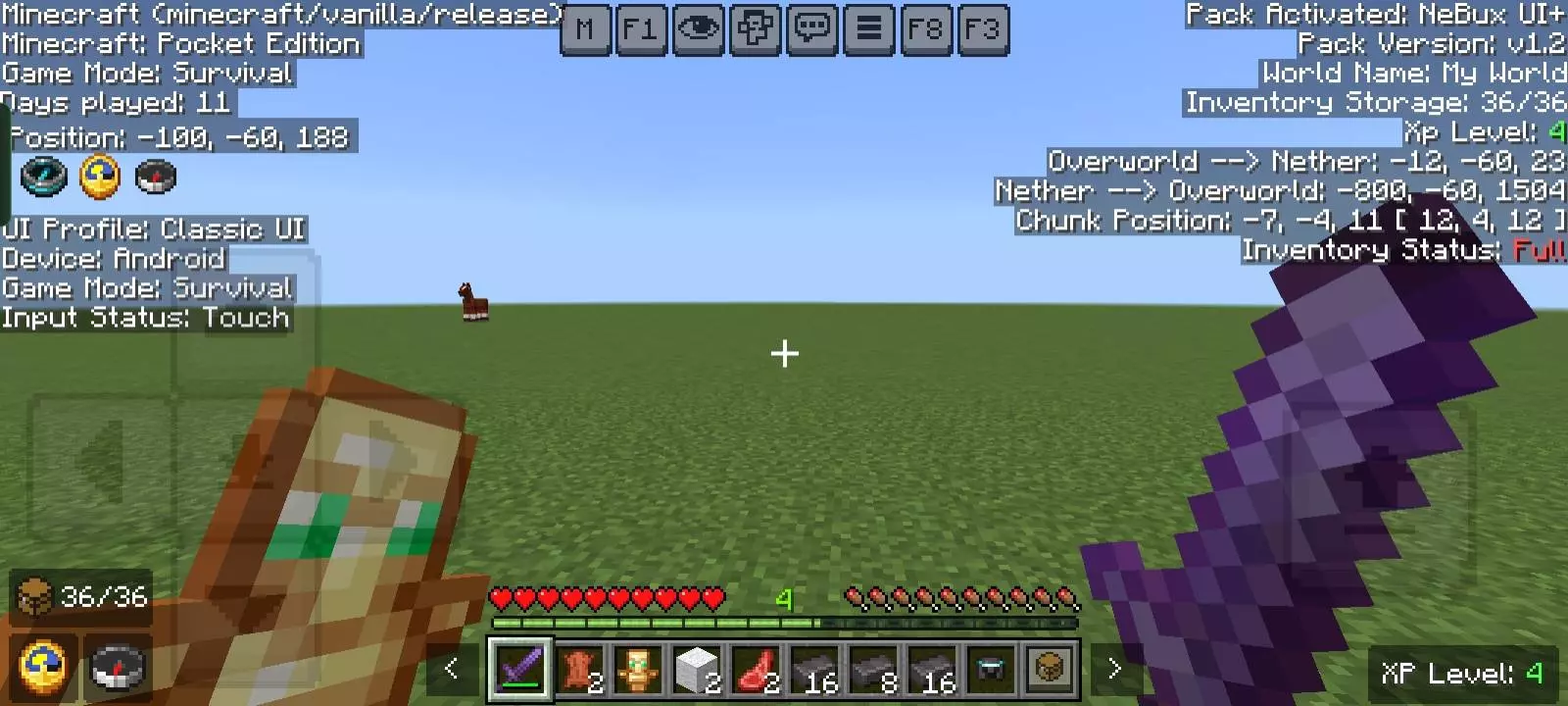
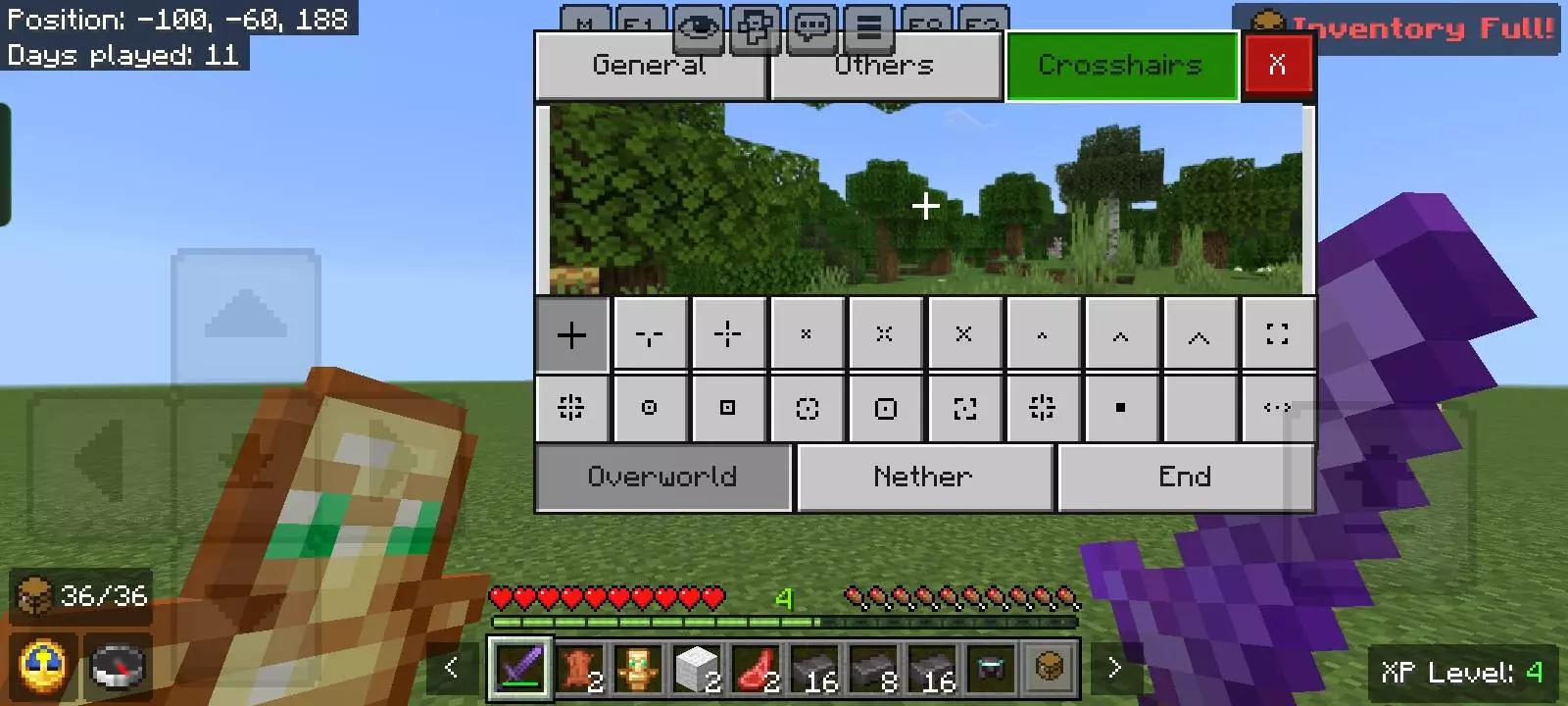
If you’ve ever wished Bedrock gave you the right info at the right moment (without a mess on screen), HUD-X is the move. It’s a clean, lightweight HUD pack for Minecraft Bedrock that puts real tools where you can reach them and hides everything the second you want a pretty view. Tap F1 and the clutter vanishes for screenshots and cinematic fly-bys; tap it again and you’re back in business. When you need numbers, F3 pops a tidy debug overlay with the good stuff—your XYZ, facing, biome, chunk coordinates, even Nether/Overworld position math—so lining up farms or portals stops being guesswork.
Our Minecraft Realm has a player who insists on building little rest stops along every major route. At first, they were just wooden shelters with a bed and a chest. Then he started adding food supplies, maps, and signs explaining where the nearest settlements were. We were heading out to check some Bedrock content in a distant area when we found one of his newer stops beside a river. Somebody needed to repair a tool, another player wanted to reorganize their inventory, and I was running low on cooked beef. The shelter ended up being ridiculously convenient. We stayed there for a while before continuing our trip, and I started appreciating how much thought he'd put into such a simple building. That's something I like about established Minecraft worlds. New adventures feel more connected when familiar places already exist along the way. Our rest stop guy is now campaigning for a national railway network. We're trying not to encourage him.
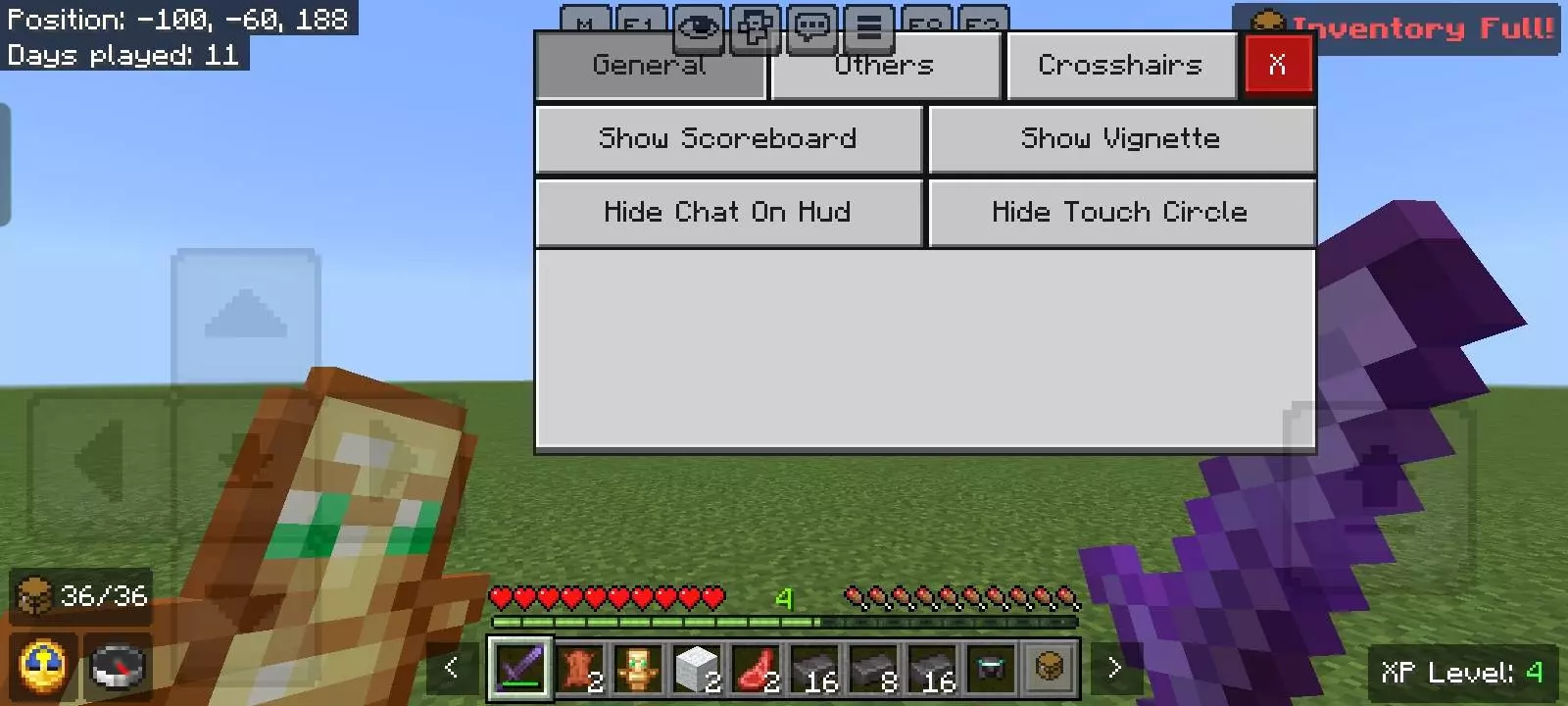
Day to day, the little details add up. A permanent clock and compass keep you oriented on long trips without digging in menus. The XP counter sits where you can see it, which is perfect when you’re deciding whether to risk one more fight before enchanting. An inventory counter tracks free slots, and the inventory-full warning saves you from yeeting diamonds into a cave because your last space was cobble. There’s a quick Paper Doll toggle if you like a stance preview (great for parkour and Elytra clips), and the mod menu button means you tweak HUD-X on the fly instead of spelunking through settings.
What sells it is the feel. The layout is simple, readable, and controller-/touch-friendly, so it works on phone, console, or PC without fighting you. Builders get chunk-perfect lines, miners get cleaner cave runs, explorers stop losing track of time, and creators can kill the HUD for clean thumbnails in one tap. If you want a practical upgrade that keeps Bedrock looking sharp while giving you real control, the HUD-X mod is the everyday overlay your world deserves.
Installation:
- Download Texture;
- Use Minecraft PE
- Open the downloaded .mcpack to install;
- Select texture in settings;
- Done.
Comments (0)