F1 & F3 BUTTON – Addon / Texture Pack
- 2-09-2025, 13:29
- 2 060
Mods 1.21 / Mods 1.20 / Mods 1.19 / Textures
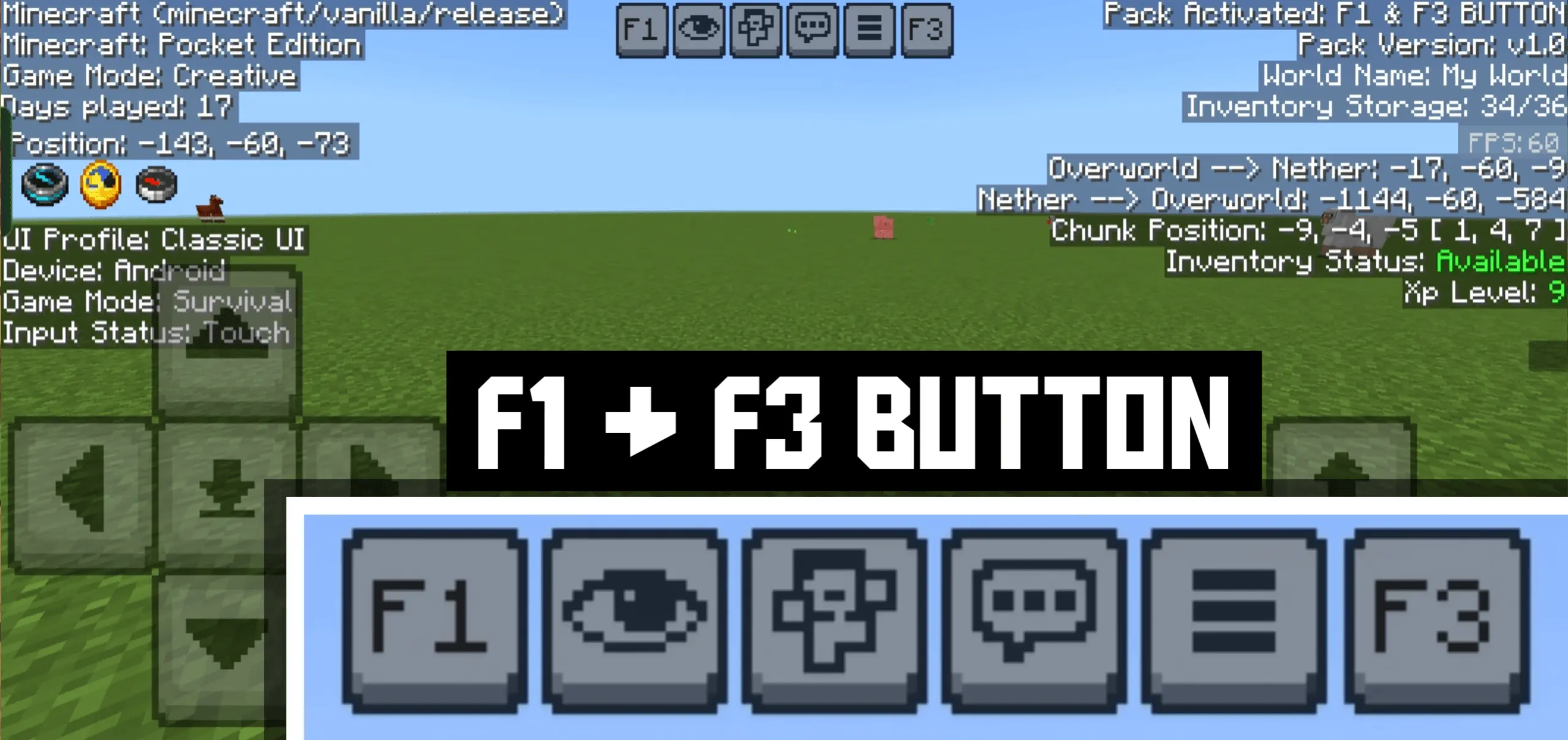
F1 & F3 BUTTON mod — Java-style tools that Bedrock players actually use
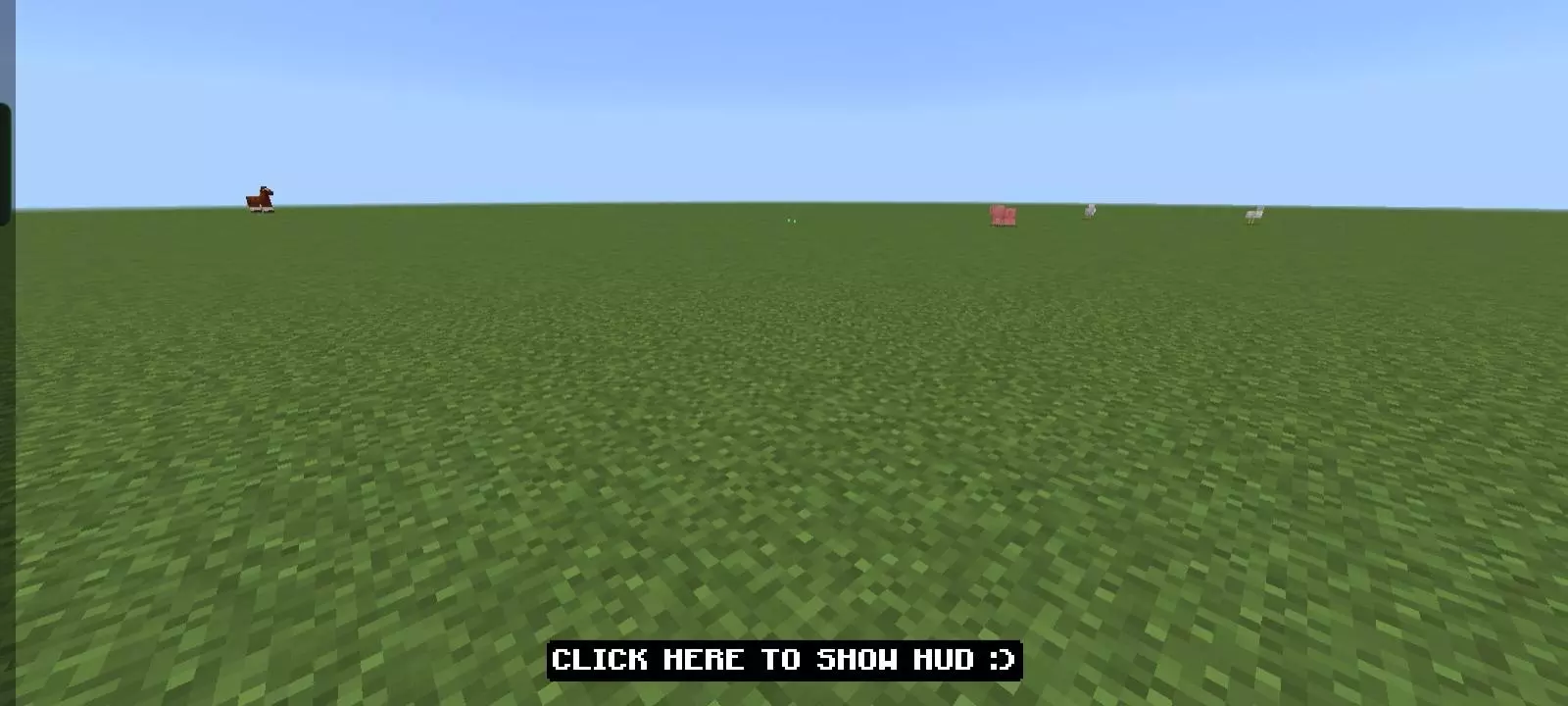
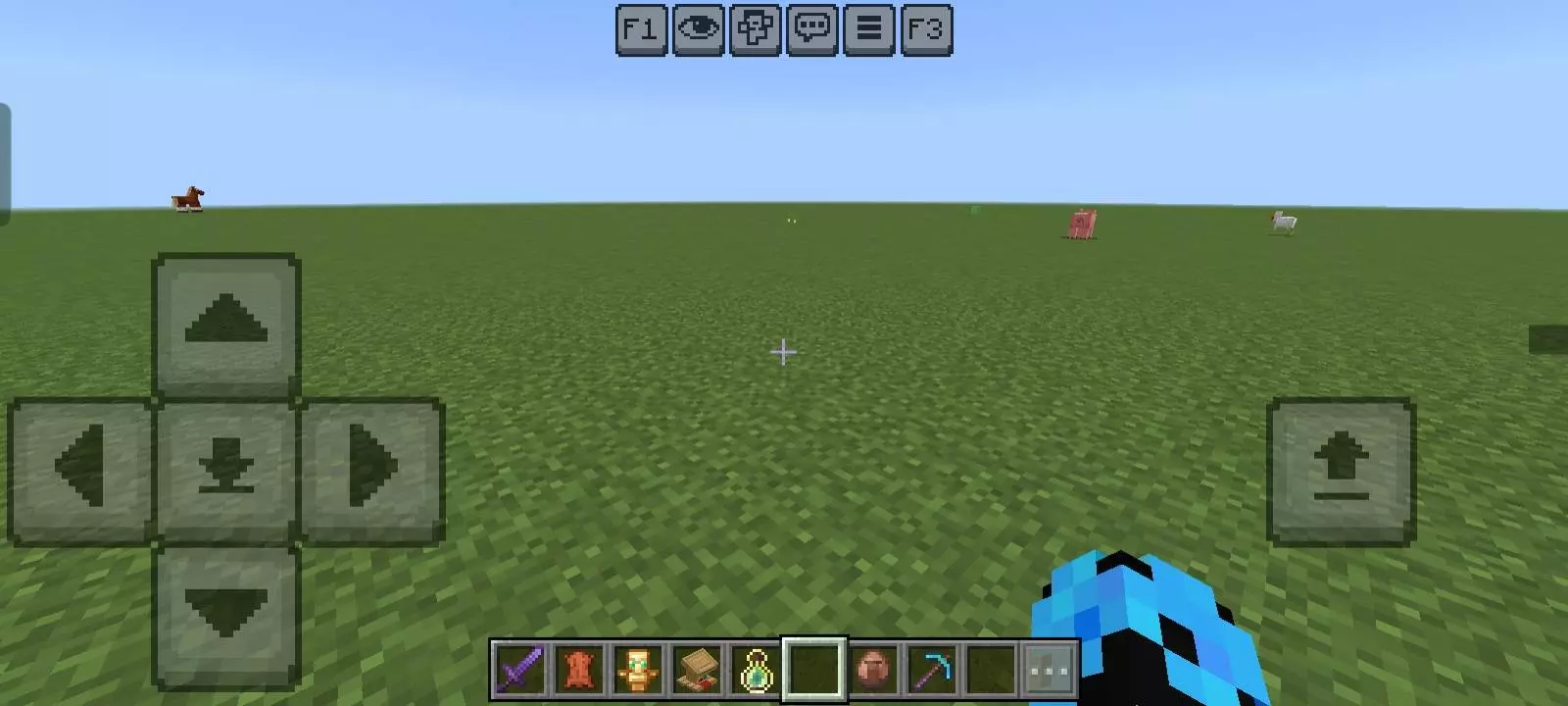
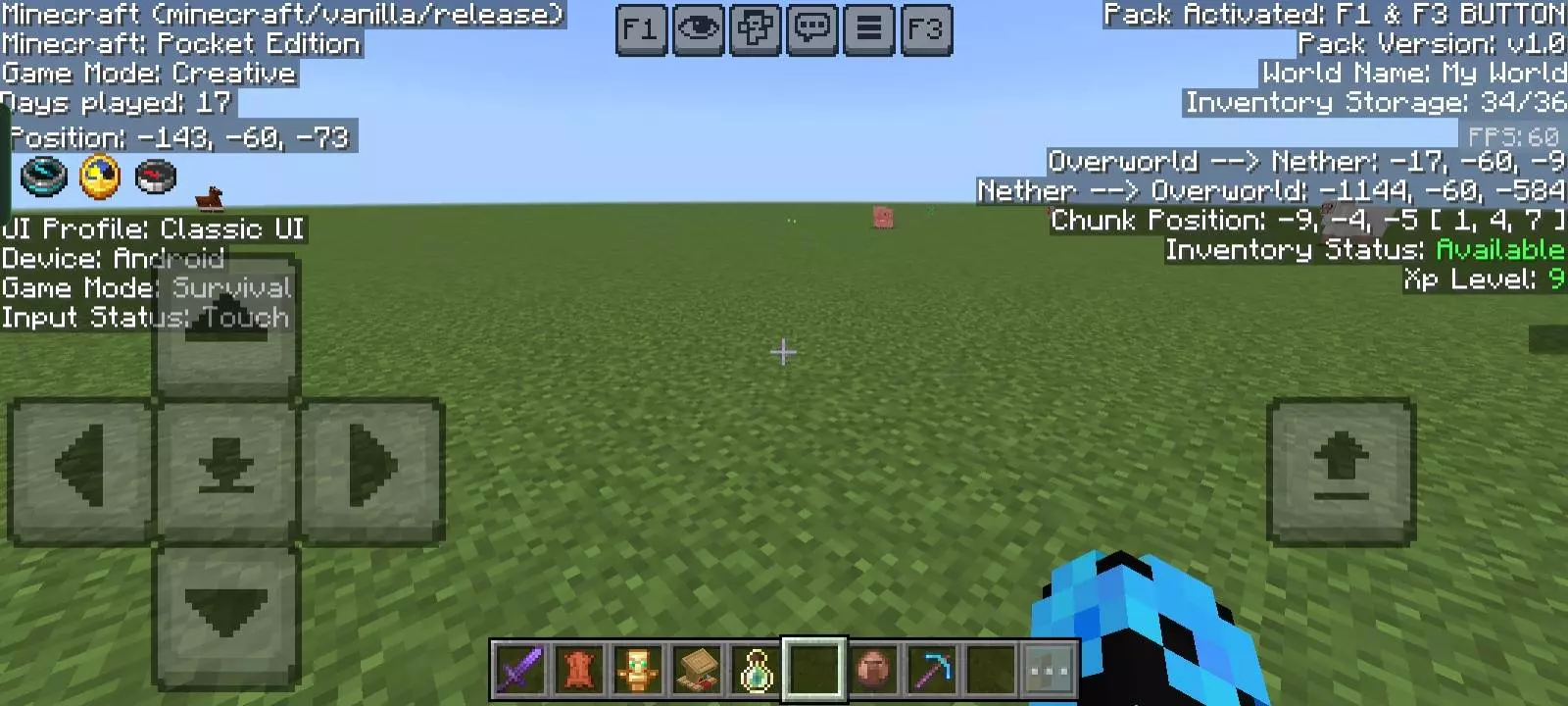
Ever wished your Minecraft Bedrock world had those simple Java toggles when you need them most? The F1 & F3 BUTTON mod drops clean, tap-ready buttons right into Bedrock / Pocket Edition so you can work smarter without digging through menus. One tap on F3 and a crisp black overlay slides in with the important readouts you care about—coords, direction, biome, and performance stats—easy to read in bright daylight or dark caves. One tap on F1 and your screen goes blissfully clean: no hand, no hotbar, no chat. It’s the fastest way to grab perfect screenshots, record smooth cinematic fly-bys, or just enjoy the build you spent hours on without UI clutter.
What I like is how natural it feels on mobile and console. You don’t need a keyboard; the buttons sit where they’re handy, play nice with touch and controllers, and disappear when you’re done. F3 is a lifesaver for builders and redstoners—lining up chunk-sensitive farms, checking Y-level while quarrying, or confirming you’re actually facing the right way before you commit to a long bridge. F1 becomes your go-to for tours and thumbnails: toggle off the HUD, snap the shot, toggle back, keep moving.
Because it’s a lightweight resource pack, achievements stay on and performance stays smooth. No commands, no weird setup—just the two features Bedrock players borrow from Java all the time, finally built in and ready on a button press.
My Minecraft friend is somehow capable of turning a simple supply trip into an entire sightseeing tour. We were supposed to collect spruce wood for a project near our base, but he insisted on visiting a mountain village he'd discovered earlier. I figured we'd be there for five minutes. Instead, we spent the afternoon wandering through the streets, looking at the surrounding terrain, and discussing what might be worth building nearby. I'd also brought along some Bedrock content I wanted to explore, so the detour gave us a different place to experiment. The unusual landscape ended up being more interesting than the empty testing area I'd originally planned to use. We finally returned home after sunset, carrying considerably less wood than expected. My friend said the trip had been productive because we'd found a great location for another project. I reminded him that we already had three unfinished projects waiting for us. He pretended not to hear.
Installation:
- Download Texture;
- Open the downloaded .mcpack to install;
- Select texture in settings;
- Done.
Comments (0)