Better Cameras Mod / Addon
- 10-10-2025, 09:59
- 1 311
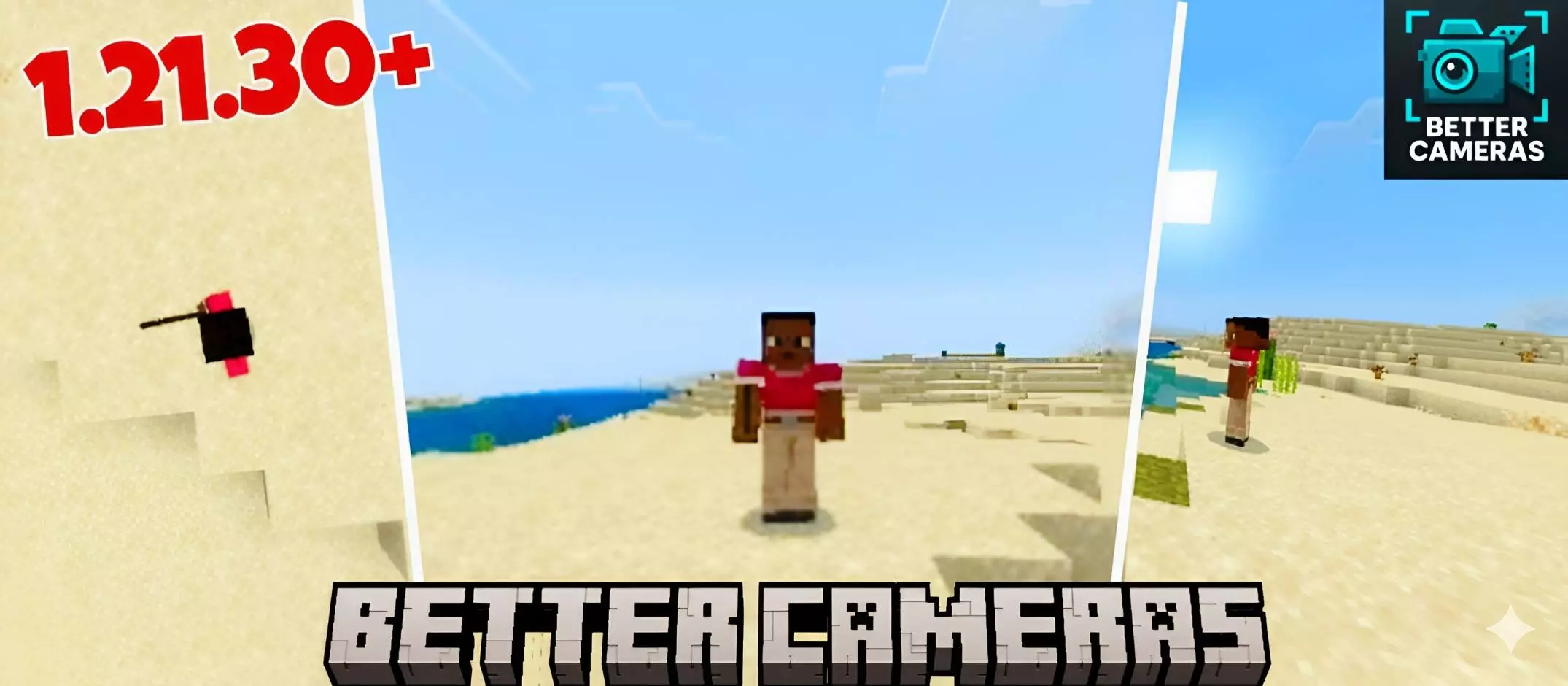
Better Cameras Mod — hands you filmmaker-style angles beyond the default first- and third-person views, so your recordings finally look the way they feel in your head. It’s a lightweight tool focused on control and clarity: swap into additional viewpoints, frame shots the default camera can’t, and capture moments that sell the scale of your builds or the energy of your fights. If you make videos, shorts, or server trailers, the extra perspectives immediately open up more polished storytelling inside the game.
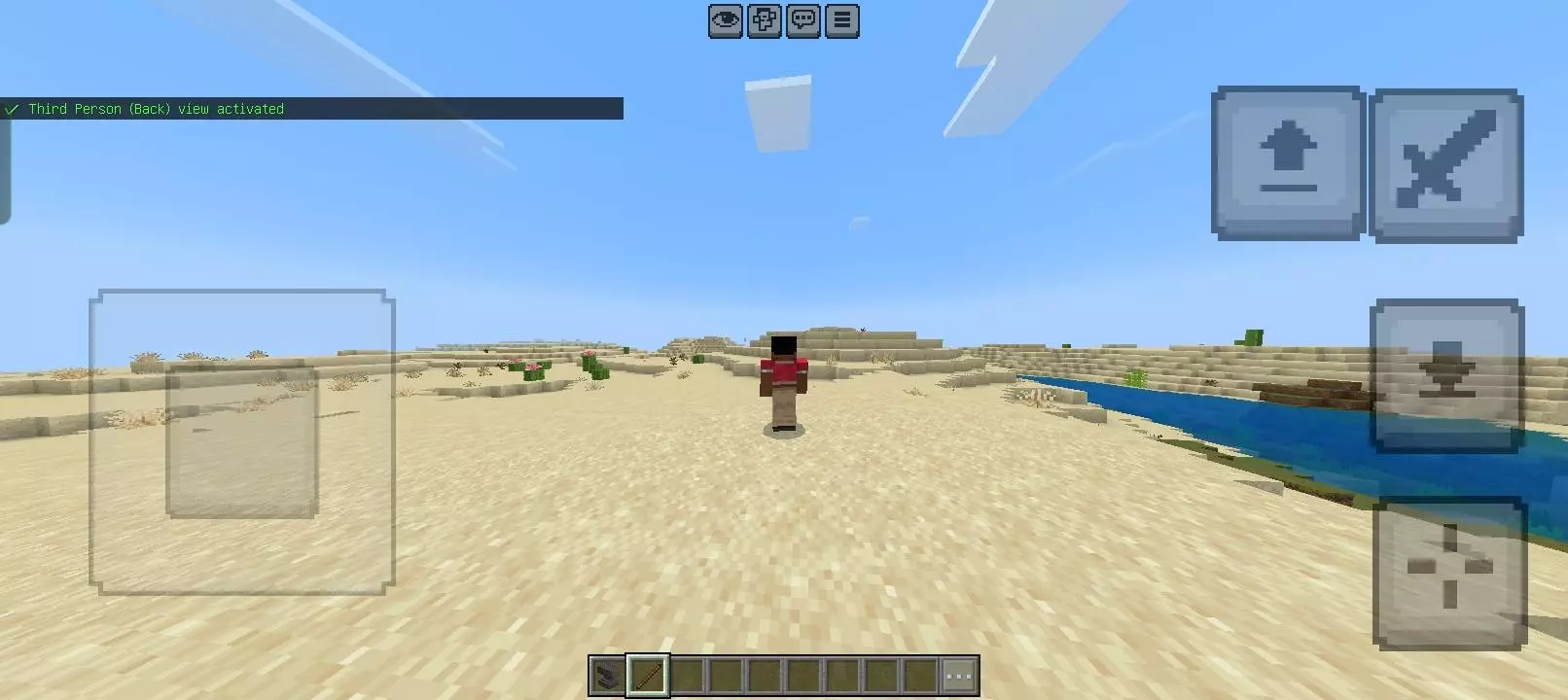


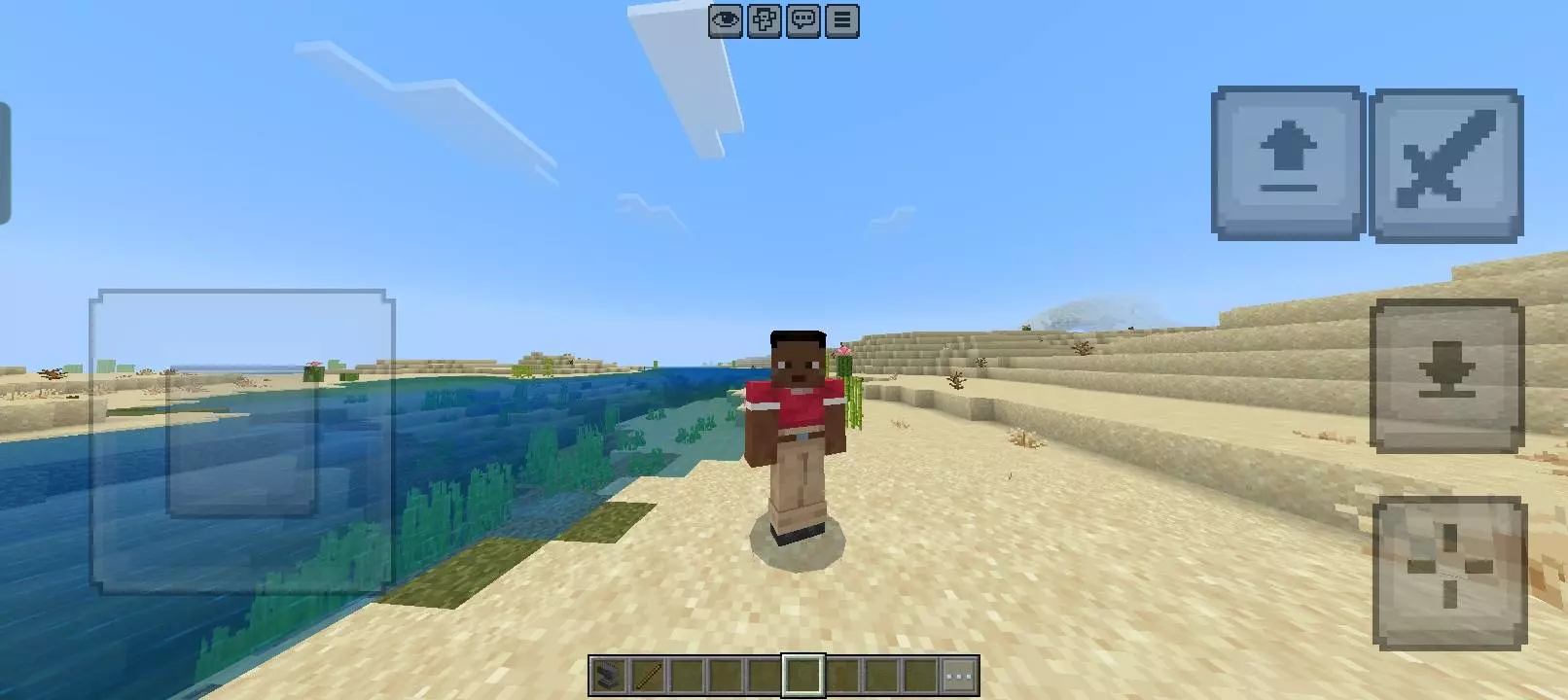
You spent a week building that castle, and the default camera still can’t show the whole thing without some awkward flying. Better Cameras gives Minecraft Bedrock players new angles for showing off builds, recording scenes, and seeing their worlds from a different perspective.
The add-on puts its camera options in a menu you can open with a renamed stick. Grab an anvil, rename the stick exactly “Camera Control,� then use it to bring up the selection screen. From there, you can switch between familiar first-person and third-person views or try the extra cinematic options. It’s a setup that keeps the controls close at hand when you’re recording and want to change your shot without stopping to type commands.
Want to show the layout of a sprawling village or check how your castle walls look from above? Top-Down View gives you a bird’s-eye perspective with an adjustable height from 5 to 80 blocks. Pull the camera up for a wider look at the whole area, or lower it to focus on a courtyard, garden, or redstone build. It’s useful while planning a project, too: a view from above can make an uneven roofline or an empty patch of land much easier to spot.
Side-Scroll View takes things in a different direction, framing your character like the star of a 2D platformer. Its camera distance can be adjusted from 5 to 40 blocks, so you can experiment with how much of a parkour course or action scene fits in the shot. For something closer to a third-person action game, try Shoulder Cam. It sits nearer to your character and works nicely when you want the player to be part of the scene without switching to the usual front-facing view.
The original release also includes Cinematic Orbit, which moves the camera around your character automatically. Try it for an introduction in front of a finished build or a dramatic shot before heading into a boss fight. Freeze Camera, meanwhile, locks the camera in place while your character moves through the scene. That’s great for filming a walk into town or having friends cross the frame together. When you’re done experimenting, choose Clear Override to return to the normal player-controlled camera.
To set it up, import and activate the behavior pack, then enable Beta APIs under Experiments in your world settings. The linked original release lists Minecraft Bedrock 1.21.111 as a supported version. Camera views reset when you leave and rejoin the world, so you’ll need to select your preferred angle again next time. The add-on is especially handy for videos and screenshots, though some perspectives are better suited to staging a shot than surviving a surprise creeper attack.
In practice, that means you can compose wide establishing shots of a mega base at sunrise, cut to a tight over-the-shoulder angle while you explain a farm, then swing to a low, dramatic view during a boss attempt. Showcase interiors with slow pans, track alongside a horse ride down a village road, or lock in a clean side profile for PvP intros. Because it’s a utility first, you keep playing the way you always have—just with camera options that let you present it like a proper production.
This is a visual/QoL add-on, not a progression overhaul. If your setup uses resource/behavior packs, consider placing Better Cameras near the top of your resource order so its visuals take priority, and as always, test in a copy world if you’re picky about settings. For creators who want pro-looking angles without clunky workarounds, Better Cameras Mod turns everyday sessions on Bedrock into footage you’ll actually want to publish, while keeping the game itself front and center.
Installation:
- Download Mod;
- Open the downloaded file to install;
- Select it in the settings;
- Have fun!
Comments (0)