Custom Cameras Mod / Addon
- 7-08-2025, 12:10
- 1 932
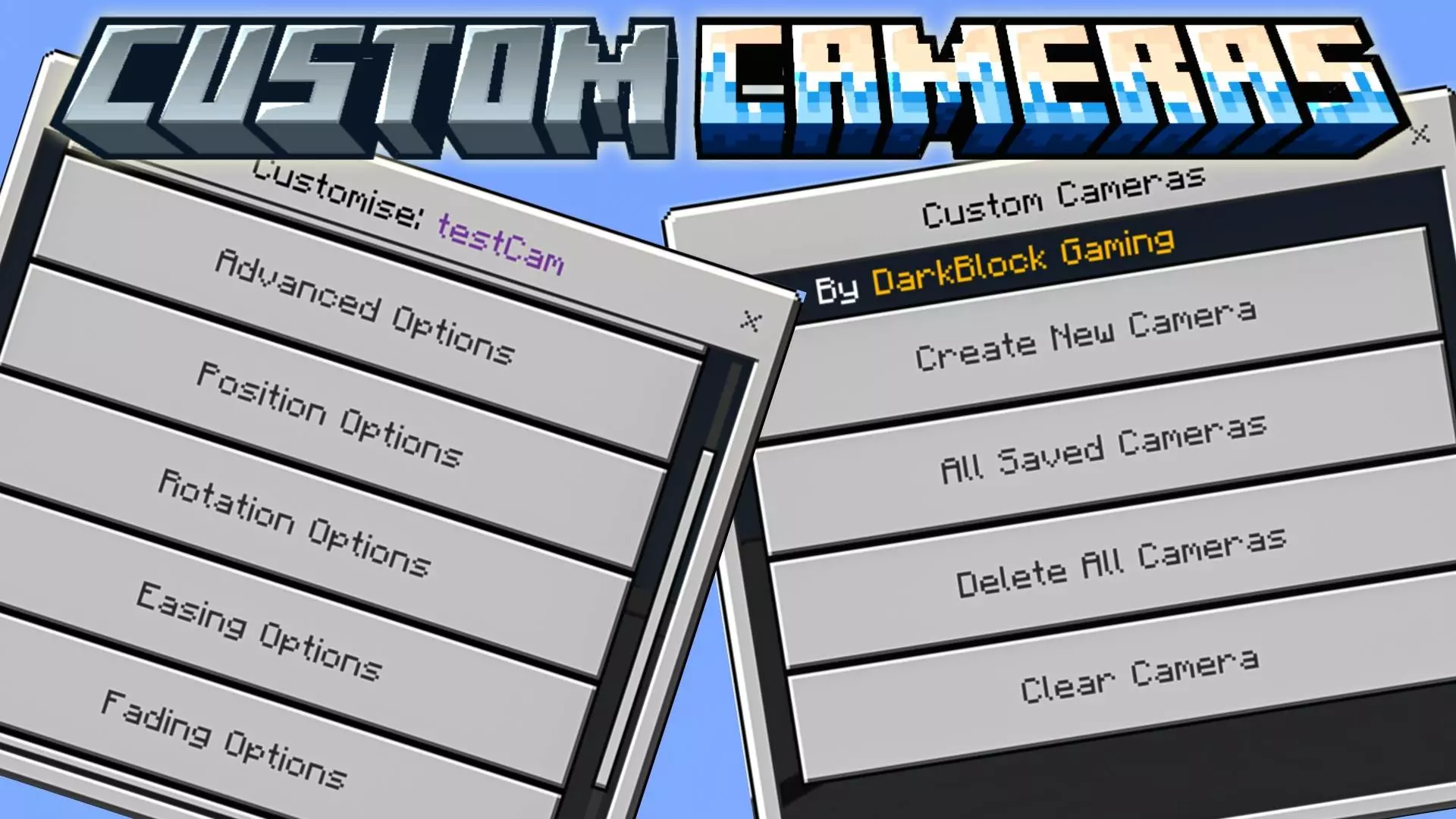
Custom Cameras Add-on is hands down one of the coolest tools you can drop into your Minecraft Bedrock world if you’re into builds, maps, machinima, or just want to flex some insane camera angles. This mod gives you full control over how and where you see the action — no command block spaghetti, no laggy third-party junk.
You can set up static cameras for perfect cinematic shots, dynamic tracking cams that follow players or mobs, or mix and match for full control over how your world is viewed. Rotation, angle, position — it’s all customizable. Every camera you place gets saved, so you don’t have to rebuild them every time you load in.
It’s perfect for content creators, roleplay servers, security setups, or just messing around with new views. Seriously — once you use this, going back to vanilla first-person feels boring. Smooth, powerful, and surprisingly easy to use. Try it once, and you’ll be hooked.
Your Minecraft build deserves a better view than a quick glance over your shoulder. Custom Cameras lets you set up shots from angles you choose.
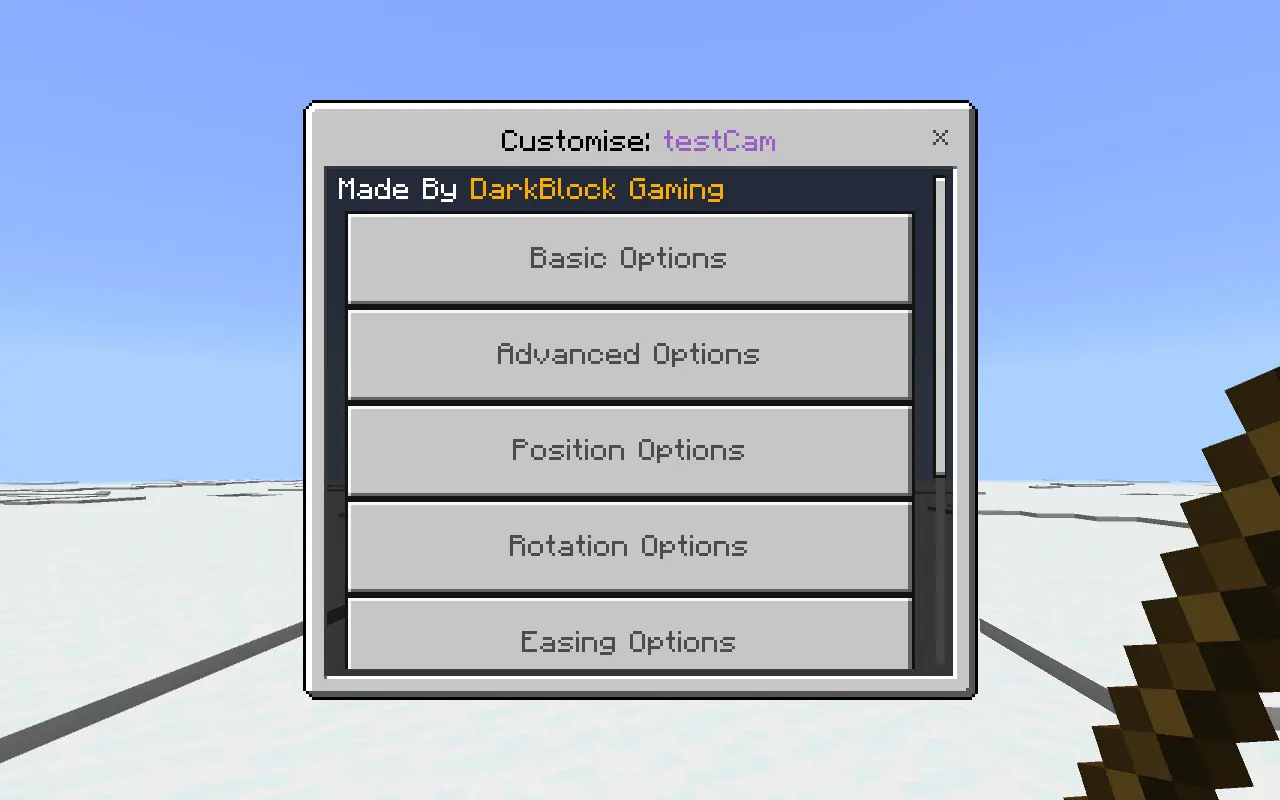
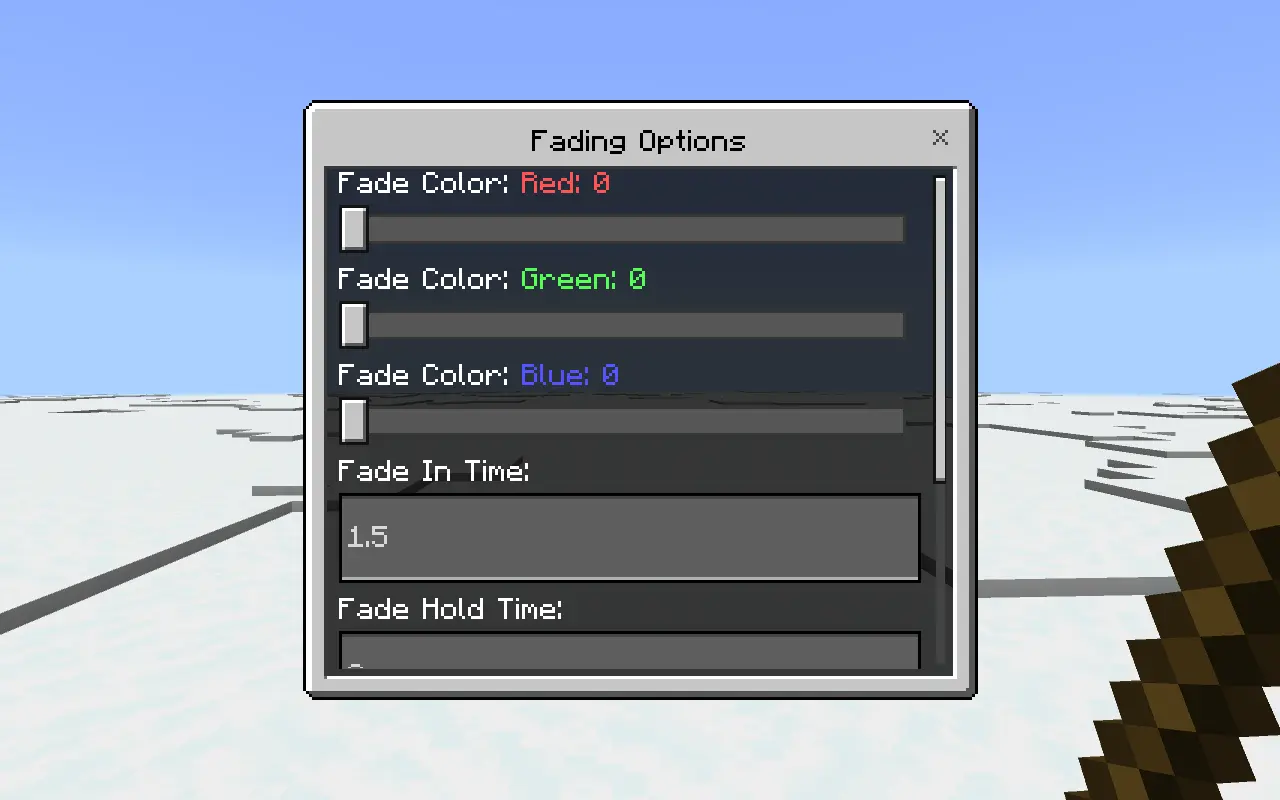
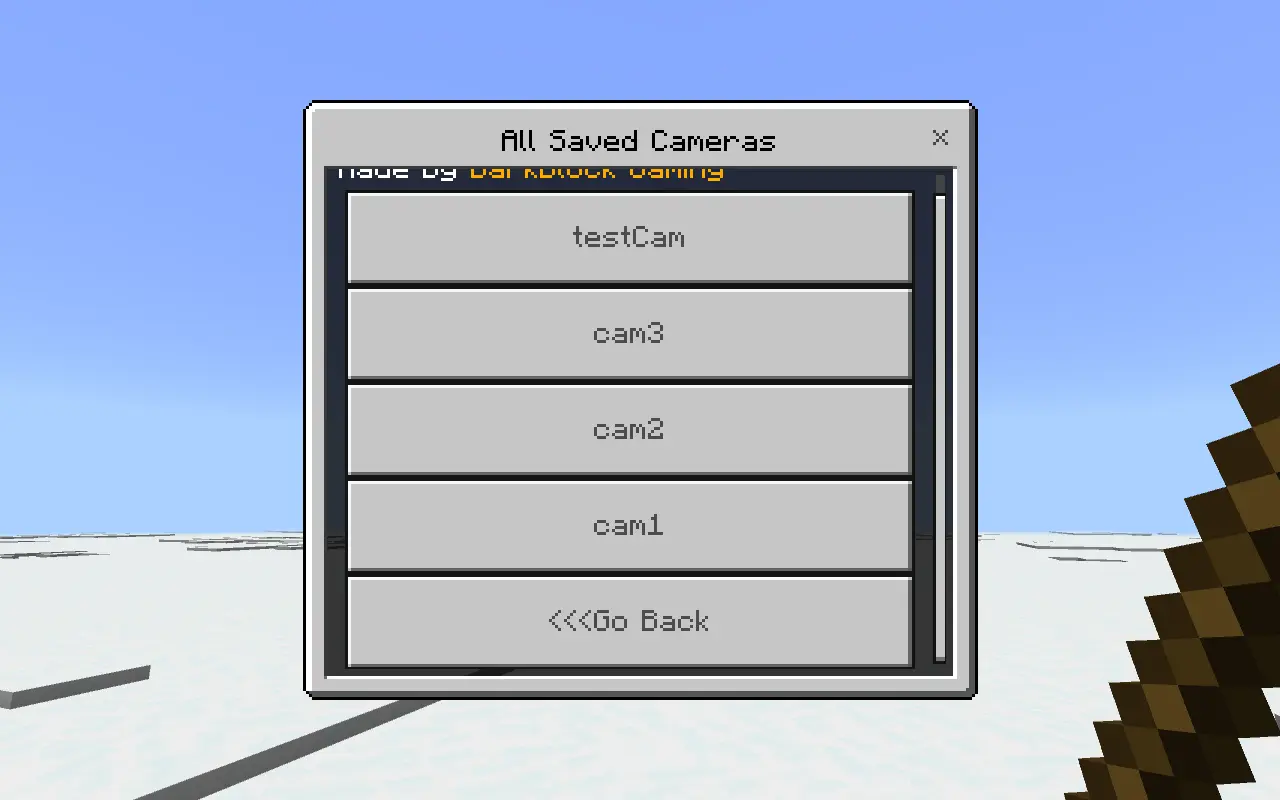
This Minecraft Bedrock add-on gives you tools to create and customize camera views for your world. After activating it, type ?cc in chat to receive a stick that opens its menus. From there, you can create cameras, give them names, and adjust settings such as position and rotation. The add-on saves camera data, so a carefully framed view can be there when you return to your project. That’s handy when you’ve spent ages lining up a shot of a castle or finding the right angle for a scene. Give each camera a recognizable name, such as “town square� or “castle entrance,� and you’ll have an easier time finding the view you want later. If a location changes as you build, revisit its camera and adjust the framing to include the new details. You can focus on the composition instead of rebuilding the same setup every time.
A static camera is a good place to start. Position one above your village to show its layout, frame a doorway for a roleplay scene, or set up a wide view of a build before inviting friends over for a tour. Changing the angle can reveal details you rarely notice while running around on the ground: a roofline, a bridge connecting two towers, or the way a garden fits beside your house. The add-on also supports tracking cameras for following players or mobs, opening up another way to present movement through a scene. Try using one for a character walking through a marketplace or for a tour of a path you’ve built between locations. For a group scene, you could frame the meeting place first and have your friends walk into view when everyone is ready. Experiment with camera position and rotation until the shot shows the part of the world you actually want people to see.
Custom Cameras is useful for machinima, map showcases, and screenshots, but you don’t need a production schedule to enjoy it. Set a view overlooking your survival base and revisit it as the place grows, or create a few angles around an arena for a friendly event. A roleplay world could use a fixed view near an entrance as part of a security-themed setup. For a build showcase, plan a wide shot first, then use closer views to show the rooms and details that are easy to miss from outside. A shot from the end of a hallway, for example, can make a small interior feel very different from a view taken at the front door. The project’s setup instructions call for enabling Beta APIs and applying the behavior pack. Once you have the camera tool, give yourself time to try the menus and find a setup that suits your scene. A well-placed viewpoint can make a familiar Minecraft world feel fresh again.
Installation:
- Download Mod;
- Open the downloaded file to install;
- Select it in the settings;
- Have fun!
Comments (0)