MCPE 2020 Animations – Addon / Texture Pack
- 21-09-2025, 09:26
- 1 863
Mods 1.21 / Mods 1.20 / Mods 1.19 / Textures
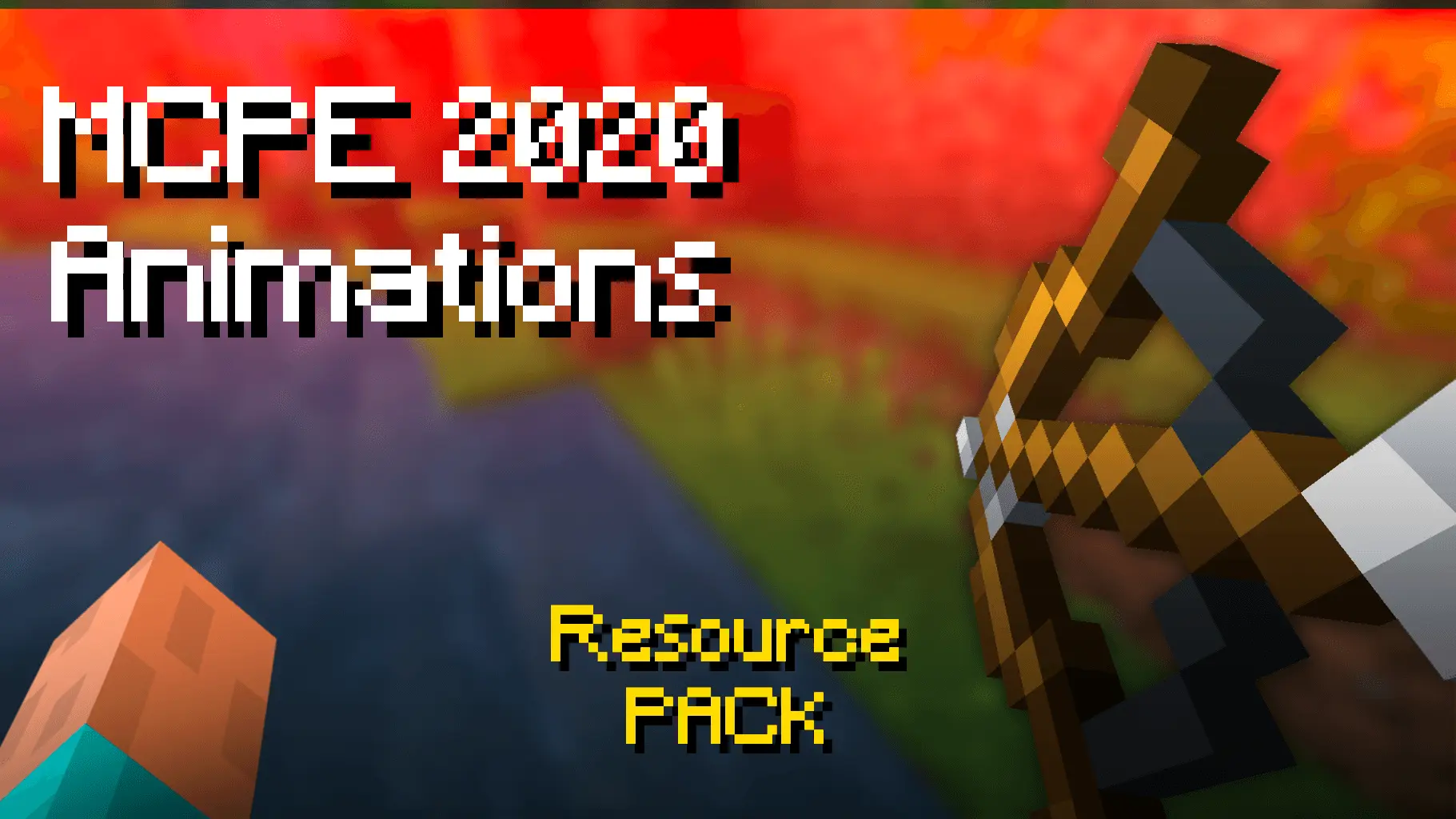
MCPE 2020 Animations mod – a straight throwback that restores the 1.16 animation set to Minecraft Bedrock without turning your HUD into a museum piece. It’s the old bow draw, the chunky shield raise, the clean crossbow prime, the trident heft, and that familiar spyglass feel—all back where muscle memory expects them. The first-person 1.16 hand and item textures land with it, so the whole package reads like classic MCPE, not a mashup.
Remember how your bow looked when you pulled it back in classic MCPE? MCPE 2020 Animations brings that familiar first-person style back to Minecraft Bedrock.
This resource pack revisits the way several items appear and move in your hands, including bows, crossbows, shields, tridents, and spyglasses. Draw a bow and you’ll see an older-style animation; raise your shield and the movement gets the same nostalgic treatment. The pack also includes classic-style textures for first-person hands and items, helping the view feel consistent as you switch between tools. These are the little details you see throughout a play session, from taking aim at a distant skeleton to checking the landscape through a spyglass. They’re easy to overlook until they change, especially if you spent a lot of time playing Minecraft on your phone and got used to a particular look. With this pack active, ordinary actions can bring back memories of those older survival worlds and multiplayer sessions.
The selection of items gives you a few good ways to check out the changes. Set up a target near your base and try drawing and firing a bow, then load a crossbow and compare how each one looks on screen. Take a shield into a cave and watch the animation as you raise it against an incoming attack. If you prefer ocean adventures, bring a trident along and see its first-person movement for yourself. The spyglass gets attention too, so a lookout tower or a mountain hike is a good excuse to pull it out. This is a visual pack: its appeal comes from the appearance and motion of your equipment. It doesn’t promise stronger weapons or faster attacks, and you’ll still need good timing when a fight gets messy. What changes is the view you see while playing, whether you’re exploring alone or facing friends in a PvP match.
There are also different presentation options to explore. Mixed Mode combines Java and Bedrock influences, while a Java-style option offers another take on the item animations. Try the available settings and choose the one that feels right for your game; the best choice may come down to which movements you’re used to seeing. You can test the pack in an existing world by opening the downloaded .mcpack file in Minecraft and selecting it in your resource settings. Once it’s enabled, grab the items you use most and spend a few minutes trying them out in first person. Maybe it’s the bow that takes you back, or the way your shield moves when trouble arrives. MCPE 2020 Animations is a good fit for players who want a touch of nostalgia in their everyday Bedrock adventures without needing to start a whole new world.
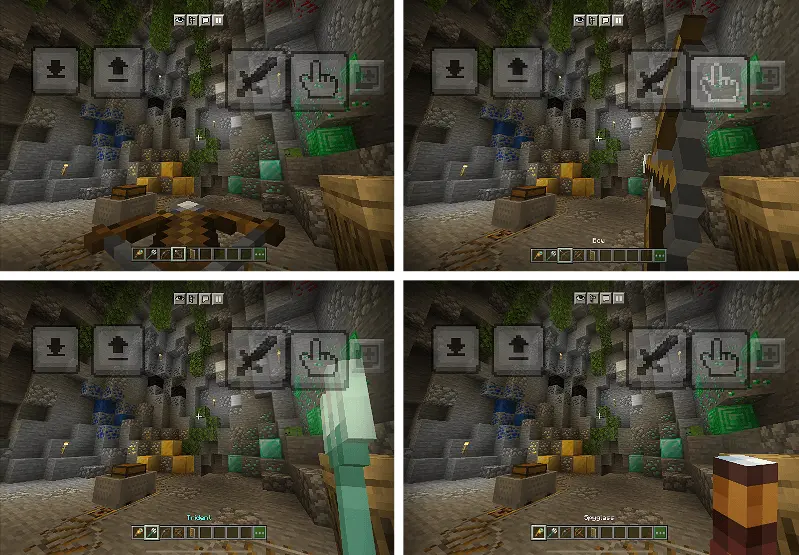
Why it hits: timing and readability. With the 1.16 bow/crossbow, my release rhythm came back instantly. Shield raises feel snappier to the eye, so blocking skeleton volleys or baiting hits in PvP doesn’t look off anymore. Trident throws have that weighty wind-up you remember, which makes charging a Riptide jump or lining a long toss feel right again. Spyglass is the same story—quick, no fuss, zero “new animation” wobble.
You control the vibe. Flip to Mixed Mode (Java + Bedrock) if you want the best of both worlds, or go Java attachable to push the look even closer to what you’re used to from Java packs. I stack it at the top of my resource order, hop into a test world, and everything settles in—no weird UI drift, no broken hands. It’s perfect for PvP kits, adventure maps that target that 2020 look, or just anyone who misses the old motion language.
Bottom line: if the newer Bedrock animations never clicked for you, MCPE 2020 Animations mod puts your mechanics back on rails—clean, familiar, and dialed for Minecraft Bedrock with zero fluff.
Installation:
- Download Texture;
- Use Minecraft PE
- Open the downloaded .mcpack to install;
- Select texture in settings;
- Done.
Comments (0)