Pocket Gui+ Resource Pack
- 29-09-2025, 12:48
- 1 121
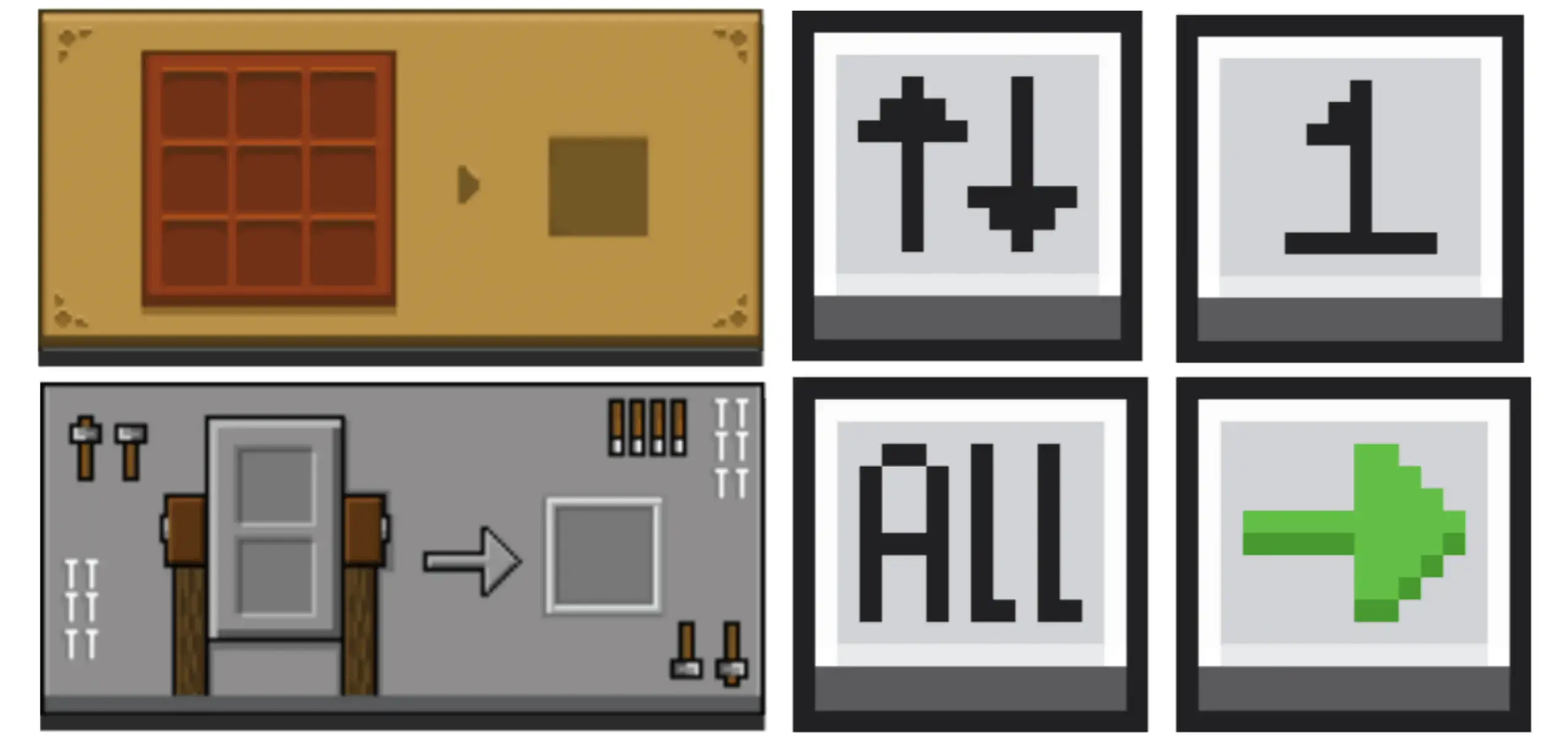
Pocket Gui+ — a clean UI makeover for Minecraft Bedrock that finally makes your menus feel like part of the world. Open a crafting table and the interface looks like the table you’re touching. Pop a furnace and the screen carries the same vibe as the block in front of you. It’s subtle, but it changes the rhythm of play; you stop feeling like you’re diving into a generic overlay and start feeling grounded in the station you’re actually using.
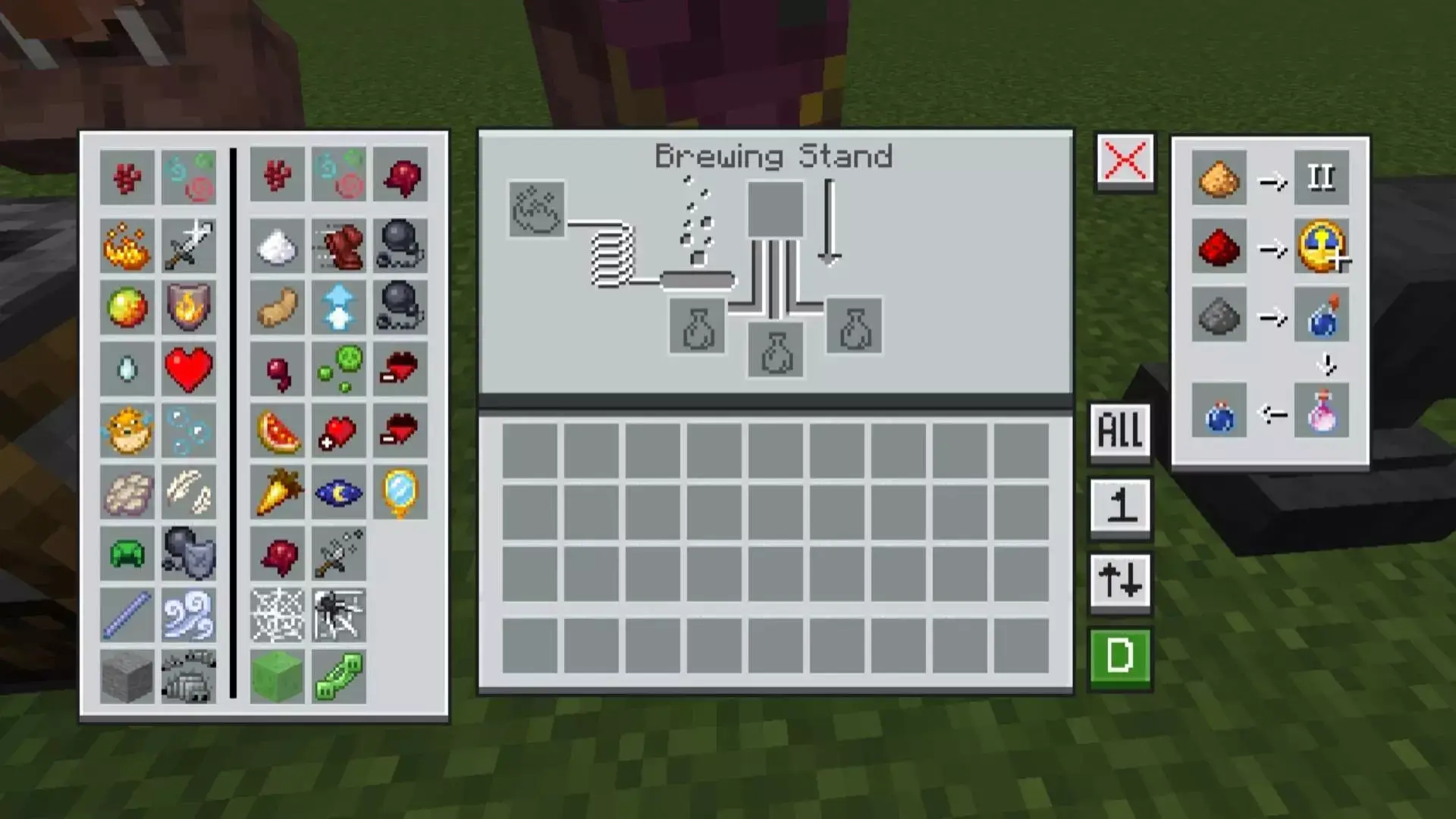
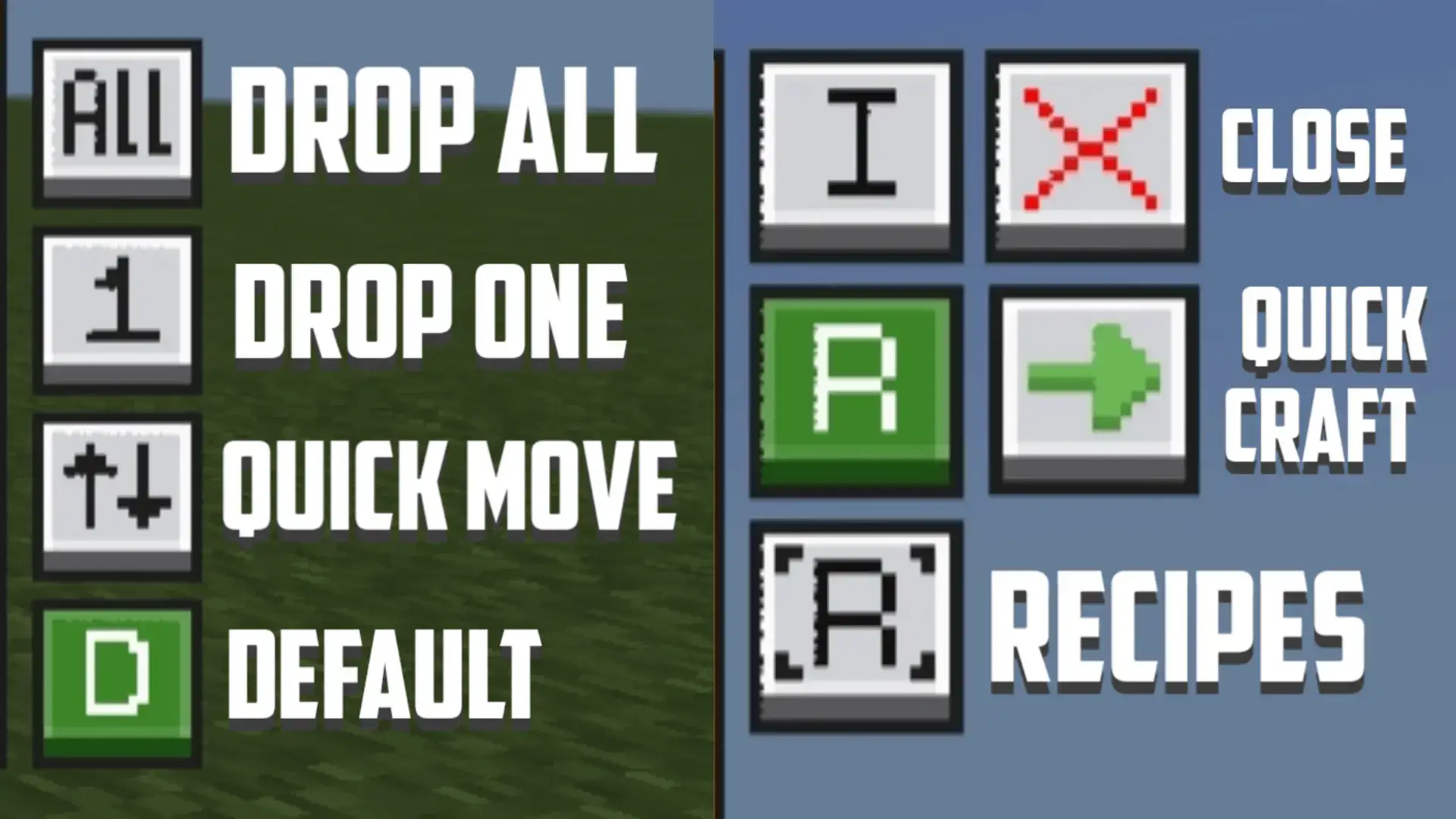
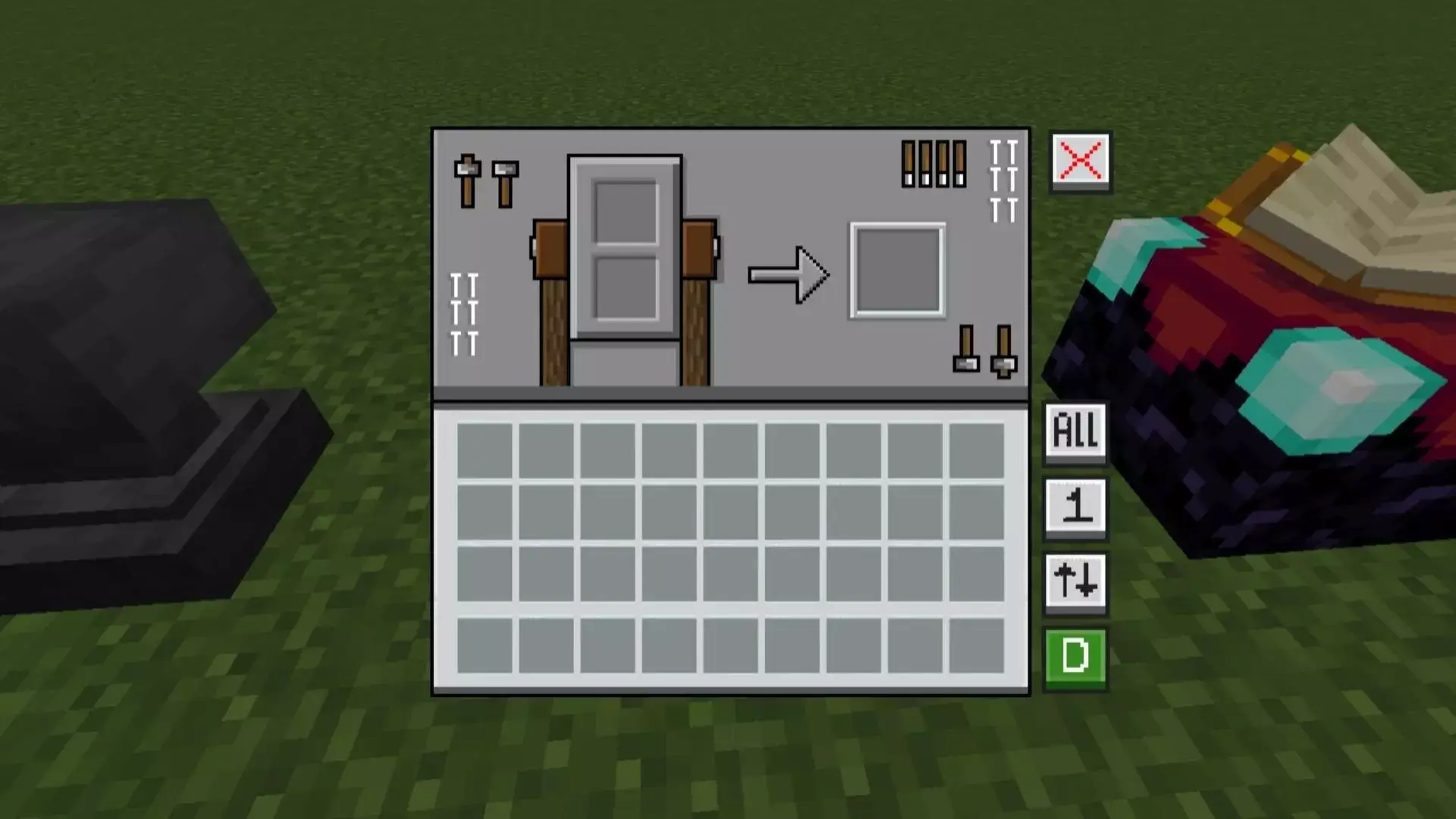
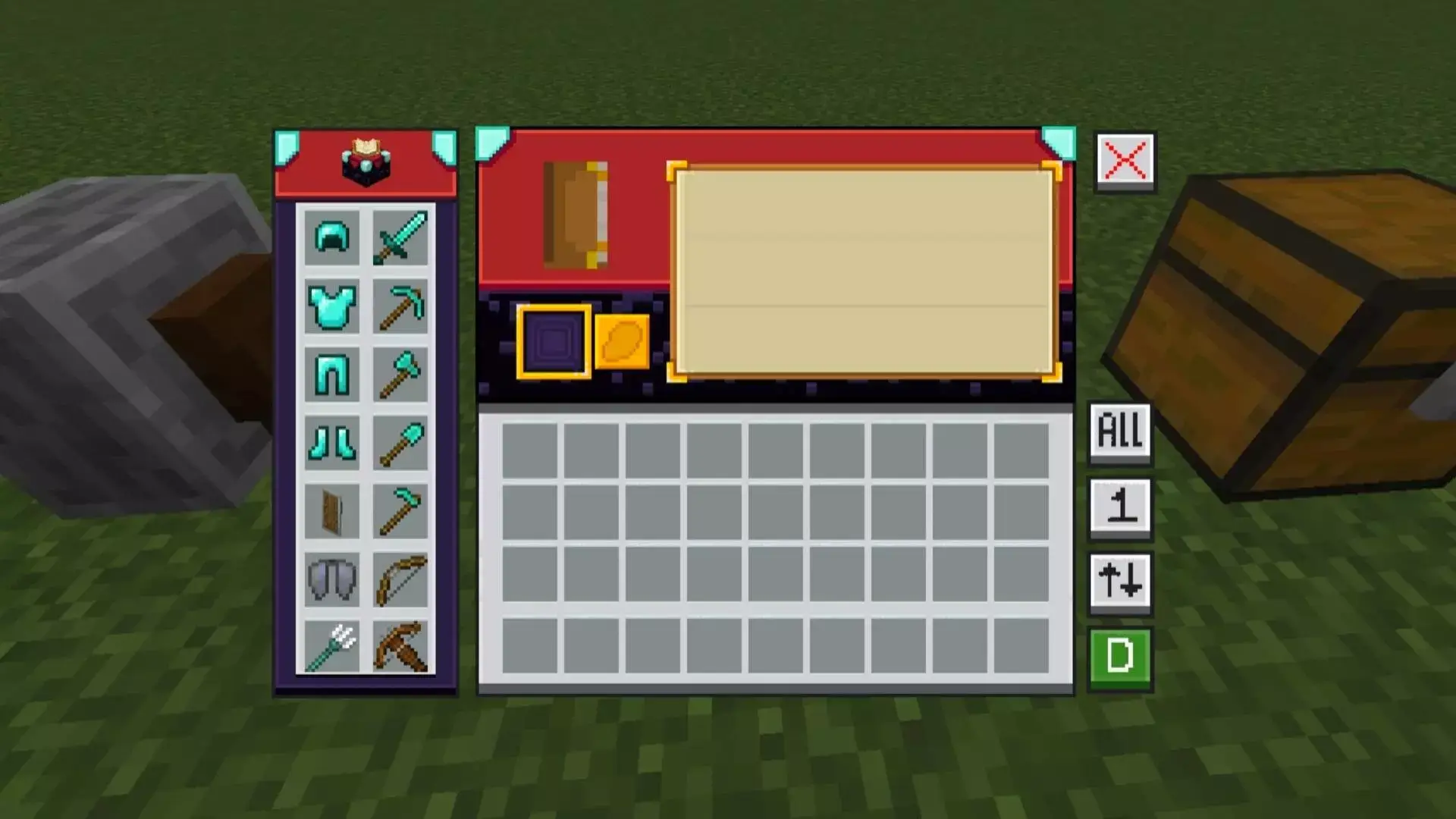
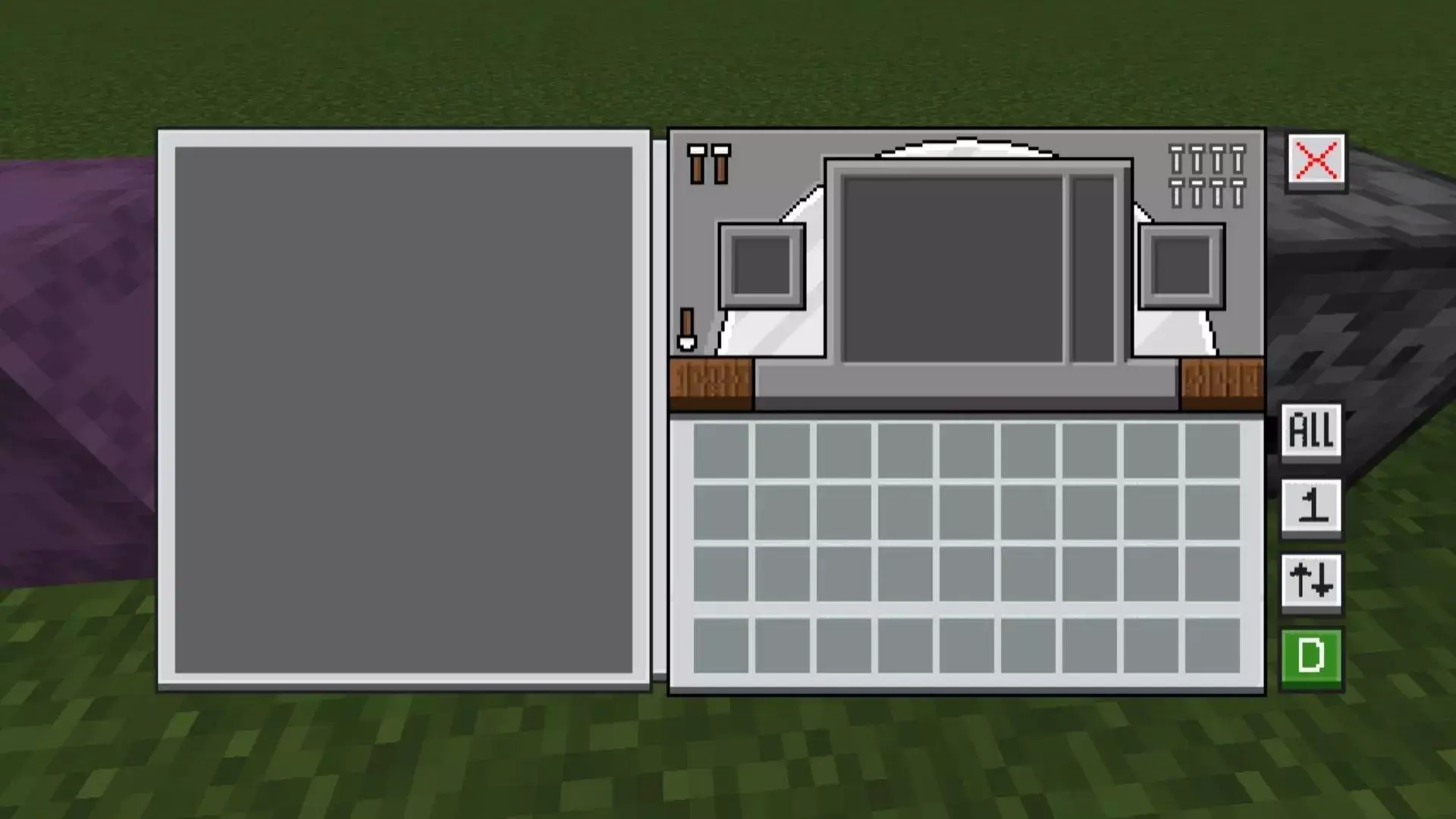
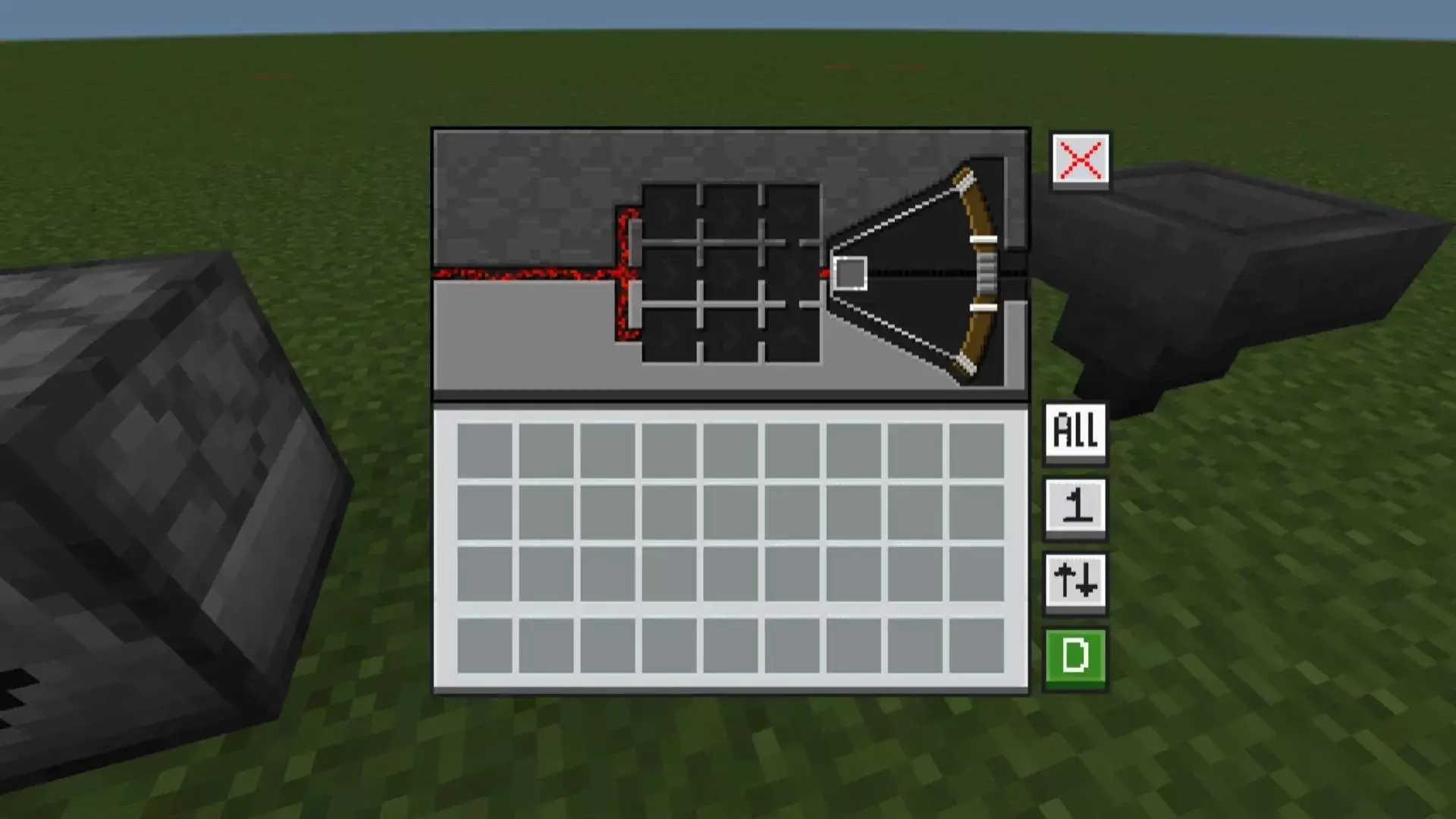
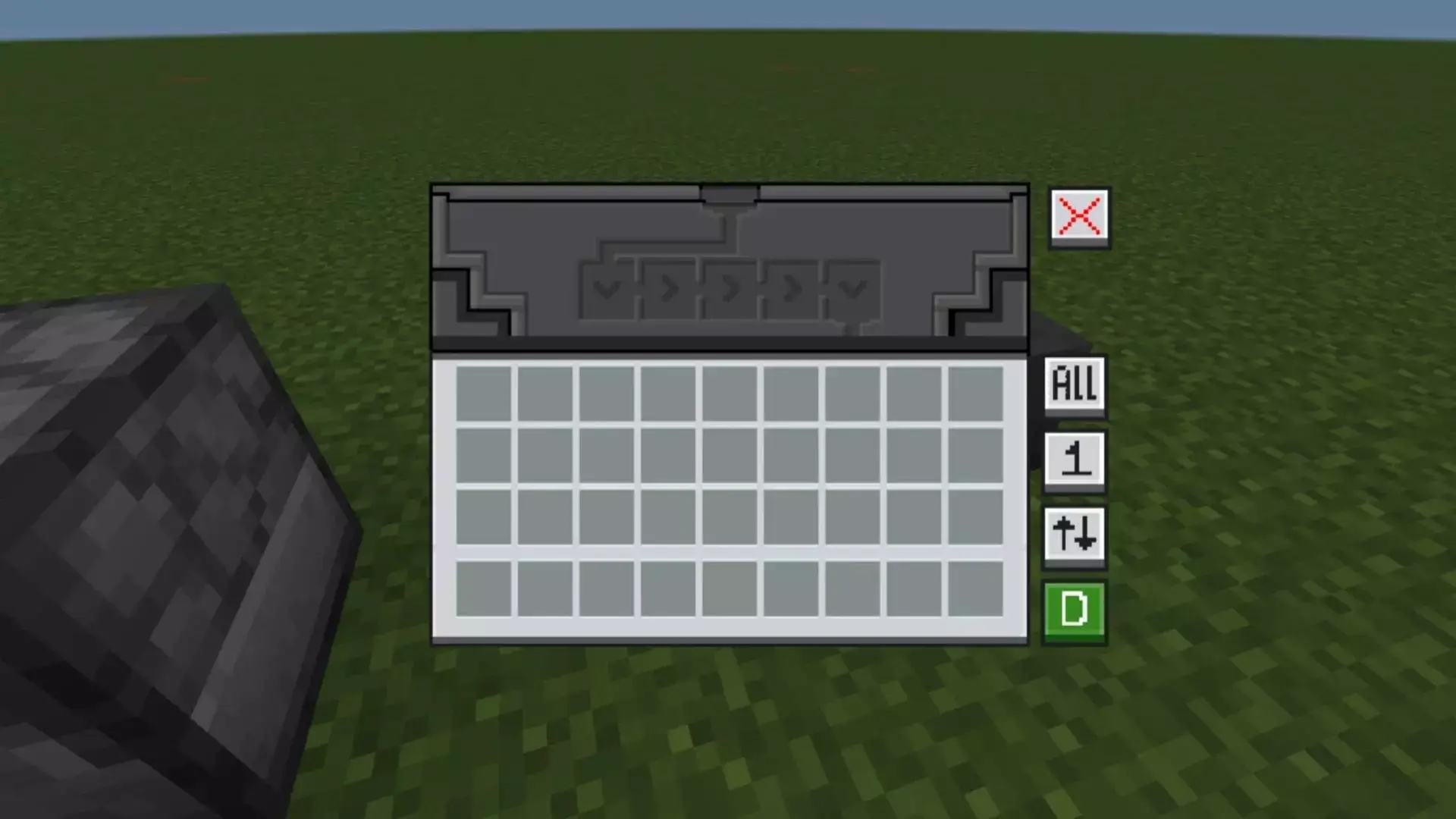
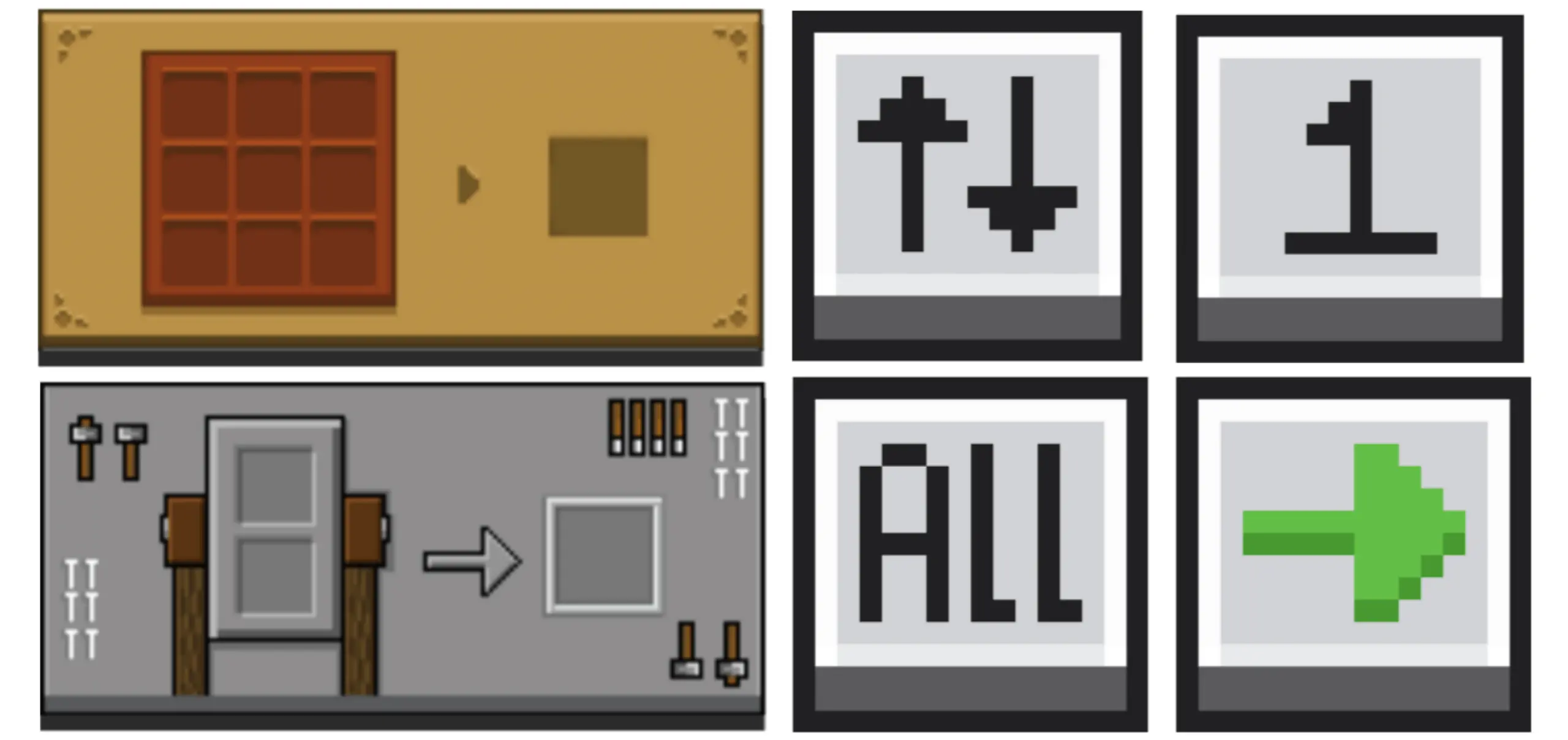
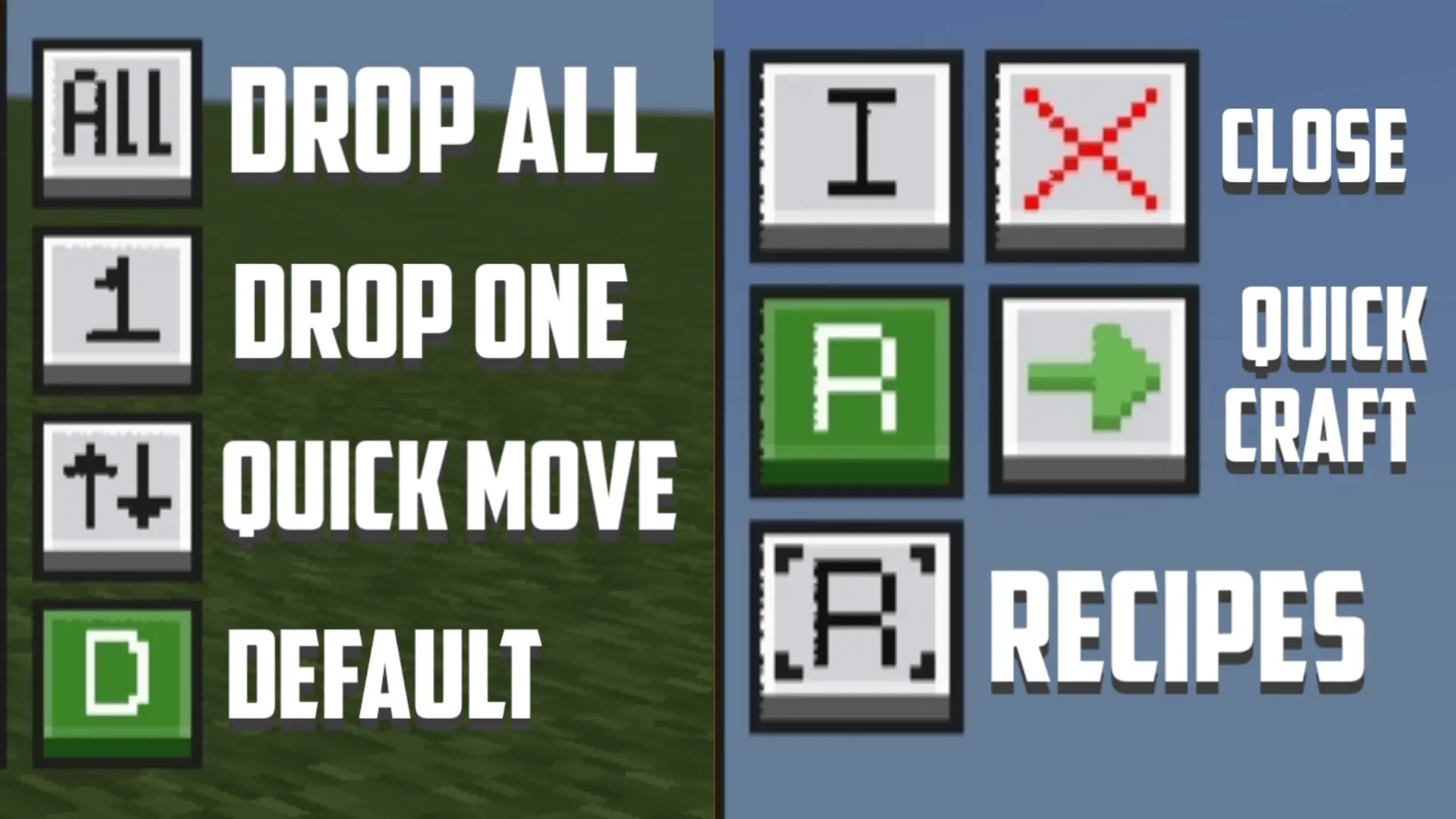
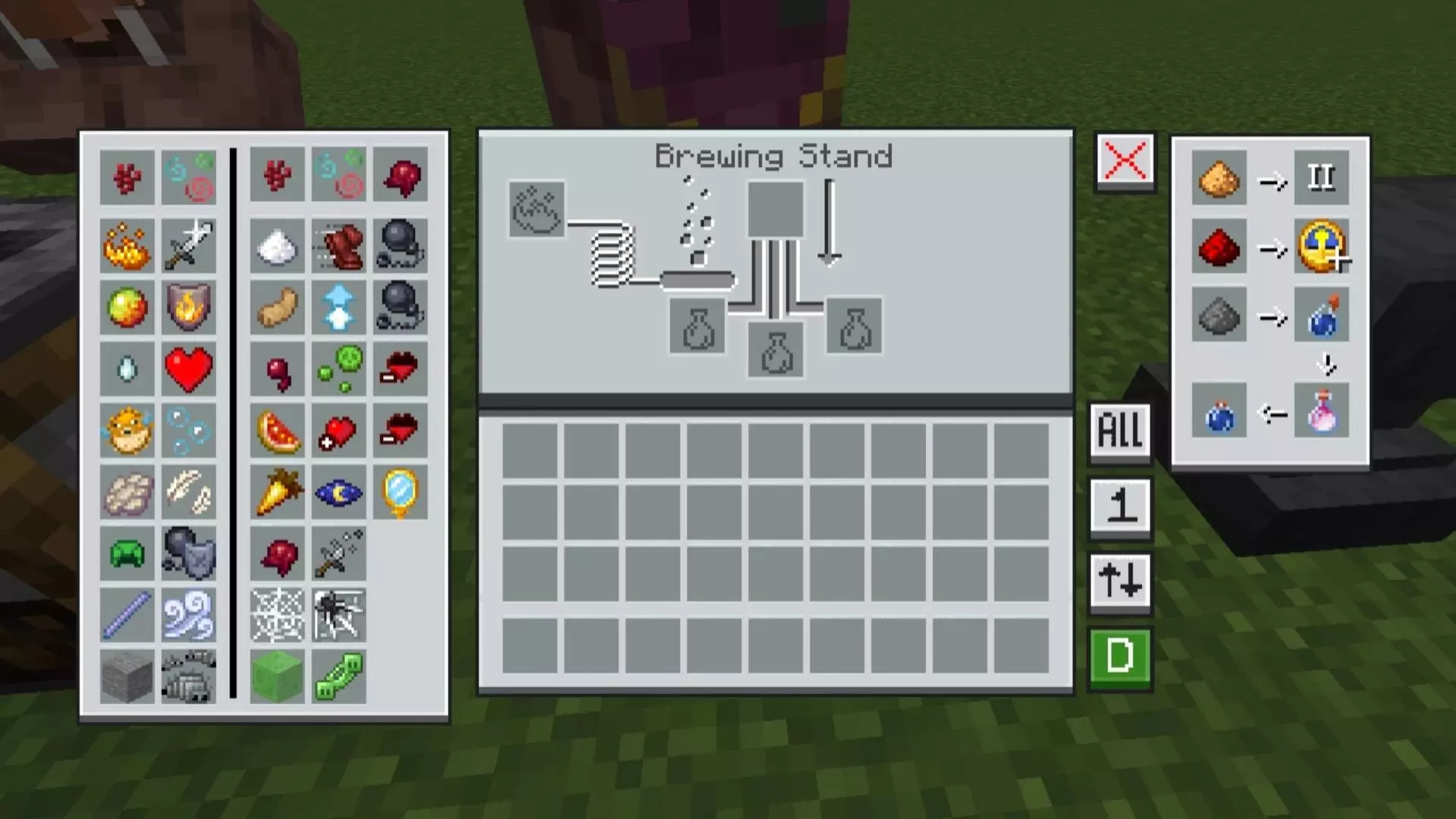
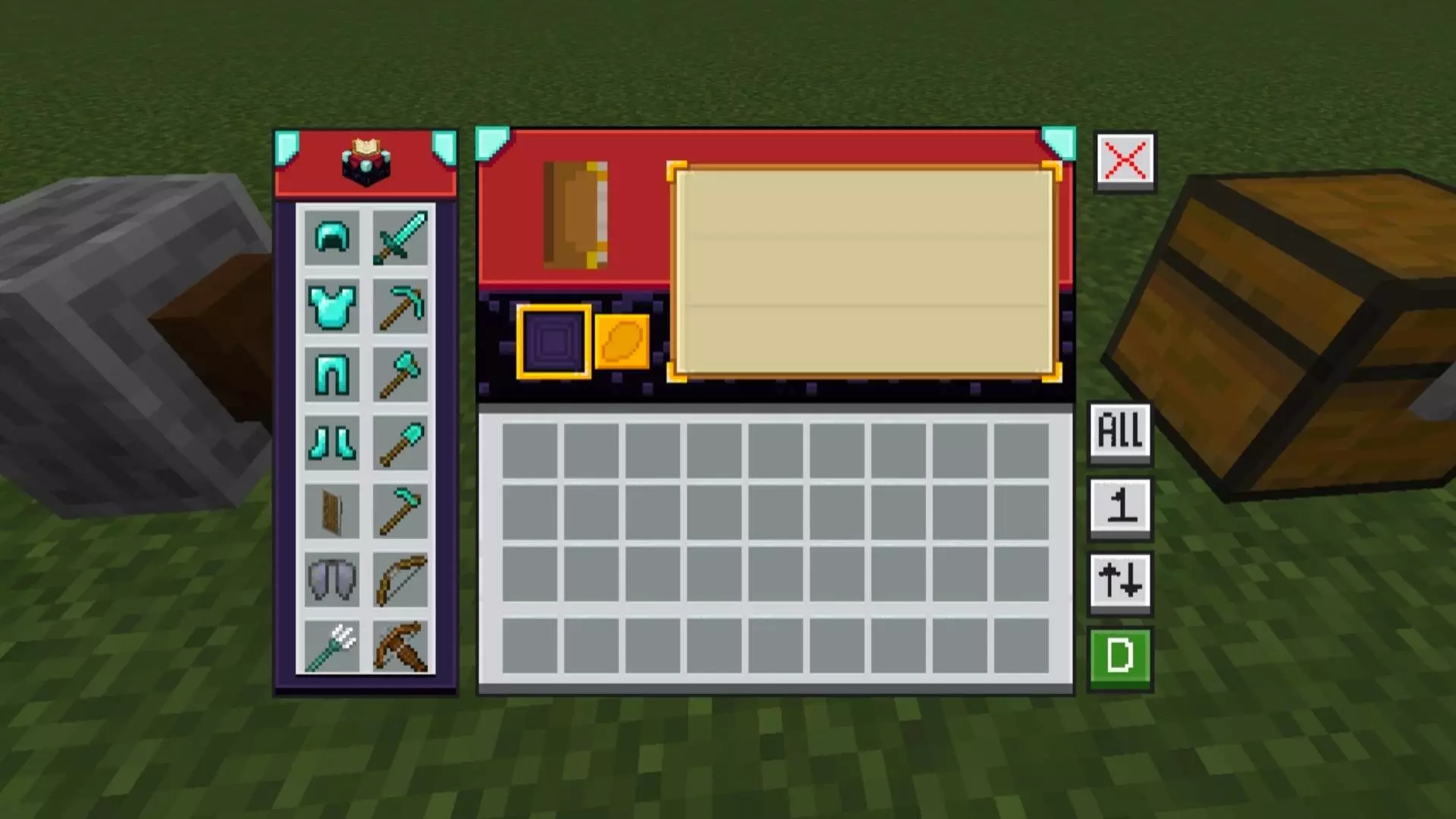
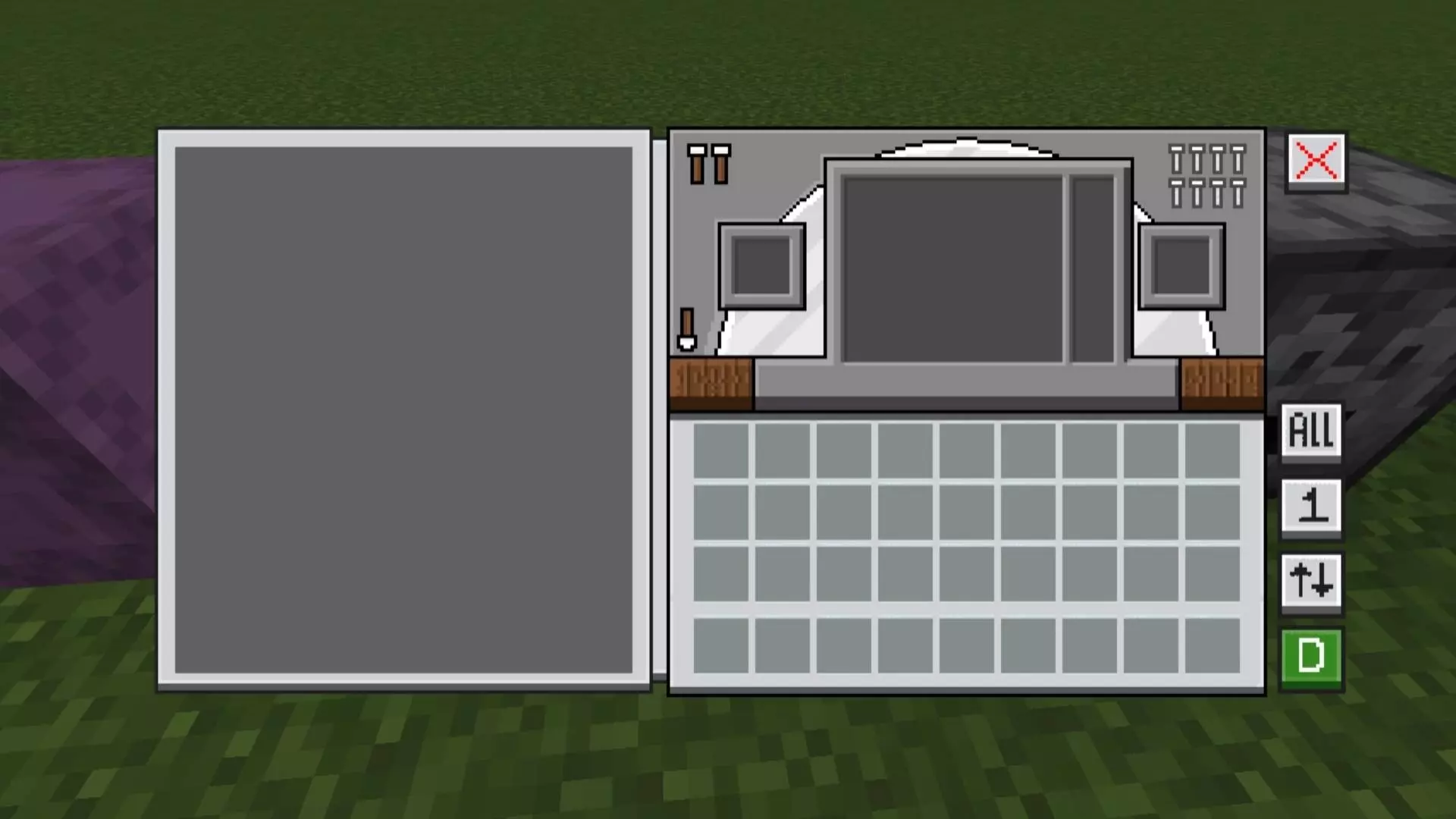
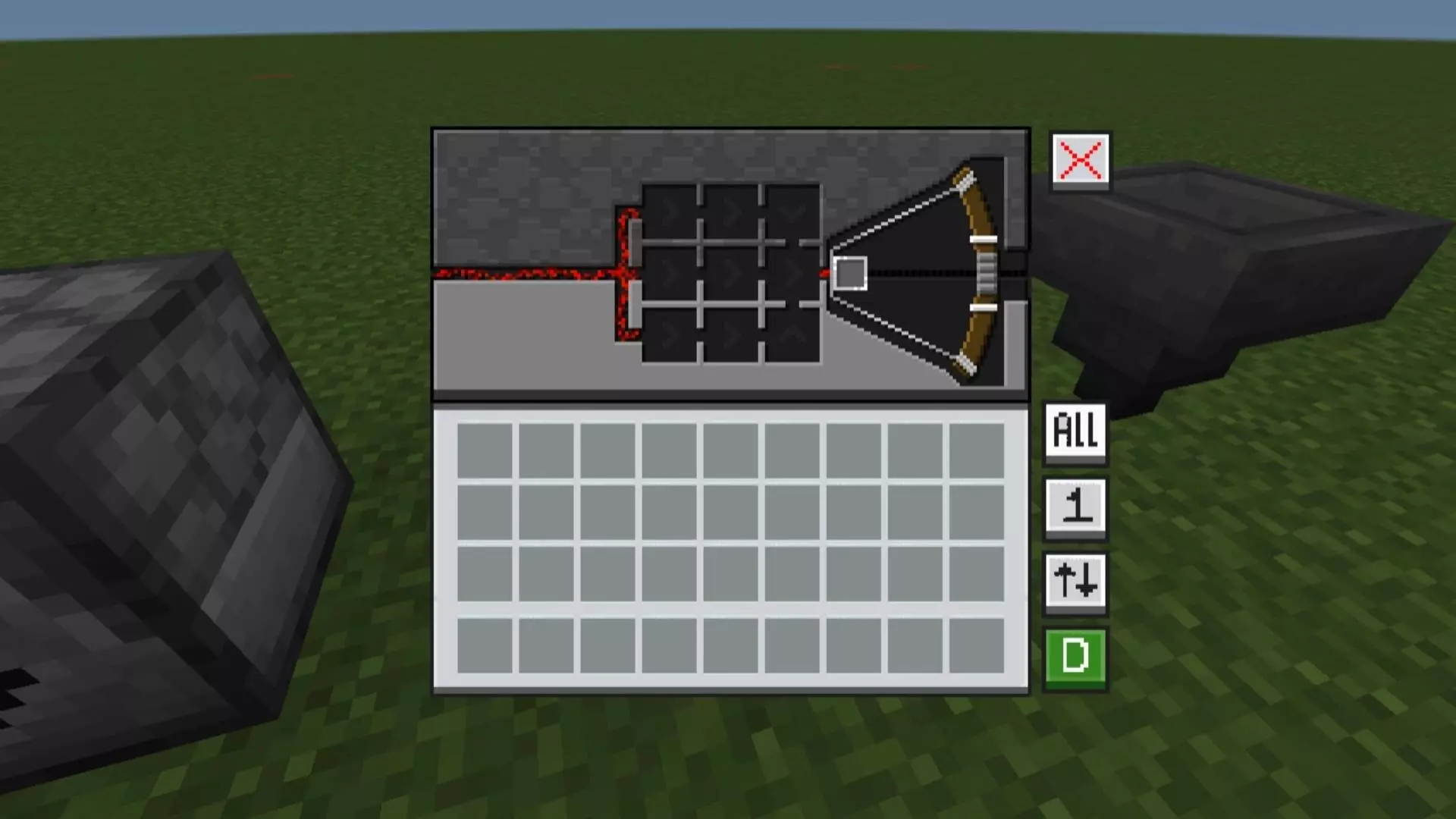
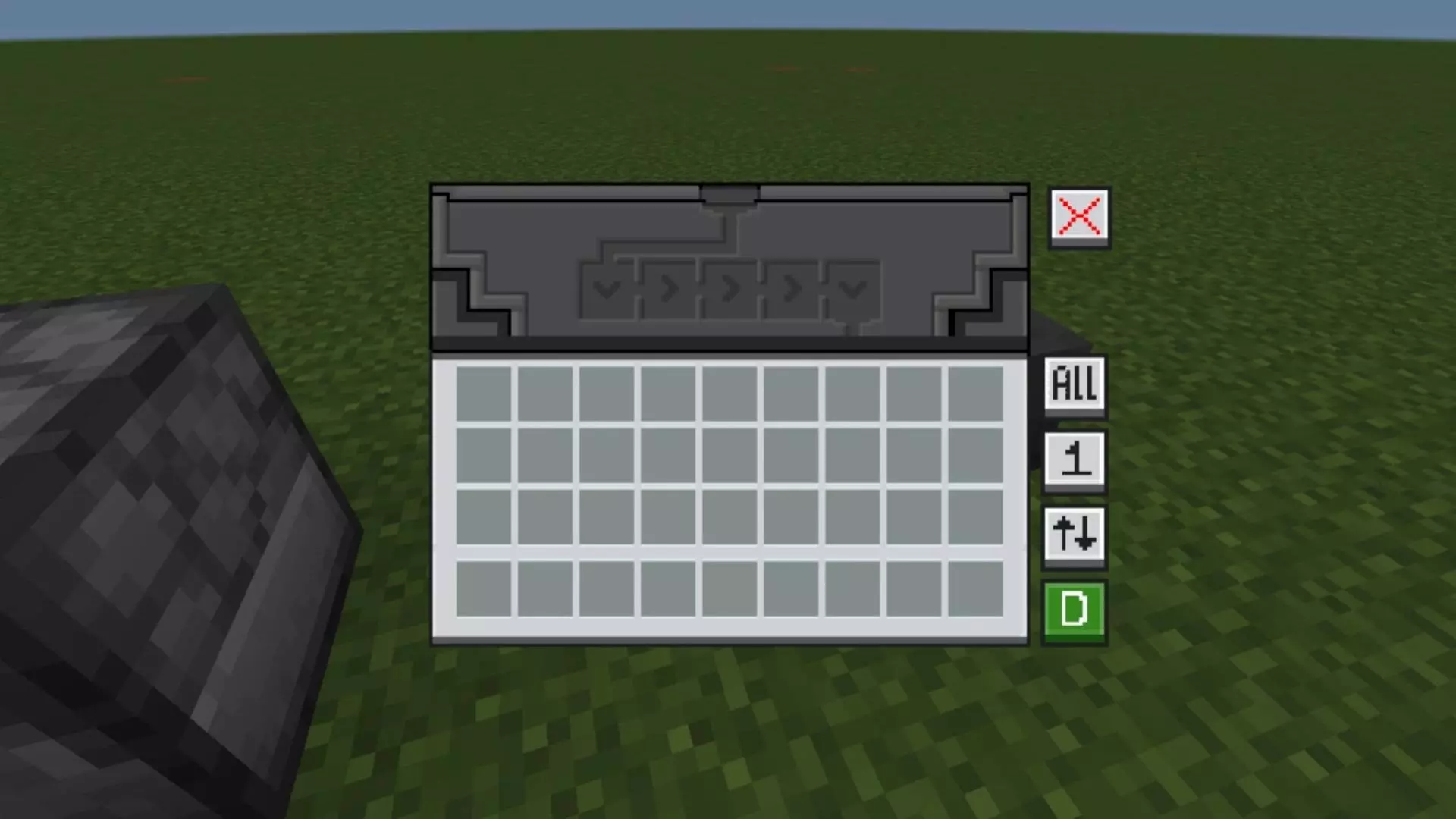
I ran it in a fresh survival and the flow improved immediately. Crafting felt snappier because my brain wasn’t context-switching between block and menu art, and moving items around didn’t turn into a mini–inventory war. The Quick Loot option is clutch when you’re flipping chests during a build session or clearing a dungeon haul; you can sweep what you need without dragging stacks back and forth. The Drop One Item and Drop All Items actions are perfect for cleanup runs, whether you’re ditching junk before a raid or sorting a farm output line that got a little too spicy. The pack keeps the classic Minecraft style, so nothing looks out of place—just sharper, more consistent, and way more readable.
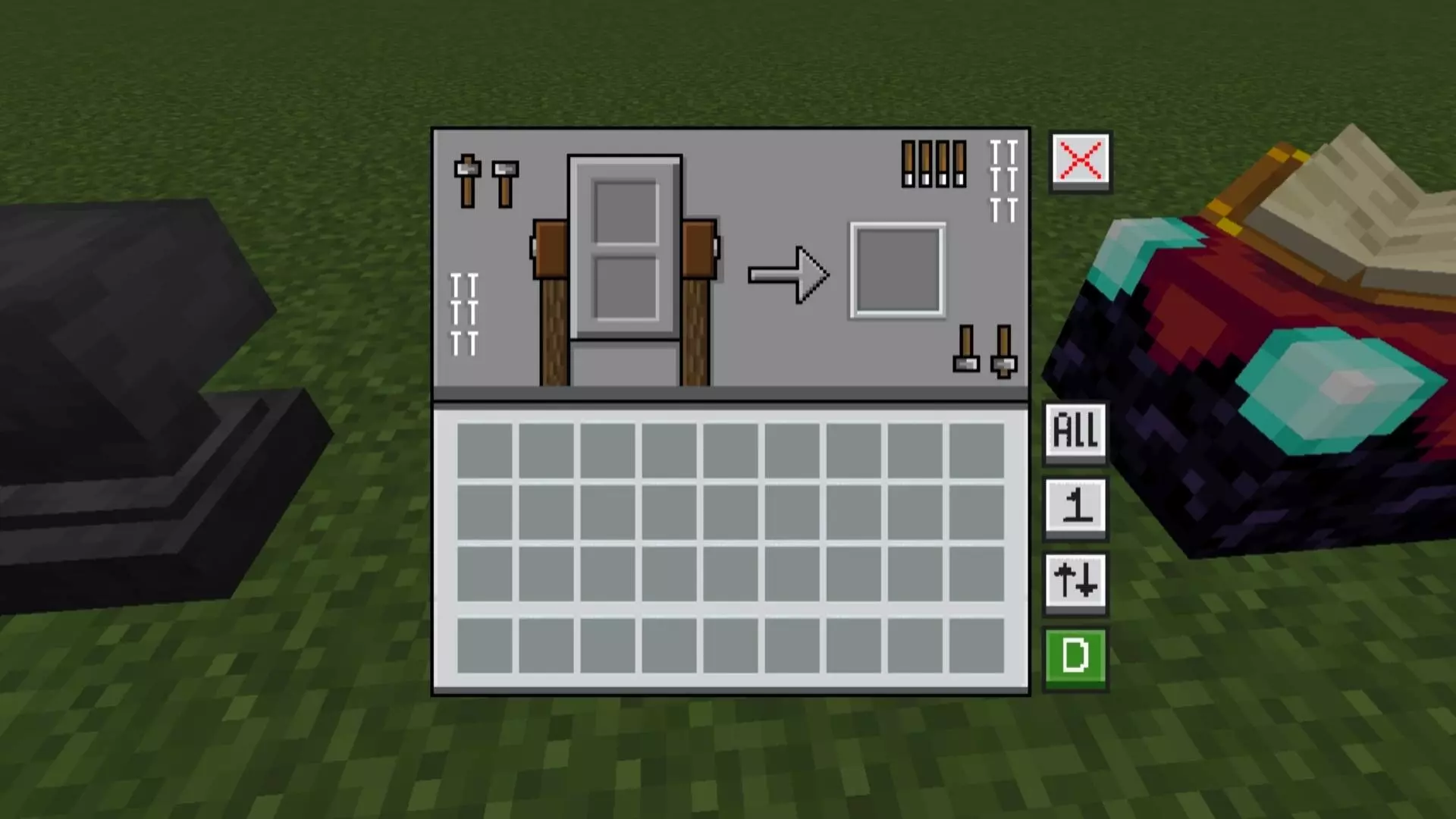
Setup is the usual Bedrock routine: enable the resource pack and jump in. Because Pocket Gui+ is a standalone take on the creator’s NeBux UI, you get the themed GUIs and the quality-of-life touches without extra fluff, and it plays nicely on both Bedrock/MCPE. Day-to-day, that means an anvil feels like an anvil when you’re renaming gear, a furnace UI feels like hot iron when you’re smelting, and your storage runs don’t stall out in the menus. If you want Minecraft Bedrock to keep its vanilla soul while giving every workstation its own identity—and speeding up the little inventory moments—Pocket Gui+ is the pack I’d keep on.
Installation:
- Download Texture;
- Use Minecraft PE
- Open the downloaded .mcpack to install;
- Select texture in settings;
- Done.
Comments (0)