Lightning path RTX Shader
- 16-04-2026, 02:46
- 1 561
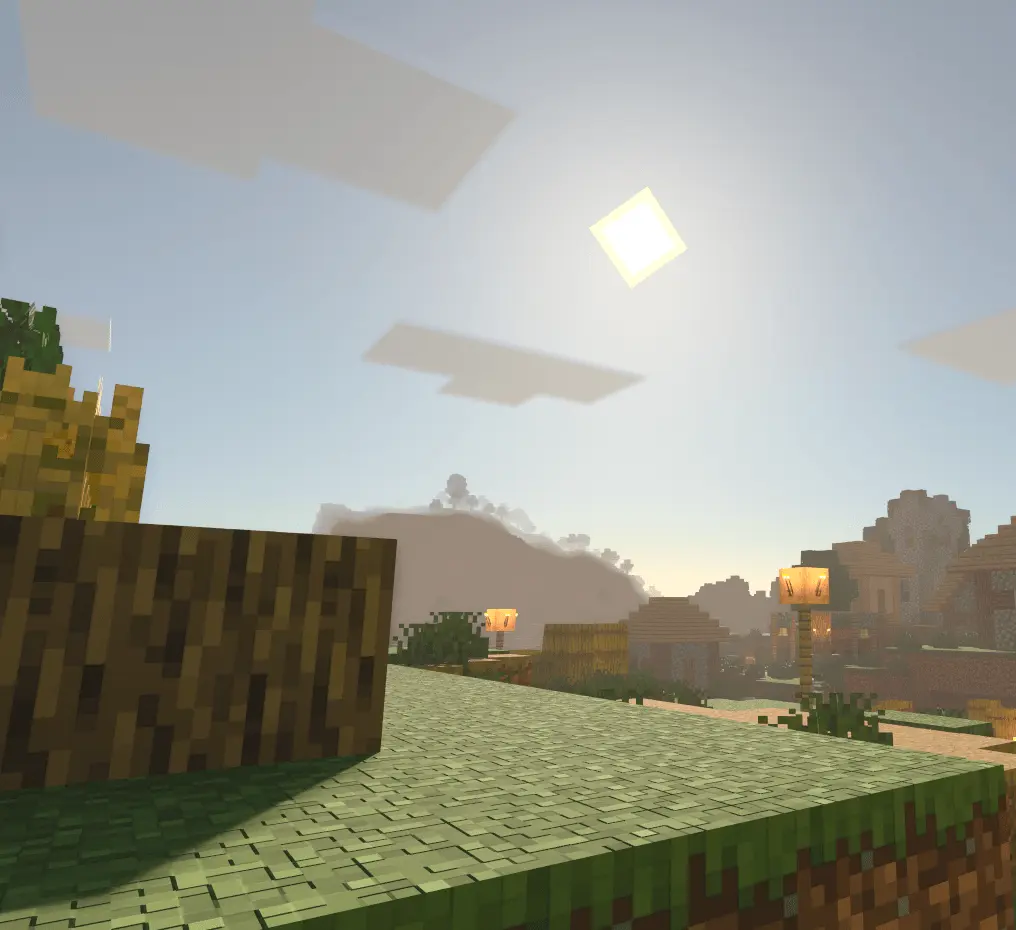
Lightning Path RTX Shader — a plug-and-play RTX pack that makes Minecraft Bedrock look like you just flipped the game to “cinematic.� I ran it across a couple survival worlds and the change hits instantly: leaves go full, bushy canopy instead of flat card stacks; blocks pick up refined models; textures tighten; and materials get that height-mapped depth that makes stone, wood, and bricks read like they have real bite.
Out in survival, the world just feels richer. Forest runs turn into light-through-foliage moments where the new leaf models actually sell the shape of the trees. Caves pop because those height-mapped materials give walls subtle depth, so your torch routes look intentional instead of muddy. Build nights go hard, too. Clean models and upgraded textures make modern bases, medieval towns, and city streets screenshot-ready without you changing your palette. I dropped it on a realm hub and the whole lobby felt like a showcase map.
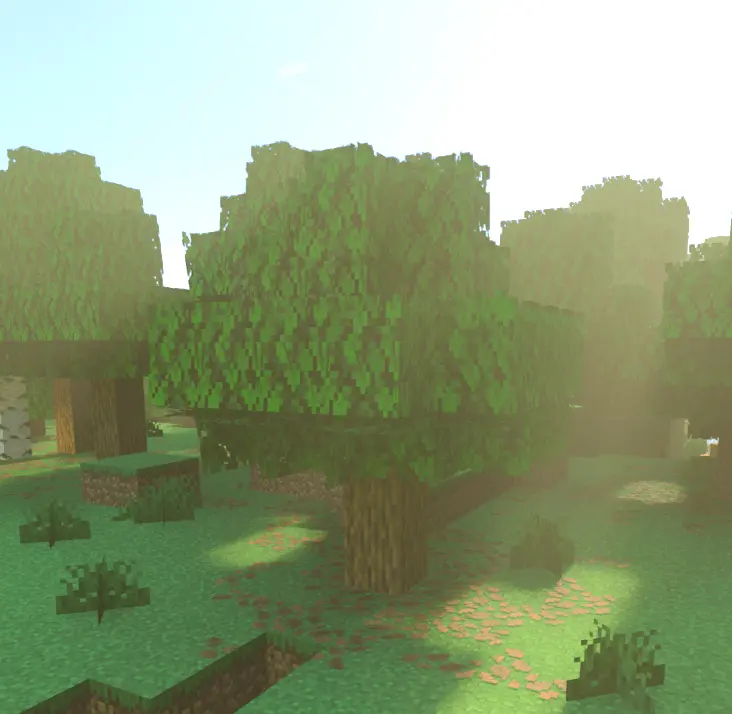
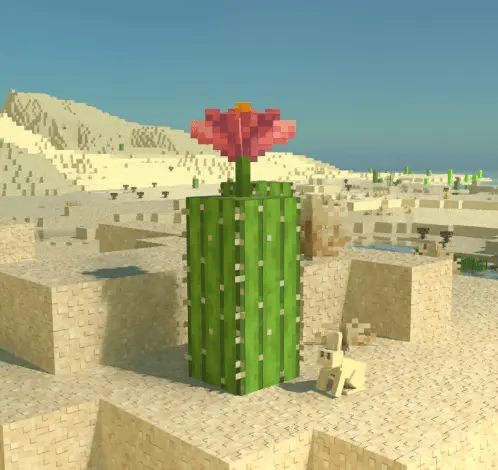
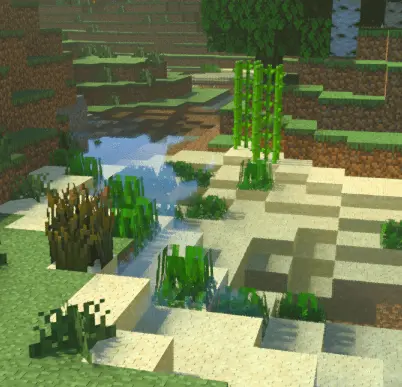
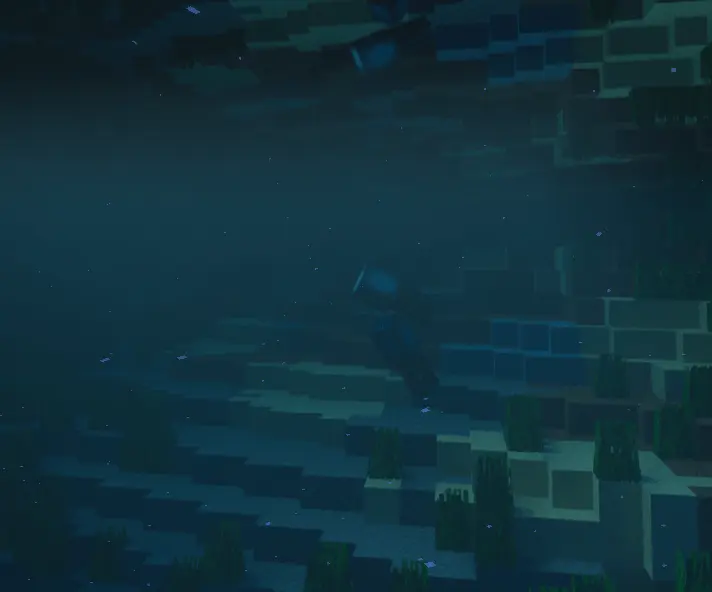
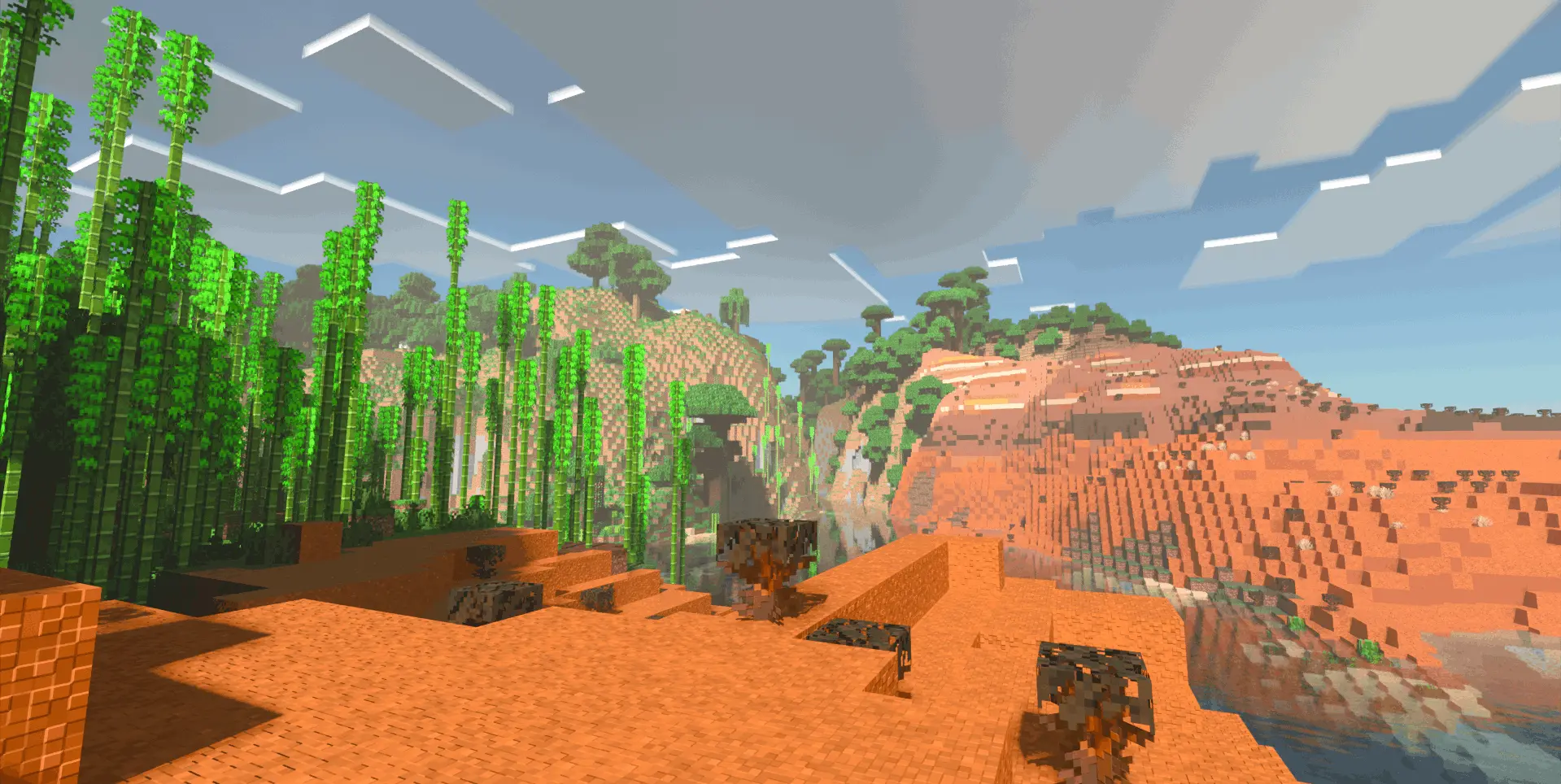
The forest around your Minecraft base can look very different when the trees have fuller leaves and sunlight reaches the ground through them. Lightning Path RTX is a resource pack designed for ray tracing, with changes to foliage, block models, materials, water, and the atmosphere around you. It’s the kind of pack that makes familiar places worth visiting again, whether you want to see how your house looks in the evening or take another walk through a forest you’ve passed many times before.
The trees are among the first things you may notice. Their leaves have a bushier model, giving the canopy a fuller shape. Walk beneath the branches and look up, then step back and see how the same trees appear from a distance. A forest near your base can feel denser, while a single tree beside a house becomes a more noticeable part of the yard. If you enjoy decorating the land around your builds, the changed foliage gives you another reason to experiment with gardens, paths, and wooded areas.
Blocks and materials receive attention too. The pack updates some models and textures and gives surfaces a greater sense of depth. Stone, wood, and brick can look different as the light falls across them, which is particularly interesting when you revisit something you’ve already built. A stone wall may catch your eye in daylight, while the same wall takes on a different appearance when you return home after sunset. You don’t have to start a new building to see the effect; an old workshop or village street can be a good place to look at the changes.
Water is another feature worth spending time around. Its reflective surface and waves can make a river or lake feel like more than a gap you need to cross. Try standing on a bridge or walking along the shore and watching the surroundings reflected in the water. If your base has a pond or sits beside the ocean, the view from its windows may become one of your favorite places to see the pack in action. Take a look during the day and come back at a different time to compare the scene.
Underground areas can be worth revisiting as well. In a cave, light and shadow bring out the shapes and surfaces around your path, while the altered atmosphere gives the space a different mood. You might notice details in a familiar mine that didn’t stand out to you before. The same is true around a base at night: walk along your lit paths, look at the entrance from a distance, and see how the lighting works with the materials you chose when building it.
Lightning Path RTX is intended for Minecraft ray tracing, so you’ll need a device that supports the feature and a world with ray tracing enabled to see its intended effects. Import the resource pack, activate it in your world settings, and turn on ray tracing before exploring. A familiar survival world is a good place to start: visit your house, a nearby forest, and a stretch of water to see how each area looks with the new materials and lighting. It gives you a fresh reason to slow down and look around places you already know.
Setup is simple: add the resource pack, make sure ray tracing is enabled on your Bedrock client, and load a world. No weird workflows—just jump in and start playing. If your device supports RTX, you’ll see the pack’s upgrades right away; if you’re building, it’s worth doing a quick daylight-to-nighttime pass to see how materials and foliage read under different conditions. Combat, mining, travel—all the usual loops stay the same, they just look cleaner. Nether runs feel moodier, ocean routes get that glassy texture depth, and village nights actually show off your path lighting.
If you want your Minecraft Bedrock worlds to look next-gen without juggling ten different packs, Lightning Path RTX Shader is the move: bushier trees, smarter models, crisp textures, and materials that finally have some depth.
Comments (0)