Cinematic Visuals Shader
- 29-04-2026, 01:22
- 1 880
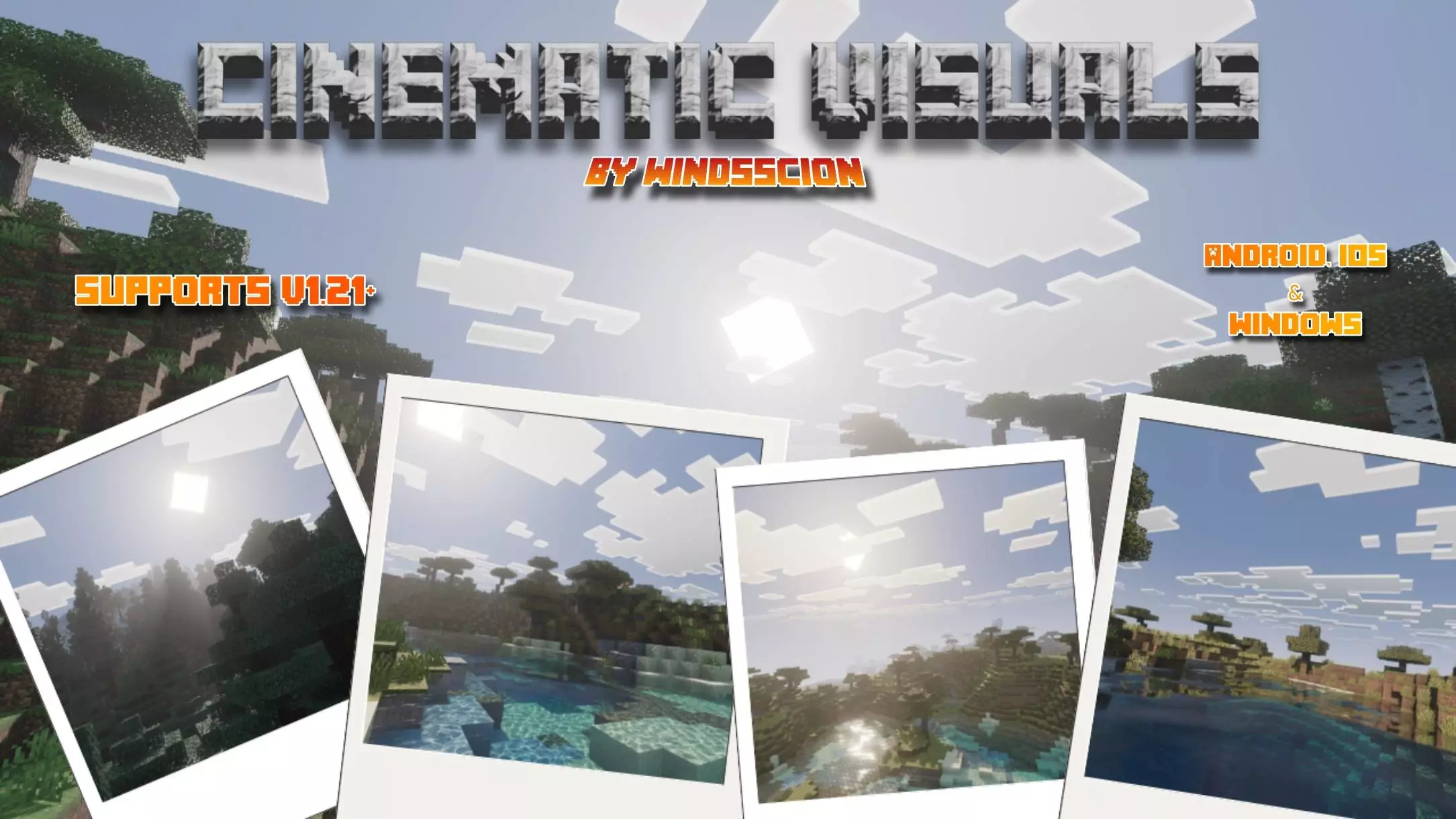
Cinematic Visuals Shader (Vibrant Visuals Pack) — a shader-style resource for Minecraft Bedrock that makes your worlds look straight-up cinematic without trashing the vanilla vibe. The hook is simple: cleaner lighting, richer color, and physically-styled materials so stone feels rough, metals catch highlights, and water actually plays with light instead of sitting flat.
Out in daylight, the different tonemap keeps scenes punchy rather than blown out. Forests pick up corrected biome colors, so greens don’t skew neon and cherry/pastel tones land the way you expect. The new sun path changes how light rakes across builds through the day, which is huge for screenshots—watch godrays thread through spruce canopies or across cathedral windows and your base instantly looks like a set piece.
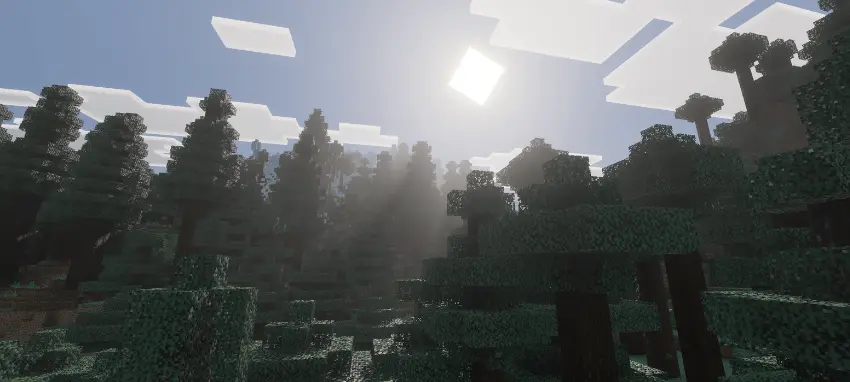
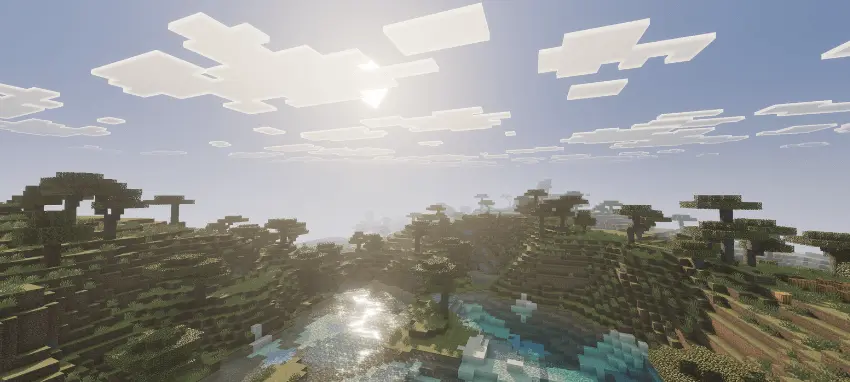
One of the nicest changes is the way sunlight becomes part of the scenery. As you travel through a forest, you can see rays of light reaching between the trees. In an open area, the same light gives hills and buildings a different appearance as the day goes on. If you’ve built a home with large windows or a spot overlooking the landscape, it’s worth spending a little time there at different hours. A room you usually pass through on your way to storage might become a pleasant place to stop and watch the view. The shader also adjusts biome colors, so forests and other familiar places have a refreshed look without losing their Minecraft character.
Water gets particular attention. Rivers, lakes and oceans have an updated appearance, with reflections and moving patterns of light visible beneath the surface. Shallow water near a shore can reveal the sand and stone below, making a beach or a small inlet more interesting to explore. Take a boat along a river you know, visit an ocean or go back to a pond beside your base and see how the water looks there. If you enjoy building near the coast, a dock or a bridge may feel like a more inviting place to spend time once the water around it has changed.
The atmosphere after dark is different too. Cinematic Visuals adjusts the colors of the night and adds fog that gives distant terrain more depth. A journey home after sunset can feel quite different from the same walk in daylight. You might notice the shape of a mountain in the distance or enjoy the way a lit building stands out as you approach it. The darker hours still bring the usual dangers of Minecraft, of course, so it’s worth keeping your equipment ready even when you’re distracted by the scenery.
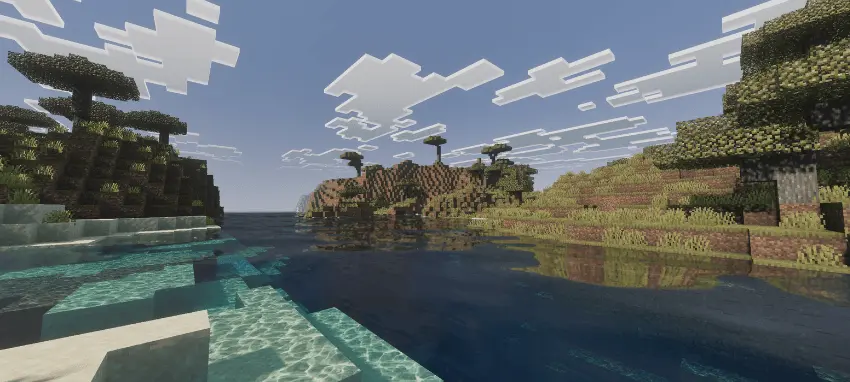
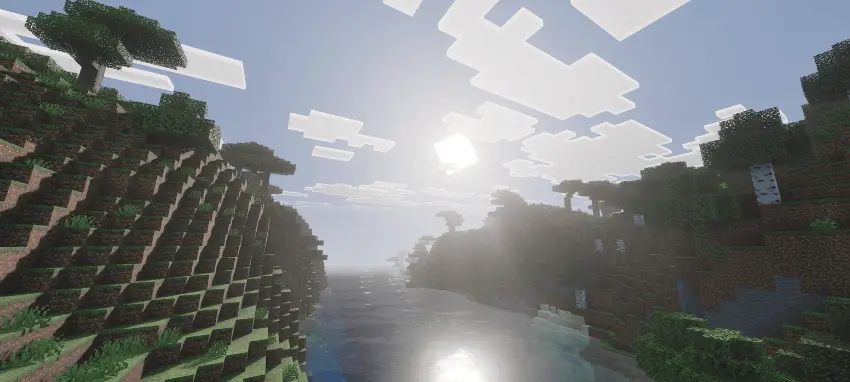
Hit the coast and the upgrade is obvious. New improved water stays clear near shore, darkens where it should, and throws caustics that dance over sand and stone. Drop into a reef or cave pool and you get that crisp, readable look that makes exploring fun instead of murky. Nights lean moody with a new atmosphere colour and tuned night color—stars pop, lantern pools feel warm, and volumetric fog gives mountains, swamps, and city streets depth without hiding your path.
Materials matter here. The pack includes default PBR textures, so copper roofs, glazed terracotta, and polished stone read with proper roughness/shine under reflections and directional light. Builders get gallery-ready tours; survival grinders get clearer caves and cleaner vistas; content creators get shots that don’t need a filter.
Comments (0)