Dark Neeko Skin Pack
- 18-08-2026, 03:35
- 366
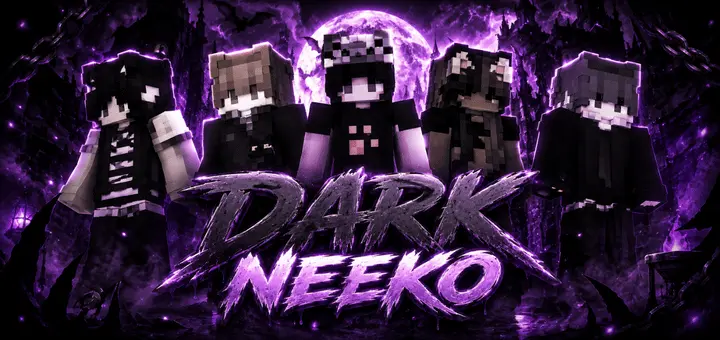
Embrace a completely stealthy, gothic aesthetic with the Dark Neeko Skin Pack, blending deep blacks with just enough purple to make your character pop. It is the perfect cosmetic drop for players who want a mysterious, alt-fashion vibe without looking like a walking neon sign.
When you search for edgy or shadowy cosmetics, you usually end up downloading a file that is literally just a pitch-black blob where you can't even see the clothing folds. The artists behind this pack actually understood the assignment. You get a moody, underground look that feels right at home whether you are building a massive dark fantasy castle on an SMP or just chilling at the spawn hub with your friends.
If you spend hours grinding competitive modes, this color palette is highly tactical. Running around in dark gear means you instantly blend into cave systems, nighttime environments, and shadowy arenas. You avoid painting a massive target on your back compared to players running around in bright colors.
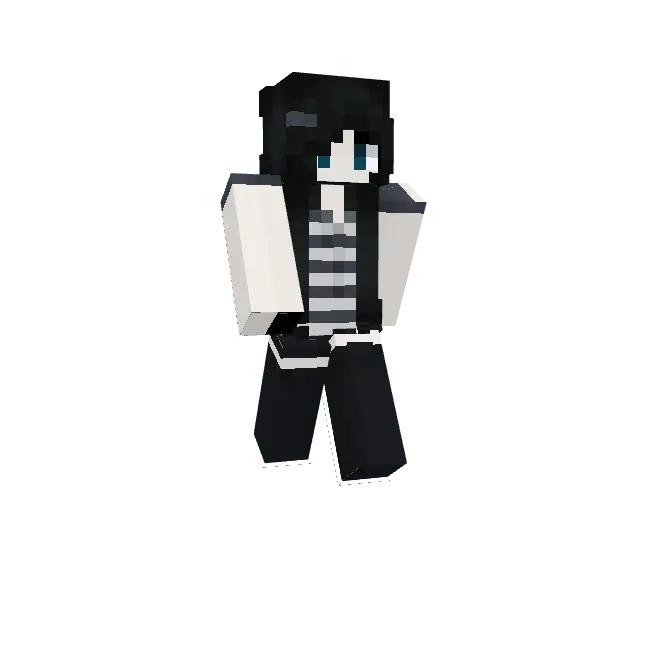
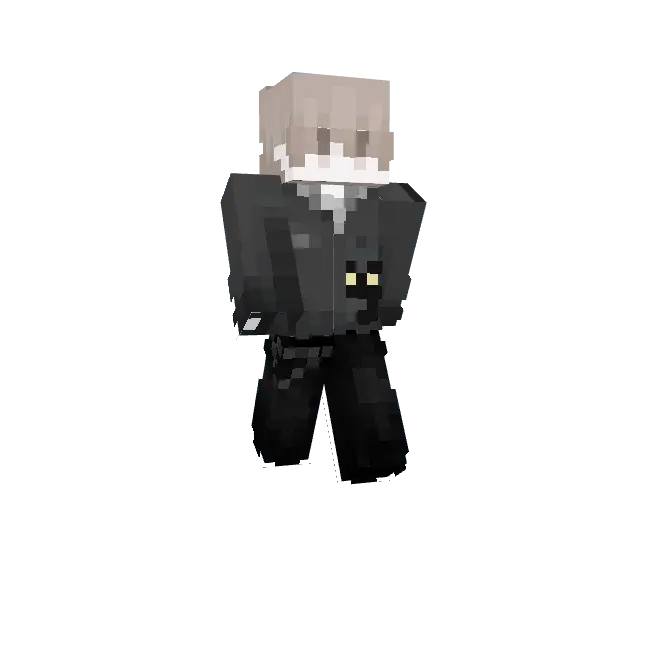
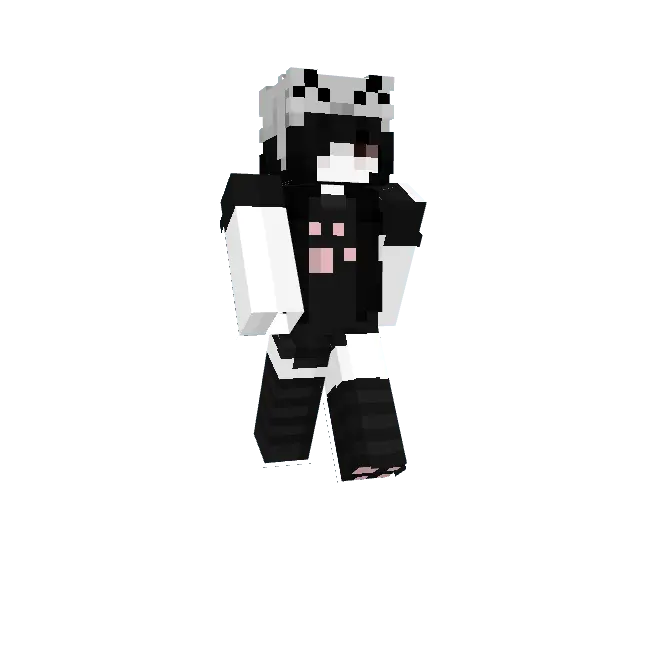
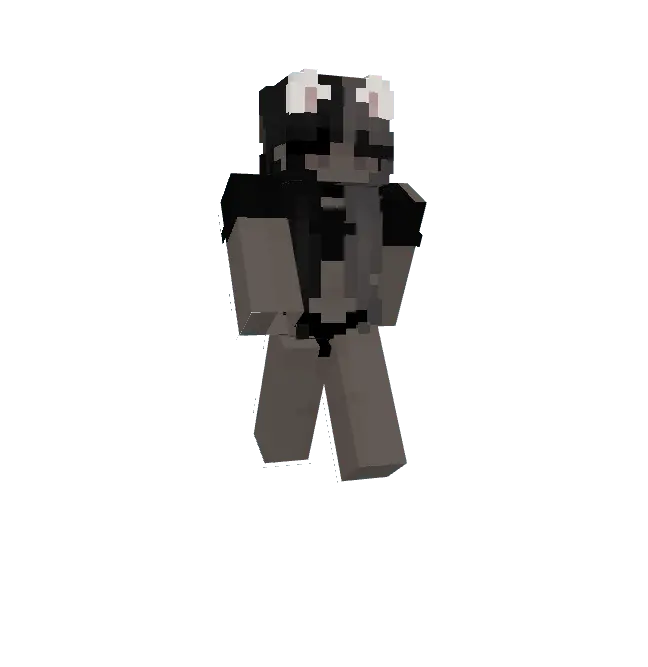
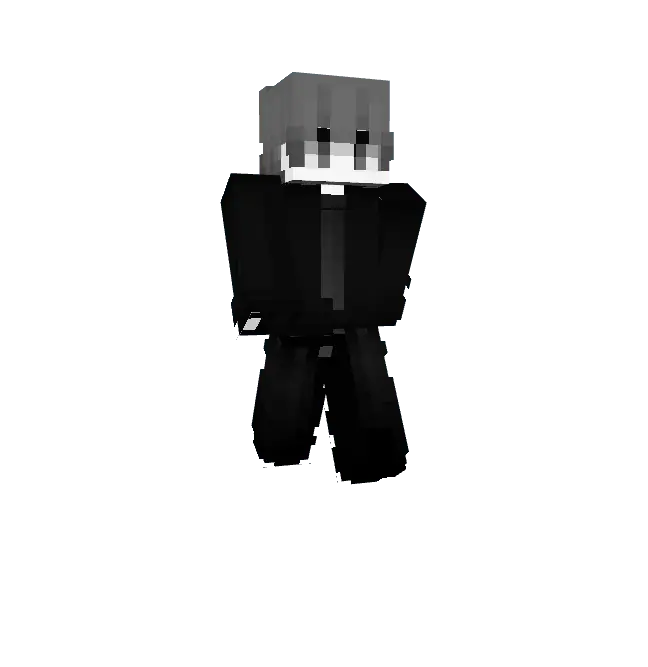
Upgrading your locker doesn't mean settling for boring templates. If you want a top-tier Minecraft Bedrock skin pack that perfectly balances stealth and style, this is the one to grab. Download these MCPE custom skins right now, lock in your new Minecraft PvP skin, and bring a totally fresh, dark atmosphere to your next gaming session.
Quick guide: How to install this Minecraft skinpack
Downloaded the .mcpack file? Here is exactly how to get it into your game depending on what device you are using right now.
- On Windows or Android: Just click or tap the downloaded file twice. Minecraft will open up on its own and load the skins immediately.
- On iPhone or iPad: Save the file, open your Files app, and hold your finger on it. Hit Share, select Minecraft from the list, and the game will handle the rest.
To put the skins on, just open Minecraft, head over to the Dressing Room (Profile), click on Classic Skins on the left, find this pack under Owned, and tap Equip.
Comments (0)