Black Smoke Skin Pack
- 17-07-2026, 14:42
- 337
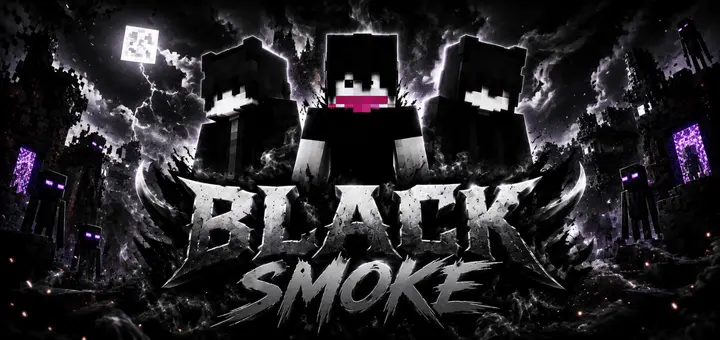
The Black Smoke Skin Pack brings an ultra-clean, stealthy aesthetic to your Minecraft Bedrock game, letting you blend into the shadows with edgy, smoke-inspired outfits.
Let's be real, running around a multiplayer server in bright neon clothes just makes you an easy target. If you want to lean into a darker, more mysterious vibe, this pack is exactly what you need. It drops a collection of shadowy, ninja-style characters straight into your wardrobe. Whether you are creeping through a terrifying custom horror map or trying to stay completely off the radar during a massive SMP faction war, these outfits give you that stealthy, intimidating edge.
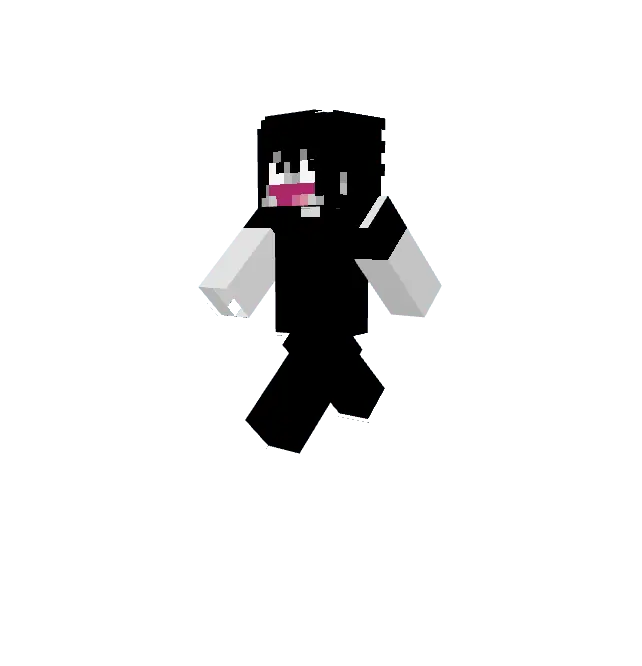
There is a massive difference between hiding in the dark and literally becoming a part of the shadows when a heavily geared faction rolls past your coordinates. The Black Smoke Skin Pack essentially turns your avatar into a walking void, scrubbing out your bright pixels so you can ghost through hostile territory entirely undetected.
Running an anarchy server or surviving a hardcore SMP requires serious trigger discipline, but your loadout usually gives you away long before your movement does. If you are wearing standard vibrant cosmetics, anyone with a decent render distance and a spyglass is going to spot your neon sneakers clipping through a dense spruce forest. This collection of Minecraft Bedrock stealth skins strips all that visual liability away. Instead of flashy designs, these character models are wrapped in deep, muted charcoal tones, swirling grayscale patterns, and absolute blackouts that seem to absorb light rather than reflect it. It perfectly mimics the visual distortion of campfire smog or the pitch-black corners of a sprawling deepslate cavern.
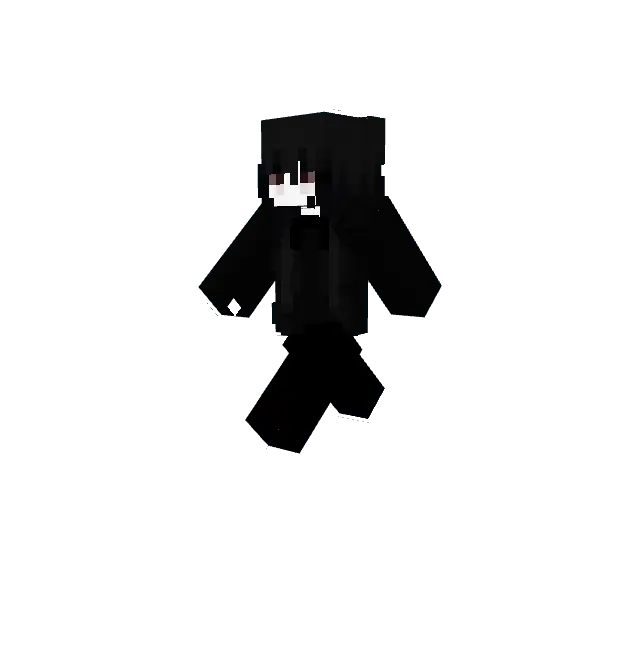
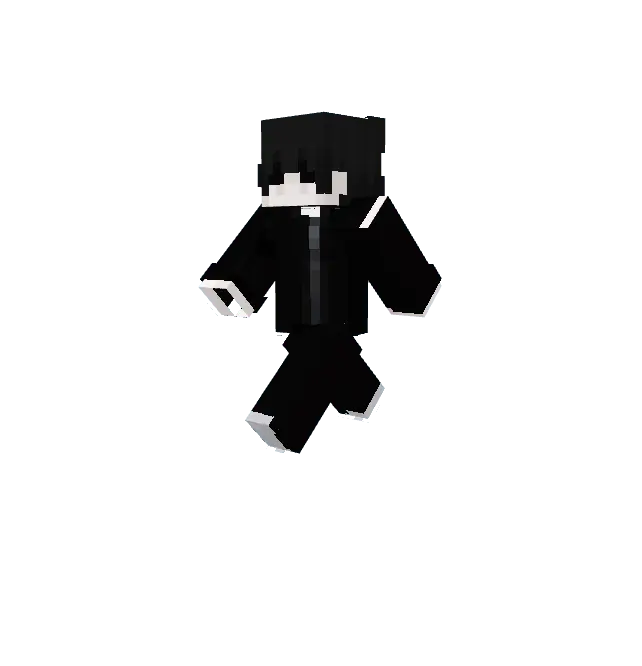
Finding high-quality Minecraft dark skins that don't look like an over-shaded, messy blob can be a real struggle. Luckily, the creator nailed the smoky, minimalist aesthetic here. The designs are incredibly sleek, making them top-tier Minecraft PvP skins since they won’t distract your field of view while you are sweating it out in a Bedwars lobby. Plus, if you are doing some late-night roleplay or surviving in a hardcore realm, rocking an MCPE custom skin from this collection completely sets the mood.
It is time to drop the bright default looks and actually embrace the darkness. Download the Black Smoke Minecraft Bedrock skin pack, equip your favorite shadow variant, and become the most elusive player on your next server.
Quick guide: How to install this Minecraft skinpack
Downloaded the .mcpack file? Here is exactly how to get it into your game depending on what device you are using right now.
- On Windows or Android: Just click or tap the downloaded file twice. Minecraft will open up on its own and load the skins immediately.
- On iPhone or iPad: Save the file, open your Files app, and hold your finger on it. Hit Share, select Minecraft from the list, and the game will handle the rest.
To put the skins on, just open Minecraft, head over to the Dressing Room (Profile), click on Classic Skins on the left, find this pack under Owned, and tap Equip.
Comments (0)