Football Collection Skin Pack
- 21-07-2026, 14:53
- 602
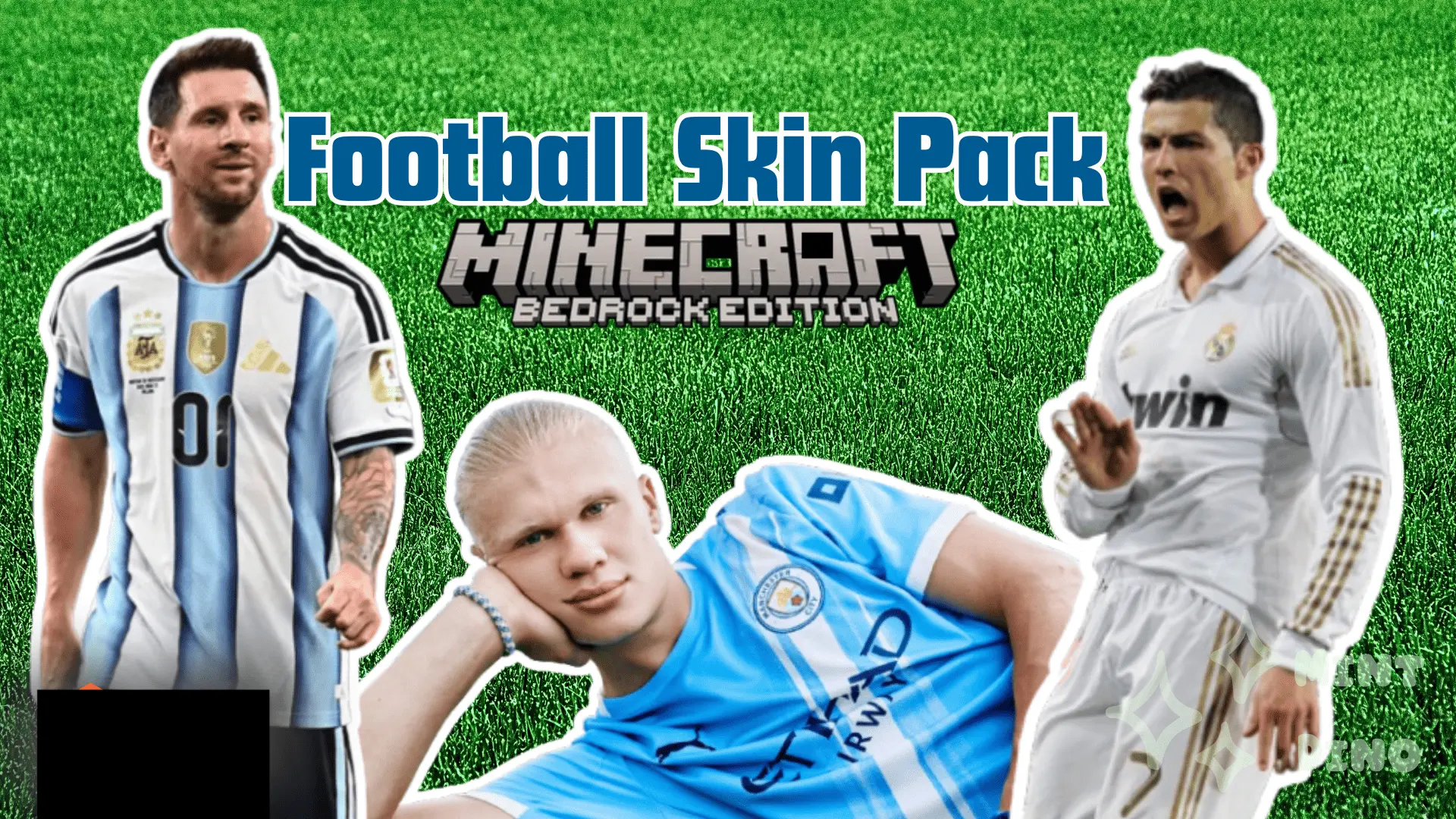
The Football Collection Skin Pack drops a massive lineup of original, stadium-ready athletic gear straight into your dressing room so you can finally look the part during your realm's next big match.
Default skins look ridiculously out of place when you are trying to set up a custom sports minigame or a massive stadium build with your friends. If your squad is actually putting the time into building a turf arena or running a competitive map, rolling up in a standard survival hoodie just completely ruins the vibe. This pack fixes that by handing you a ton of custom-designed uniforms, different athletic hairstyles, and sporty streetwear that actually looks distinct instead of feeling like a cheap, lazy palette swap.


The creator went heavy on variety here, meaning your entire server can actually draft unique looks for different teams without everyone accidentally matching in the pre-game lobby. The pixel art keeps the jerseys and cleats looking incredibly sharp, avoiding that muddy, over-detailed mess that ruins so many Minecraft Bedrock sports skins the second you start sprinting. It also skips the glitchy 3D geometry, so you won't get weird clipping issues when you are wildly clicking and sweating it out in a fast-paced arena.
Since it functions perfectly as a standard MCPE custom skin pack, importing the files is completely painless with zero third-party launchers required. If your survival crew is ready to settle your beef on the field, grab these athletic Bedrock character skins, load up your server, and go dominate the match.
Customizing your loadout happens through an innovative interface mapped straight to your ninth inventory slot. Crouching and interacting brings up an attachment bench that lets you snap on high-magnification scopes, suppressors, and front grips to stabilize your spread. To keep your sights crystal clear, make sure to disable View Bobbing in your client settings so custom reticles render without wobbling during heavy movement.
The survival progression loop extends far beyond just shooting. The mod introduces locked military supply crates and heavy security safes scattered across generated terrain, daring you to risk precious lockpicks or crowbars to score high-tier tactical loot. When looting runs dry, you can boot up the custom in-game laptop shop to trade resources for fresh Tier 4 armor vests, Hazmat suits, and emergency medical supplies. There is even a built-in tactical backpack in slot one, giving you quick-access inventory slots specifically for extra ammo boxes and attachments.
Dropping this package onto a multiplayer realm completely changes how your crew runs nighttime operations and dungeon sweeps. Instead of disorganized sword swinging, your team can assign dedicated roles—a sniper holding the perimeter, point men running close-quarters carbines, and support players hauling medical supplies. It delivers the intense pressure of a modern tactical shooter without sacrificing the survival sandbox core. Ready up, pack your spare magazines, and reclaim your world with serious firepower.
Quick guide: How to install this Minecraft skinpack
Downloaded the .mcpack file? Here is exactly how to get it into your game depending on what device you are using right now.
- On Windows or Android: Just click or tap the downloaded file twice. Minecraft will open up on its own and load the skins immediately.
- On iPhone or iPad: Save the file, open your Files app, and hold your finger on it. Hit Share, select Minecraft from the list, and the game will handle the rest.
To put the skins on, just open Minecraft, head over to the Dressing Room (Profile), click on Classic Skins on the left, find this pack under Owned, and tap Equip.
Comments (1)