Joshi Kōsei Skin Pack
- 12-02-2026, 20:00
- 642

Joshi Kōsei Skin Pack is all about that school-life atmosphere, like you’re starting a new semester and figuring out who you are while everything around you keeps moving fast. The theme is “navigating the halls of high school,” and it’s the kind of pack that fits both chill survival worlds and social multiplayer sessions where your skin is basically your personality badge.
You’ve got four named characters to choose from: HIMEMORI, HINA, MIIKA, and LILY. Even without a giant backstory dump, the pack’s concept makes it easy to roleplay your own. Maybe you’re the quiet one who grinds resources and keeps the base organized, or the friend who always shows up late but somehow brings the clutch items. The high school angle also works great for building projects that match the vibe, like a campus-style base, a dorm hangout spot, or a little hallway-themed interior where you keep your storage “lockers.” It’s not about changing gameplay, it’s about making your world feel like it has a setting.
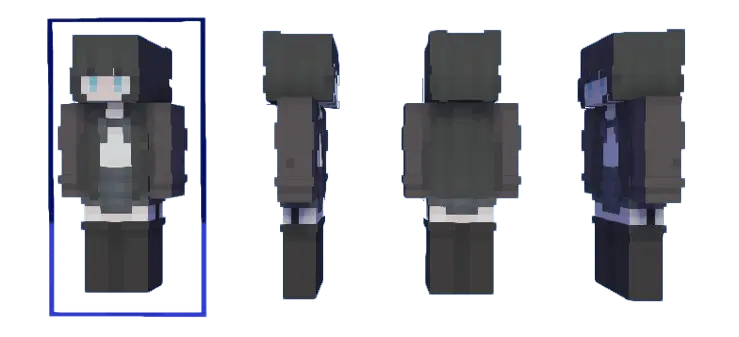
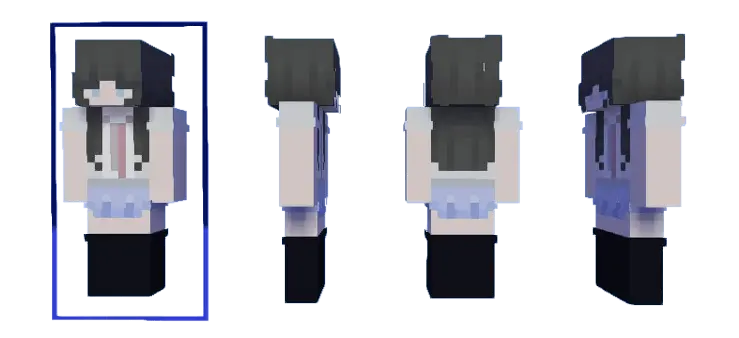
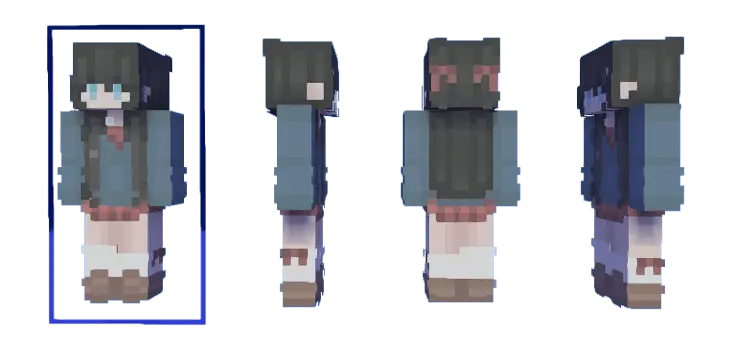
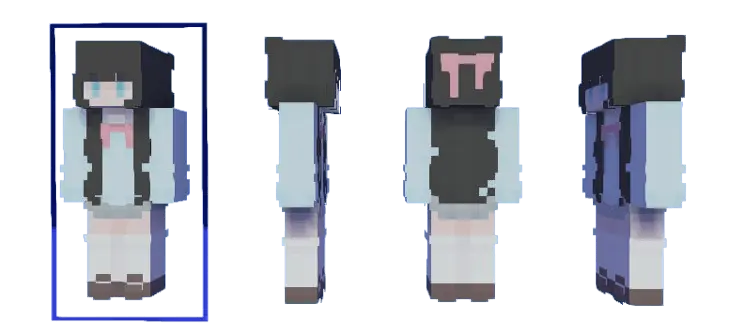
In Minecraft Bedrock, Joshi Kōsei Skin Pack is especially fun if you play with friends and want everyone to look like they belong in the same theme without being identical. Pick different characters so you’re easy to recognize during chaotic moments, then keep that identity consistent so your screenshots and memories actually line up with one “cast.” If you’re solo, choose one look and stick with it for a whole world so your builds feel like they’re tied to a main character instead of random skin swapping. Joshi Kōsei Skin Pack is simple, themed, and clean for Minecraft Bedrock when you want your character to feel like part of a school-life story while you grind, build, and explore.
Wednesday's plan was to spend twenty minutes decorating the entrance to our Minecraft mine. By Wednesday night, we had constructed an entire underground waiting room with a ticket counter. Nobody knows why. I originally wanted a few lanterns and maybe a better staircase. Then one friend suggested adding benches for people waiting to go mining. Another insisted the benches needed a reception desk. Somebody brought paintings, and suddenly we were discussing whether miners deserved complimentary refreshments. I gave up trying to control the project and started experimenting with different materials for the walls. The finished room looks like the lobby of a surprisingly expensive hotel, except the main attraction is a hole leading into a cave. Visitors occasionally ask where they can purchase tickets. We tell them admission is free, but everyone has to bring their own pickaxe. The reception desk remains staffed by an armor stand wearing a golden helmet.
How to Install Skins in Minecraft Bedrock
- Download a .png skin (64×64 or 128×128).
- Open Minecraft Bedrock.
- Go to Profile (hanger icon) → Edit Character.
- Tap Owned → Import → Choose New Skin.
- Select your .png file.
- Pick a model: Classic (Steve) or Slim (Alex).
- Confirm to equip and play.
Comments (0)