DHealth & Damage Bar Mod / Addon
- 27-05-2026, 11:18
- 2 543
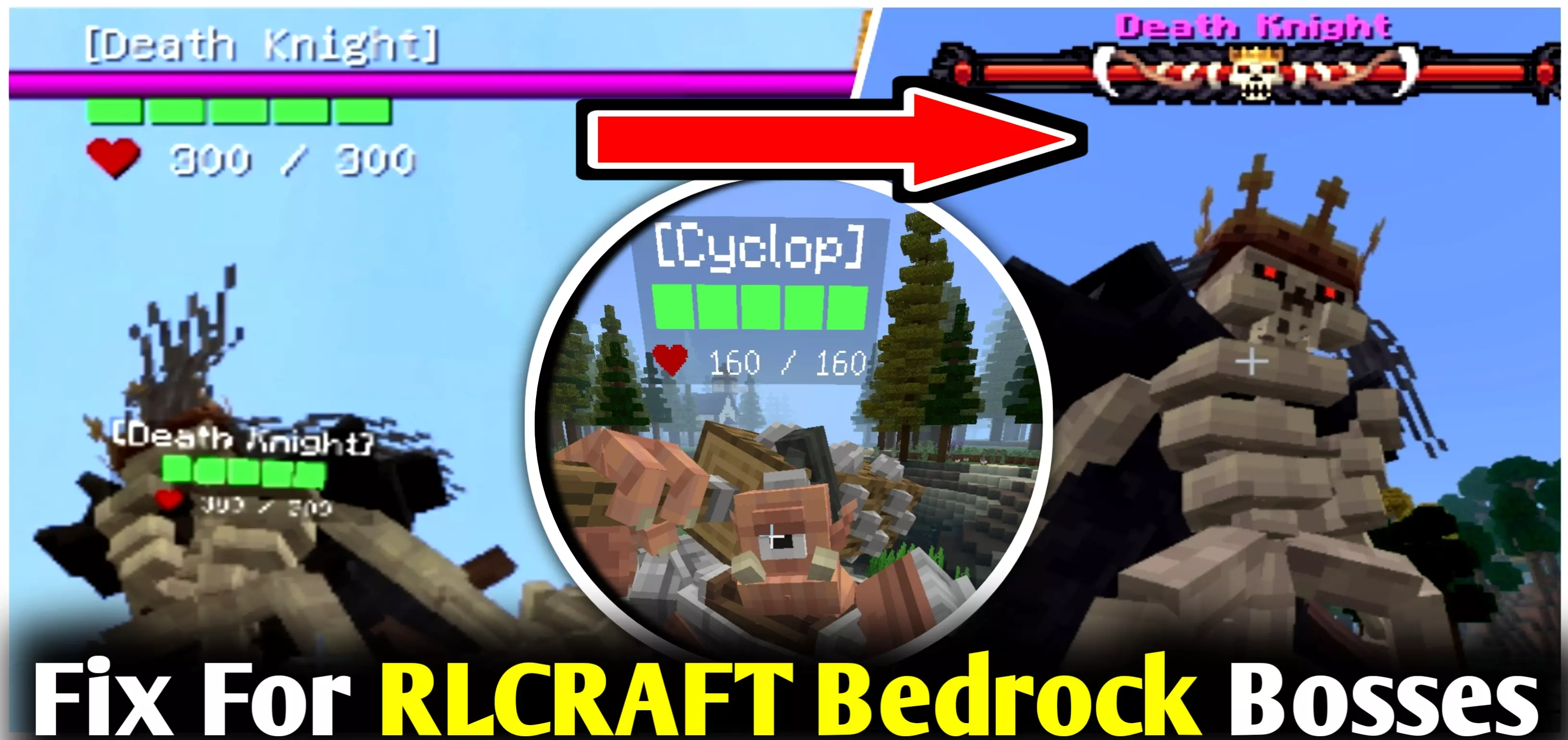
If you’ve ever been in a heated Bedrock fight and wished you could actually see how close you or your enemies are to dropping, the DHealth & Damage Bar Mod fixes that in style. This addon slaps a clean, visible health bar above every mob and player, so you’re never guessing how much fight they’ve got left.
It’s not just a plain health display either — the bar updates in real time, dropping lower with every hit you land. You can watch a boss’s massive health pool chip away, track exactly how hurt that zombie is, or keep an eye on your PvP opponent to know when to go all-in. For players who like efficiency, it’s a total game-changer.
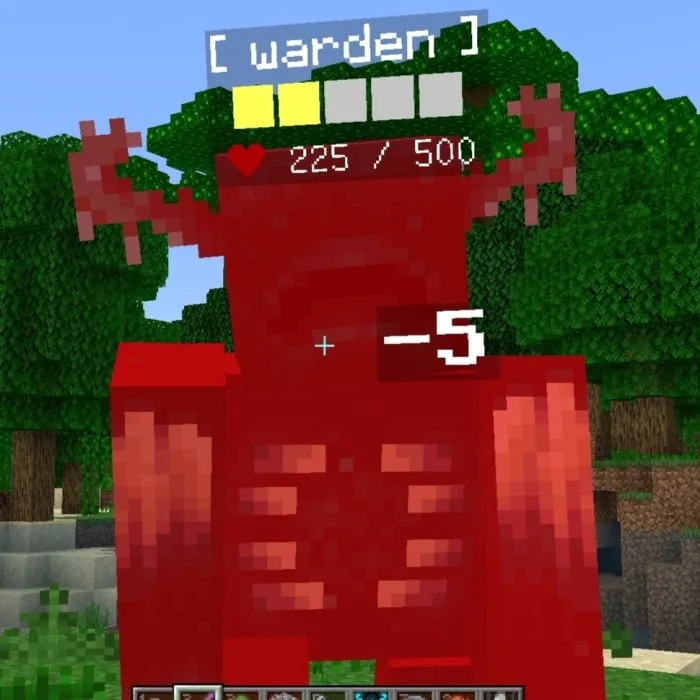
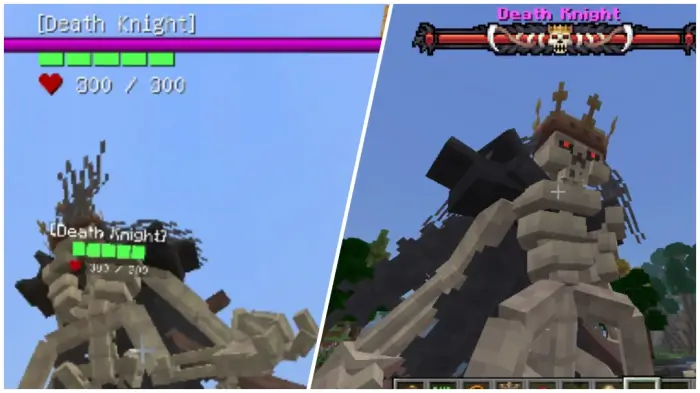
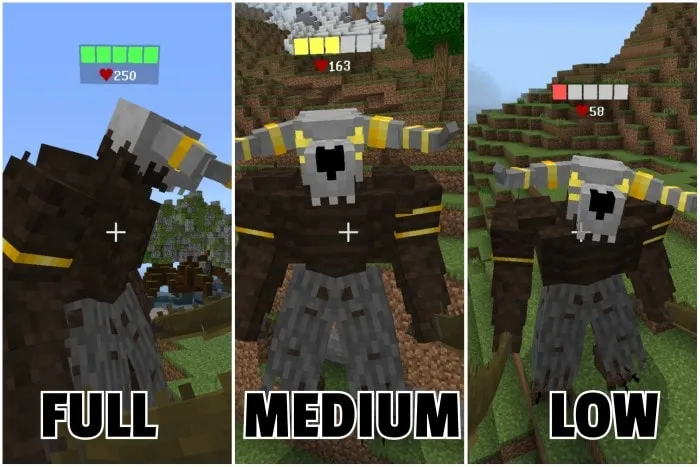
What’s great is that it works with basically all mobs, from farm animals to the nastiest custom boss from other addons. Whether you’re grinding mobs for loot or taking on an epic raid, the DHealth & Damage Bar Mod gives you that extra layer of strategy — no more swinging blind, just precise, informed combat every time.
Swinging an enchanted sword at a charging iron golem while blindly guessing how many hearts it has left turns every tactical skirmish into pure guesswork. DHealth and Damage Bar rips the blindfold off your survival runs by overlaying dynamic, real-time health indicators and visual hit numbers directly over hostile mobs and friendly critters alike.
Default bedrock encounters have always felt bizarrely disconnected from actual combat feedback. You deliver three jump crits into an armored pillager, watch the red damage flash fire off, yet have zero clue whether the dude is hanging by half a heart or chilling at eighty percent HP. That lack of visual data makes taking on large groups an absolute nightmare, especially during high-tier village raids or underground trials where target prioritization decides who keeps their gear and who gets sent to the respawn screen. Instead of forcing you to mentally calculate invisible hit point pools, this UI overhaul attaches slick status indicators right above enemy heads, so you know exactly who to burst down first.
Seeing the floating damage numbers pop off on impact completely changes the feel of every melee swing and ranged snipe. When you land a solid headshot with a power bow across a dark ravine, a vibrant floating digit confirms the exact hit value you just dished out. It gives you instant clarity on whether your sharpness enchantment is putting in work or if an enemy has tough natural armor soaking up your strikes. That immediate numerical feedback turns routine grinding into something that scratches the exact same itch as an old-school action RPG, turning basic weapon testing into a genuine mini-game of maximizing your damage output per second.
The visual footprint stays remarkably tidy so your display never looks like a jumbled mess of arcade clutter. The health gauges scale smoothly with distance, fading into the background when targets move out of active combat range and popping into view the moment you draw aggro. Boss encounters with the wither or elder guardians benefit immensely from having visible segments, giving you and your realm squad a precise read on phase transitions and shield drops. You no longer waste valuable tipped arrows on invulnerable targets or pull back right when an elite monster is one tap away from dropping rare loot.
On community servers, the addon breathes serious tactical life into cooperative dungeon crawls. Your designated frontline tank can call out wounded targets, while archers pick off low-health creepers trying to blow through a chokepoint before they initiate their fuse countdown. It bridges the massive gap between casual hacking and slash brawls and organized team coordination, allowing everyone in voice chat to sync their focus fire without screaming over each other about who hit what.
Because the system relies on efficient scripting routines, tracking dozens of mobs in a crowded cavern will not choke your device memory or produce weird frame drops on mobile devices, consoles, or PC setups. Grab the mcpack, apply both the resource and behavior elements to your world settings, verify that experimental gameplay toggles stay active, and step into an arena where every single point of damage finally counts.
Installation:
- Download Mod;
- Open the downloaded file to install;
- Select it in the settings;
- Have fun!
Comments (0)