Terrain Generator Addon
- 11-07-2026, 04:15
- 507

Shape large-scale custom landscapes instantly with the Terrain Generator Addon, a powerful utility that lets you spawn entire biomes using a single in-game command. It completely eliminates the hours spent hand-placing blocks or wrestling with complex external editors.
Fast Terraforming on Command
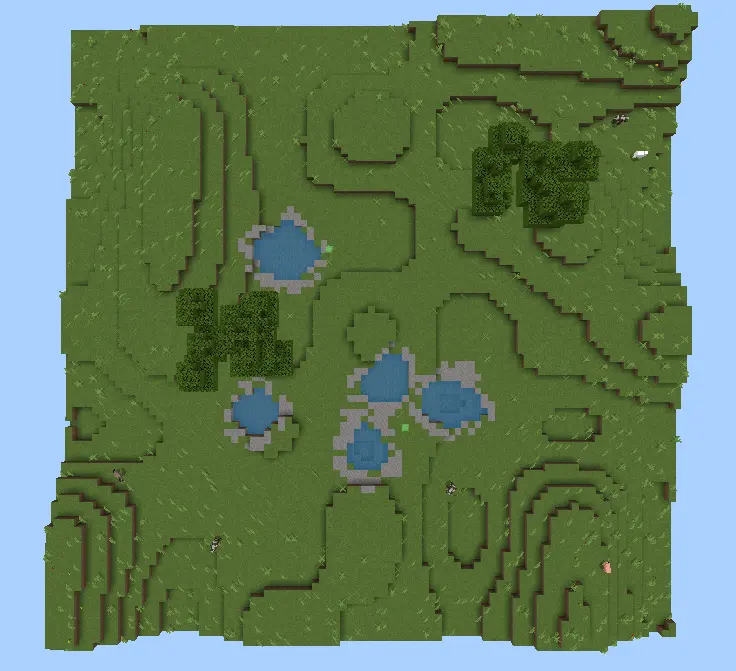
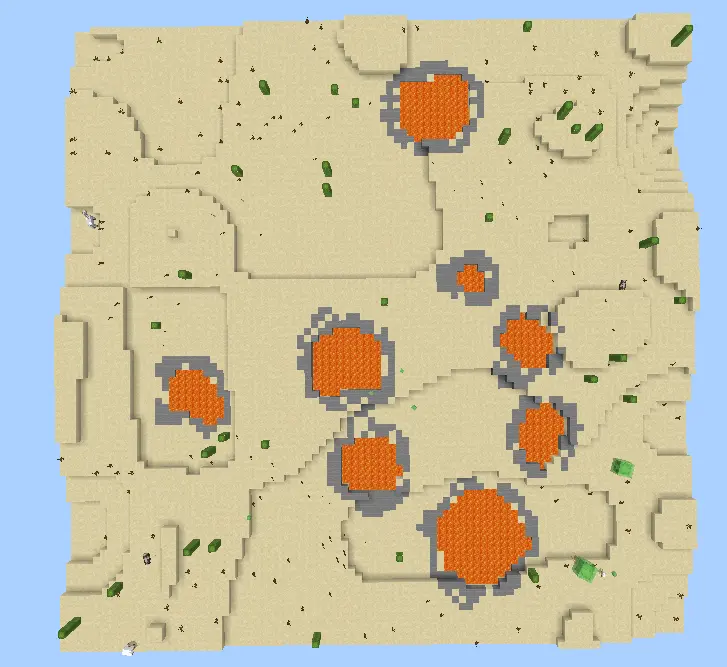
If you’re a mapmaker, you know the absolute nightmare of terraforming a massive canvas by hand. This Minecraft terrain generator addon solves that headache directly in-game by introducing a highly customizable /generate command. Instead of stacking blocks for days, you just plug in your coordinates, choose a biome—like Plains, Desert, or a Void option to clear out space—and watch the world build itself.
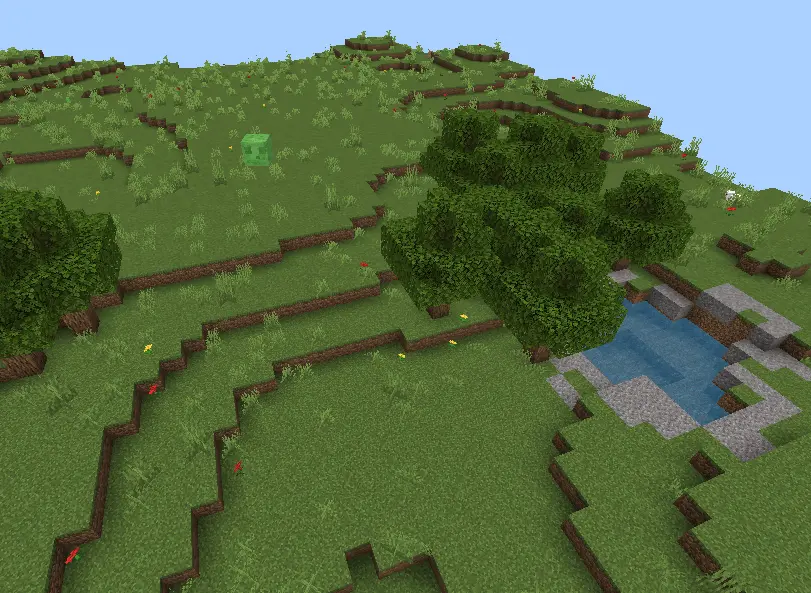
Standard Bedrock topography has felt incredibly stagnant for years. You usually get a jarring transition where a flat plains biome instantly slams into an impossibly vertical stone mountain, looking like a total glitch. Terrestratopic permanently fixes this broken scaling. The developer engineered a complex background script that actually respects natural geography. Instead of relying on a single layer of messy noise, this pack builds the world in phases. It maps out massive continents and deep valleys first, then organically layers in foothills, ridges, and soaring mountain peaks. You actually get realistic elevation changes that make long-distance exploration feel like a genuine hiking expedition rather than a clunky parkour course.
What makes this specific generation datapack cracked is how flawlessly it integrates with the native ecosystem. It does not nuke your standard biome generation or break your structure spawns. Your favorite dark oak forests, sprawling deserts, and cherry groves are still there, but now they are draped over sweeping lowlands and dramatic slopes. For faction players and mega builders, this is a massive tactical upgrade. You no longer have to spend forty hours flattening out a garbage chunk just to start your base. The world naturally generates perfect, scenic plateaus for towering castles, sprawling cliffside fortresses, and massive bridge networks.
Advanced Controls & Optimization
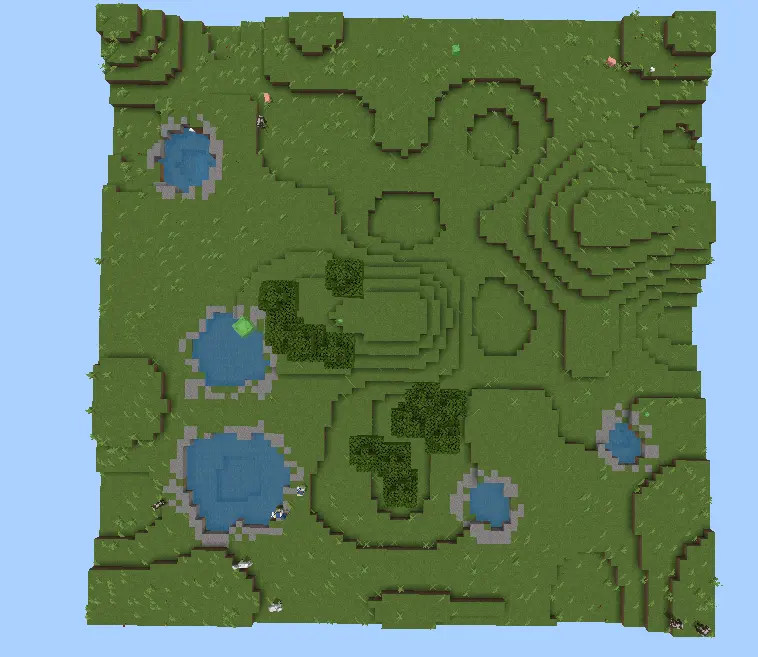
The level of control here is crazy good. You can fine-tune your layout by setting specific seeds or choosing exactly how many water pools and tree batches spawn (scaling from 1 to 10). What makes this custom landscape command for MCPE a lifesaver, though, is the built-in speed throttle. If you’re playing on a lower-end phone or console that chugs during massive world updates, you can set the generation speed to "low" or "normal" to protect your frame rate. Need a quick 90x90 plains setup with 5 lakes? Just type /generate ~ ~ ~ ~90 ~20 ~90 plains -1 5 and let the script do the heavy lifting.
Installation Mod:
- Download the .mcaddon / .mcpack;
- Open the file to import into the game;
- In World Settings → Resource Packs and Behavior Packs, enable it (turn on Experiments if needed);
- Have fun!
Comments (0)