Pillage Generator Mod / Addon
- 26-09-2025, 11:26
- 627
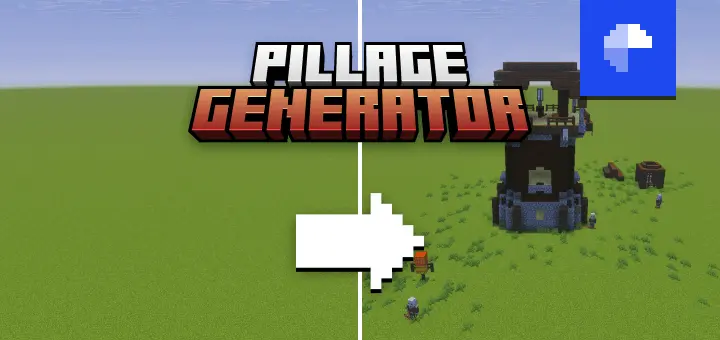
Pillage Generator Mod — the fastest way I’ve found to throw down a pillager outpost in Minecraft Bedrock and get straight to the fun. Hit the instant option and a complete outpost snaps into place in one command, no slog, no guesswork. It’s perfect for superflat sessions or test worlds where you want that classic tower silhouette, open courtyards, and clean sightlines without spending an hour measuring footprints. I love using it as a PvE arena or a set piece near a highway—suddenly a bare stretch of map has a landmark and a reason to stop.
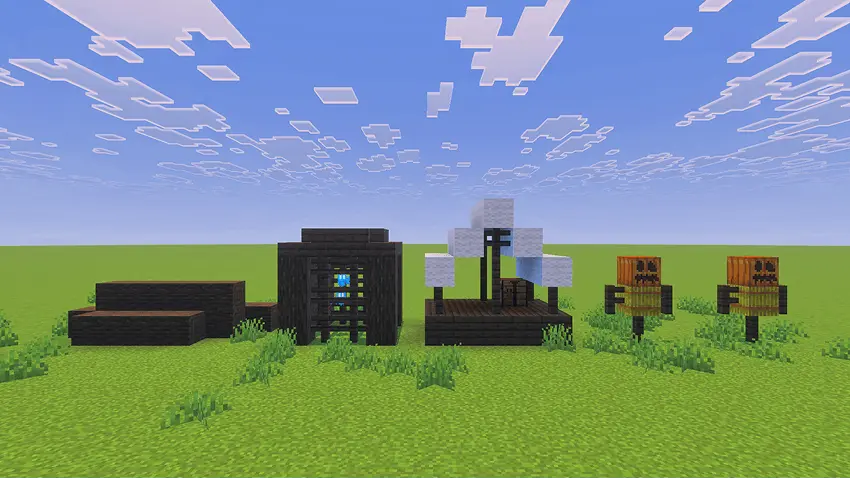
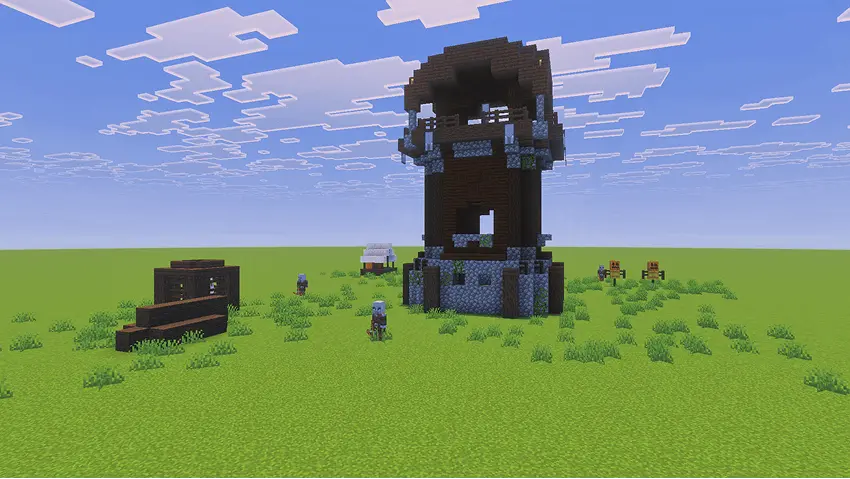
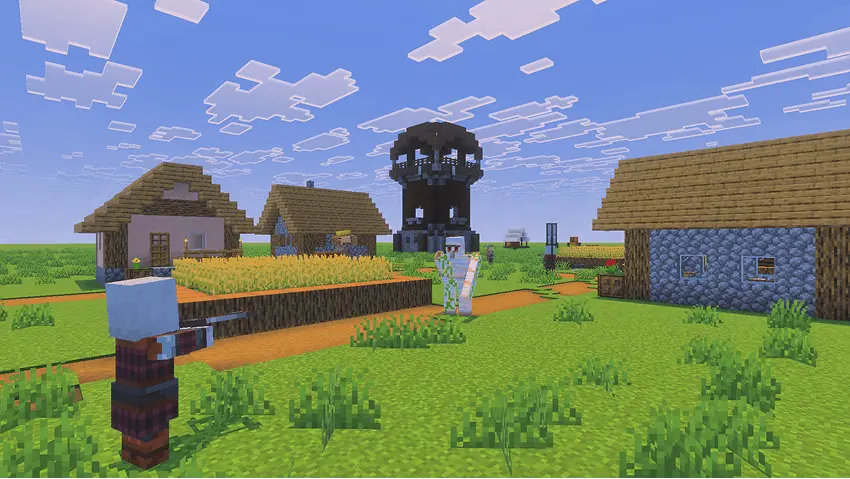
One minute your superflat world is an empty field; the next, there’s a pillager watchtower on the horizon. Pillage Generator lets you place a complete outpost in Minecraft Bedrock or assemble your own camp from individual structures.
The quickest way to get started is to open chat and enter /function pg/help. That brings up the available functions so you can choose what to place. For a ready-made camp, use /function pg/instant_pillager_outpost; for just the tower, use /function pg/watchtower. Pick your location carefully before running a command: the structures generate diagonally to your right relative to the direction you’re facing. Give the outpost plenty of room and try placing it on a clear stretch of ground first, especially if you’re working near an existing build. Testing in an open area also makes it easier to see how the placement works before you add anything to a detailed world. Nobody wants to spend an evening repairing a village street because they dropped a watchtower in the wrong spot.
If you’d rather design the camp yourself, the individual pieces give you room to play with the layout. Put a tower above the road into your village, arrange log piles around its base, and add a tent, cage, or targets where they make sense for your scene. You can spread the structures across a hillside or keep them close together for a compact encampment. Once the pieces are down, add your own paths, fences, terrain, and lighting to tie everything together. A custom outpost can become the centerpiece of an adventure map, an obstacle on a road between settlements, or a place for friends to stage a battle. The generated watchtower also has a chest with random loot, giving players something to look for once they’ve made it inside. How difficult that trip becomes is up to you and the encounter you build around it.
There’s one detail to keep in mind when planning a fight: pillagers don’t naturally spawn in these generated outposts the way they do at naturally generated ones. The instant outpost includes pillagers, and you can also use /function pg/populate to summon pillagers and a captain for an outpost. That makes the pack useful for setting up an encounter, but you shouldn’t assume the location will keep producing enemies afterward. For a custom map, try placing a village down the road, giving players time to gather equipment, and making the tower their first destination. In a creative building world, use the same pieces as a starting point for a much larger stronghold. Pillage Generator is especially handy when you want a familiar Minecraft landmark without searching the world for the right one—or building every fence post before you can start having fun.
If you’d rather build it your way, the mod also lets you compose an outpost piece by piece. Drop the log stacks to shape the yard, place a cage where it sells the scene best, lean a tent into the wind, and set up targets for ranged practice. Because you’re placing individual structures, you control the choke points and patrol routes, which makes it great for staging custom skirmishes with friends or making a photo-ready base raid scenario without relying on random terrain. I’ll sketch a ring road first, sprinkle the props, and the whole zone reads like it’s been there for years.
Workflow is dead simple: load into Minecraft Bedrock, decide if you want the one-and-done outpost or a bespoke layout, and place. The instant option is there when you need speed; the component approach is there when you want personality. Either way, Pillage Generator Mod turns empty chunks into story beats in seconds. If you’re a builder, a map-maker, or just someone who wants more points of interest fast, this mod is an easy add—clean silhouettes, flexible placement, and outposts that look legit without the grind.
Installation:
- Download Mod;
- Open the downloaded file to install;
- Select it in the settings;
- Have fun!
Comments (0)