Iron Furnaces Mod / Addon
- 9-04-2026, 03:47
- 364
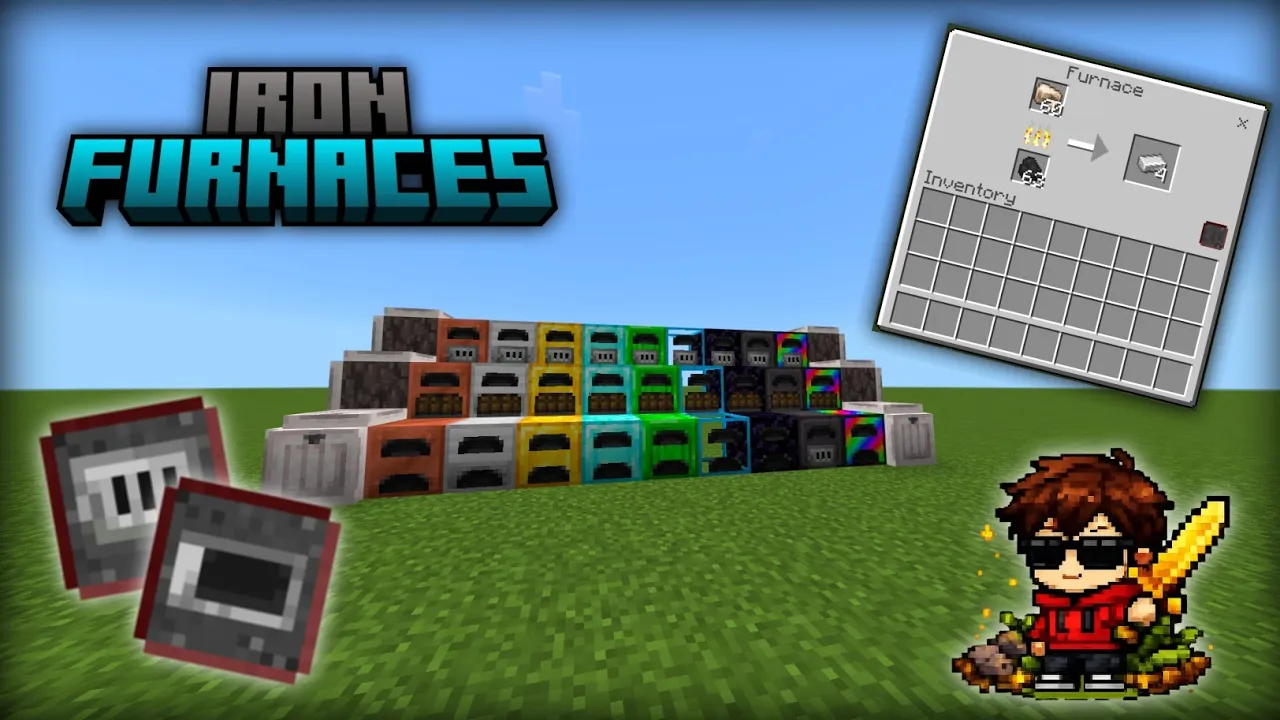
Iron Furnaces Mod more furnaces and new features for them in Minecraft. You’ve come back from a long mining trip with an inventory full of raw iron and gold. Everything goes into the furnace, you add some coal and… wait. If there’s a large building project ahead, that wait can feel even longer when you still need to smelt stacks of stone, glass or other materials. Iron Furnaces gives you more options for the job, adding improved furnaces that let you work through your supplies faster.
The add-on introduces nine furnaces, starting with copper and continuing through more valuable materials to the Rainbow Furnace. As you gather resources in your world, you can work towards a better furnace for your base. It gives those materials another use: instead of spending everything on tools and armor, you might decide that a faster furnace would be a worthwhile addition to your workshop.
That extra speed is useful when you’re processing a lot at once. A few iron ingots for a bucket won’t take long in an ordinary furnace, but a chest full of materials is another matter. Perhaps you need glass for the windows of a modern house, stone for a castle wall or metal for rails connecting your base to a distant village. With an improved furnace, you can spend less time waiting beside it and get back to the project you actually wanted to finish.
The furnaces also have room for upgrades, called augments. There are Blasting and Smoking augments, along with Speed and Fuel options. They give you a way to adjust your furnace according to the work you want it to do. If you regularly return from the mines with stacks of ore, you might arrange your workshop around processing those materials. If you spend more time collecting food and preparing for journeys, the smoking option is worth trying.
Each furnace has two interfaces: one for heating items and another for augments. A button in the corner lets you switch between them. The Blasting and Smoking augments go in the red slot, while Speed and Fuel augments use the green slot. Once you’re familiar with the layout, you can decide which setup is most useful for your base. You don’t have to make every furnace identical; it can be convenient to have different ones ready for different jobs.
The furnaces give you something new to plan around when building a workshop. You could place a couple beside your storage room, with chests for raw materials on one side and finished supplies on the other. If your base is small, even one improved furnace can have a place beside your crafting table. As your world grows and your projects get larger, you can make room for more equipment and choose a furnace that suits the amount of work you’re doing.
Iron Furnaces keeps smelting part of your survival routine while giving you better tools for it. You still need to go out, collect materials and bring them home, but a large pile of ore or building supplies becomes easier to work through. It’s a useful addition if you enjoy building, mining or simply keeping a well-stocked base ready for whatever you decide to make next.
Installation Mod:
- Download the .mcaddon / .mcpack;
- Open the file to import into the game;
- In World Settings → Resource Packs and Behavior Packs, enable it (turn on Experiments if needed);
- Have fun!
Comments (0)