Dynamic Kit Creator Mod / Addon
- 2-04-2026, 12:00
- 382
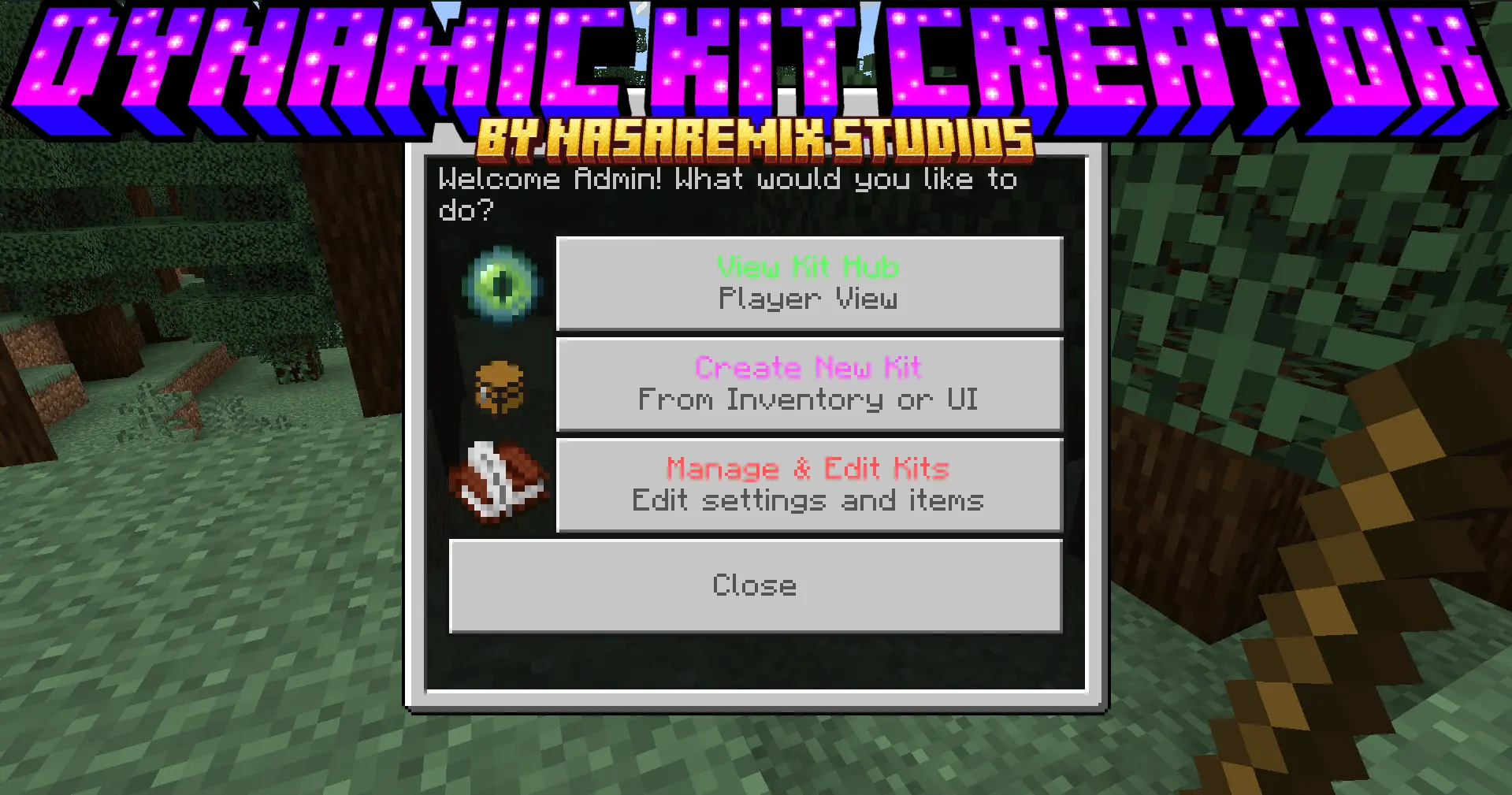
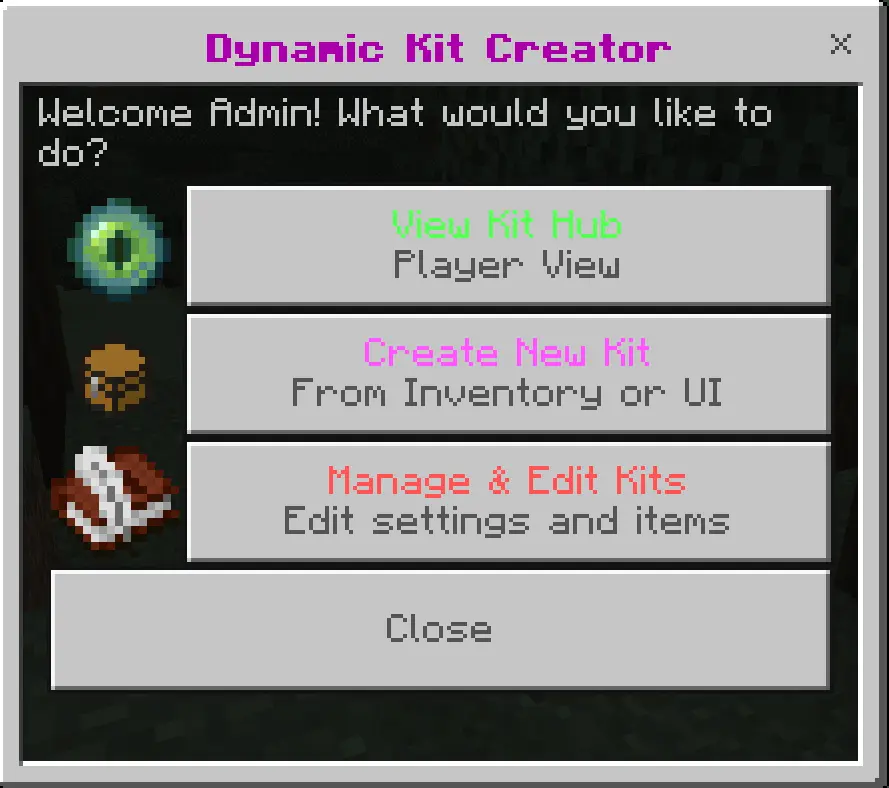
Dynamic Kit Creator Addon with the best interface designer for playing on a server or in realism In Minecraft. Handing out the same items to every new player can become a chore, especially when you’re managing a Minecraft world with a growing group of friends. Dynamic Kit Creator lets you put those items together once and save them as a kit that players can claim through an in-game menu. It works for a simple starter pack, a set of equipment for a PvP match, or a recurring reward you want to make available to your community.
One of the easiest ways to create a kit is to use the items already in your inventory. Put together the equipment you want—perhaps a sword, some armor, food, and a few basic tools—then open the kit menu and choose “Create from Inventory.� The add-on reads the items and saves them as a set. Custom item names and descriptions can be saved too, which is useful if you’ve prepared equipment for a particular event or want a kit to have its own character. For example, a kit for a snowy survival challenge could contain warm-sounding names for ordinary supplies, while a PvP set could be named after the team using it.
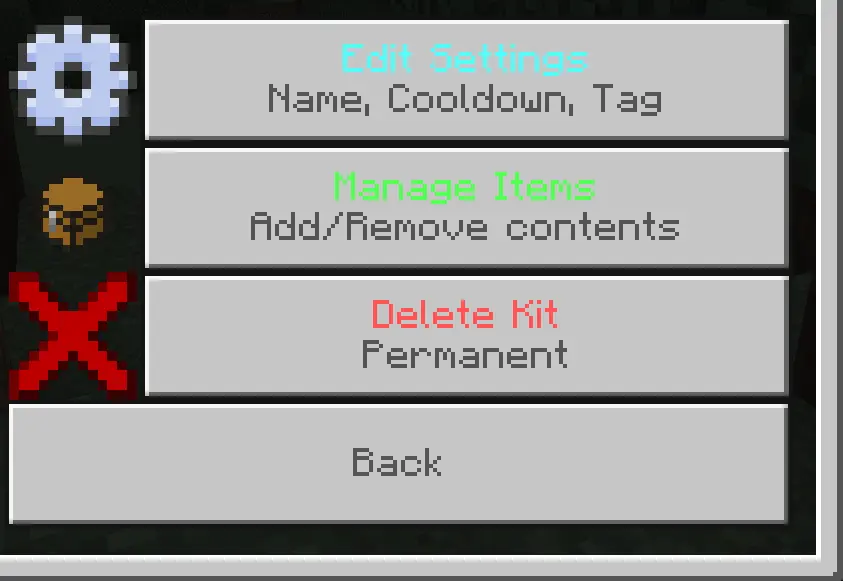
There’s also a manual editor for times when you’d rather assemble a kit item by item. You can add, edit, or remove entries through the interface instead of having to gather everything into your inventory first. That makes it easier to revisit a kit after players have tried it. Perhaps the starting food runs out too quickly, or a tool you included turns out to be unnecessary. Open the editor, adjust the contents, and the next players can use the revised set.
Cooldowns give you control over how often a kit can be claimed. A starter kit might be available only once, while a small bundle of supplies could return every day or week. Shorter and custom intervals are available too. Players can see how much time remains before a kit is ready again, so they don’t have to keep guessing or ask the host when it will return. It’s worth thinking about the purpose of each set: a one-time collection of basic tools gives newcomers a start, while a recurring kit can become a regular reward without being available constantly.
That could be useful for a staff kit, a special event, or a group with its own equipment. Players without the required tag will see that the kit is locked. For public kits, the player-facing menu gives everyone a place to look through the available choices and claim the ones they can use. You can keep a few straightforward sets for new arrivals and add more specialized ones as your world grows.
To set up the administrator menu, enable cheats and Beta APIs in the world settings, then activate the add-on’s behavior and resource packs. Give yourself the admin tag with /tag @s add admin. Hold a stick and interact to open the panel, then choose “Create New Kit� and follow the prompts. Players can use a stick to open the kit menu as well. The menu can also be opened with /scriptevent dynamic:kits, which gives you an option for connecting it to an NPC or command block.
Once you’ve made your first kit, try claiming it as a player and check that the contents and cooldown suit the way your world is played. A few carefully chosen items can make a newcomer feel welcome without taking away the fun of gathering and exploring. For a minigame, kits can help everyone begin with the equipment you intended, leaving more time to play and less time spent handing out supplies.
Installation Mod:
- Download the .mcaddon / .mcpack;
- Open the file to import into the game;
- In World Settings → Resource Packs and Behavior Packs, enable it (turn on Experiments if needed);
- Have fun!
Comments (0)