Magnificent Minimap Mod / Addon
- 10-06-2026, 14:49
- 7 319
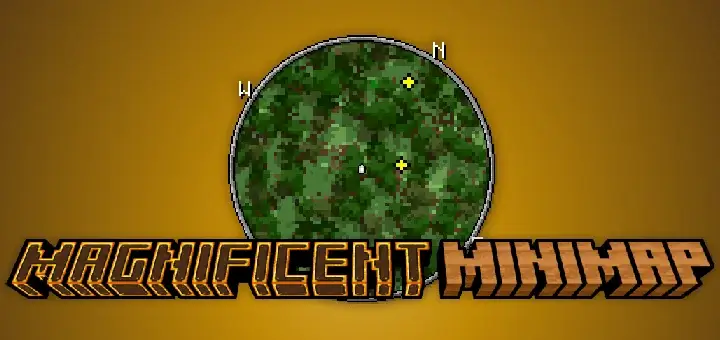
Magnificent Minimap mod — a slick little radar for Minecraft Bedrock that finally lets you explore without living in the pause menu. You get a responsive, rotating minimap right on the HUD, with a built-in compass so you always know which way you’re pushing. The best part is how dialable it is: scale it up for scouting new seeds, shrink it down for combat, swap between circular and rectangular views, and choose a rendering style that matches your texture pack so it feels native, not stapled on.
Out in survival, it earns its keep fast. I’ve run it through caves, the Nether, and long ocean legs, and the rotation plus compass keeps your bearings locked when the terrain turns you around. Entity tracking is clutch—those tiny indicators make it easy to clock nearby mobs or spot where teammates peeled off without spamming chat. If you’re running PvP or raids on a realm, the rectangular layout gives a touch more horizon read; for Elytra routes and horse travel, the circular view feels clean and out of the way. Because the mod emphasizes performance, the map stays smooth even when you’re sprinting through dense biomes or weaving between basalt pillars.
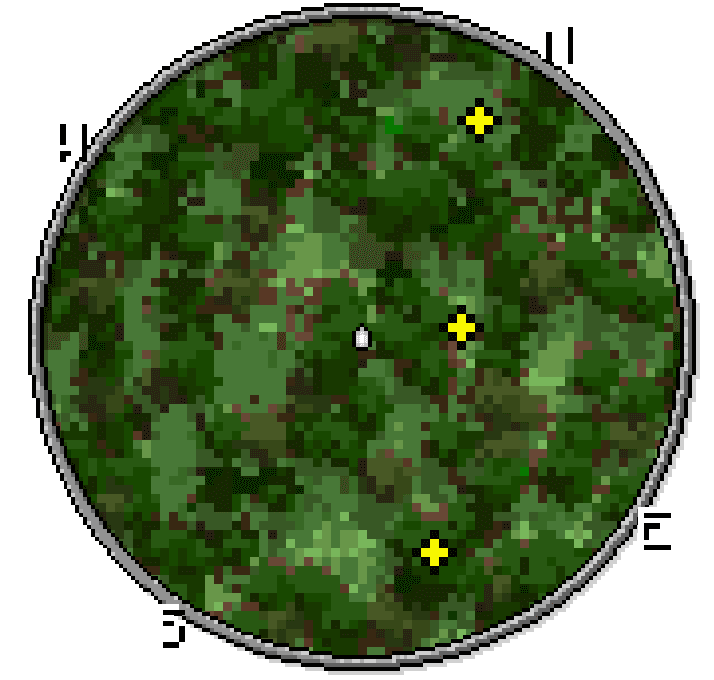
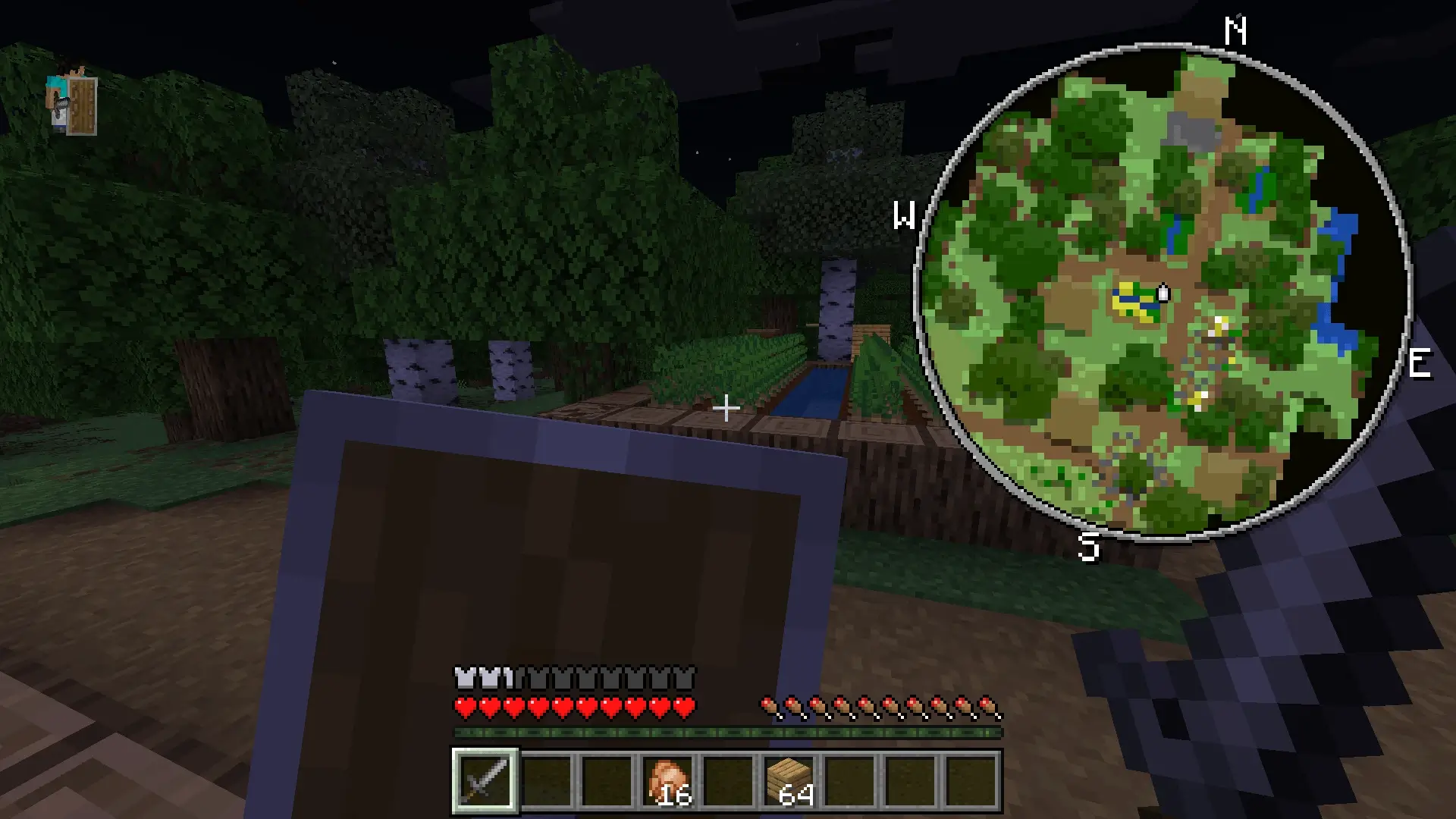
What makes this radar setup hit different compared to old-school UI mods is the sheer depth of tracking packed under the hood. It doesn’t just show where grass meets stone; it highlights nearby mob entities, letting you spot hostile creepers sneaking around blind corners before they ruin your run. Tamed pets, wandering traders, and even specific point-of-interest markers show up clearly, meaning you never have to guess what is lurking on the other side of a dungeon wall. Having that tactical heads-up display completely transforms cave exploration from a paranoid crawl into a confident, high-speed loot sweep.
Waypoint management is easily the biggest game-changer for long-term survival worlds. Anyone who has logged dozens of hours on an active Bedrock realm knows the sheer pain of forgetting the exact coordinates of an exposed stronghold, a trial chamber, or that sweet cherry blossom mountain you meant to build on later. With this system, dropping custom beacons on key locations takes just a couple of quick inputs. You can color-code your waypoints, set custom labels for your primary base, Nether portals, or deep mining shafts, and follow direct distance indicators straight back home without relying on external note apps or clumsy pen-and-paper tracking.
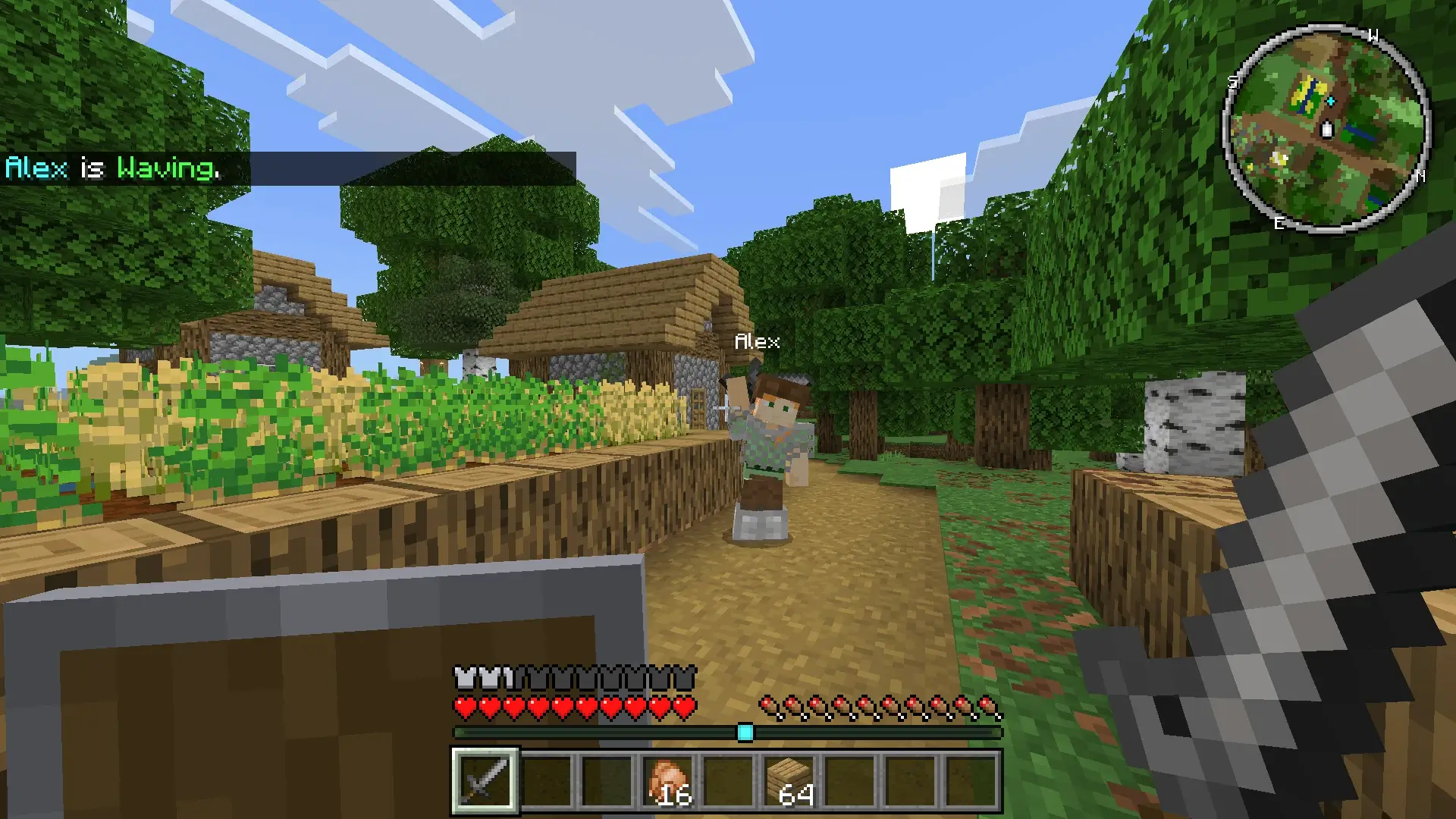
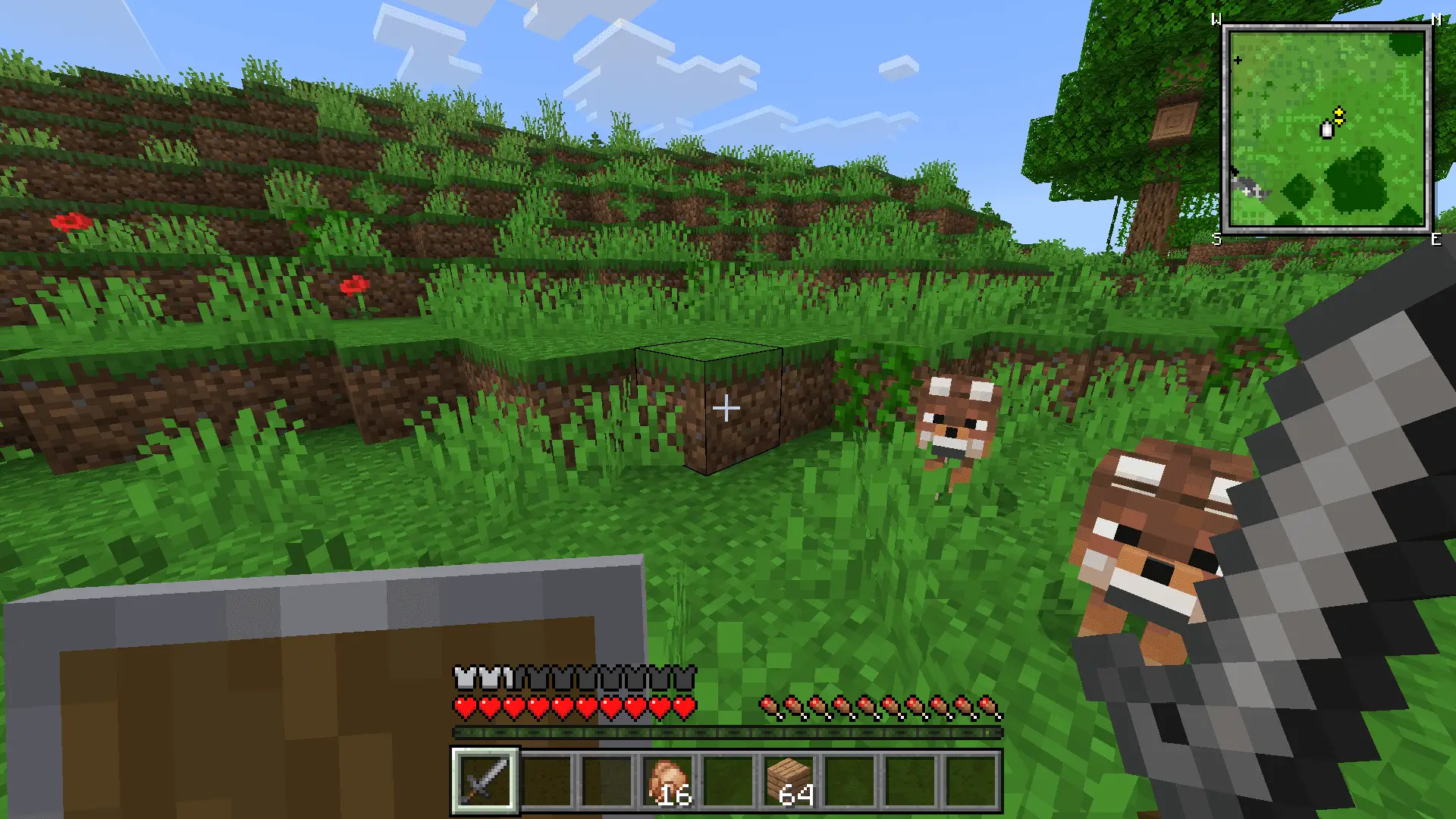
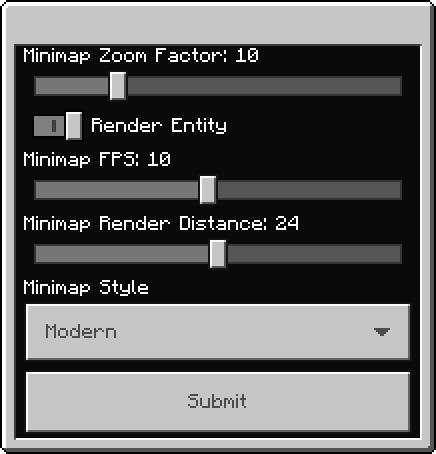
Tuning it is simple: open the addon’s options, pick your size and style, choose circular or rectangular, and toggle what info you want shown so the HUD stays practical instead of noisy. When you’re in a building session, shrink it and focus on lines; when you’re exploring, punch the scale up a notch and let the compass steer. And yeah, there’s a fun extra—fire /function start_bad_apple and the minimap can even play Bad Apple. If you want navigation that’s flexible, readable, and actually looks good, Magnificent Minimap mod makes Minecraft Bedrock exploration feel fluid, efficient, and a lot more fun.
Installation:
- Download Mod;
- Use Minecraft
- Open the downloaded file to install;
- Select it in the settings;
- Have fun!
Comments (2)