Quick Chat – Addon / Texture Pack
- 2-09-2025, 15:03
- 1 658
Mods 1.21 / Mods 1.20 / Textures
Quick Chat mod — type less, do more in Minecraft Bedrock
Ever lose a great command to a mistyped letter, or watch your chat yank itself to the bottom right when you’re reading something important? The Quick Chat mod fixes the stuff that actually slows you down on Minecraft Bedrock and turns chat into a tool instead of a chore. After a night of testing on my Realm, it’s hard to go back.
The first win is history control. You can flip through what you’ve typed—back and forward—without re-keying a thing, and drop a previous message back into the box instantly. It’s perfect for cycling through /tp targets or reposting market announcements without retyping a paragraph. The Command Switcher is the secret weapon: park your cursor on a command and flick through clean variations—think swapping /fill blocks, toggling selectors, or changing a radius—then fire it with one press. For long RP posts or admin notices, the no chat typing limit is a lifesaver; write the whole message, not a clipped version.
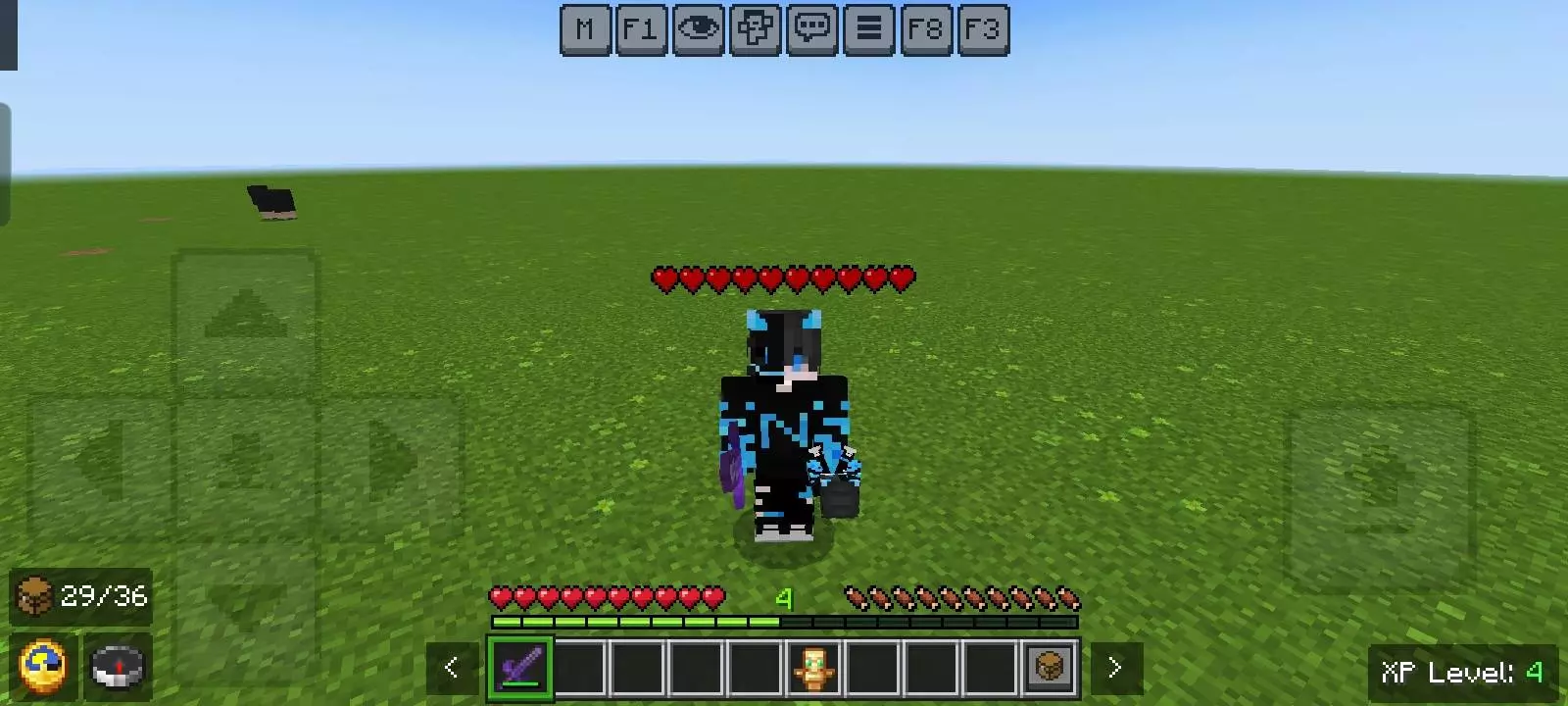
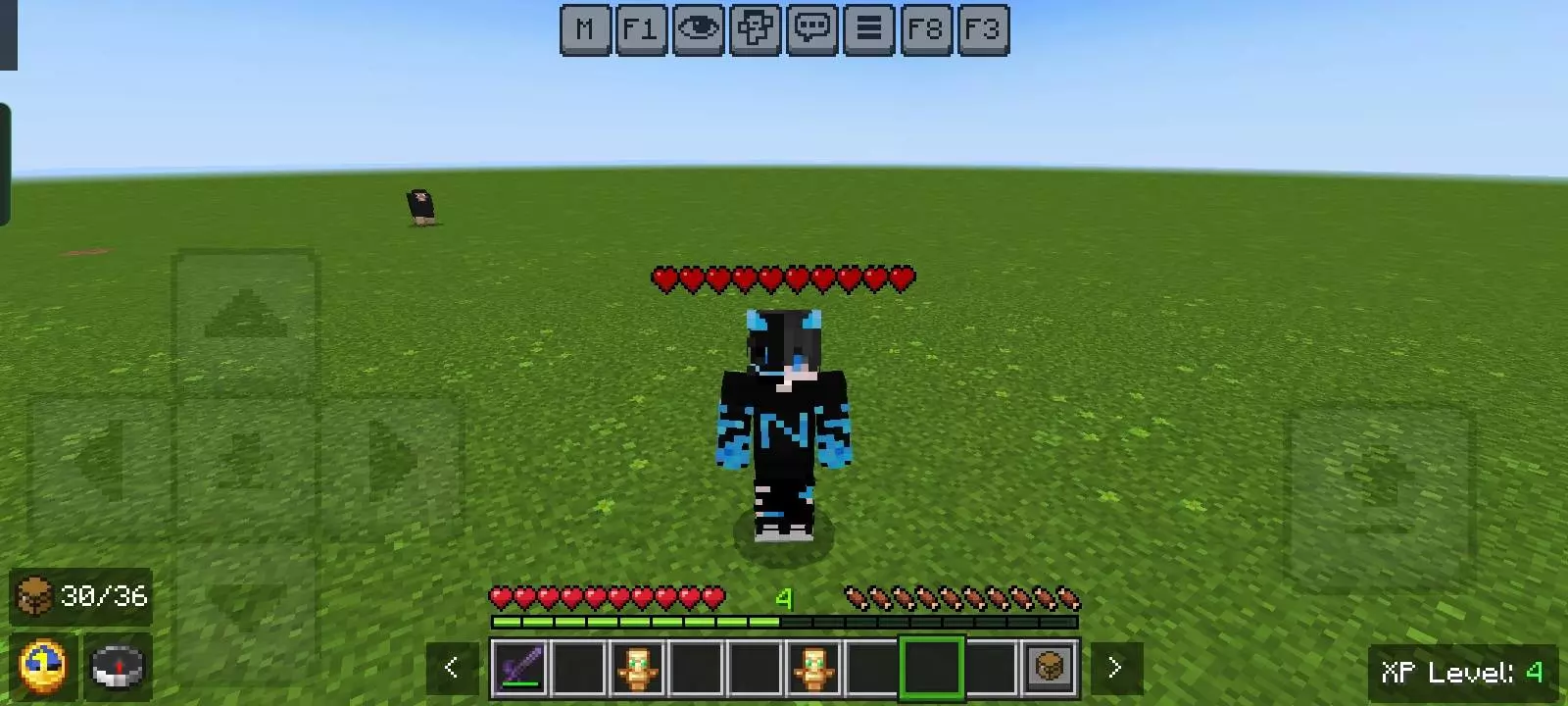
A screenshot doesn't tell you whether something will feel annoying after an hour of Minecraft. That's one reason I like spending time with Bedrock additions during normal activities instead of judging everything from a carefully arranged scene. I'll check something out, then go back to building, exploring, or dealing with my usual survival problems. If I keep getting interested in the content, that's a pretty good sign. If I find myself constantly changing settings or wondering why something feels awkward, I'll look into it before deciding what I think. I don't need every download to be perfect for every player. Different people care about different things, and that's normal. What matters to me is whether I actually enjoy playing with it. I've had plenty of downloads surprise me after an average first impression. I've also had gorgeous screenshots lead to experiences that just weren't my style. That's why I prefer trying things myself.
Quality-of-life touches add up fast. Coordinates copy-paste is painless, so meeting at “-312, 84, 1096� stops being a typing test. On touch, you can tap a command straight from chat instead of retyping /give @s from scratch. New messages won’t auto-drag you away from what you’re reading, and the chat stays open when you take damage, which is huge during boss events or PvP—finish the callout, then swing.
Whether you build, mod, or sweat ranked arenas, Quick Chat makes Bedrock faster and cleaner. Less fumbling, more playing.
Installation:
- Download Texture;
- Open the downloaded .mcpack to install;
- Select texture in settings;
- Done.
Comments (1)