Vanilla RTX Mod / Addon
- 1-09-2025, 12:46
- 1 760
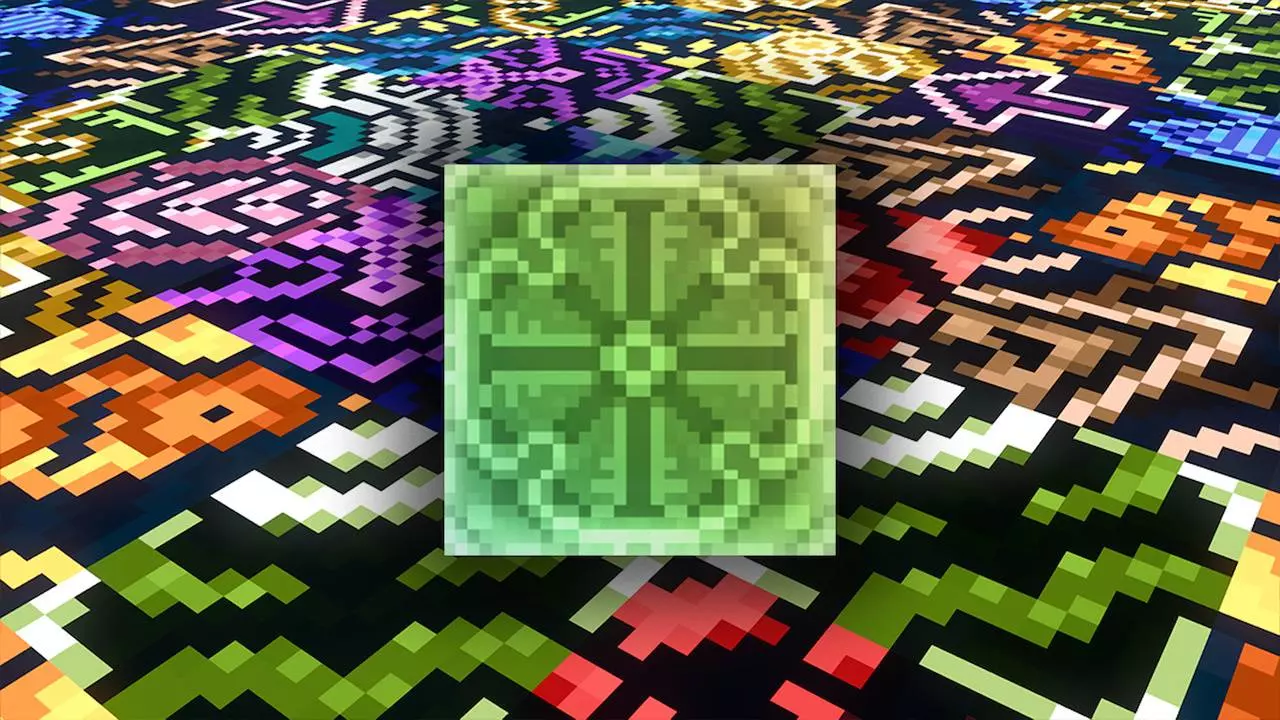
Vanilla RTX Add-Ons — modular ray-traced flair for Minecraft Bedrock
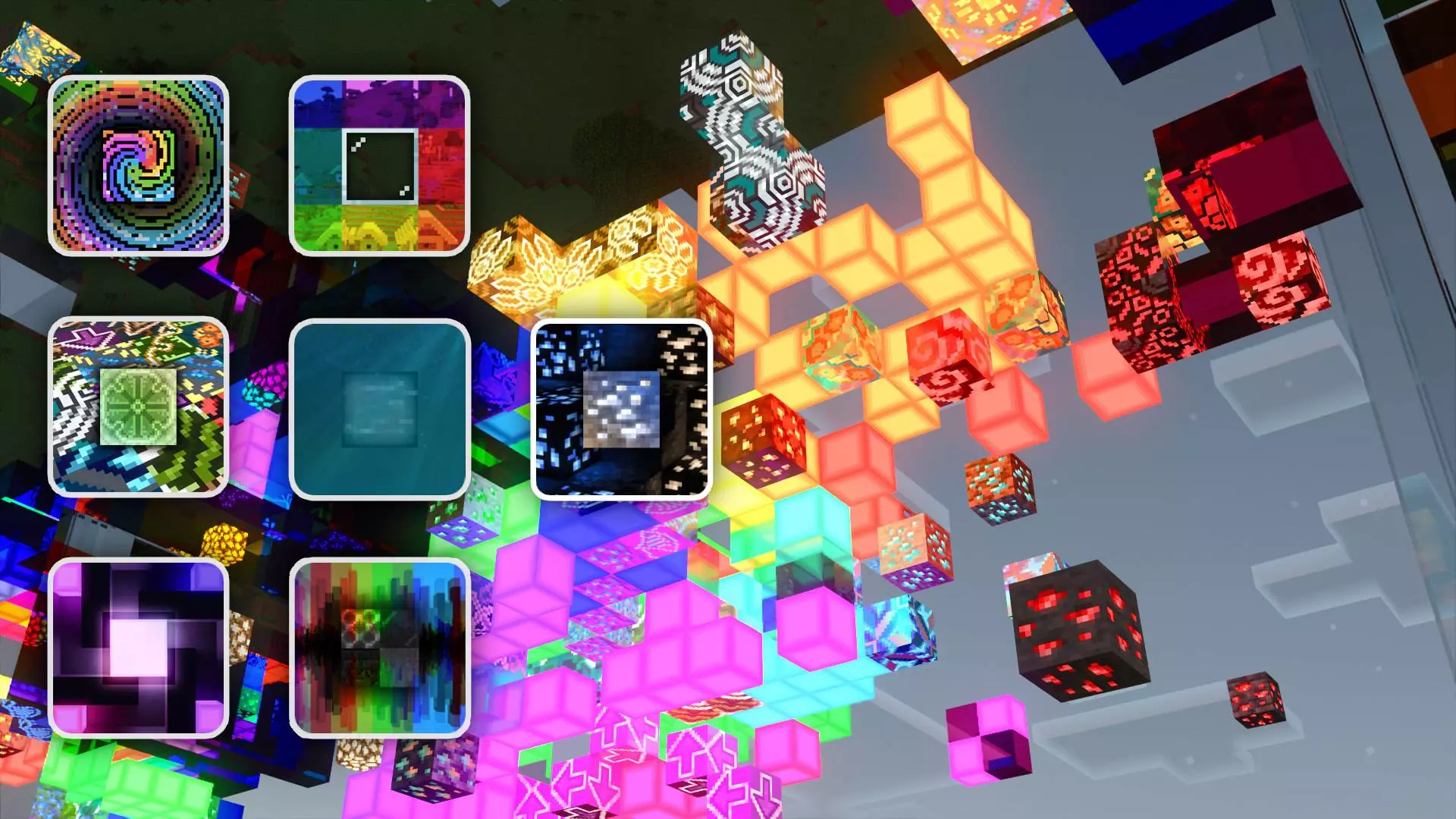
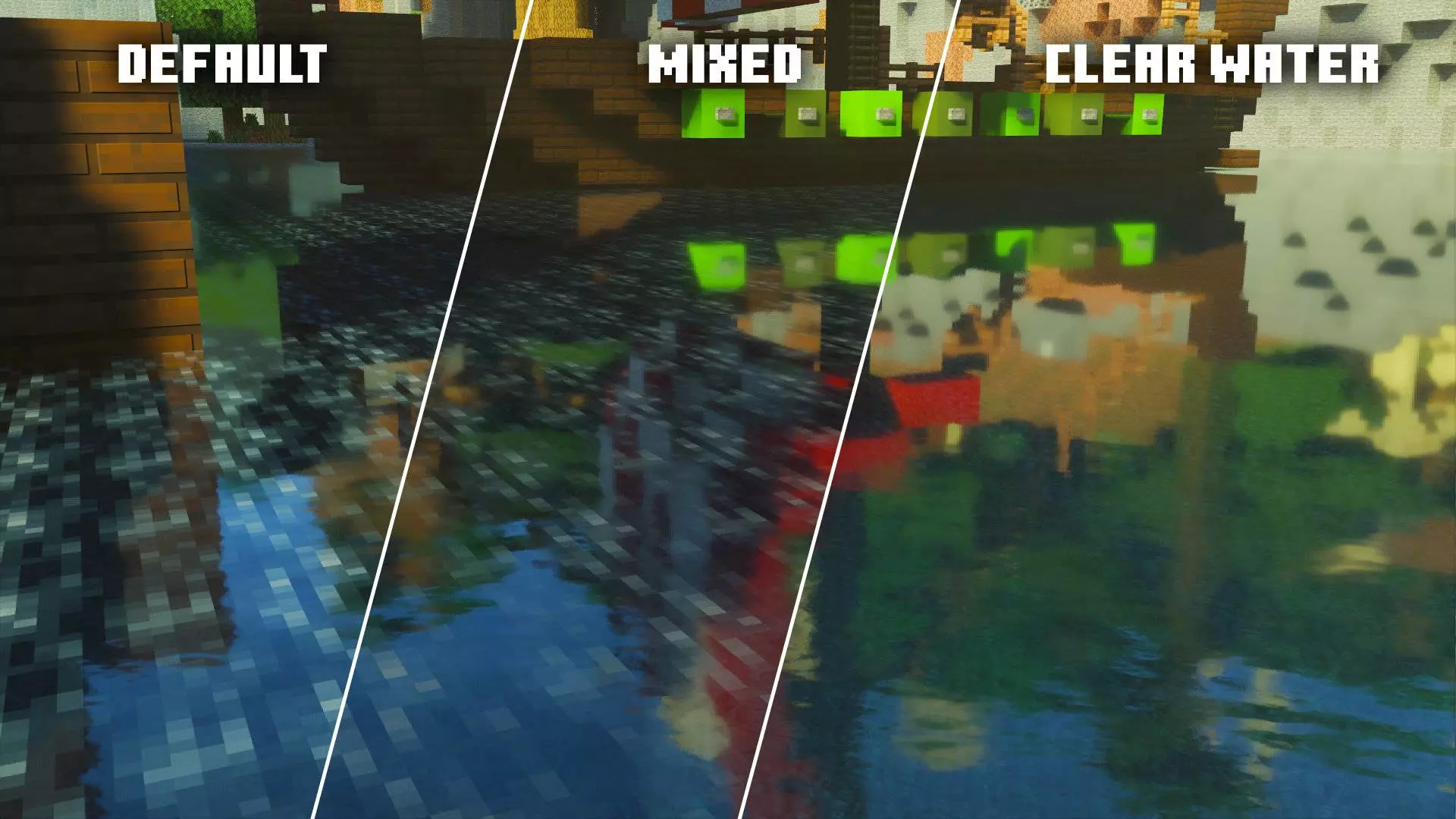
If you’re running Bedrock with ray tracing and still feel like your world could “pop� more, Vanilla RTX Add-Ons are the secret sauce. Think of them as small, optional layers you stack on top of the main Vanilla RTX pack to give specific blocks new personality—brighter glow, cleaner reflections, richer metals—without turning your world into a neon theme park. It’s modular on purpose: pick the pieces you want, leave the rest, and your build keeps its vanilla soul while the lighting does the heavy lifting.
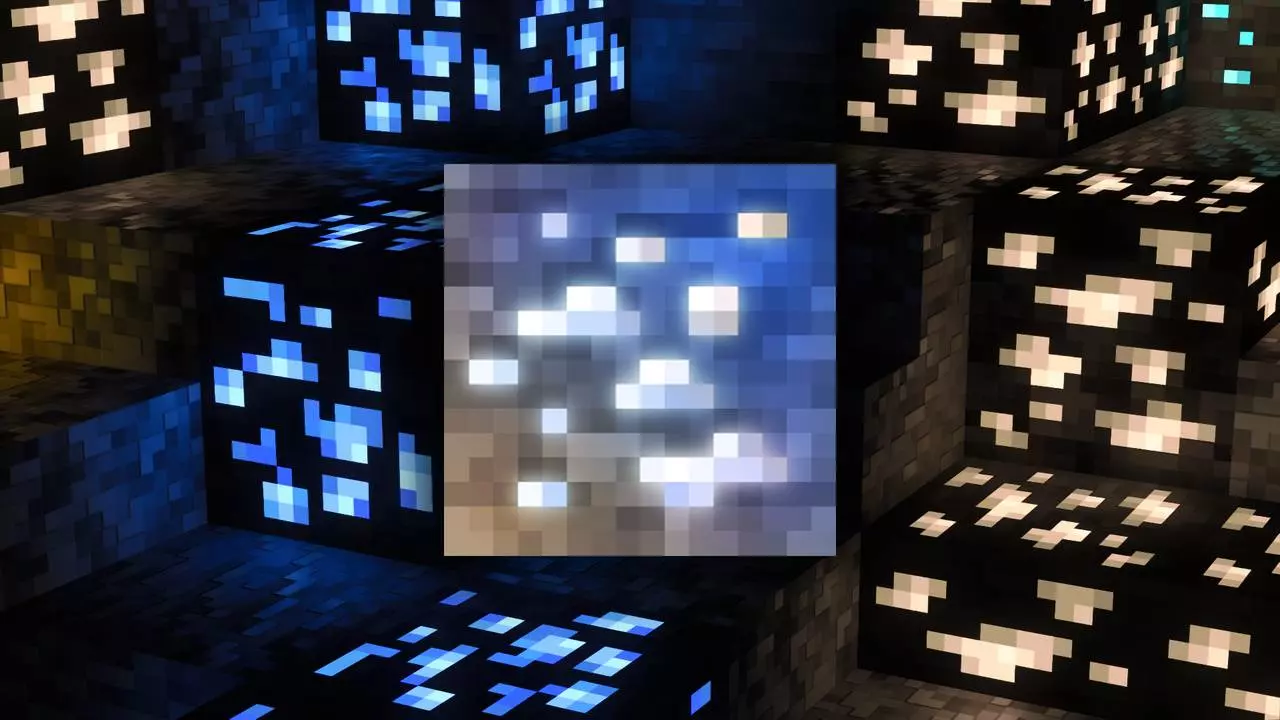
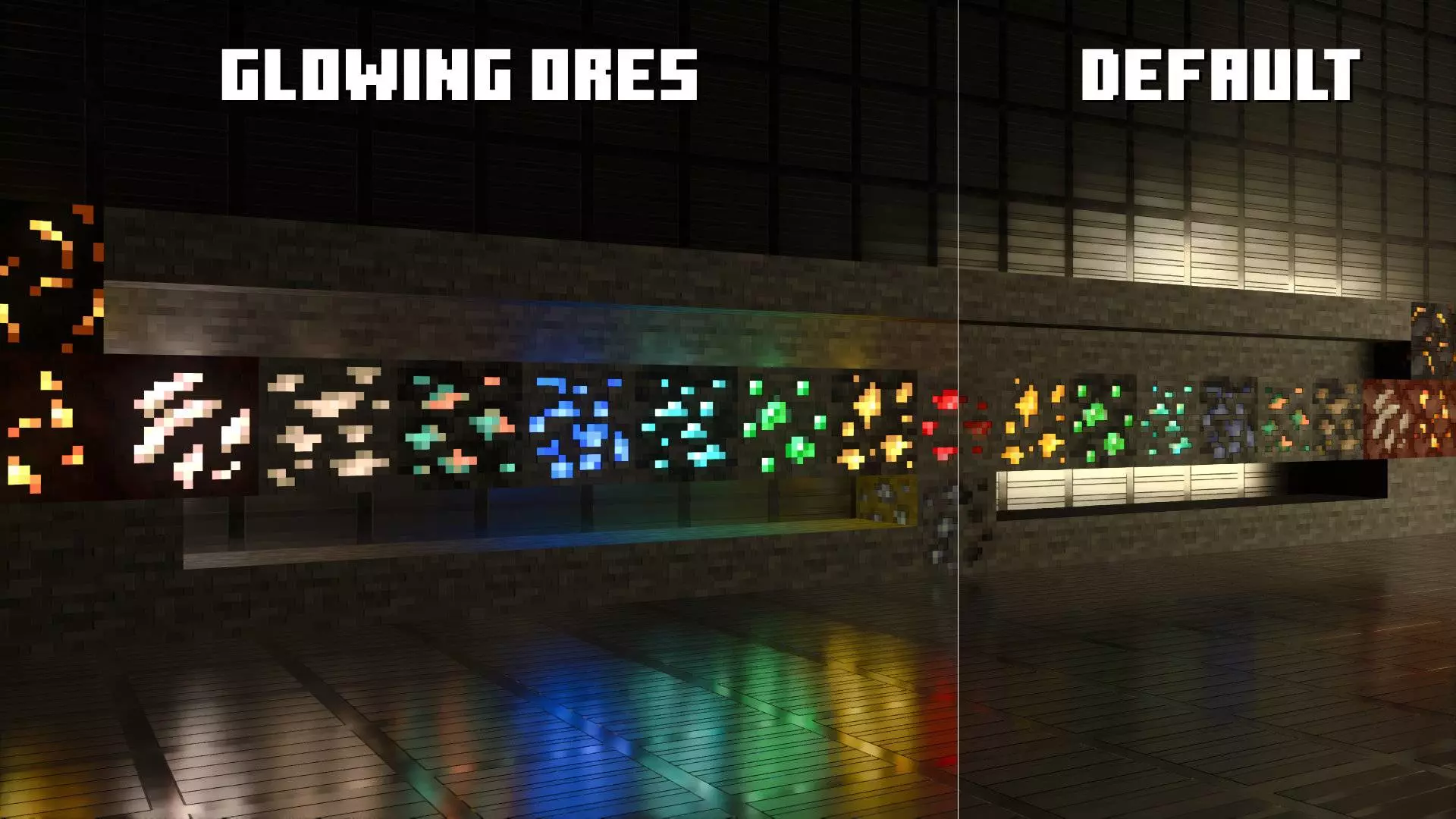
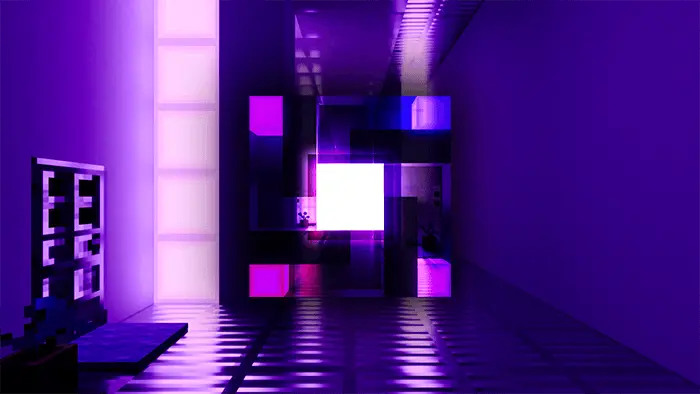
Drop one set on and lanterns pick up a warmer bloom that actually rolls across stone. Flip another and glass starts catching highlights so city windows read like real panes at sunset. Copper and iron gain believable sheen and roughness, so factory builds stop looking flat. My favorite tweak is “creative signage�: make a shopfront or sci-fi corridor and those emissive accents behave like slim neon—subtle, readable, and gorgeous in screenshots. All seven add-ons are tuned with survival in mind too, so farms, caves, and Redstone rooms stay practical; nothing is so blinding you can’t see your hotbar.
One of the guys on our Realm keeps a written book where he records interesting places we've discovered. I thought it was a pretty unnecessary hobby until we needed to find an area where we'd been exploring some Minecraft Bedrock addons several weeks earlier. Nobody remembered the coordinates. We could describe the surroundings, but that wasn't much help when half the world seemed to consist of forests and rivers. Then our friend opened his book and found the location listed with a short description. We headed out, followed his directions, and reached the spot without much trouble. I was genuinely impressed. He'd even written down what we'd been trying there, which helped us remember why we'd wanted to return. Now a couple of us leave notes whenever we discover somewhere worth visiting again. Our friend is acting incredibly smug about starting the whole system. I'm letting him enjoy it. He earned this one.
Setup is easy: apply Vanilla RTX first, then stack the add-ons you want above it and reload. Because each tweak is its own pack, you can tailor a vibe per world—soft, cinematic lighting for SMP, or brighter, contrasty highlights for showcase maps. If you want Minecraft Bedrock with ray tracing to look premium without losing that familiar vanilla feel, Vanilla RTX Add-Ons are the cleanest upgrade you can make.
Installation:
- Download Mod;
- Open the downloaded file to install;
- Select it in the settings;
- Have fun!
Comments (0)