Sand Vein Miner Mod / Addon
- 25-08-2025, 13:27
- 860
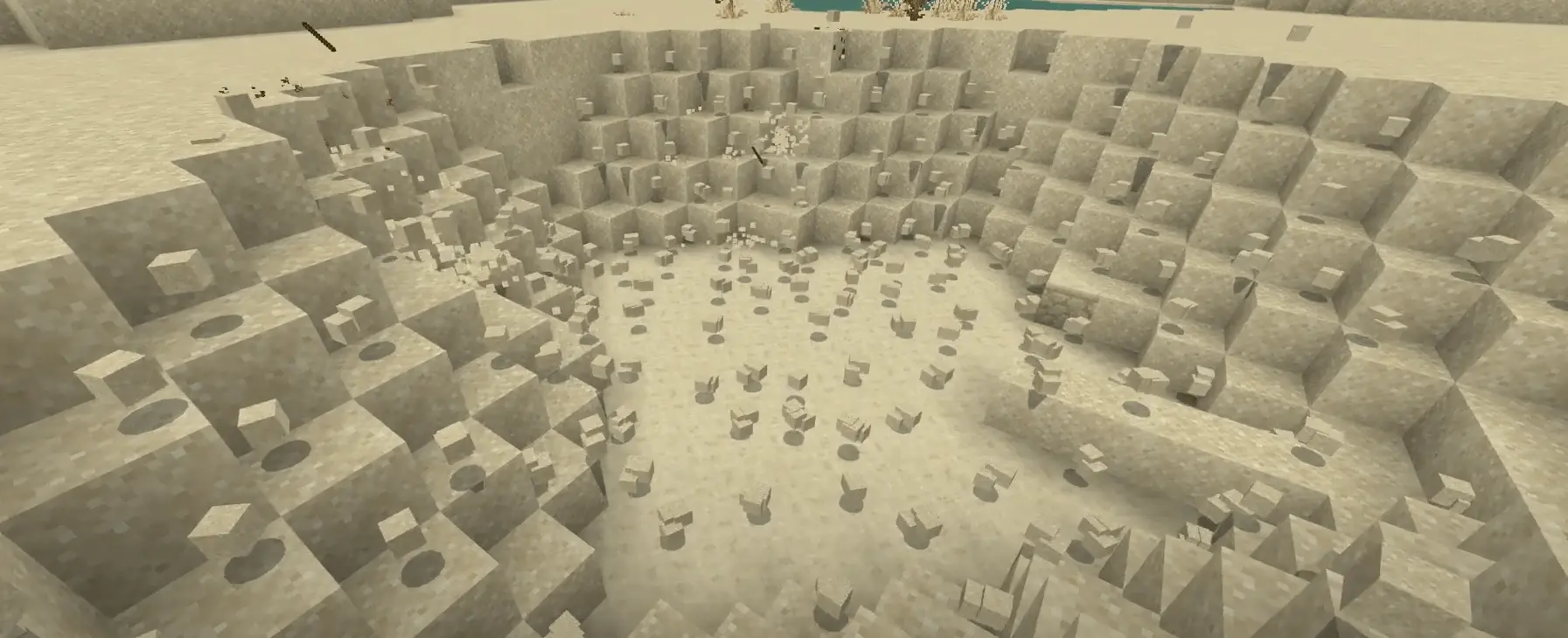
Sand Vein Miner Mod – Clear Sand Fast in Minecraft Bedrock
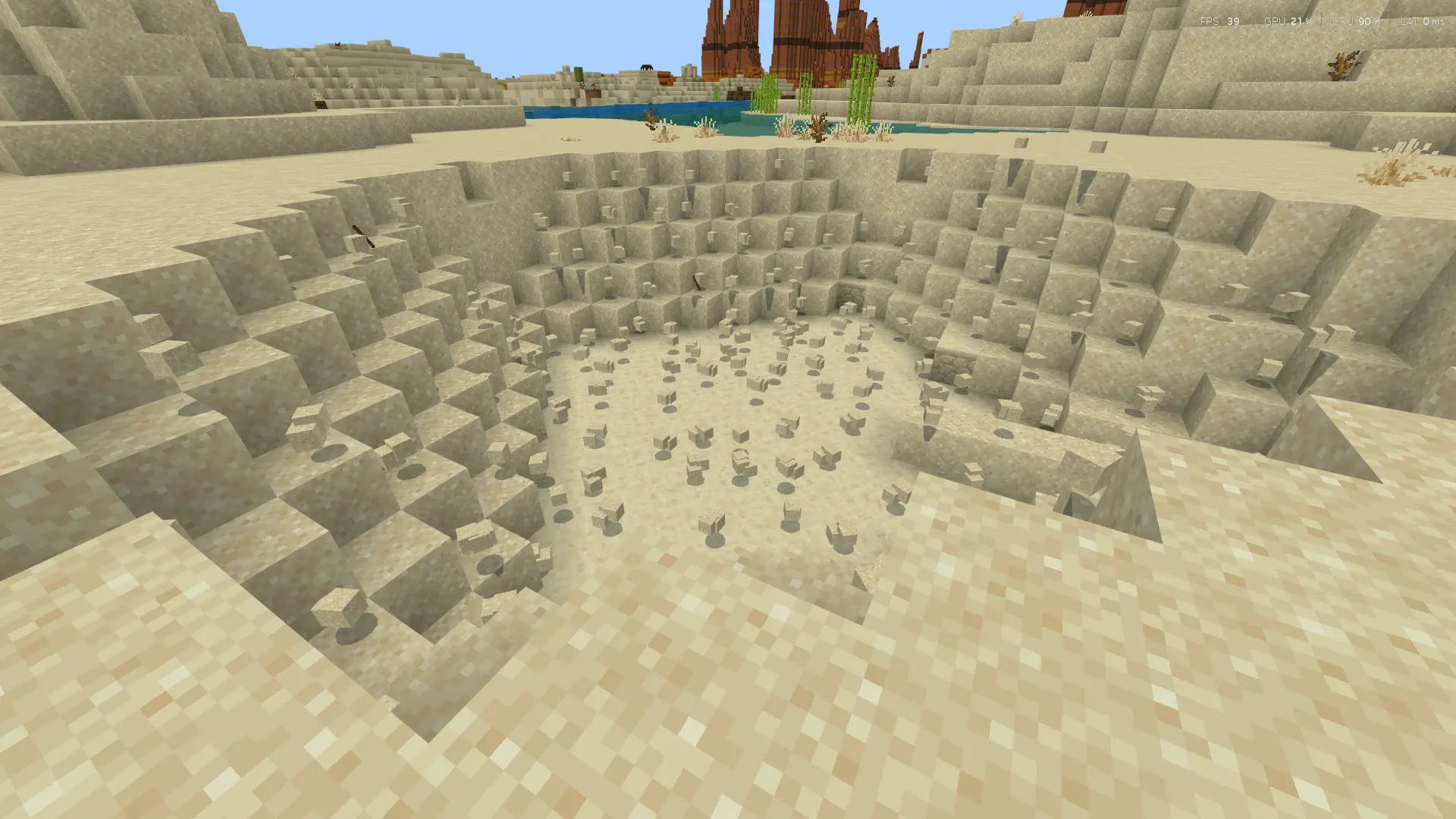
Anyone who’s ever mined in a desert or near a beach knows how annoying sand can be. One block breaks and suddenly you’ve got a whole avalanche falling on your head. Or you’re clearing a big patch, and it takes forever punching out each column one by one. The Sand Vein Miner mod fixes that in the simplest way possible — break one sand block while crouching, and the whole connected patch of sand disappears instantly.
I tested it while digging out a desert temple, and it saved me a ton of time. Normally, I’d have to shovel for ages just to clear a room, but with this addon I crouched, broke one block, and the entire sand layer collapsed in a second. It’s also great for landscaping or clearing big areas when you’re building bases in sandy biomes.
The best part is how natural it feels. You’re still using your tools and still in survival, but the grind of clearing sand veins is gone. If you’re tired of sand slowing down your projects or just want a smoother mining experience, the Sand Vein Miner addon is a must-have for Minecraft Bedrock.
My old Minecraft laptop has one advantage over my desktop: it forces me to notice when I'm making things unnecessarily complicated. On my main computer, I can experiment with different Bedrock content and barely think about performance. On the laptop, I'm much more careful about how many things I've enabled and what's happening around me. I was checking out a download recently when I noticed the game felt less responsive near my survival village. Instead of assuming the newest addon was responsible, I tried the same area without the extra content and compared how everything behaved. The village was already demanding quite a bit from the laptop, especially around the animal farms. That little comparison saved me from blaming the wrong thing. I still prefer my desktop for longer sessions, but playing on weaker hardware gives me a different perspective. Sometimes keeping a setup simple is the smartest decision you can make.
Installation:
- Download Mod;
- Open the downloaded file to install;
- Select it in the settings;
- Have fun!
Comments (0)