Hammers and Excavators Mod / Addon
- 20-08-2025, 12:53
- 1 828
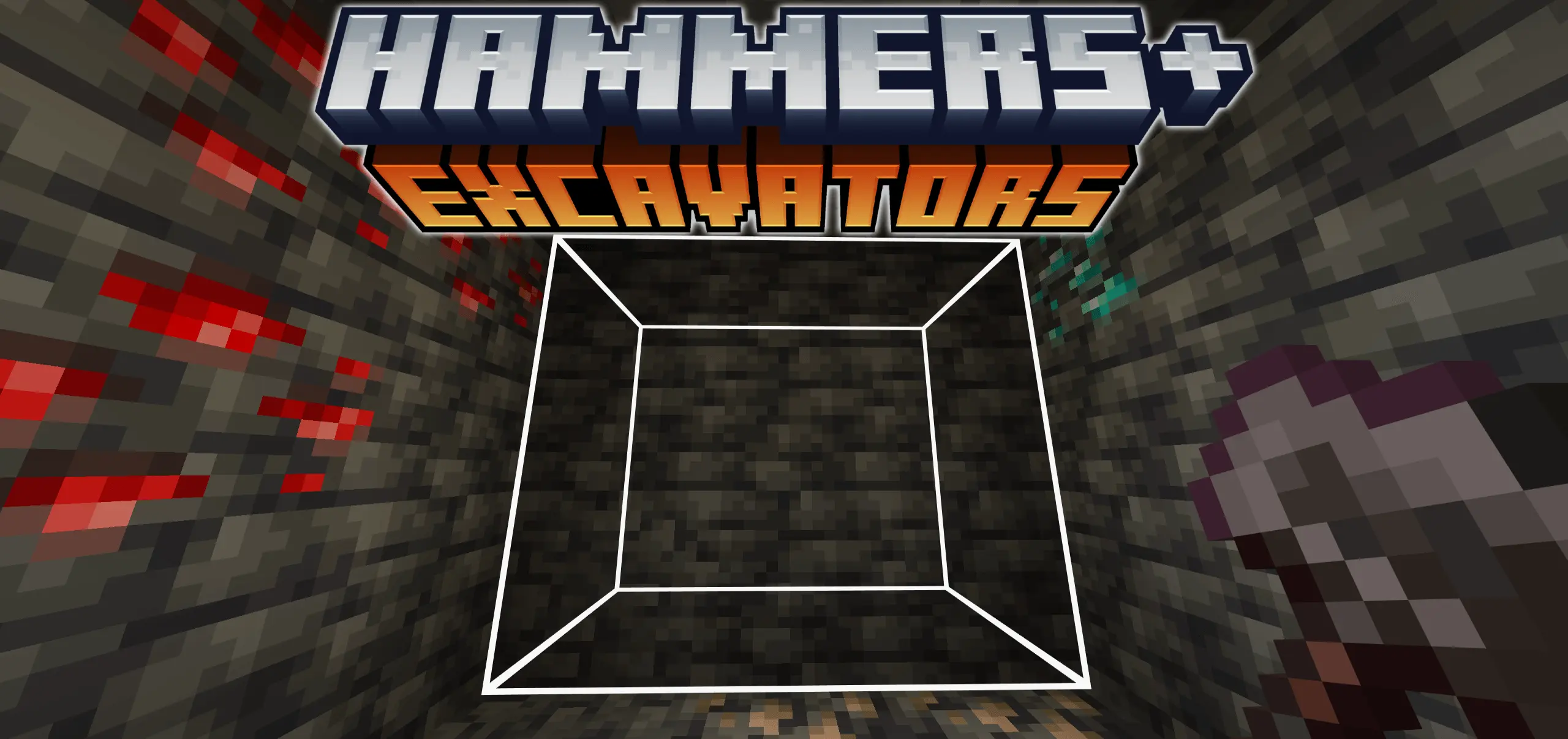
Mining in Minecraft Bedrock can be slow and repetitive when you’re clearing big areas one block at a time. The Hammers and Excavators mod fixes that problem by adding powerful new tools that break blocks in a 3x3 area. Instead of swinging forever at endless tunnels, you can carve out massive chunks with just a few hits.
I tried it while digging out an underground base, and the difference was night and day. A stone hammer plows through walls way faster than a normal pickaxe, and once you upgrade to better materials, you can clear huge rooms in minutes. Excavators work the same way for dirt, sand, and gravel — perfect for landscaping or flattening terrain for big builds.
The balance is still there since each tool has to be crafted from its vanilla counterpart plus resources, so you won’t get them instantly. But once you do, they save you hours of grind. If you’re into megabases, mines, or just hate tedious digging, Hammers and Excavators makes survival way smoother and way more fun.

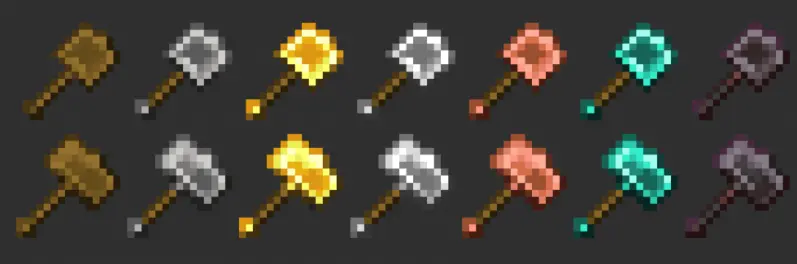
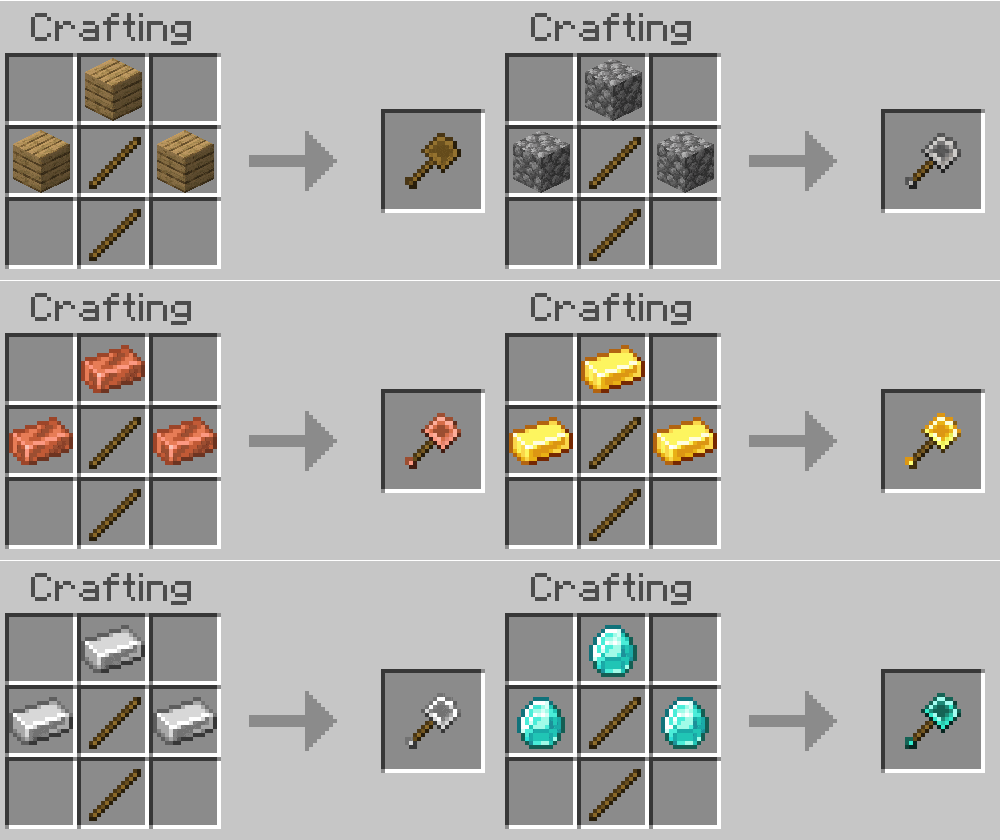
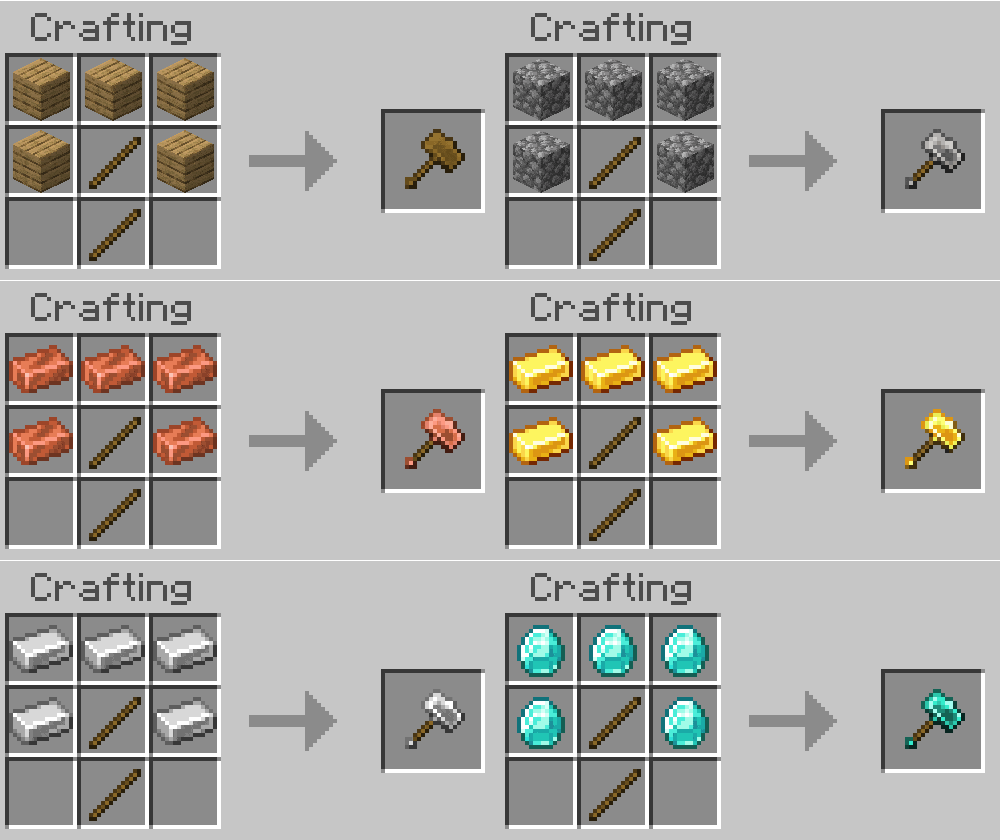
That underground base sounded like a great idea until you started counting how many blocks had to go. Hammers and Excavators gives Minecraft Bedrock players two tools for clearing a 3×3 area at a time, making big digging projects much easier to tackle.
Hammers are your option for stone and similar materials, including deepslate, netherrack, and end stone. Instead of opening a tunnel one block at a time, you can cut a wider passage as you work your way forward. That’s useful when you want room to move through a mine, connect different parts of an underground base, or carve out space for storage. Excavators take care of softer materials such as dirt, sand, and gravel, making them handy when your project moves from solid rock to a hillside that needs flattening. Both tools trade some speed on individual blocks for their wider working area: they mine a single block more slowly than a comparable pickaxe or shovel, but can clear several at once. Every block mined also uses durability, so keep an eye on your tool during a long session. Unbreaking works on the new tools if you want to help them last longer.
You don’t have to make a huge hole every time you swing. Sneak while using a hammer or excavator to mine a single block, which is useful when you’re working near a finished wall or carefully shaping the edge of a room. The addon also provides an outline preview of the mining area, helping you see what’s about to be removed before you commit. Take a second to check it when you’re close to something valuable; clearing a wall is much less satisfying when part of your favorite staircase comes with it. The tools need to be crafted, so look through the available recipes in-game and decide which one to make first. If your next project is a basement or mine, a hammer is an obvious place to start. If you’re preparing a plot for a village, the excavator may get more use.
These tools really come into their own when a build calls for a lot of empty space. Dig out a broad hallway for an underground railway, prepare a chamber for an enchanting setup, or clear dirt before laying the foundations of a large farm. You’ll still need to plan the shape, place the finished blocks, and deal with any surprises you uncover along the way. A wide tunnel can open into a cave just as easily as it can reveal another wall of stone, so bring torches and watch where you’re digging. The addon includes separate behavior and resource packs; import and activate both in your world settings before trying the tools. It’s also described as keeping achievements enabled. Once you’ve practiced switching between wide-area mining and single-block work, you can spend less time clearing the same wall and more time deciding what belongs behind it.
Installation:
- Download Mod;
- Use Minecraft
- Open the downloaded file to install;
- Select it in the settings;
- Have fun!
Comments (0)