Teleport on a Stick Mod / Addon
- 24-08-2025, 07:50
- 981
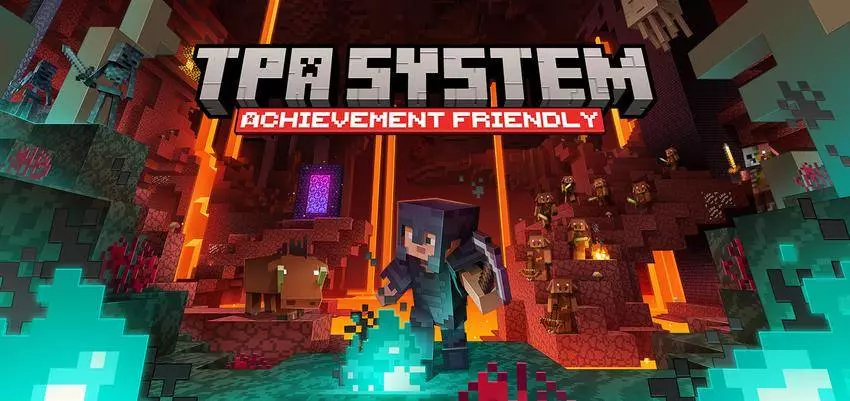
The Teleport on a Stick addon takes the boring old TPA system and makes it way cooler for Minecraft Bedrock. Instead of typing out long commands or relying on clunky menus, you get an item — literally a stick — that handles your teleports. Point, click, and boom, you’re exactly where you need to be.
I tested it on a survival server, and it felt so much smoother than regular TPA. No more mistyping commands or waiting forever to accept. You just use the stick, and the teleport happens instantly. It’s smart too — safe teleports mean you don’t spawn inside walls, lava, or anything dumb that ruins the game.
For multiplayer worlds and SMPs, it’s a huge quality-of-life boost. Players can zip around to each other quickly, set up bases together, or meet up without wasting time. And because it’s tied to an item, it feels way more natural than spamming chat commands. If your server needs an easier, cleaner teleport system, Teleport on a Stick is a must. Your friend just found a village, but you’re on the other side of the world with no idea how to reach them. Teleport on a Stick lets you send a request and join them using an ordinary Minecraft stick.
The addon adds a player-to-player teleport system for Minecraft Bedrock multiplayer. Hold and use a stick to open the menu, choose the player you want to visit, and send a request. They can accept or decline it, so nobody suddenly appears beside them without warning. If they’re away from their screen or miss the message, the request expires after one minute and you can try again later.
Once the other player accepts, there’s a five-second wait before you teleport. Stay still during that countdown: moving cancels the trip. It’s a small rule, but it makes a difference when you’re under pressure. If a skeleton is shooting at you or a zombie is closing in, you’ll need to find a moment to stand still before you can get away. The system also has a short cooldown between uses, so you can’t keep jumping from one player to another without a pause.
Don’t want requests while you’re working? Sneak and use the stick to toggle Prevent Mode, which blocks incoming teleport requests. Turn it back off when you’re ready for visitors. The addon sends messages as requests move through the process, letting players know whether a request was sent, accepted, declined, or canceled. That makes it easier to tell what happened if your friend is waiting for you and you’re still standing in the same cave.
The system is especially handy in a shared survival world. If one player finds a great spot for a base, the rest of the group can ask to join them instead of comparing coordinates and crossing half the map. It’s also useful when friends are gathering for a building project or meeting up before a dungeon run. You still get to explore and discover places yourself, but once someone is there, bringing the group together takes much less time.
To install Teleport on a Stick, open the downloaded .mcaddon file with Minecraft Bedrock and activate the addon in your world settings. It’s described as achievement-friendly, and its main feature is designed around playing with other people. After loading into your shared world, grab a stick, send a request, and have your friend accept it. Keep your hands off the movement controls during the countdown, and you’ll be ready to continue the adventure together.
Installation:
- Download Mod;
- Open the downloaded file to install;
- Select it in the settings;
- Have fun!
Comments (0)