Commands++ Mod / Addon
- 26-09-2025, 11:38
- 1 257
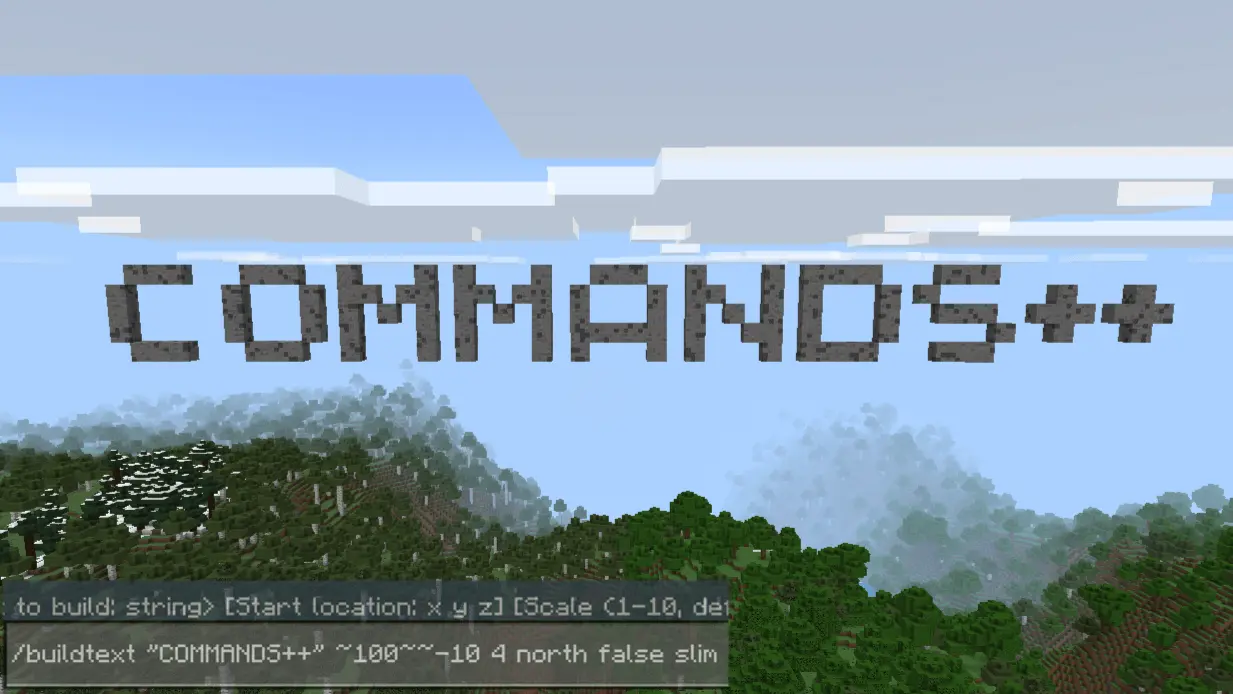
Commands++ Mod — Turn Minecraft into Your Own Dev Playground
Alright, if you’re the type of Minecraft player who loves getting into the backend of things — tinkering, testing, or building custom systems — Commands++ is an absolute game-changer. This ain’t your average command block helper. This mod feels like you just unlocked dev tools straight inside your world.
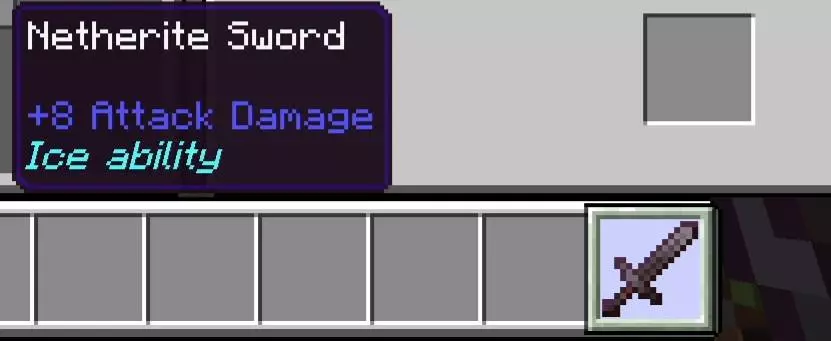
So here’s the deal: Commands++ adds a bunch of custom commands that let you do things way faster, way cleaner, and with way more control than vanilla allows. Wanna rename items or add fancy lore on the fly? Easy. Want to bind a command or function to an item like a magic wand? Done. Simulate a big explosion with a single line? Boom. Literally.
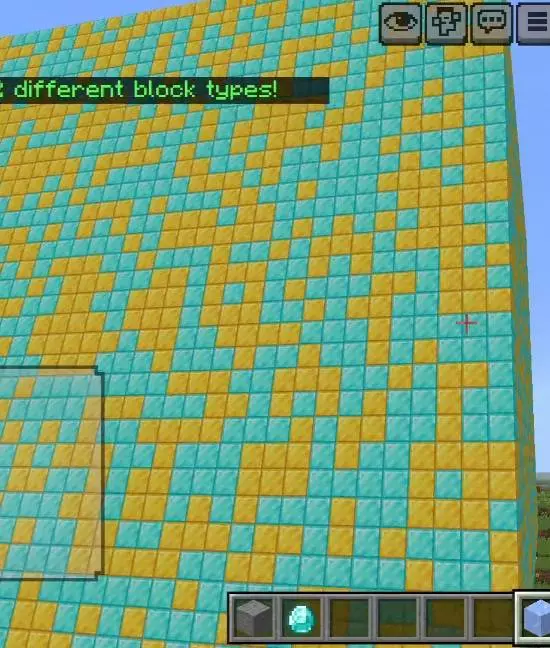
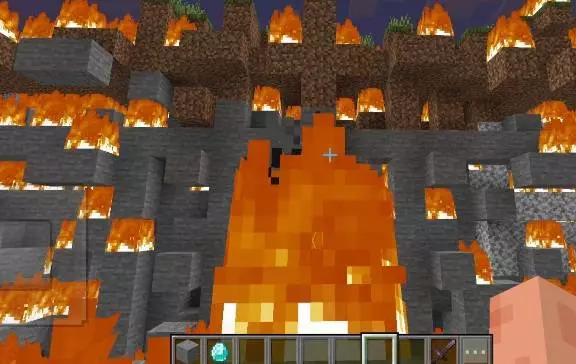
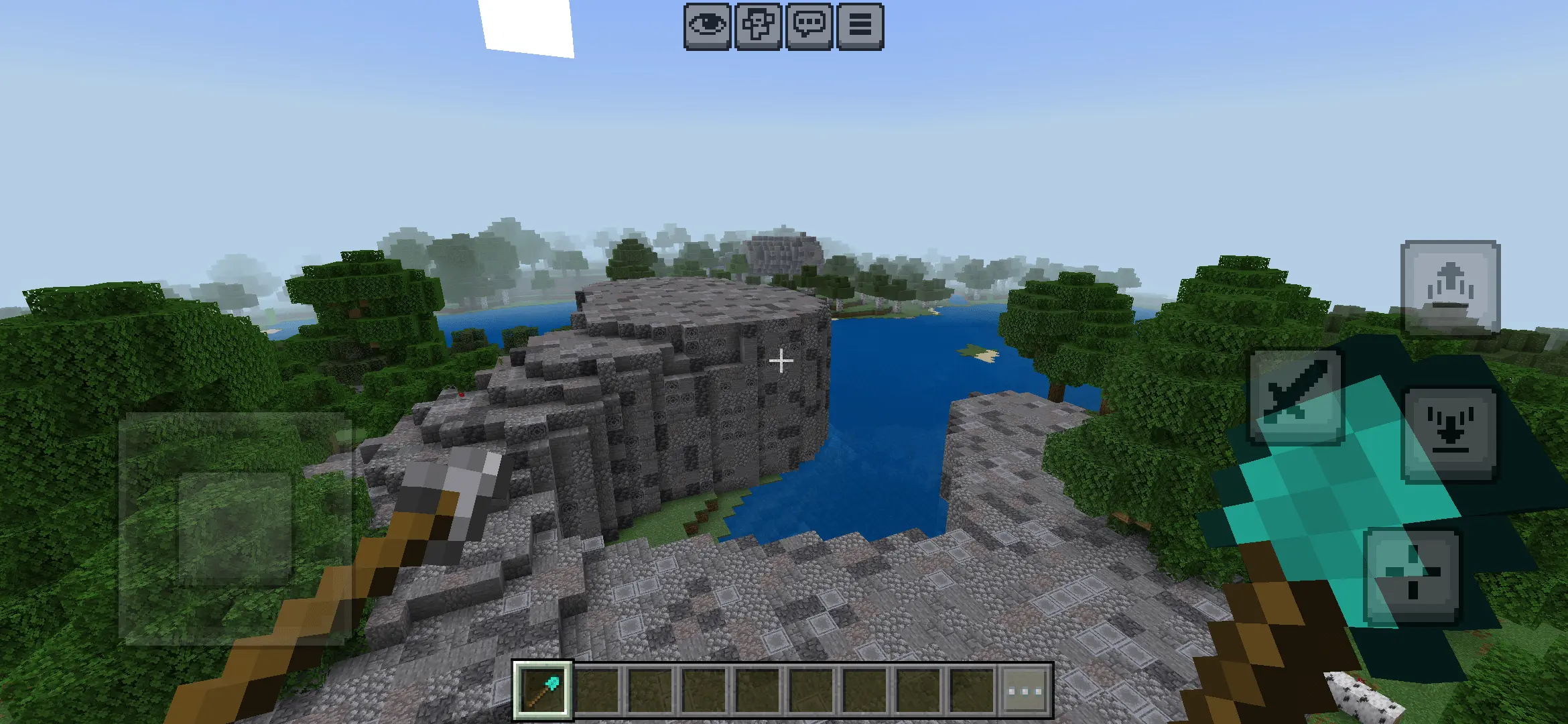
You’ve built the arena, planned the rewards, and now you need the commands to make everything work. Commands++ gives Minecraft Bedrock creators a bigger toolbox for handling items, structures, effects, and other details that bring a custom world together.
One of the most useful features is item editing. You can rename an item and add lore, which is the descriptive text players see with it. That ordinary sword could become a named reward for finishing your dungeon, while a key item could carry a clue about where to go next. The addon also lets you link commands or functions to items, opening up possibilities for custom tools and minigames. You’ll still need to decide what each item should do, but the feature gives you room to experiment.
Commands++ can help with the building side of a project, too. Its tools include options for creating structures and paths, plus floating text that can be useful around a map. Imagine setting up a minigame lobby where players can quickly see where to go, or laying out a route between areas before adding the finishing touches by hand. There are also experimental World Edit-style features for players who want to try larger editing tools.
For mapmakers, being able to adjust player effects, manage time, and spawn entities is handy during testing. Say you’re putting together a challenge that takes place at night: you can set the scene, test an encounter, and make changes as you go. The addon also offers explosion commands, which could be useful for creating dramatic moments or testing an arena. Try those in a separate test area first, especially if you’ve spent hours decorating nearby.
The appeal of Commands++ is how many different projects it can support. A server owner might use the item tools to prepare rewards, while a friend building an adventure map could focus on paths, structures, and descriptive text. You don’t need to use every feature at once. Pick one job you’re already working on, try the relevant tools, and get comfortable with them before moving on to more complicated ideas.
Download the .mcaddon file, open it with Minecraft Bedrock, and activate the imported pack in your world settings. Make a copy of an existing world before testing commands that change blocks or trigger explosions; that gives you room to experiment without losing your builds. Check the addon’s available documentation for the exact command syntax and any setup requirements. Once you’ve got the basics down, Commands++ can make the behind-the-scenes work of creating a map almost as interesting as playing it.
But it gets deeper. You can slap together complex multi-block structures with just a command, build paths or even floating text, control time or player effects like a wizard, and even tap into beta world edit-type features. It’s basically giving mapmakers, redstoners, and devs the power they’ve always wanted in Bedrock — no weird workarounds, no bulky setups.
Perfect if you're into custom maps, minigames, or just making your own tools and utilities in-game. It’s slick, lightweight, and crazy powerful.
Installation:
- Download Mod;
- Open the downloaded file to install;
- Select it in the settings;
- Have fun!
Comments (0)