Better Give Command Mod / Addon
- 17-11-2025, 06:00
- 1 150
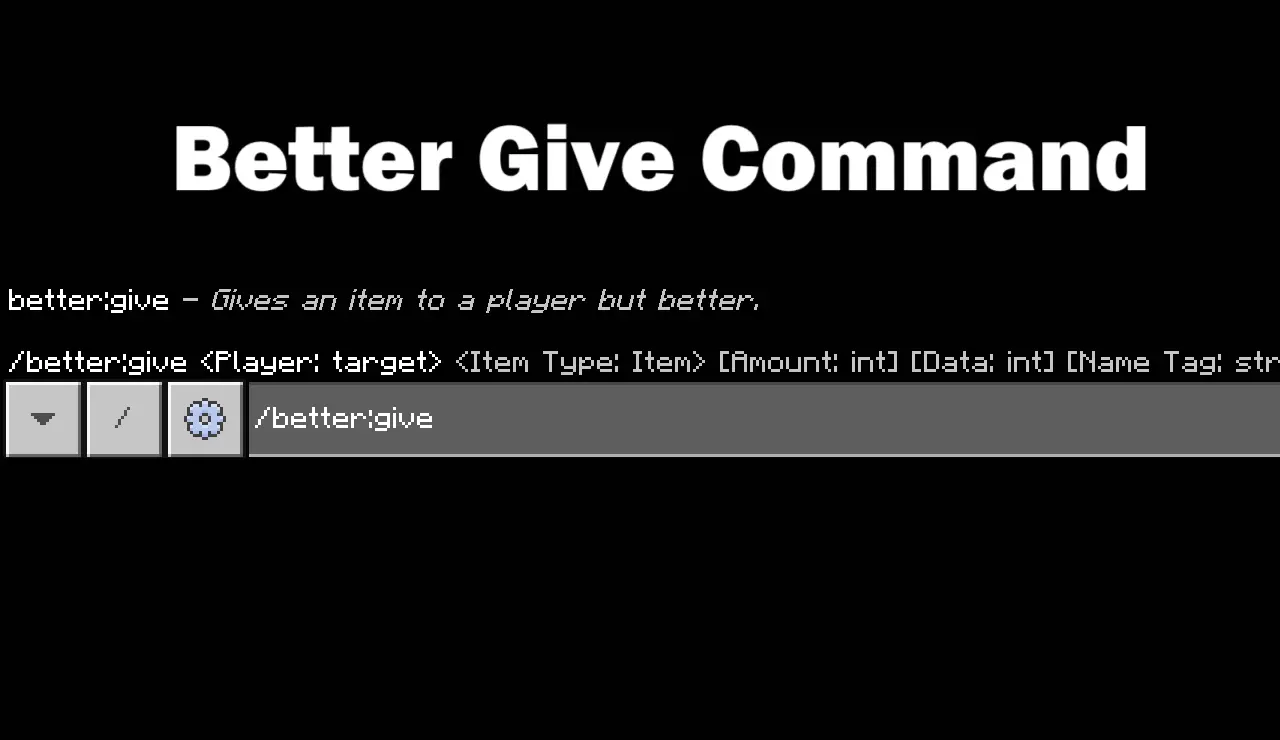
Better Give Command for Minecraft is a new useful mod for commands in the game. A diamond sword can be more than a diamond sword when you get to name it and give it a story. Better Give Command adds an item customization command for Minecraft Bedrock, giving mapmakers more control over the gear they hand out.
The add-on introduces /better:give, which can create an item with a custom name, lore, and enchantments. Lore is the descriptive text attached to an item, so it’s useful when you want a reward to feel like it belongs to the world you’ve built. A sword found at the end of a dungeon could have a name that ties it to the fortress, while a tool given at the start of an adventure could carry a short clue about its purpose. The command can also apply enchantments beyond what the standard give command normally offers. That opens the door to some powerful equipment, so test your creations before handing them out to players. A weapon that feels exciting in a boss arena might make an ordinary survival encounter disappear in a couple of swings.

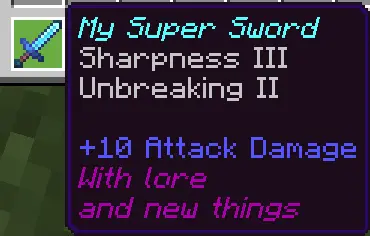
The published example gives a useful starting point: /better:give @s diamond_sword 1 0 "My Super Sword" "With lore,and new things" none "sharpness:3,unbreaking:2". In that example, the command targets the player running it and creates a named diamond sword with lore and two enchantments. The instructions also say to use “none� in the relevant section when you want the default name or no lore. Pay attention to the quotation marks and the order of the entries when adapting the example; a small typing mistake can make a command much harder to troubleshoot. Start with one item, check what appears in your inventory, and change one detail at a time until the result matches your idea. The command can also be used in command blocks, which is useful when you want an adventure map to hand out equipment at a particular point.
Think about what players should feel when they receive an item. A named sword with a short description can make a dungeon reward memorable, while different pieces of equipment can help distinguish teams in a custom game. You might prepare a set of tools for a building challenge or create a prize for whoever finishes a parkour course first. The add-on handles the item command; you’ll still need to build the course, arrange the event, or set up any command blocks yourself. To use it, import the pack, activate it in your world, and enable the Beta APIs experimental setting as directed by the project page. Try the example in a test world before adding your own details to an important map. Once you’re comfortable with the syntax, you can give ordinary equipment a name and description that make it feel like it was made for your players.
Installation:
- Download Mod;
- Open the downloaded file to install;
- Select it in the settings;
- Have fun!
Comments (0)