SkyBound Mod / Addon
- 23-11-2025, 01:39
- 1 753
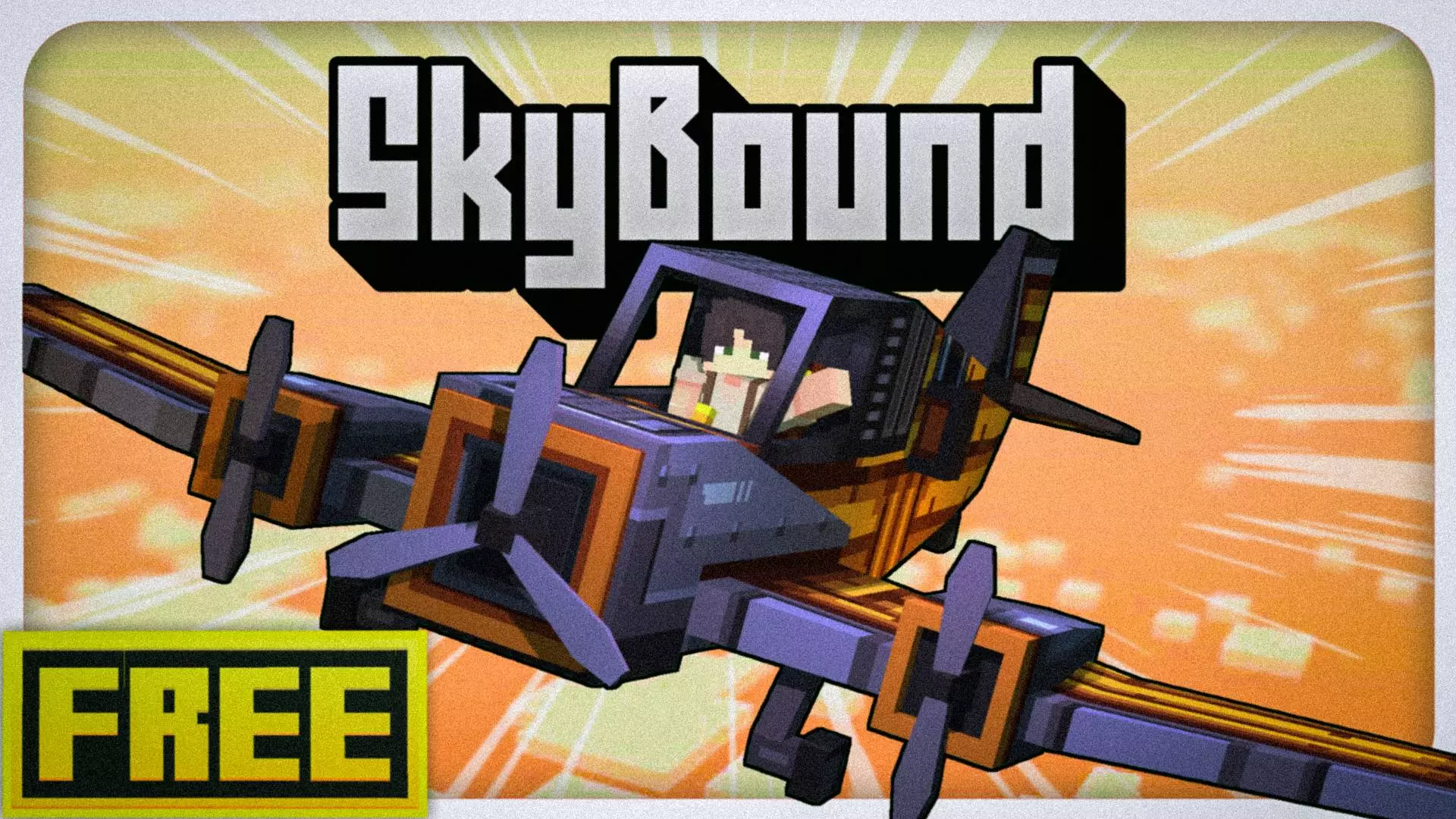
Skybound Mod– Beyond Horizon ✈️
Ready to take to the skies like never before? Skybound – Beyond Horizon lets you fly legit planes in Minecraft Bedrock, and it actually feels smooth, clean, and sick as hell. Built by Hazelism, this mod drops a brand-new aircraft system that isn’t just some janky model—it’s fully animated, reacts to your controls, and looks damn good in the clouds.

Hop in, fire up the engine, and cruise over your world in a way that makes elytras feel like training wheels. Whether you’re flying for fun or scouting out new terrain, this thing’s got serious vibes. Beta or not, it’s already soaring.
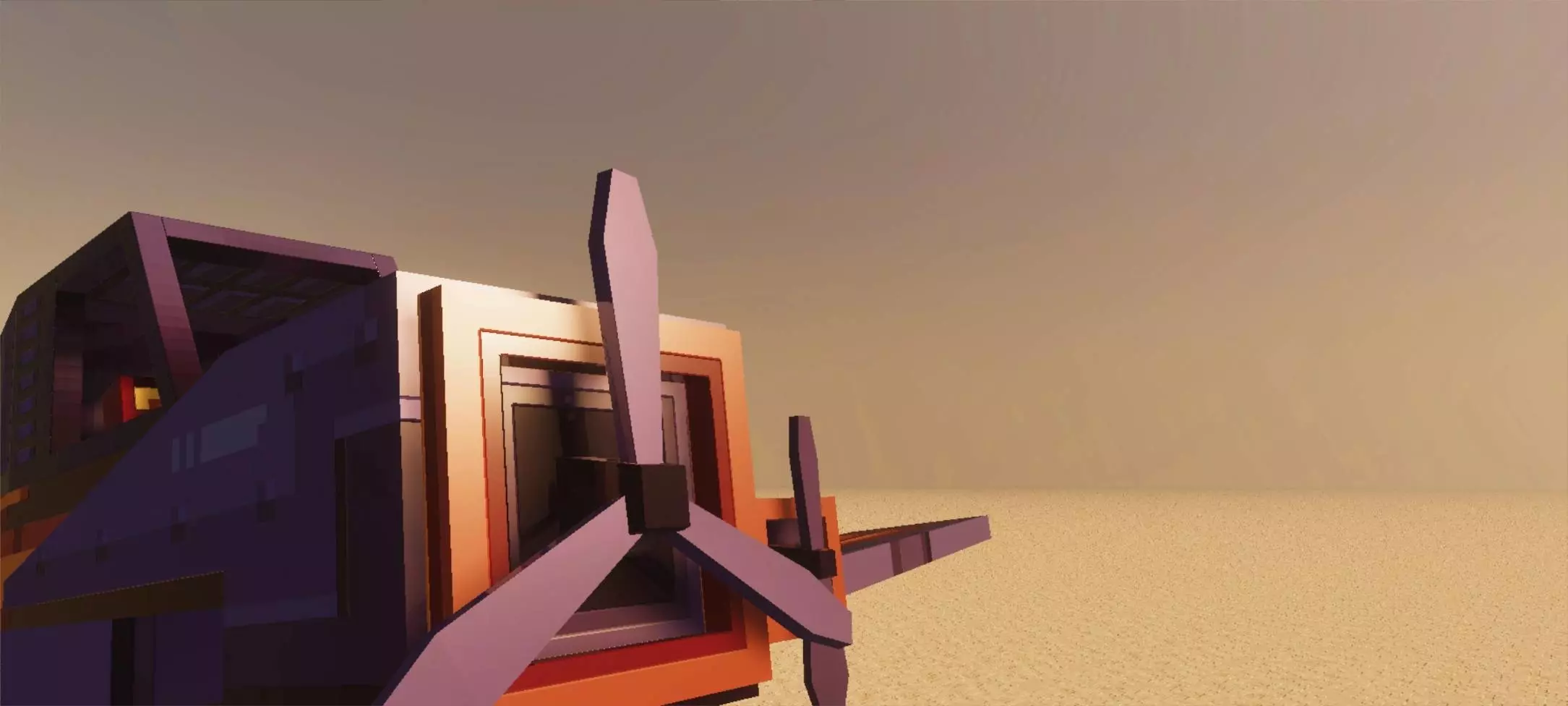
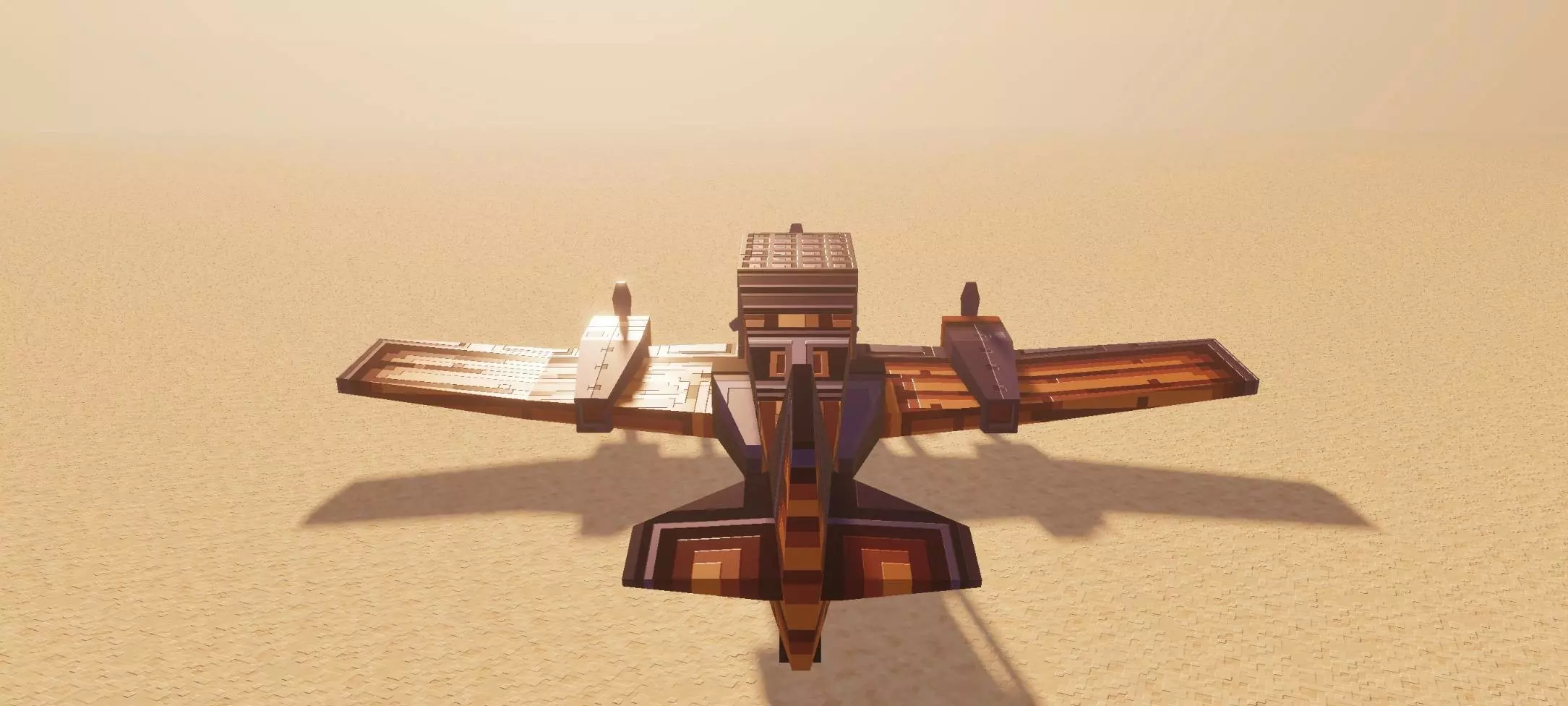
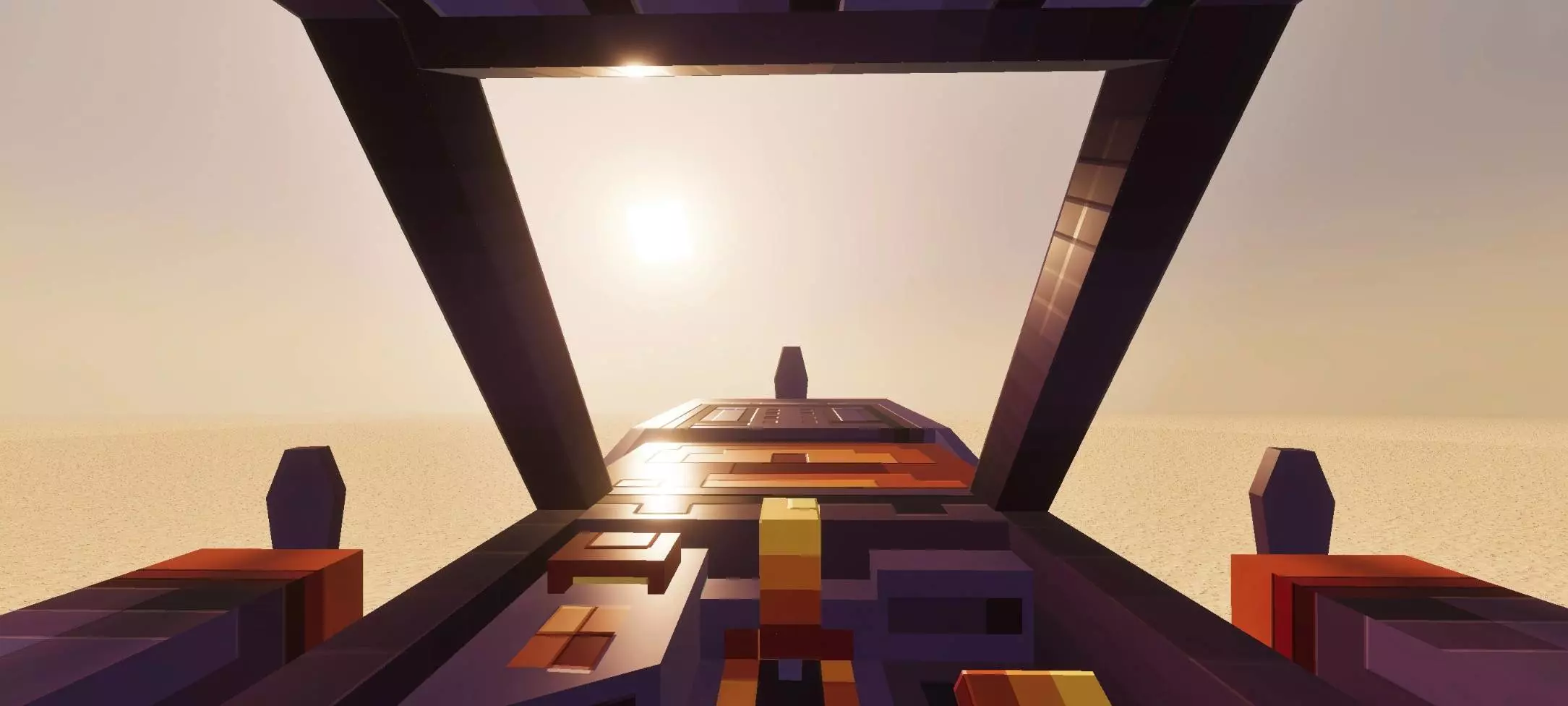
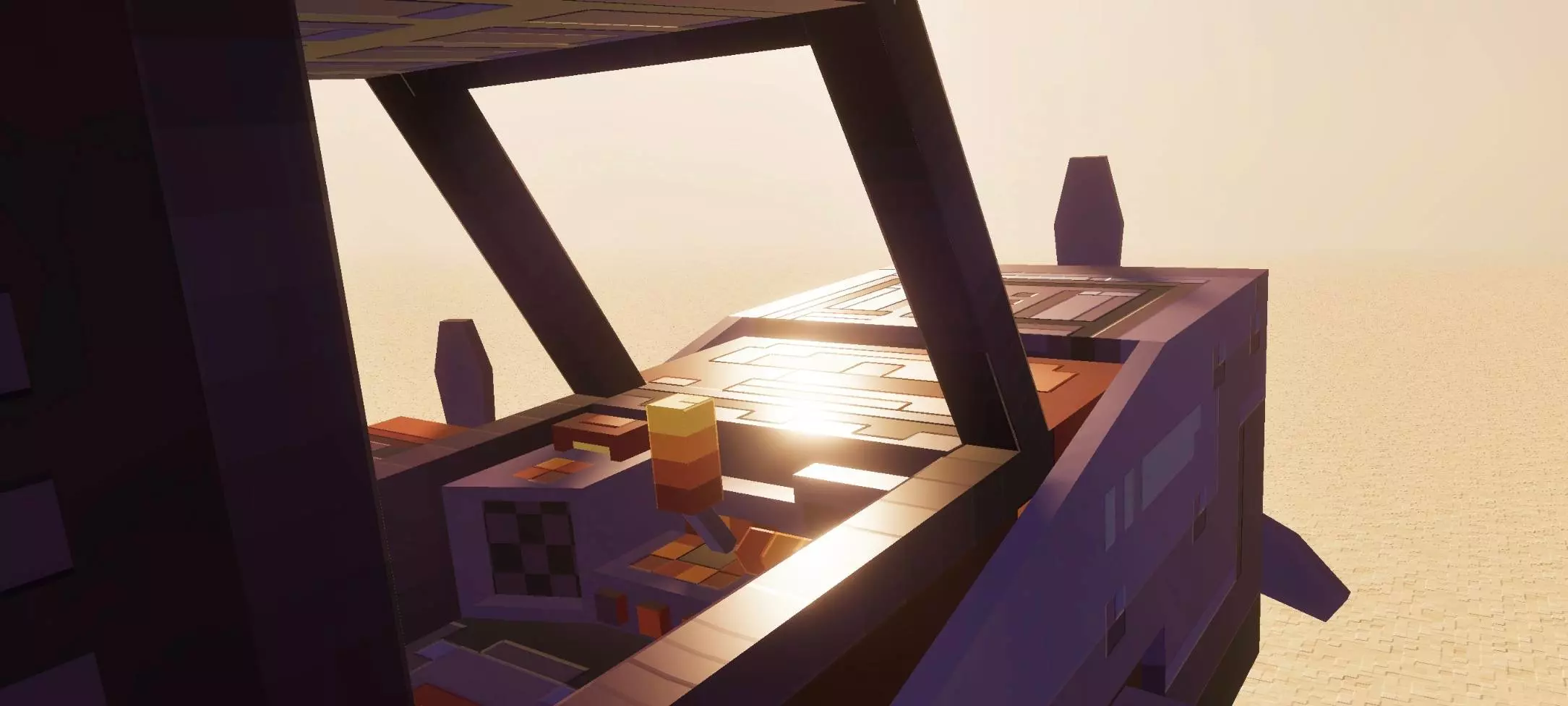

The runway ends, the speed indicator fills, and it’s time to pull up. SkyBound brings craftable airplanes to Minecraft Bedrock, giving you a new way to explore the world from above.
Two aircraft are available: the Skywand and the Naval. Getting either one ready is a project rather than a single crafting-table shortcut. You’ll need specialized components, including a propeller, a control panel, and wing parts, before assembling your plane. Check the in-game recipes as you collect materials and work through the pieces. Once the aircraft is ready, fuel it with coal or charcoal and find yourself some open ground. You could make a proper runway near your base or start with a clear stretch of terrain while you learn the controls. Either way, leave enough room ahead of you. These planes need to build up speed before they can get off the ground, so trying to take off with a wall or a forest directly in front of the nose is probably going to be a short lesson.
For takeoff, move forward until the speed indicator is full, then look upward to lift into the air. It sounds simple, but your first few attempts are a good reason to practice somewhere with plenty of space. Get used to the movement, try a gentle climb, and pay attention to where you’re pointing before you head toward a mountain range. From above, familiar terrain takes on a different shape: rivers become routes through the landscape, villages are easier to spot from a distance, and a base you’ve spent weeks building finally gets its own aerial view. Flying can also make the journey between projects feel like an event. Set out from your home runway, scout a stretch of coastline, and look for a promising place to build your next outpost. Bring fuel into your planning before leaving, especially when the destination is a long way from the supplies you keep at home.
SkyBound gives builders an excuse to expand their worlds around the aircraft, too. A small hangar beside your storage room could become a full airport with marked runways, a control tower, and roads leading into town. On a shared world, friends can build landing areas near their own bases and use them as destinations for sightseeing trips. You don’t need a huge airport to enjoy it, though. Sometimes taking a plane up for a loop over your favorite build is enough, especially when you’ve never seen the whole thing from that angle. If you’re starting in survival, gather the plane components one at a time and keep some coal or charcoal set aside for flying. Import the add-on, activate its packs in your world settings, and give yourself room to practice before attempting a trip through tight terrain. Once you’re comfortable with the takeoff, pick a direction, watch the landscape fall away beneath you, and see where you want to land next.
Installation:
- Download Mod;
- Open the downloaded file to install;
- Select it in the settings;
- Have fun!
Comments (1)