fLux Engine - The Vehicle Operation System Core Mod / Addon
- 12-07-2025, 10:31
- 1 505
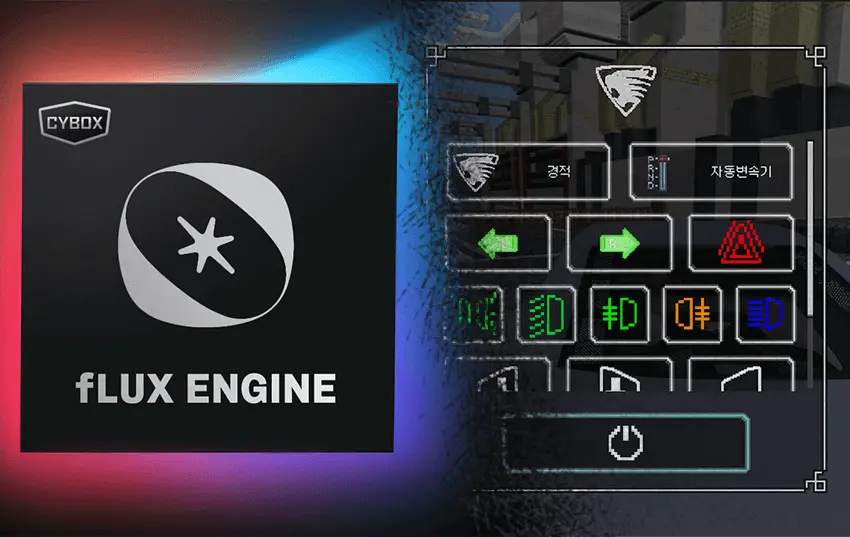
🔧 fLux Engine – Real Car Physics in Minecraft
If you’re into car addons, this is the core system you need.
fLux Engine is what powers realistic vehicle behavior in Minecraft Bedrock — smooth acceleration, braking, steering, and more. It’s basically the engine under the hood that makes car mods feel right.
A bunch of car addons use it, and if you want your rides to handle like actual cars (not boats on land), this is a must.
What It Does:
Adds realistic car handling & controls
Works as the “engine” for other vehicle addons
Supports gear shifting, steering, braking & more
Smooth, physics-based driving
Bedrock compatible (mobile, Xbox, Win10)
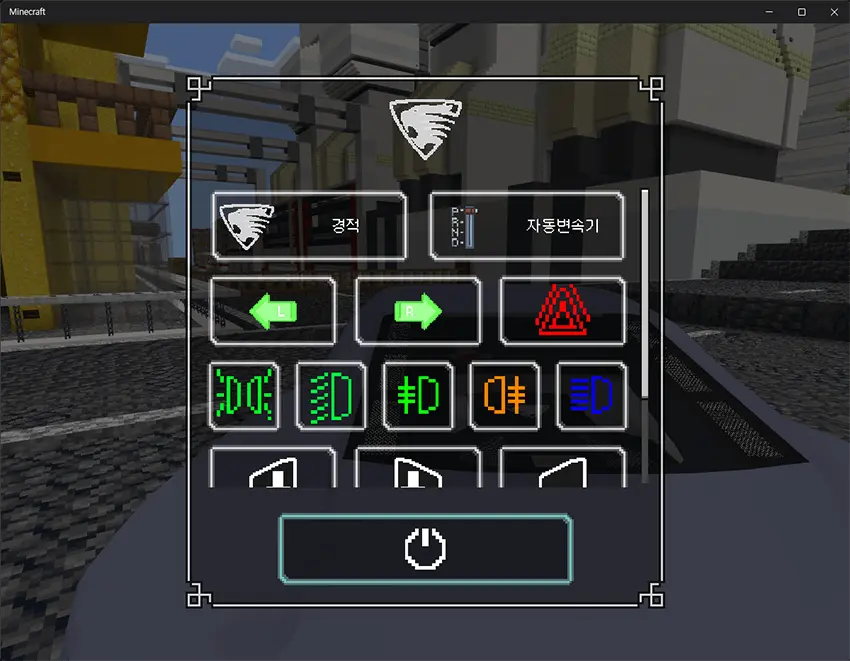
A good-looking car is only half the fun if you can’t enjoy driving it. fLUX Engine gives compatible Minecraft Bedrock vehicles a more involved driving system, with controls for acceleration, steering, and braking.
Think of fLUX as the system behind a vehicle addon. It needs a compatible car addon to function, so installing the core alone isn’t the same as adding a garage full of cars to your world. Once paired with a supported vehicle, it’s designed to make the act of driving feel more deliberate. Speed builds gradually, and steering and braking become part of the experience as you make your way around your roads. There’s also support for gear shifting, giving players who enjoy vehicle mechanics more to think about than simply climbing into a car and pointing it toward a destination. If you’ve built a city with long avenues, narrow side streets, and a parking lot outside your base, those spaces suddenly have another purpose: they’re places to take your ride for a spin.
The system goes beyond the basics of moving from one place to another. Its vehicle features include automatic transmission, fuel management, and engine oil maintenance, bringing a little garage-life flavor to a Minecraft driving session. There’s also a fuel-token system for refilling at gas stations. That opens up some fun building possibilities: a roadside station can become part of the trip rather than just a backdrop, and a garage can feel like a natural home for your collection. Some sports cars also have a DashBoost ability for a burst of acceleration, with a cooldown before it can be used again. Features can depend on the vehicle and addon release, so check the instructions for the car you choose before planning your whole driving setup around a particular feature. The appeal is the extra involvement: a trip through your world can feel more like taking care of and driving a car, one journey at a time.
Getting started means choosing a vehicle addon that specifically supports fLUX Engine and following its setup instructions alongside those for the core. The available guidance says to place fLUX at the top when applying it to your world, so pay attention to the pack order in your settings. Examples listed for the system include the Daewoo Tosca, Panther Kallista, and Oullim Spirra, but check the requirements of the particular vehicle download you pick. Once everything is set up, a simple test drive is a good way to learn the controls before heading out on a longer route. Try maneuvering around a few corners, getting a feel for acceleration, and pulling up at your own garage. From there, you can build a highway between towns, add a gas station along the way, or simply cruise around a city you’ve already spent hours creating. fLUX gives compatible vehicles the framework for a more hands-on ride, while leaving the roads and destinations up to you.
“Installed it once, never going back to basic vehicle mods. Total game changer.”
– @BlockDriver
📥 Download fLux Engine and give your Minecraft cars an actual driving system.
Installation:
- Download Mod;
- Open the downloaded file to install;
- Select it in the settings;
- Have fun!
Comments (0)