Dragon Mounts New Mod / Addon
- 1-07-2025, 18:37
- 1 404
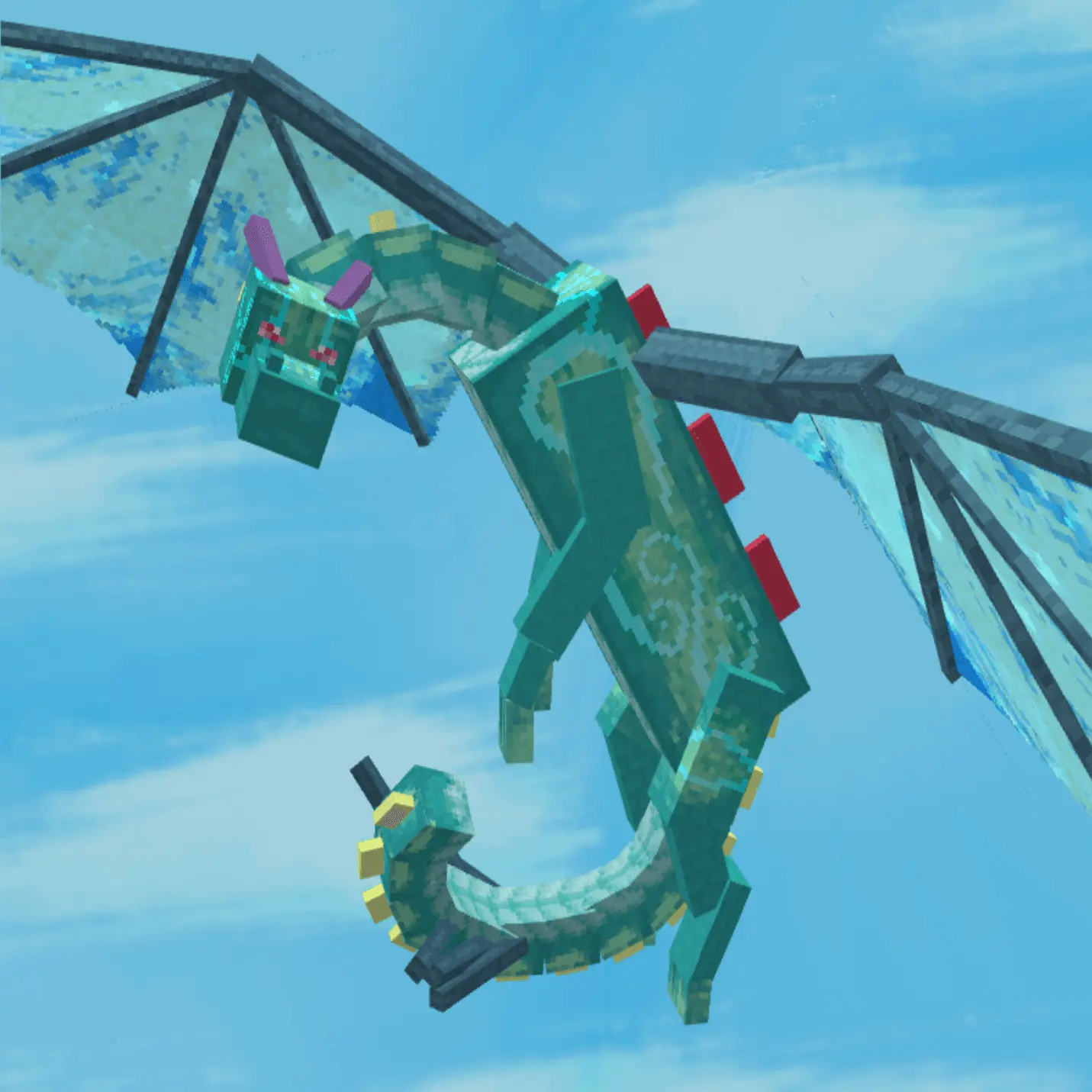
Dragon Mounts - 'Smoll' Retextures Minecraft mod with a new look for dragons in the Dragon Mounts addon. Your favorite dragon is back from a flight, and something about its scales looks different. Dragon Mounts – ‘Smoll’ Retextures gives many of your dragons a fresh look, with new colors, markings, and glowing details.
This Minecraft Bedrock texture pack is made for Dragon Mounts 2, so you’ll need that addon installed to use it. Once both are active, take a closer look at the dragons you already know. Many of their textures have been redesigned, with visual differences that make male and female dragons easier to tell apart. If you’ve collected several dragons, lining them up after installing the pack is a fun way to see how their new appearances compare.
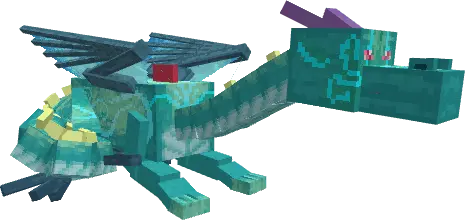
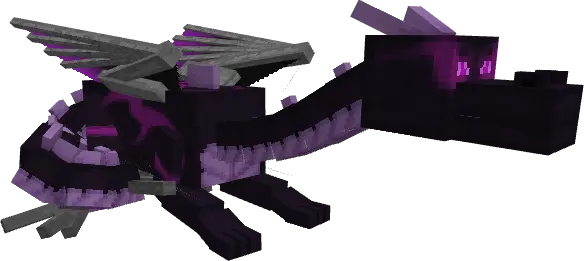
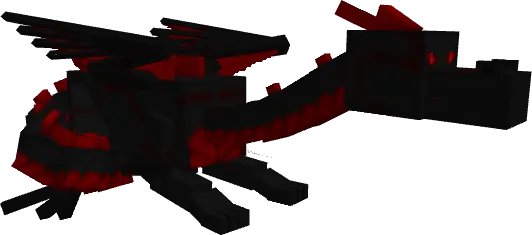
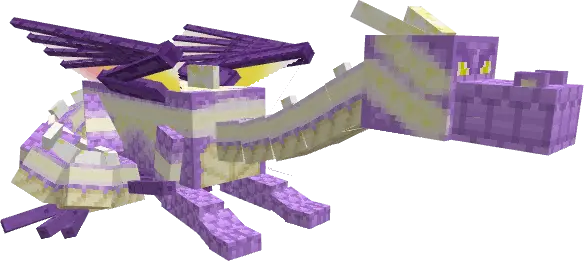
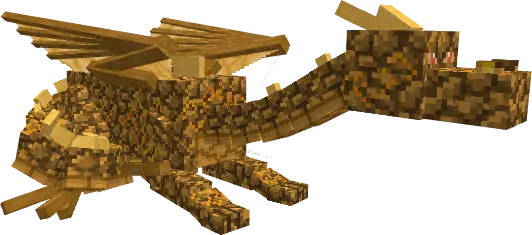
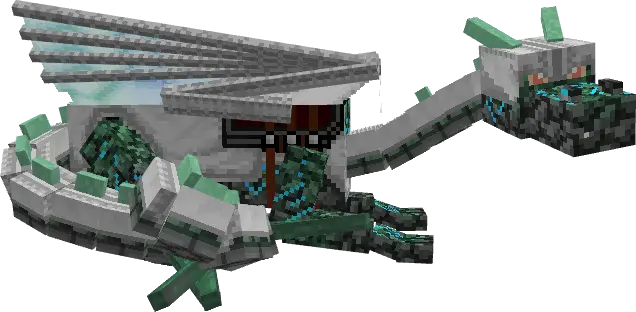
The glowing details are a big part of the makeover. Many dragons receive new emissive textures that make parts of their designs stand out, although not every dragon gets the same treatment. Some markings are easier to notice when they glow, adding another layer to a dragon’s appearance as you explore your world. There are exceptions among the redesigned dragons too, so don’t expect every single creature to look different. It’s worth visiting your whole collection and seeing which ones have changed.
Dragon armor gets attention as well. Its textures have been adjusted toward darker, less saturated colors with a more cloth-like appearance. Equip your favorite dragon and see how the new armor looks alongside its updated scales. If you have a stable or a dedicated place for your dragons, you might end up spending a while comparing combinations before heading out again. A dragon you’ve overlooked for a while could easily become your new favorite once you see its redesigned colors.
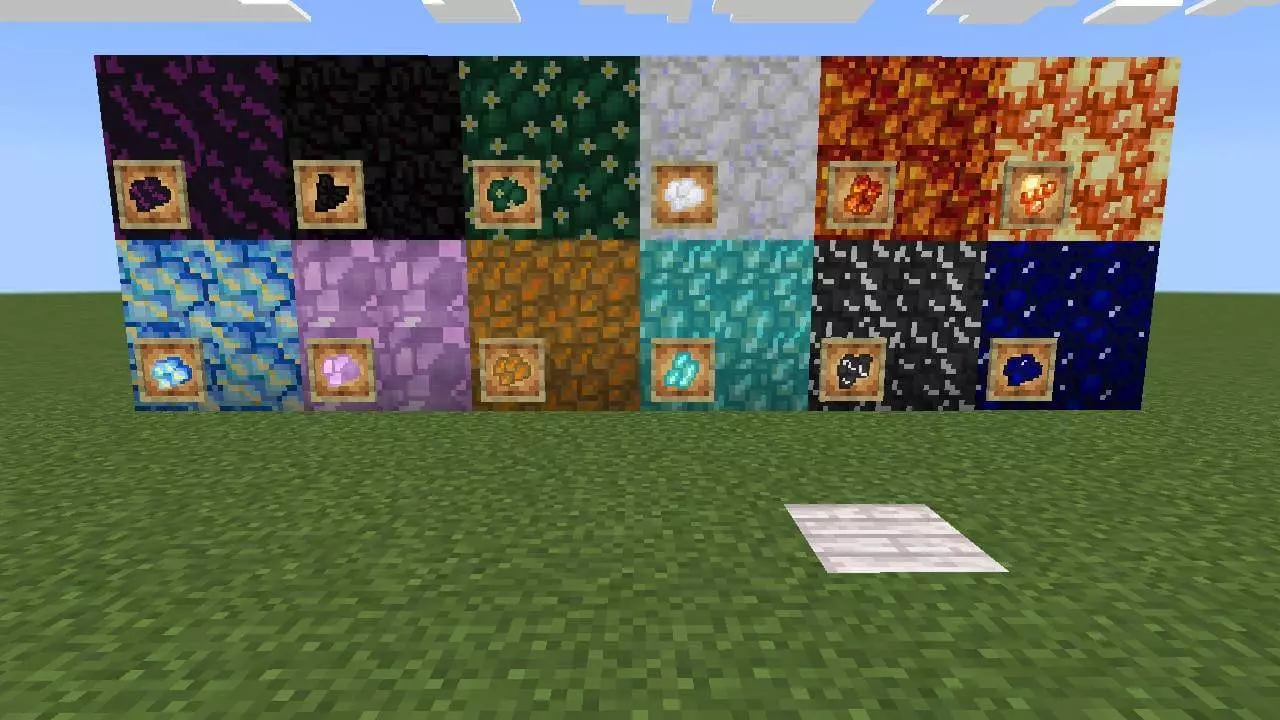
The changes carry over to more than the dragons themselves. Scale items and scale blocks have updated textures to match the new dragon colors, and dragon eggs use textures based on those scale blocks. That’s a detail if you like displaying your collection or building around a particular dragon’s look. Try adding matching scale blocks to a stable or treasure room, then bring the dragon inside to see how everything fits together.
To use the pack, import it into Minecraft and activate it alongside Dragon Mounts 2 in your world settings. Make sure the retexture pack has priority over the original resource pack so its changes can appear. Then load your world, visit your dragons, and take one out for a flight. This pack focuses on their appearance, giving your existing dragon adventures a different look while keeping the creatures you’ve already grown attached to at the center of it.
Installation:
- Download Mod;
- Open the downloaded file to install;
- Select it in the settings;
- Have fun!
Comments (0)