Nether Biomes Expansion Mod / Addon
- 4-11-2025, 09:19
- 949
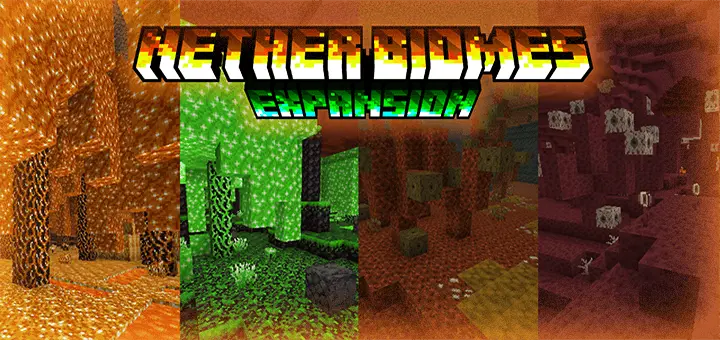
Nether Biomes Expansion Mod turns the underworld from “lava and red forever” into a real expedition. You still recognize the dimension at a glance, but the palette shifts, shapes change, and the routes you’ve run a hundred times suddenly ask for new plans. You’ll step from familiar basalt into a fresh zone with its own mood—different fog tone, ambient particles, and terrain rhythms—and that alone makes fortress hunts and blaze rod runs feel brand new again.
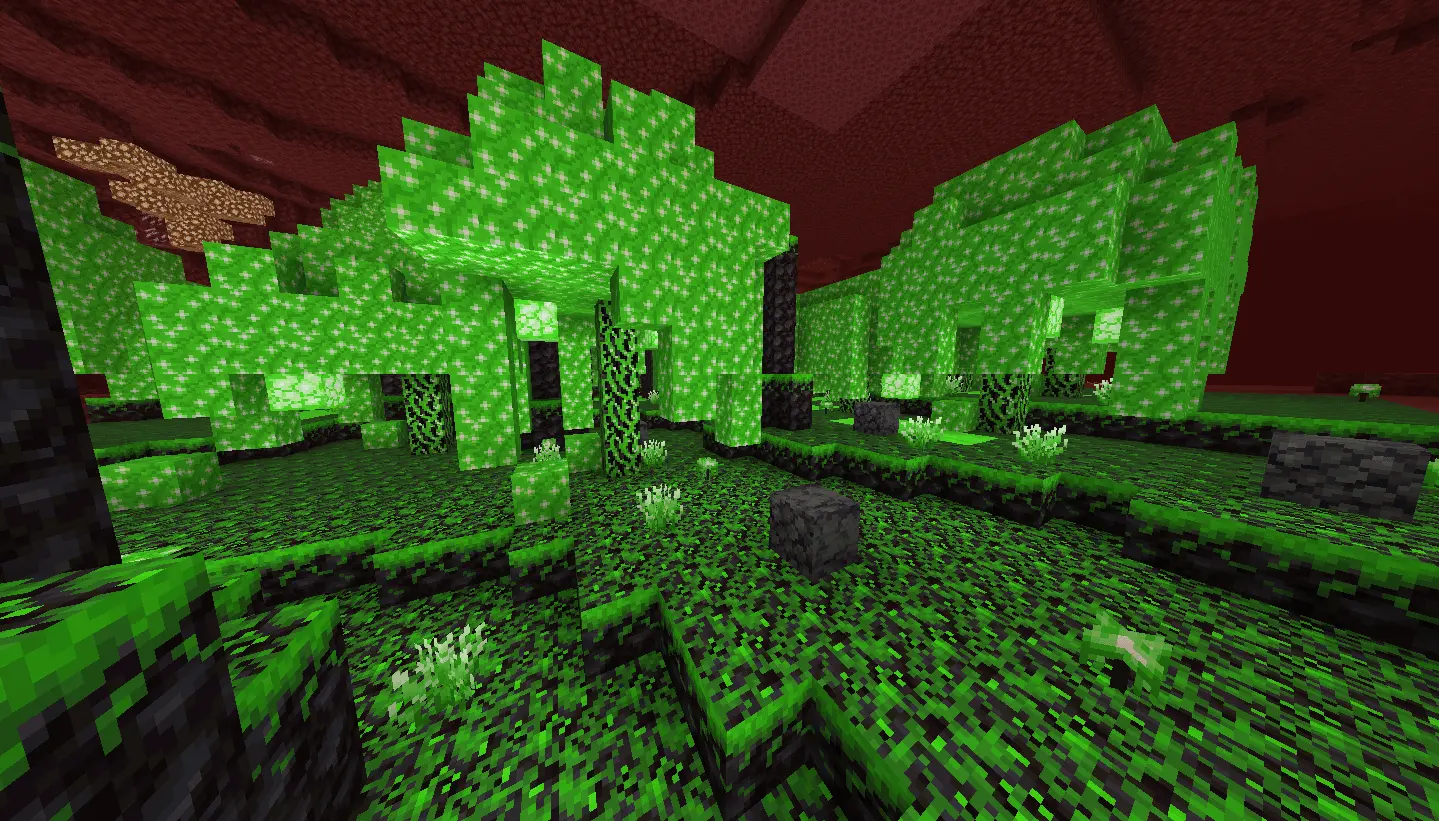
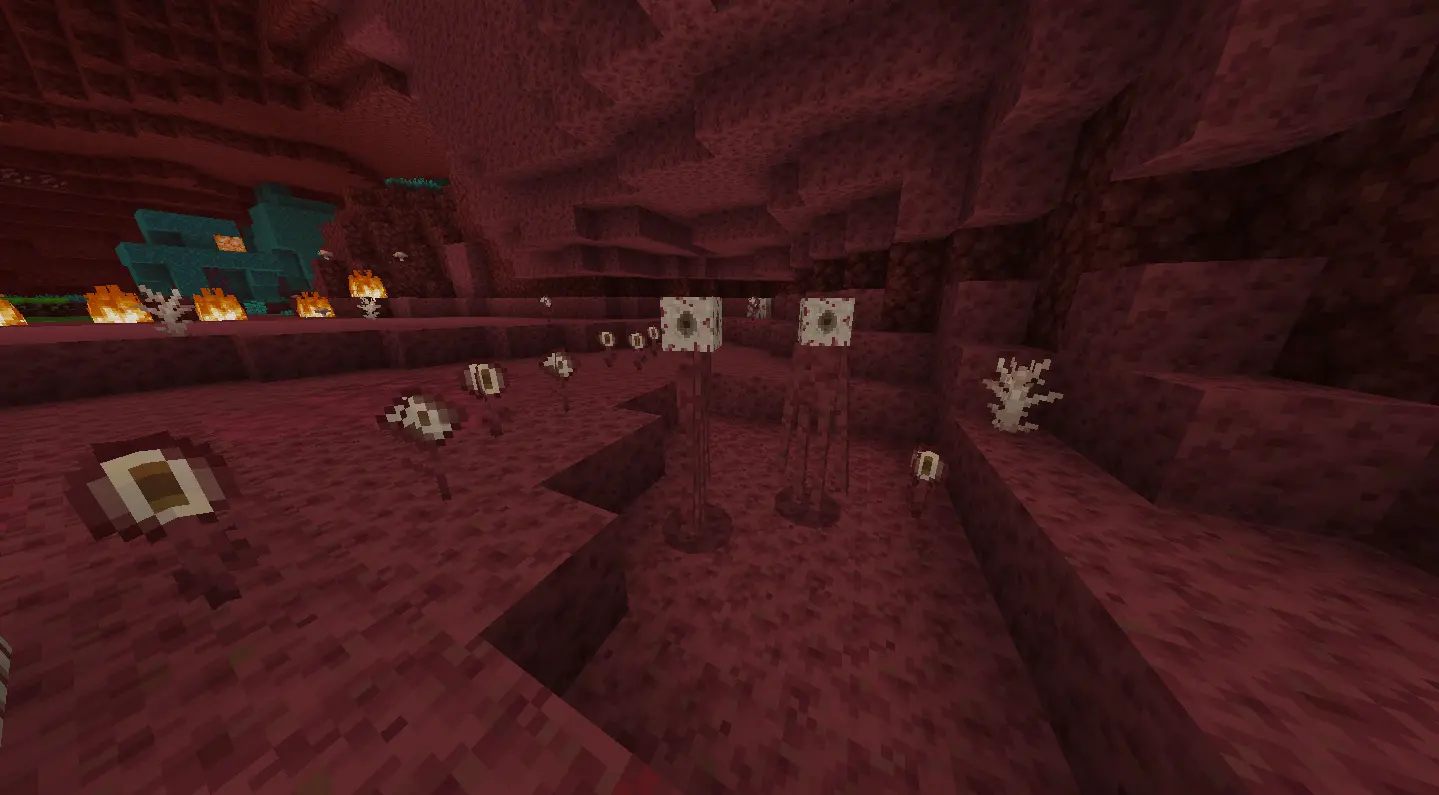
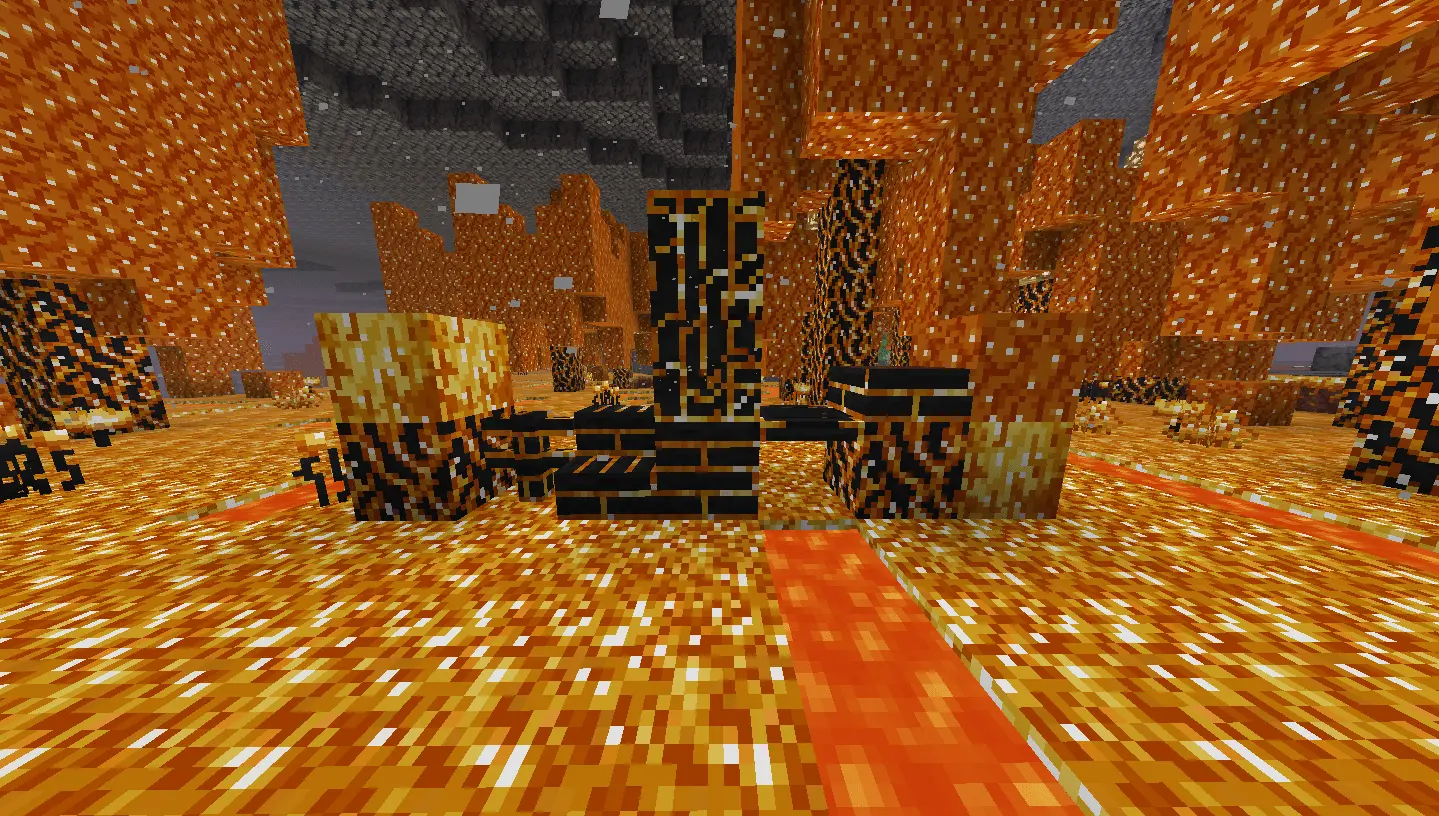
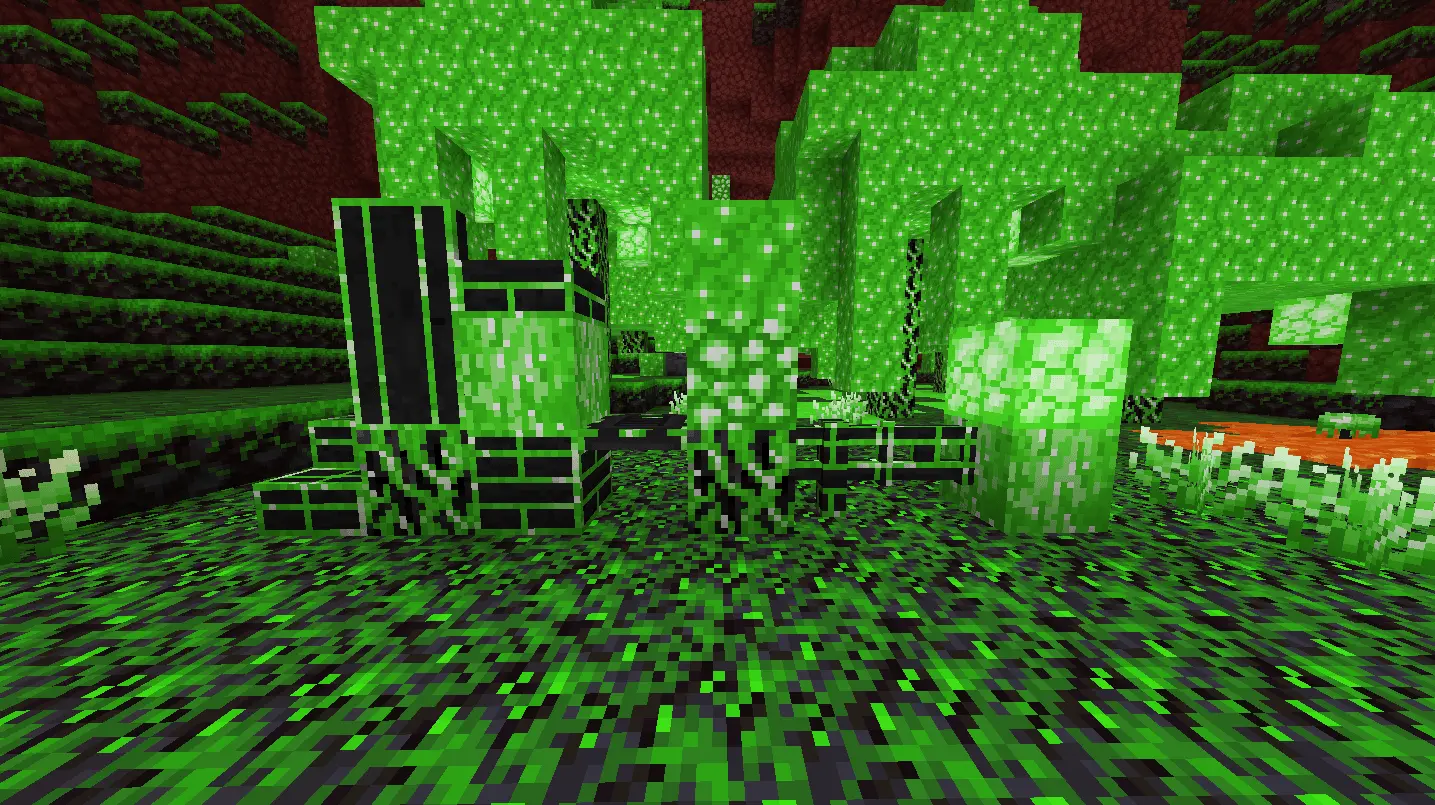
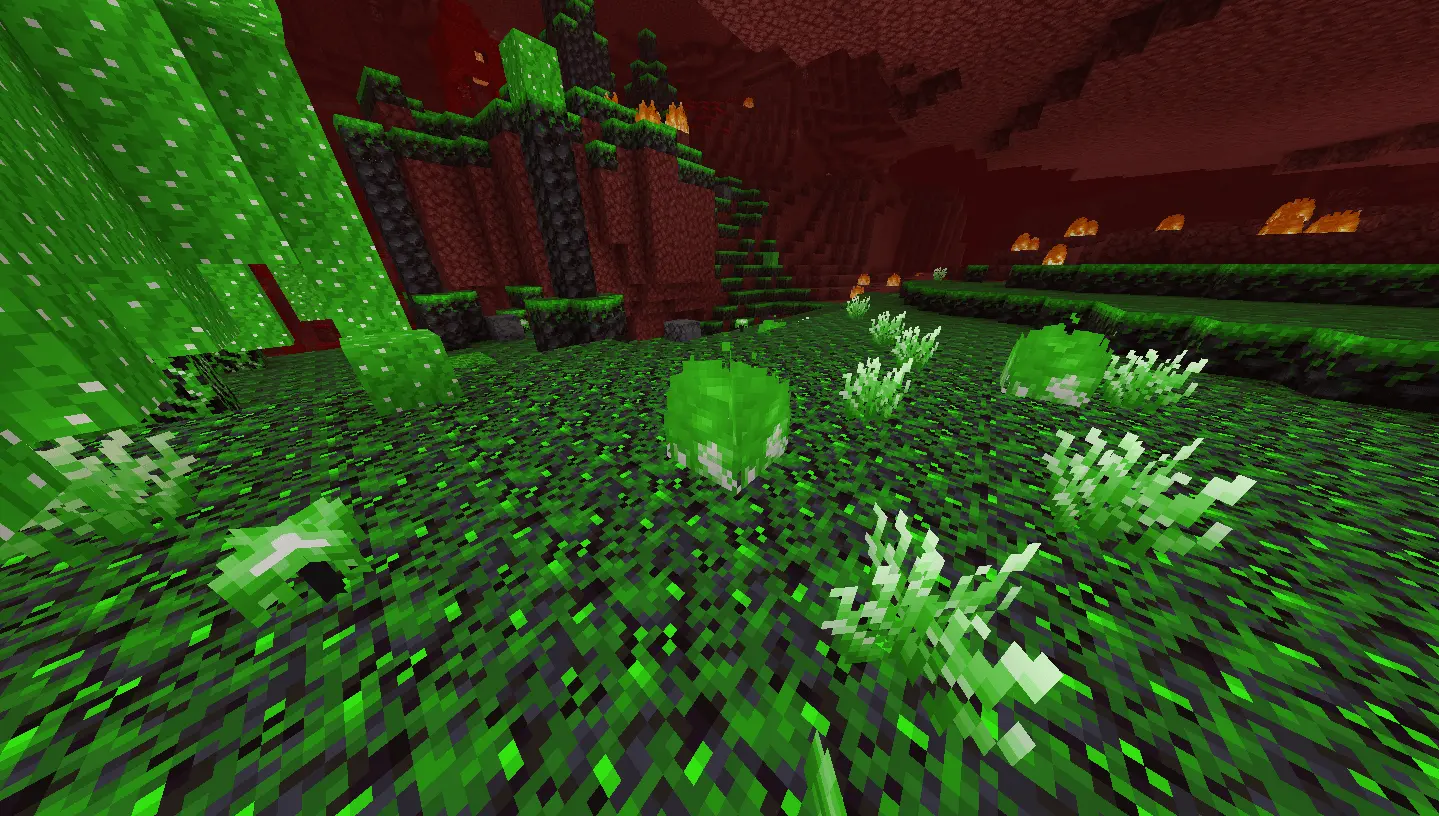
The route to your Nether fortress used to be straightforward: cross the lava, climb the ridge, and follow the torches. With Nether Biomes Expansion, the ground ahead can look unfamiliar enough to make you stop and plan the trip all over again.
This Minecraft Bedrock addon brings new biome areas to the Nether while keeping the dimension’s familiar feel. You’ll still need to deal with lava, dangerous drops, and hostile mobs, but the scenery and terrain give you more to explore between the places you already know. The linked version, 1.0.3, comes as separate behavior and resource packs, so make sure you install both before heading through the portal.
A new landscape can make a routine supply run feel like a proper expedition. Instead of following the first open path you see, take a moment to look across the terrain and find a route you can actually use on the way back. A ledge might lead toward the fortress you’re searching for, while a natural tunnel could give you a safer stretch away from an open lava sea. Bring blocks for bridges and leave yourself enough food and tools to handle a longer trip than you planned. Getting distracted by something new is easy; finding your way home afterward takes a little more thought.
Marking your route is still one of the best habits you can bring into the Nether. Place torches or other recognizable blocks at turns, write down your portal coordinates, and make important crossings easy to spot from both directions. If you find a place worth returning to, give it a clear marker before moving on. A small shelter near a difficult stretch can also give you somewhere to regroup, sort your inventory, and decide whether you have enough supplies to keep exploring.
The expansion gives builders a reason to look at their Nether projects again, too. You could connect your portal hub to a newly discovered area, build a lookout where two landscapes meet, or make a sheltered path for friends who aren’t eager to cross exposed bridges. In multiplayer, split the work: one player scouts the route while another brings building materials and marks the way back. It turns exploration into a shared project, and everyone benefits from a safer journey the next time the group needs blaze rods or quartz.
Before installing the addon, check that version 1.0.3 is compatible with your Bedrock release. Import both .mcpack files and activate the behavior and resource packs in your world settings. For an existing world, head into unexplored Nether terrain to look for newly generated areas. Pack your gear, note where the portal is, and leave a little room in your inventory—you may be away longer than that quick fortress run you originally had in mind.
Because it’s built to sit next to vanilla, the flow stays honest. You’re still bridging over lava, baiting ranged mobs, and reading ledges, but now you’re scanning for safe shelves, natural tunnels, and biome borders that help you string a path without burning stacks of blocks. Bring the usual kit—fire resistance, a handful of pearls, and gold to calm the locals—and mark waypoints as you go so the return trip doesn’t turn into a panic sprint. Striders become even more clutch when a new shoreline connects two biomes faster than a roof tunnel; toss a saddle and you’re skimming heat instead of pillar-dancing across it.
The best part: Achievements stay on, so this isn’t a side save—it’s your main world getting a glow-up. Drop the Resource Pack and Behavior Pack in together (both are required) and you’re good to go; if one’s missing, the world won’t load the expansion properly. Run a quick scout from your portal, map a loop that hits multiple biome edges, and you’ll come home with stories, screenshots, and a better route to your fortress than you’ve ever had. Same Nether, new adrenaline.
Installation Mod:
- Download the .mcaddon / .mcpack;
- Open the file to import into the game;
- In World Settings → Resource Packs and Behavior Packs, enable it (turn on Experiments if needed);
- Have fun!
Comments (0)