Rift Fragment – Nether Roof Teleporter Mod / Addon
- 13-09-2025, 17:27
- 1 117
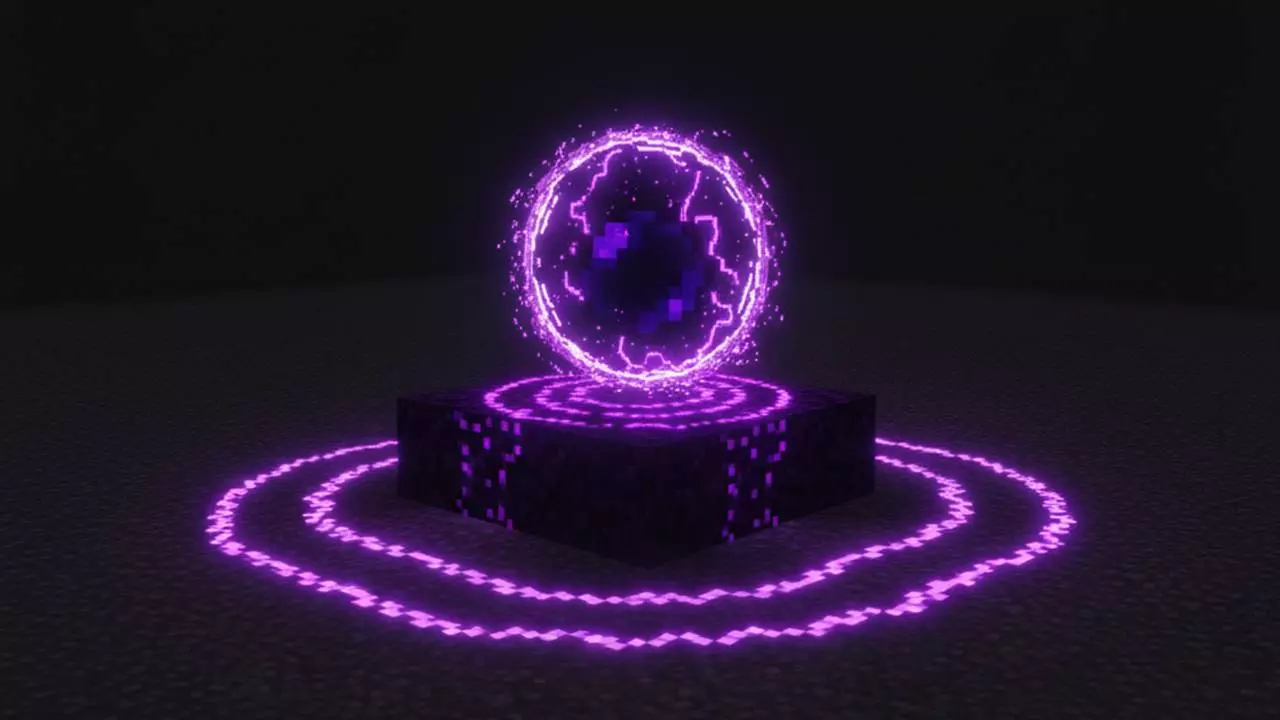
Need to cross the map without burning a weekend? Pop a Rift Fragment, blink to the Nether roof, and turn a brutal trek into a coffee break. It feels like carrying a portable Nether portal in your hotbar—tap to phase up, move fast in the safe, flat expanse above the Nether, then return cleanly to the Overworld right where the math says you’ll land.
The rules are simple and fair. Each Rift Fragment is single-use, so every jump matters; you plan the line, commit, and get paid with distance. The moment you activate it in the Overworld, you’re standing on the Nether roof—a perfect highway for straight-line travel—so you can sprint, strider, or just stroll your way across coordinates without ghasts, lava rivers, or terrain grief slowing you down. When you’re ready, trigger the return from the roof and the mod drops you safely back into the Overworld. The classic scaling applies: 1 block in the Nether = 8 blocks in the Overworld. Walk a tight 1,000 on the roof, and you’ve effectively moved 8,000 across your world. Two clicks, one long skip.
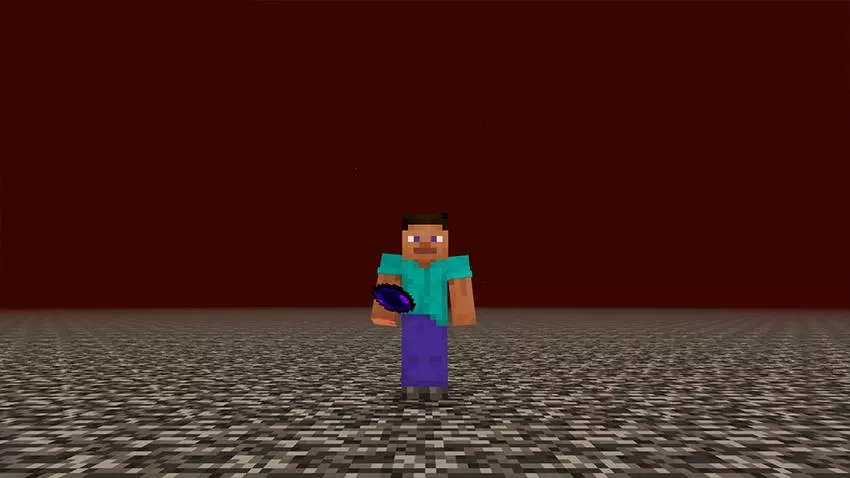
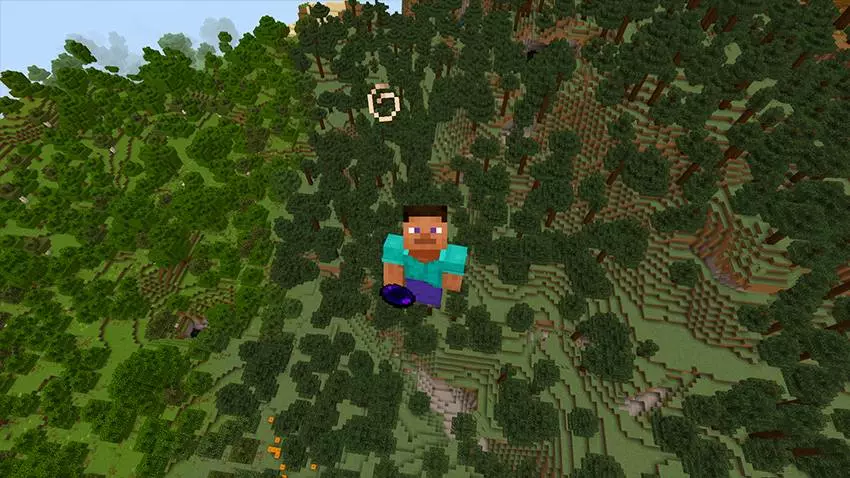
Your friend’s base is thousands of blocks away, and the trip keeps getting pushed back. Rift Fragment gives Minecraft Bedrock players a shortcut: jump onto the Nether roof, cover the distance there, and return to the Overworld.
The addon introduces a portable item called the Rift Fragment. Use it in the Overworld and it takes you straight to the bedrock roof above the Nether. Once you’ve traveled to your chosen coordinates, use another fragment to return. It’s a way to make a long journey without building a portal at each end or digging a tunnel through the Nether. Just remember that the return takes you to a location based on where you are on the roof, so check your coordinates before activating it.
Each fragment is consumed when used. Bring at least two for a round trip: one to get onto the roof and another to get back. Packing an extra is a smart move if you’re traveling with friends or still getting used to the system. Before leaving, double-check that the return fragment is in your inventory. A wide expanse of bedrock is a pretty lonely place to realize you left your ticket home in a chest.
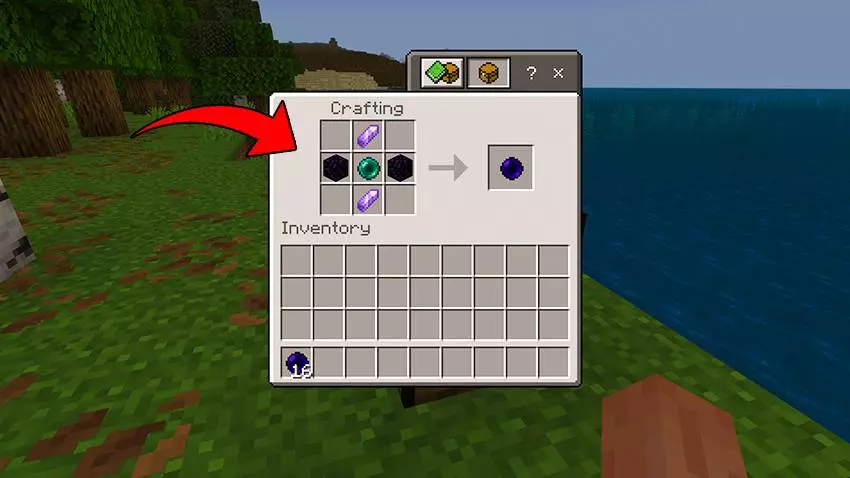
Crafting a fragment takes two obsidian, two amethyst shards, and an ender pearl. At a crafting table, place the pearl in the center, with the obsidian arranged horizontally and the shards vertically. To activate the finished item, hold it, look up at the sky, and use it. On a computer, right-click; on a touch screen, hold the screen. The same process takes you from the Nether roof back to the Overworld.
The distance advantage is where this item gets interesting. Moving one block in the Nether corresponds to eight blocks in the Overworld. For example, a 1,000-block journey across the roof can translate to 8,000 blocks of Overworld travel. If you have a destination in mind, note its coordinates and divide the horizontal X and Z values by eight to plan your route. Keep an eye on your position as you go; the shortcut is useful, but it’s easy to overshoot when every step counts for eight.
Rift Fragment is handy for visiting distant bases, reaching a faraway biome, or meeting up with friends in a shared world. It also gives you a reason to put those spare amethyst shards and ender pearls to work. Download the .mcaddon file, open it with Minecraft, and activate the addon in your world settings. Then craft your fragments, choose a destination, and give the route a try. Once you’ve got the hang of the coordinate math, that far-off base won’t feel quite so far away.
In practice, this is clutch for SMP meetups, biome hunts, and base-to-base logistics. I’ll mark a distant target, pop a fragment at home, pace out a clean 1–2k on the roof, then reappear within shouting distance of the destination—no Elytra required, no janky tunnels, no ocean detours. It doesn’t break Survival; it just respects your time. Pack a few fragments for expedition chains, keep one as an emergency relocator, and treat the Nether roof like the express lane it’s always wanted to be in Minecraft Bedrock.
Installation:
- Download Mod;
- Open the downloaded file to install;
- Select it in the settings;
- Have fun!
Comments (0)