Health Bar Mod / Addon
- 30-10-2025, 09:30
- 1 047
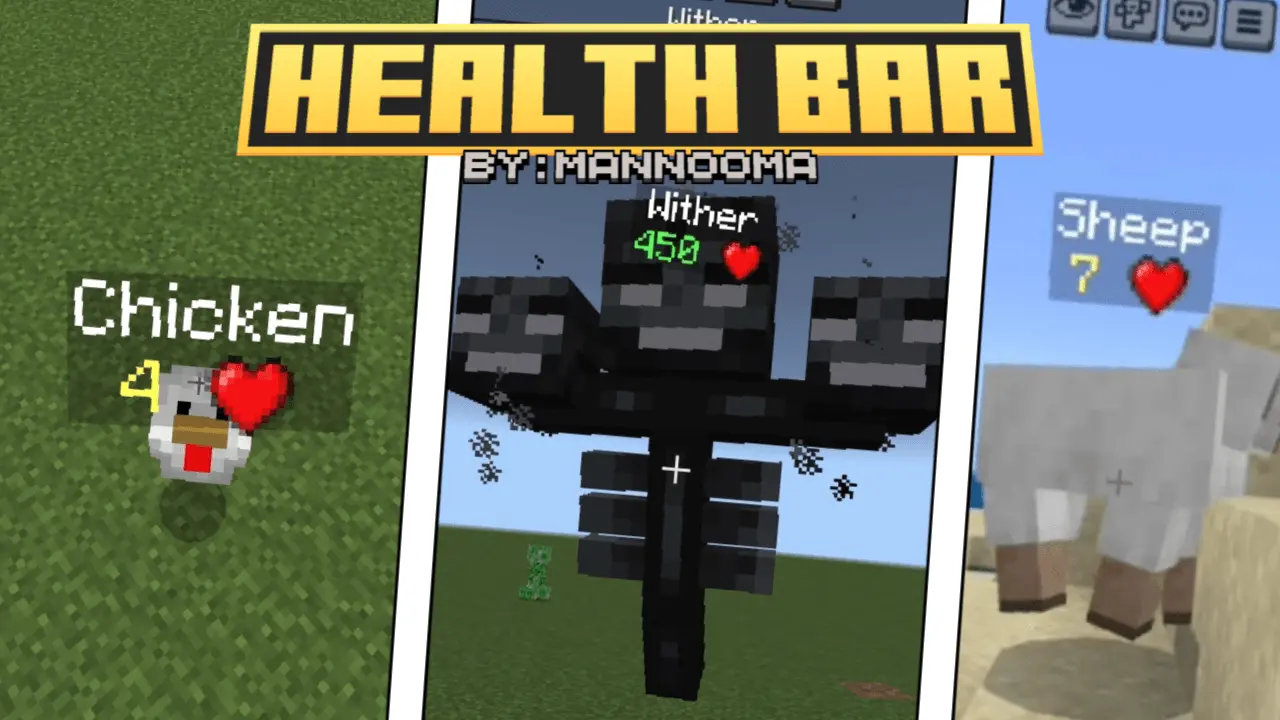
Health Bar Mod is the little UI tweak that changes how you fight and farm without touching balance. Point at a mob and you get a tight, readable health bar that tracks every hit in real time, so you stop swinging blind and start making decisions. Two hearts left? Commit and finish. Half bar? Kite for a second, eat, then re-engage on your terms. It’s simple, fast, and out of the way when you don’t need it.
In survival runs it pays off immediately. Caves feel calmer because you can pace a skirmish instead of panic-spamming, and bow play gets way smarter—count arrows, land one more, move on. When you’re tuning a drop farm, the bar tells you if your fall height is right or if you’re leaving mobs a tap too healthy. Boss attempts get cleaner, too: you’ll see whether your current gear is actually melting phases or if you need to swap enchants before the next pull.
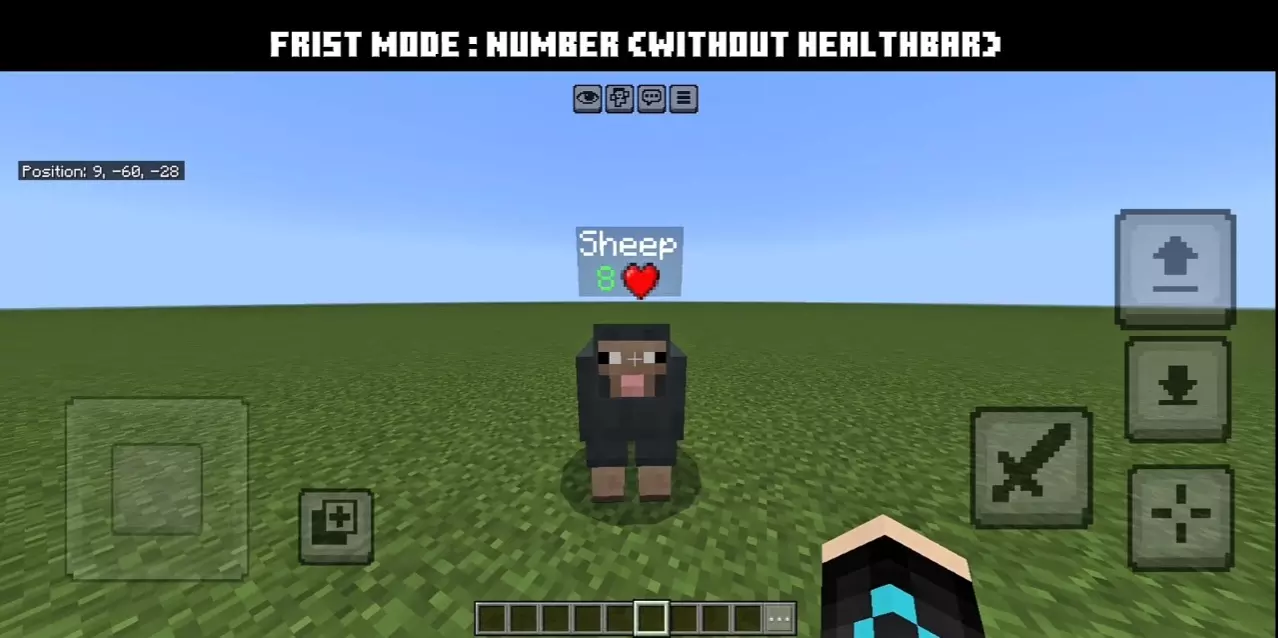
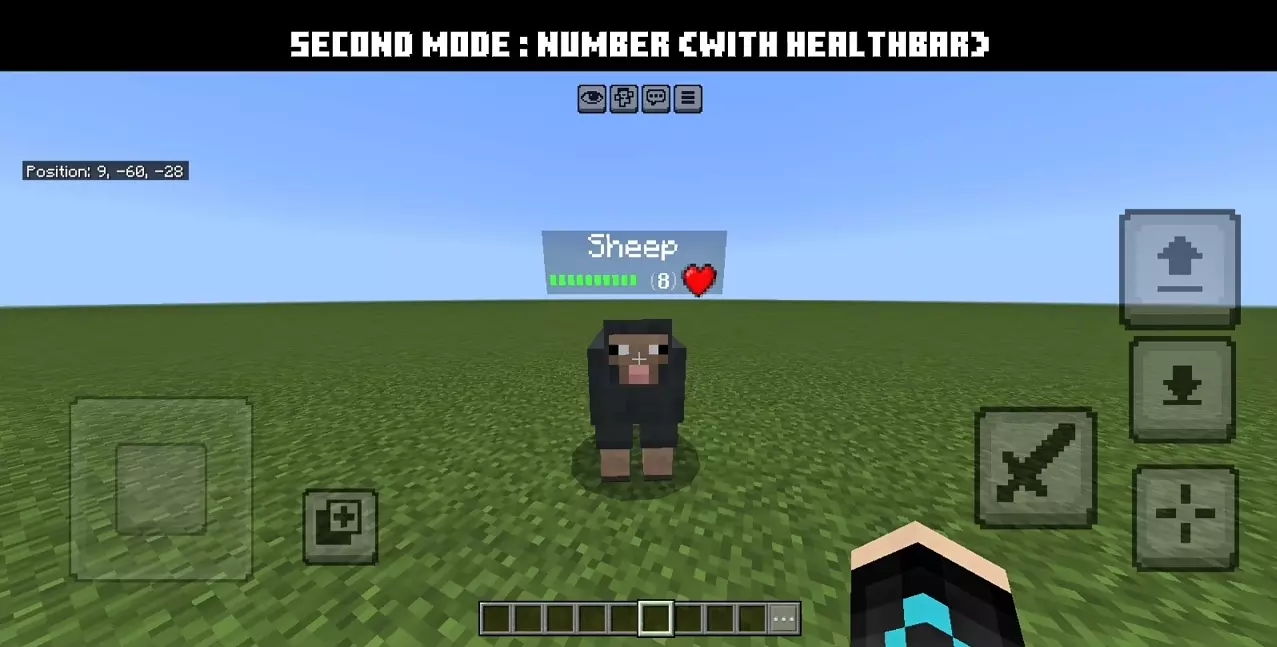
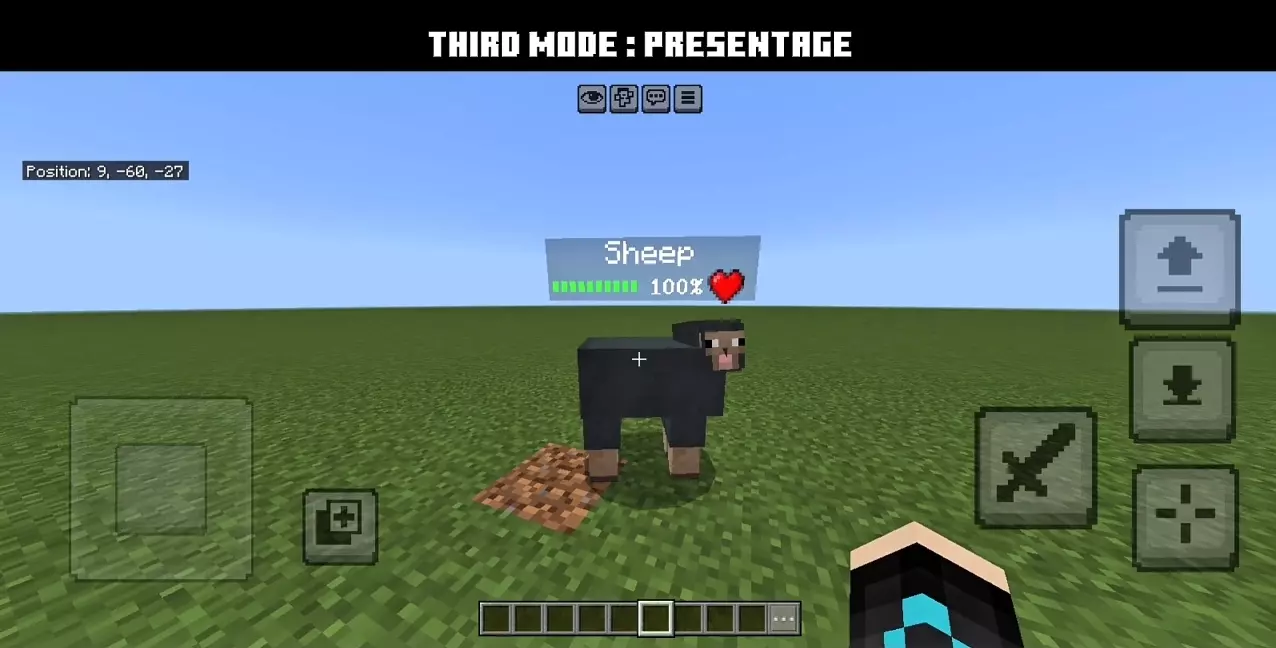
That zombie has taken three sword hits and it’s still coming. Do you go for one more swing or back off before its skeleton buddy turns you into a pincushion?
Health Bar gives you a clearer answer by showing a mob’s remaining health when you point at it. The bar updates as you land hits, so you can see how the fight is going instead of guessing from memory. It’s a small addition to Minecraft Bedrock, but it changes the way you read a fight: you can tell whether an enemy is close to going down or still has plenty of health left. The add-on leaves damage, spawns, and loot alone, keeping the focus on the information you get during combat.
That comes in handy when a cave turns messy. Say you’ve landed a couple of hits on a zombie, then a skeleton starts firing from the other side of the room. A quick look at the health bar can help you decide whether to finish the zombie first or put some distance between yourself and both mobs. You still have to watch your own hearts, manage your hunger, and avoid getting cornered. The bar won’t swing your sword for you, but it gives you one less thing to guess about while everything is happening at once.
Ranged fights feel more readable, too. Fire an arrow, check how much health your target has left, and decide whether another shot is worth taking before you move in. It’s useful when you’re trying out a new weapon or comparing the results of different enchantments. You can watch how quickly the bar drops and get a better feel for your gear against the mobs you run into. Just remember that positioning still matters: standing in front of a skeleton to admire your damage output is a pretty quick way to become its next target.
Builders who enjoy tinkering with mob farms can put the display to work as well. If you’re adjusting a drop chute, look at the surviving mobs’ health to see whether the fall is getting them close to a finishing hit. Make a change, test it, and check the result. It’s a straightforward way to see what’s happening while you experiment with your setup, especially when you’re trying to make a farm easier to use without guessing after every adjustment.
Playing with friends? A health bar makes it easier to tell the team which enemy needs attention. You can spot the mob that’s nearly beaten and call it out while someone else deals with the rest. Health Bar is a simple add-on for players who want a better view of combat without changing how Minecraft’s weapons and mobs work. Import the file, enable the pack in your world settings, and your next cave trip comes with a little more information and a lot less frantic guesswork.
Co-op gets a boost because callouts turn precise. Instead of “it’s low,” you’re saying “finish it,” and your teammate knows that means one swing, not five. The mod doesn’t mess with damage, spawns, or loot—this is pure information, delivered neatly, so the game still plays like the game. If you want tighter combat, saner testing, and fewer wasted hits, Health Bar Mod earns a permanent slot in your load order.
Installation Mod:
- Download the .mcaddon / .mcpack;
- Open the file to import into the game;
- In World Settings → Resource Packs and Behavior Packs, enable it (turn on Experiments if needed);
- Have fun!
[center]
[/center
]
Comments (0)