Simple Mob Health Mod / Addon
- 24-10-2025, 09:17
- 723
Simple Mob Health Mod — finally lets you know exactly how close that thing is to dropping without guesswork. It’s a lightweight overlay that shows an entity’s health so you can pace fights, finish clean, and stop wasting swings. Nothing flashy, nothing intrusive—just the info you wanted, delivered in a way that won’t step on the rest of your setup.
In survival, the feedback changes how you move. You land a couple of hits, see the health dip, and decide whether to push for the last tap or kite for a heartbeat before re-engaging. Bow users get to count arrows instead of vibes; melee players stop overcommitting in caves. It’s great for farm tuning, too: watch health on test mobs to confirm your drop height is right, or check boss runs to measure how fast your gear actually chews through phases. Because it’s display-only, your world’s balance stays the same—no damage tweaks, no drops changed—just better decision-making in the moment.
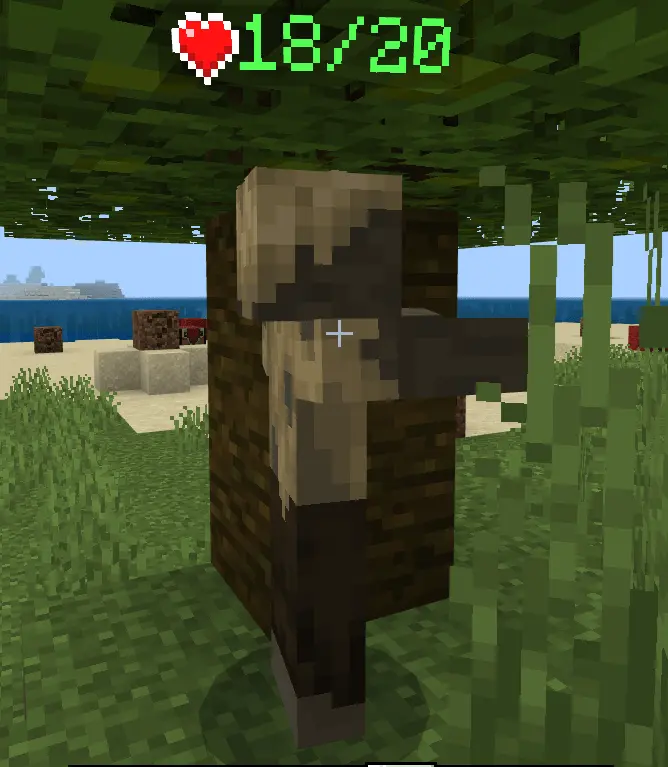
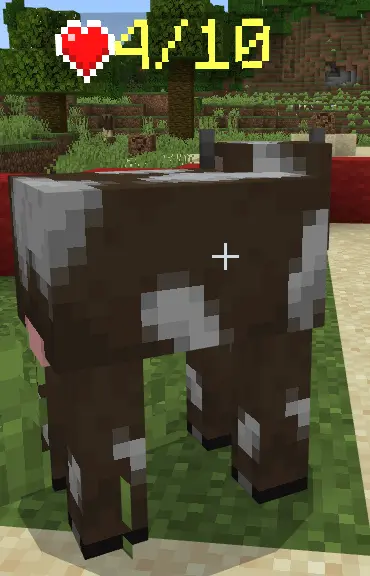
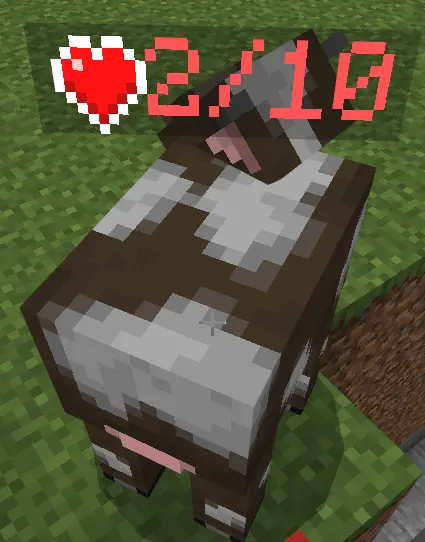
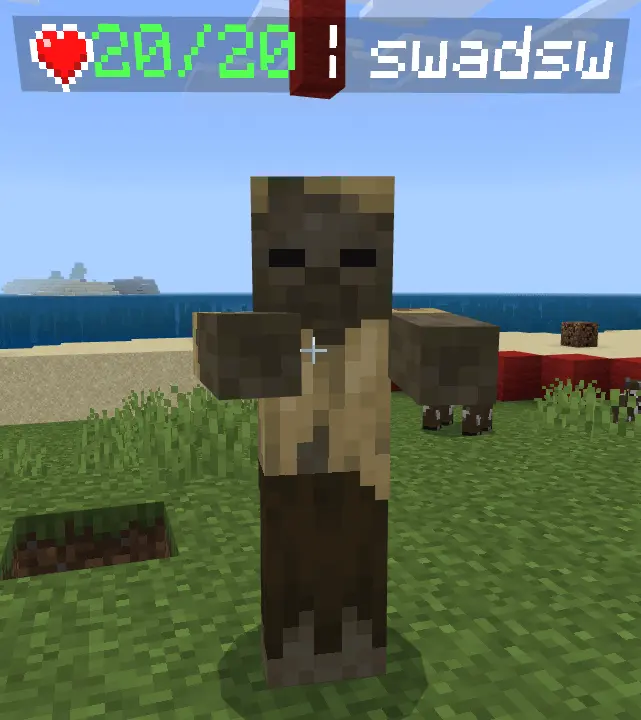
One more sword swing or time to back off? Simple Mob Health puts visible hearts on mobs in Minecraft Bedrock, so you can make that call with a better idea of what you’re facing.
The display gives you a quick look at a creature’s remaining health during a fight. Land a hit, check the hearts, and decide whether to press the attack or create some distance. That’s useful when a cave encounter gets crowded and you’re trying to figure out which enemy is closest to going down. It can also help when you’re comparing your weapons: try a sword against a mob, observe the damage, and see how a bow changes the situation from farther away. If you’ve just upgraded your gear, those visible hearts give you a convenient way to judge the difference during your next encounter. You’ll still need to watch your own health, carry food, and pay attention to the rest of the cave. Knowing an enemy is nearly defeated is helpful, but it won’t stop a second one from sneaking up while you’re focused on the first.
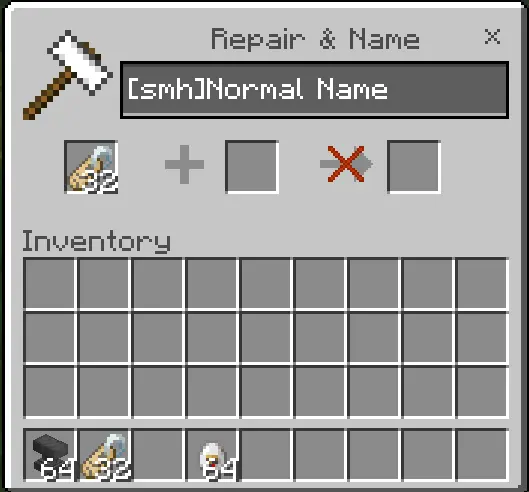
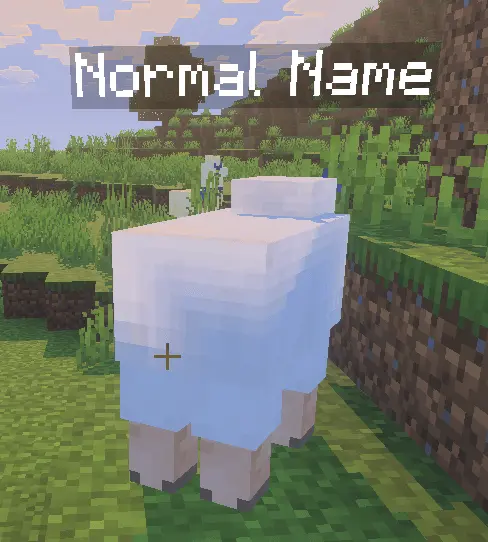
The hearts aren’t limited to moments when you’re fighting for your life. They can also be useful when you’re checking on animals or testing a build involving mobs. If you’re working on a farm, for example, the display gives you a way to observe a test creature’s health while you adjust your setup. In a shared survival world, friends can compare what they see while trying different equipment or planning a trip into a dangerous area. Named mobs can display hearts too, though the addon excludes names with certain special behaviors. There’s also an option for a creature you want to leave out: put [smh] at the beginning of its name, and the addon won’t add hearts to it. That can be handy for a favorite animal or a character in an adventure build where you’d rather keep the display hidden. The rest of the world can keep using the health indicators.
Simple Mob Health is designed to show useful information without taking over your screen with a separate custom interface. If you build your own custom entities, the addon also provides exclusion tags and family types for cases where you don’t want its hearts to appear. For everyday survival, though, you can keep things straightforward: open the downloaded pack with Minecraft and activate it in your world settings. Then head out, encounter a mob, and look for the heart display. Try it during a mining trip, a nighttime fight, or a session testing your latest farm, and see how having that information changes your decisions. You might decide to retreat and heal, finish a fight, or simply observe how much damage your setup deals. Whether you’re learning how much punishment a creature can take or checking the result of a well-placed arrow, Simple Mob Health gives you a clearer picture of the action.
If you build content, this pack plays nice. It includes tags and family types you can add to your entities so the health readout ignores specific mobs (or entire categories) when that suits your design. That means you can keep mystery creatures mysterious, hide UI on cutscenes, or prevent overlaps with other behavior packs—all without hacking around someone else’s code. The goal is compatibility: drop it into a world full of resource/behavior packs and it stays in its lane.
Use it for honest clarity: tighter PvE, saner testing, cleaner showcases. You’ll fight smarter, farm faster, and keep every other add-on happy while you do it.
Installation:
- Download Mod;
- Use Minecraft
- Open the downloaded file to install;
- Select it in the settings;
- Have fun!
Comments (0)