Dragon Speedrun Practice Map
- 15-07-2025, 15:30
- 1 135
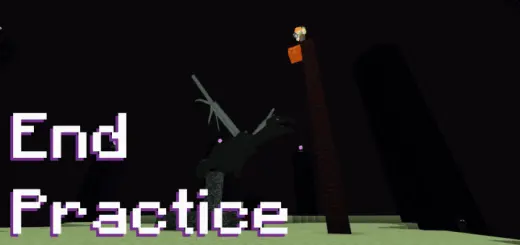
Dragon Speedrun Practice – Master the End Fight
Trying to shave seconds off your run? Dragon Speedrun Practice is built for players who want to grind the End fight without restarting the whole game every time. Spawn near a ready End portal, grab your gear, and jump straight into practicing one of the most intense parts of any Minecraft speedrun — taking down the Ender Dragon fast. Perfect for learning crystal shots, one-cycle strats, or just cleaning up your mechanics.
No distractions. Just pure End fight reps. Hone your skills and go for that PB.
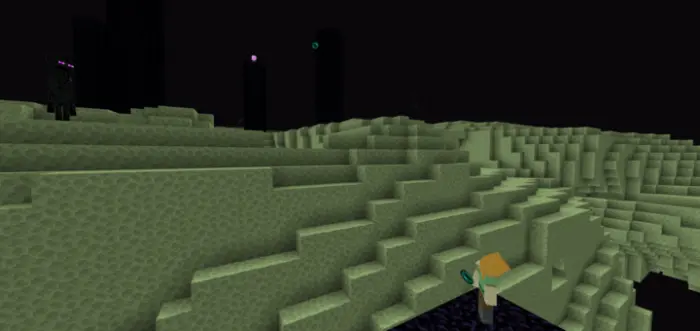
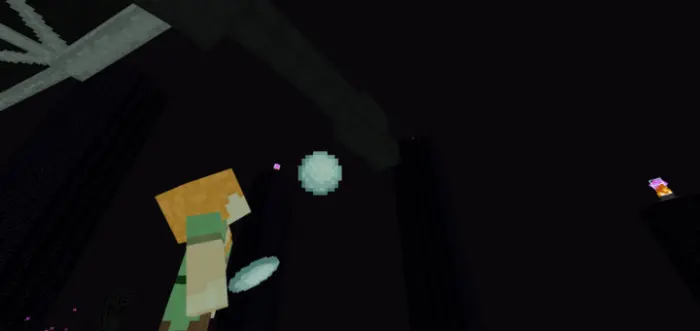
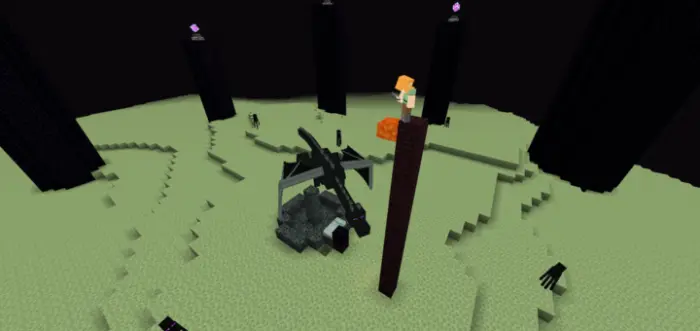
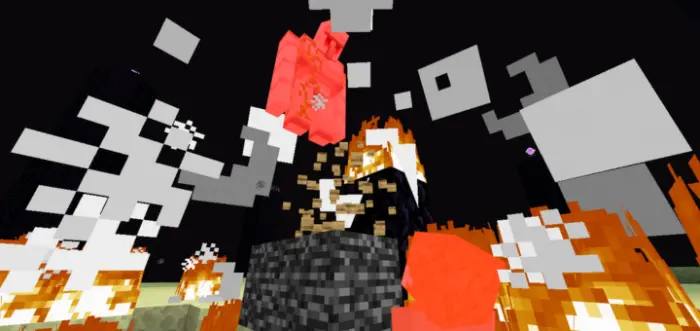
You’ve made it to the End with a great time on the clock, and now one misplaced bed could ruin the run. Dragon Speedrun Practice lets you drill that final fight without replaying the entire journey to get there.
The map is built around three practice modes, each targeting a different part of the Ender Dragon encounter. Endfight starts you on the obsidian platform, so you can practice reaching the main island and getting into position for the dragon’s perch. It’s a useful way to rehearse the transition from arrival to combat, especially if you tend to lose time figuring out your surroundings. One-cycle mode drops you on the central island and focuses on the moment when the dragon perches at the bedrock fountain. The goal is to deal enough damage to defeat it during that single perch. If an attempt falls apart, use the reset item and go again. That makes it easier to work on one part of the fight repeatedly instead of waiting through another full run for a second chance.
Bed Timing mode is where you can focus on the explosions themselves. Beds explode when used in the End, making them a powerful speedrunning tool, but getting the placement and timing right takes practice. Go too early or stand in the wrong spot and your attempt can end in a spectacularly embarrassing way. The map lets you work on that sequence until the movements start to feel more consistent. There’s also an optional timer for the delay between bed explosions in the Endfight and One-cycle settings, which gives you another way to examine your rhythm. Adjust the dragon’s perch settings to suit the technique you’re practicing, and use the customizable inventory presets to prepare different sets of gear. You can spend a session repeating bed placements, then switch to a fuller fight when you want to see how those skills hold up under pressure.
The little controls are worth learning before you start chasing a personal best. The map uses dropped items for selections: drop the reset item to restart an attempt in One-cycle mode, or drop the barrier labeled “Back to hub� when you want to leave the practice area. Mobile players can also check the in-game read-me book for more guidance. Once you’re comfortable with the menus, give yourself a specific goal instead of trying to improve everything at once. Maybe today is about reaching the fountain cleanly; next time, focus on bed timing or keeping your positioning consistent. A fast dragon kill is satisfying, but being able to repeat it when a real run is on the line is even better. Import the world file, choose a mode, and start practicing. The dragon will be waiting, and you’ll have plenty of chances to get that one-cycle right.
How to install?
Android: you need to find the downloaded file on your phone, use any file manager for this and import the map into the game by opening it.
IOS: after receiving the map, the device itself will offer to install it.
Windows 10: go to the folder where the files are downloaded, find mcworld there and activate it.
Comments (0)